Media Automation కోసం ఉత్తమ Remote Server Setup
hosted media apps, shared storage, monitoring, file access, మరియు optional VPS control తో private remote media automation setup నిర్మించడానికి ప్రాక్టికల్ గైడ్.
Media Automation కోసం ఉత్తమ Remote Server Setup
మంచి media automation setup ఉత్తమ అర్థంలో boring గా అనిపించాలి. మీ apps online లోనే ఉంటాయి, మీ files సులభంగా అందుబాటులో ఉంటాయి, మీ library organized గా ఉంటుంది, ప్రతి సారి మరో tool add చేసినప్పుడు proxy rules లేదా storage mounts మళ్లీ build చేయాల్సిన అవసరం ఉండదు.
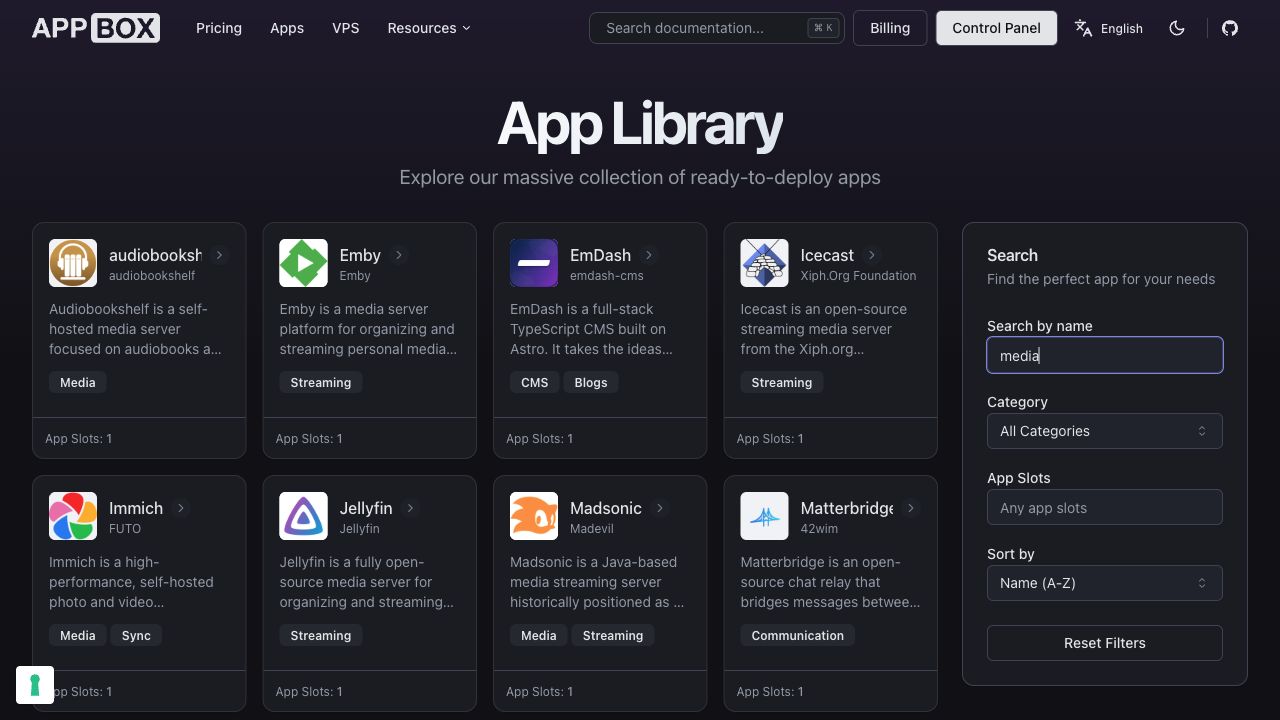
అలాంటి remote setup నిర్మించడానికి రెండు సాధారణ మార్గాలు ఉన్నాయి:
- blank VPS తో ప్రారంభించి మొత్తం stack ను మీరే assemble చేయడం.
- hosted apps, shared storage, మరియు dashboard controls తో ప్రారంభించి, custom machine-level control అవసరమైనప్పుడు మాత్రమే VPS add చేయడం.
రెండూ పనిచేయగలవు. చాలా మందికి, రెండవ path కాలక్రమంలో healthy గా ఉంచడం సులభం.
Workflow తో ప్రారంభించండి
server ఎంచుకునే ముందు, మీరు నిజంగా కోరుకునే workflow ను map చేయండి:
- playback మరియు library browsing కోసం media server.
- streams, history, bandwidth, మరియు server activity చూడటానికి monitoring.
- related apps అన్నీ ఉపయోగించగల shared storage.
- uploads, moves, renames, మరియు cleanup కోసం file access.
- ముఖ్యమైన files safe గా ఉంచడానికి sync లేదా backup tools.
- one-click app కు సరిపోని jobs కోసం optional custom scripts.
ఆ list ముఖ్యం, ఎందుకంటే media automation అరుదుగా ఒక్క app మాత్రమే. files ను నమ్మదగినంగా share చేయాల్సిన చిన్న app system గా ఇది సాధారణంగా ఉంటుంది.
ముందుగా Media Server ఎంచుకోండి
media server setup మధ్యలో ఉంటుంది.
Plex broad client support మరియు పరిచయమైన library experience తో polished option. Jellyfin subscription lock-in లేని fully open-source option. Emby తన స్వంత client ecosystem మరియు management model తో ఇలాంటి personal-media-server category లో ఉంటుంది.
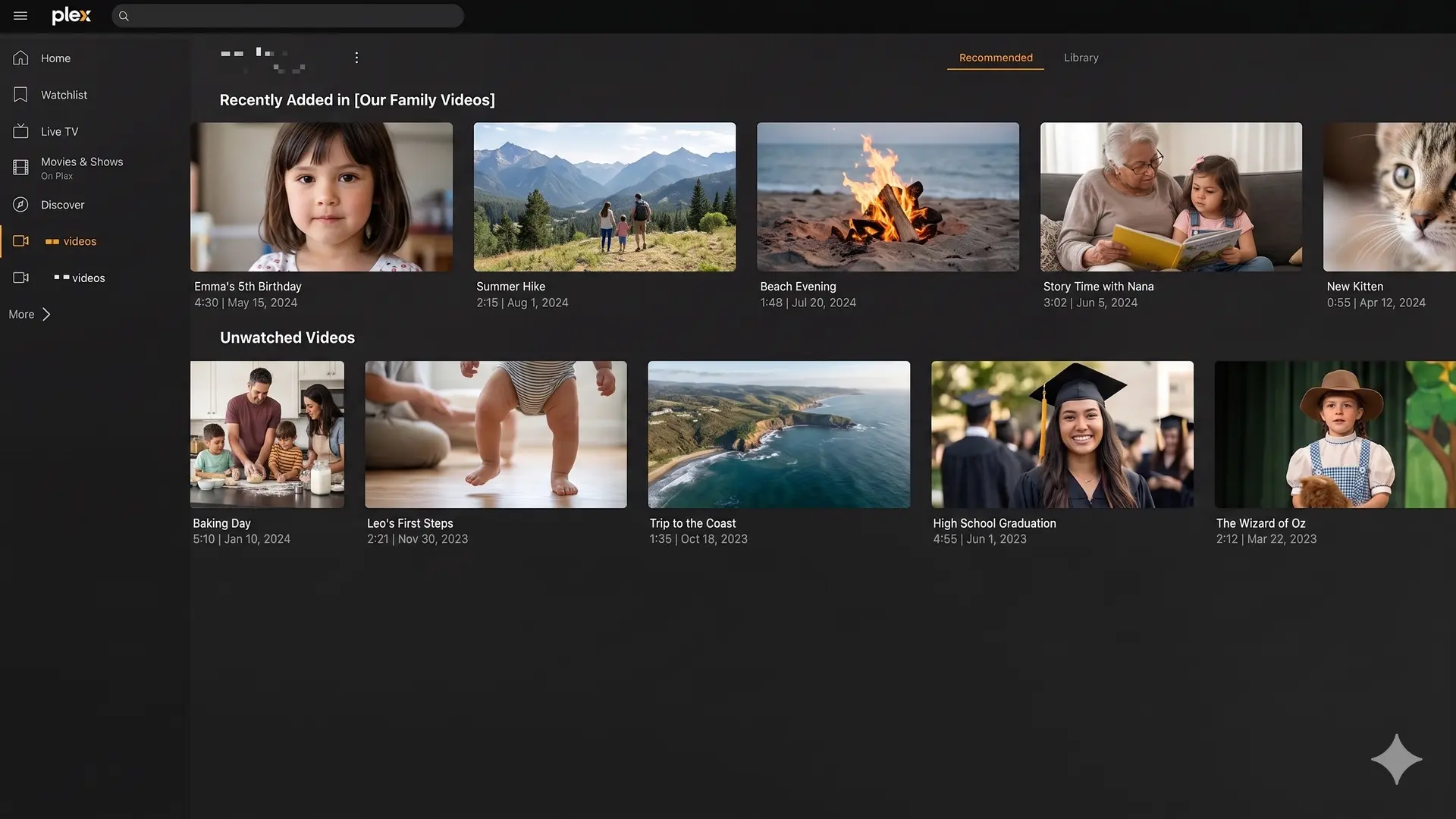
మీకు ఏ media server ఇష్టమో ఇప్పటికే తెలిస్తే, అక్కడి నుంచి ప్రారంభించండి. ఖచ్చితంగా తెలియకపోతే, Appbox లో ప్రతి దానీ app library నుండి అందుబాటులో ఉండటంతో ఒకటికి మించి test చేయడం సులభం.
Monitoring ను ముందుగానే జోడించండి
Monitoring పెద్ద setups కోసం మాత్రమే కాదు. playback direct play అవుతోందా లేదా transcoding అవుతోందా, ఏ users active గా ఉన్నారు, server మీరు ఆశించినట్టే behave అవుతోందా అనే విషయాలు అర్థం చేసుకోవడానికి ఇది సహాయపడుతుంది.
Plex setups కోసం, Tautulli obvious companion app. ఇది playback history, stream details, user activity, bandwidth visibility, మరియు event-based notifications ఇస్తుంది.
setup tune చేస్తున్నప్పుడు ఆ visibility ఉపయోగపడుతుంది. device unnecessary transcoding force చేస్తుందా, library scan load కలిగిస్తుందా, లేదా remote stream struggle అవుతోందా అనేది చూడగలుగుతారు.
File Access ను సులభంగా ఉంచండి
చాలా self-built media stacks messy అయ్యే చోట file layer.
media server, management tools, మరియు file access tools అన్నీ అదే storage ను అర్థం చేసుకునే setup కావాలి. ప్రతి app కు తన స్వంత isolated path లేదా custom mount ఉంటే, system గురించి reason చేయడం కష్టం అవుతుంది.
Appbox లో hosted apps అదే Appbox data environment ను share చేయగలవు. browser file management, protocol access, cloud sync, లేదా personal cloud storage ఏది అవసరమో బట్టి File Browser, SFTPGo, Rclone, Syncthing, లేదా Nextcloud వంటి file-focused apps ను library నుండి ఉపయోగించవచ్చు.
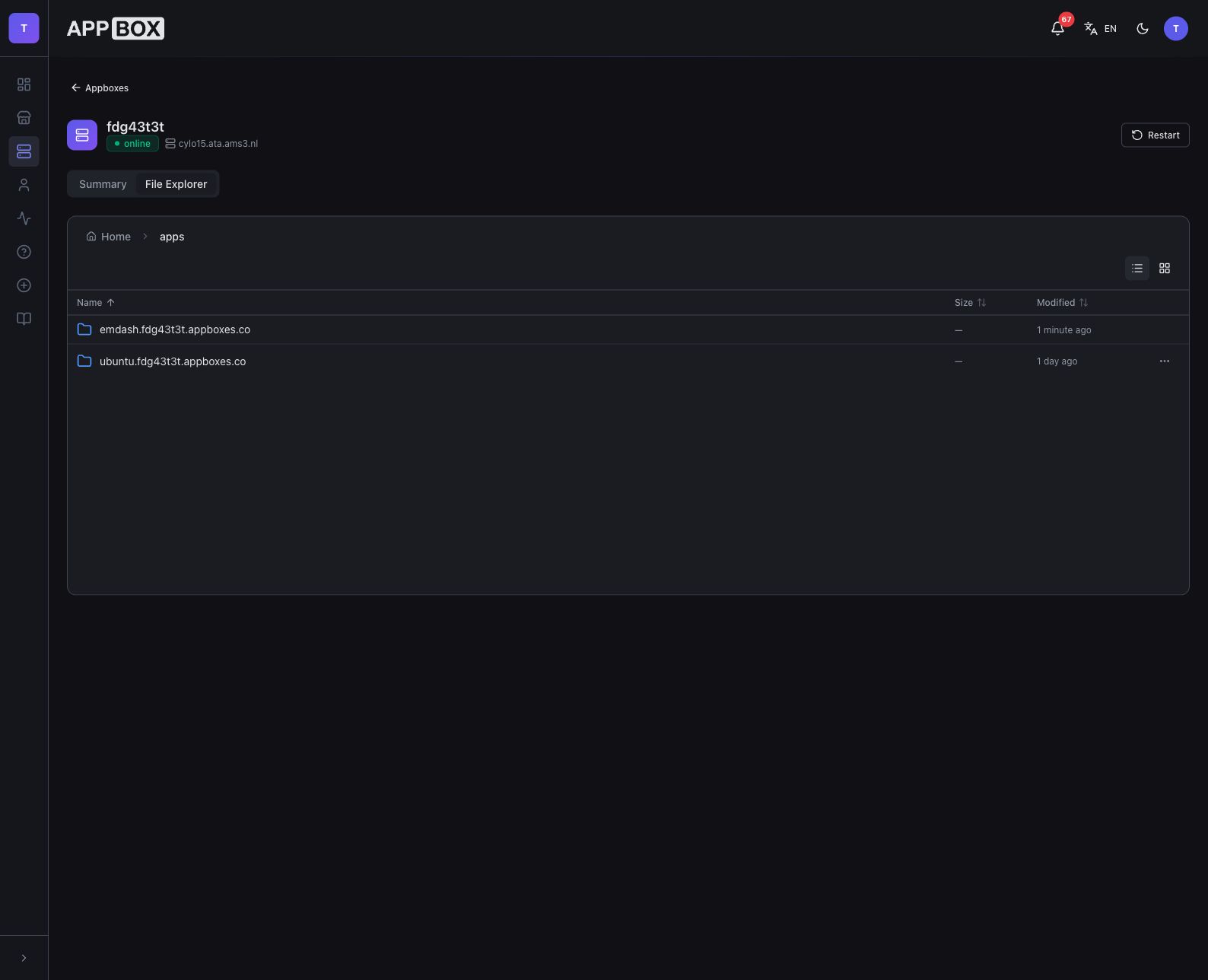
ముఖ్యమైన విషయం మీరు ఎంచుకునే specific file app కాదు. file access అనేది design లో భాగం కావాలి, media library ఇప్పటికే పెరిగిపోయిన తర్వాత పైగా bolt చేసే విషయం కాదు.
సహాయపడే చోట మాత్రమే VPS జోడించండి
custom scripts, package installs, scheduled jobs, development tools, లేదా one-click app కు చాలా specific గా ఉండే app combinations వంటి full Linux control అవసరమైనప్పుడు VPS ఉపయోగకరం.
workflow లో ఒక భాగానికి ఆ control అవసరమని మొత్తం media setup ను VPS పై పెట్టాల్సిన అవసరం లేదు.
Appbox తో, Ubuntu VPS మీ Appbox data ను /APPBOX_DATA/ కింద access చేయగలదు, అందులో hosted app data మరియు shared storage ఉంటాయి. అంటే మీ hosted apps managed app flow లో ఉండగా, VPS అదే files పై custom automation handle చేయగలదు.
ఉదాహరణకు:
- Plex, Jellyfin, Emby, లేదా Tautulli ను hosted apps గా నడపండి.
- file access మరియు sync కోసం File Browser, SFTPGo, Rclone, Syncthing, లేదా Nextcloud ఉపయోగించండి.
- custom scripts, batch jobs, development tools, లేదా maintenance workflows కోసం Ubuntu VPS add చేయండి.
- setup ను unrelated servers అంతటా split చేయకుండా అన్నిటినీ అదే Appbox data వైపు point చేయండి.
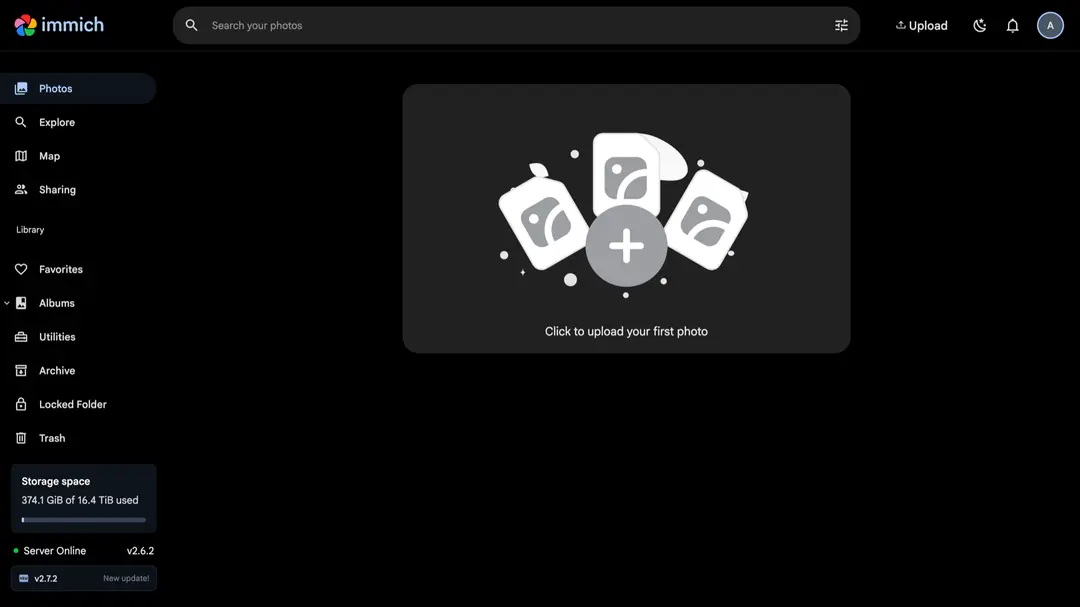
ప్రతి task ను ఒక giant VPS లో బలవంతంగా పెట్టడంకంటే ఆ hybrid shape తరచుగా ప్రశాంతంగా ఉంటుంది.
దూరంగా ఉంచాల్సినవి
operating system, reverse proxy, SSL certificates, firewall, service files, storage mounts, package updates, మరియు troubleshooting ను నిజంగానే manage చేయాలనుకుంటే తప్ప blank server తో ప్రారంభించడం avoid చేయండి.
ప్రతి app ను ఒకేసారి install చేయడం avoid చేయండి. smaller setup ను అర్థం చేసుకోవడం, tune చేయడం, recover చేయడం సులభం.
file access ను మీకే దాచిపెట్టడం avoid చేయండి. app data మరియు media files ఎక్కడ ఉన్నాయో త్వరగా చూడలేకపోతే, future maintenance అవసరానికి మించి నెమ్మదిస్తుంది.
feature lists ఆధారంగా మాత్రమే tools ఎంచుకోవడం avoid చేయండి. మూడు నెలల తర్వాత కూడా నమ్మకంగా operate చేయగలిగేది ఉత్తమ setup.
ప్రాక్టికల్ Appbox Pattern
చాలా remote media automation setups కోసం, ఇది మంచి starting pattern:
- మీకు ఇష్టమైన media server ను Appbox app library నుండి install చేయండి.
- మీరు Plex నడుపుతూ monitoring కావాలనుకుంటే Tautulli add చేయండి.
- File Browser, SFTPGo, లేదా Nextcloud వంటి file-access app add చేయండి.
- మీ workflow కు sync, migration, లేదా backup-style file movement అవసరమైతే Rclone లేదా Syncthing add చేయండి.
- custom jobs లేదా full machine control అవసరమైనప్పుడు మాత్రమే Ubuntu VPS add చేయండి.
దీంతో ప్రతి task ను server-admin project గా మార్చకుండా remote server లోని ఉపయోగకరమైన parts మీకు లభిస్తాయి.
ఉత్తమ Setup అంటే మీరు Maintain చేయగలిగేది
Media automation friction తగ్గించాలి, రెండో job సృష్టించకూడదు.
ప్రతి layer ను చేతితో build చేయడం మీకు ఇష్టమైతే, VPS సరైన tool కావచ్చు. మీ goal media apps నడపడం, వాటిని monitor చేయడం, files manage చేయడం, system online లో ఉంచడం అయితే, hosted apps plus shared storage సాధారణంగా మంచి starting point.
app workflow తో ప్రారంభించండి. full VPS control స్పష్టంగా విలువ తెచ్చే చోట మాత్రమే add చేయండి.
Appbox లో media automation setup నిర్మించడం గురించి ప్రశ్నలున్నాయా? support@appbox.co వద్ద సంప్రదించండి లేదా billing.appbox.co వద్ద ticket తెరవండి.