
Your media, your server
Jellyfin hosting on Appbox. Deploy the community-built media stack with libraries, user access, and clients for phones, TVs, and browsers, without a vendor subscription.
What you get with Jellyfin hosting
A full Jellyfin instance behind Appbox TLS with the connection details you need on day one.
Web dashboard
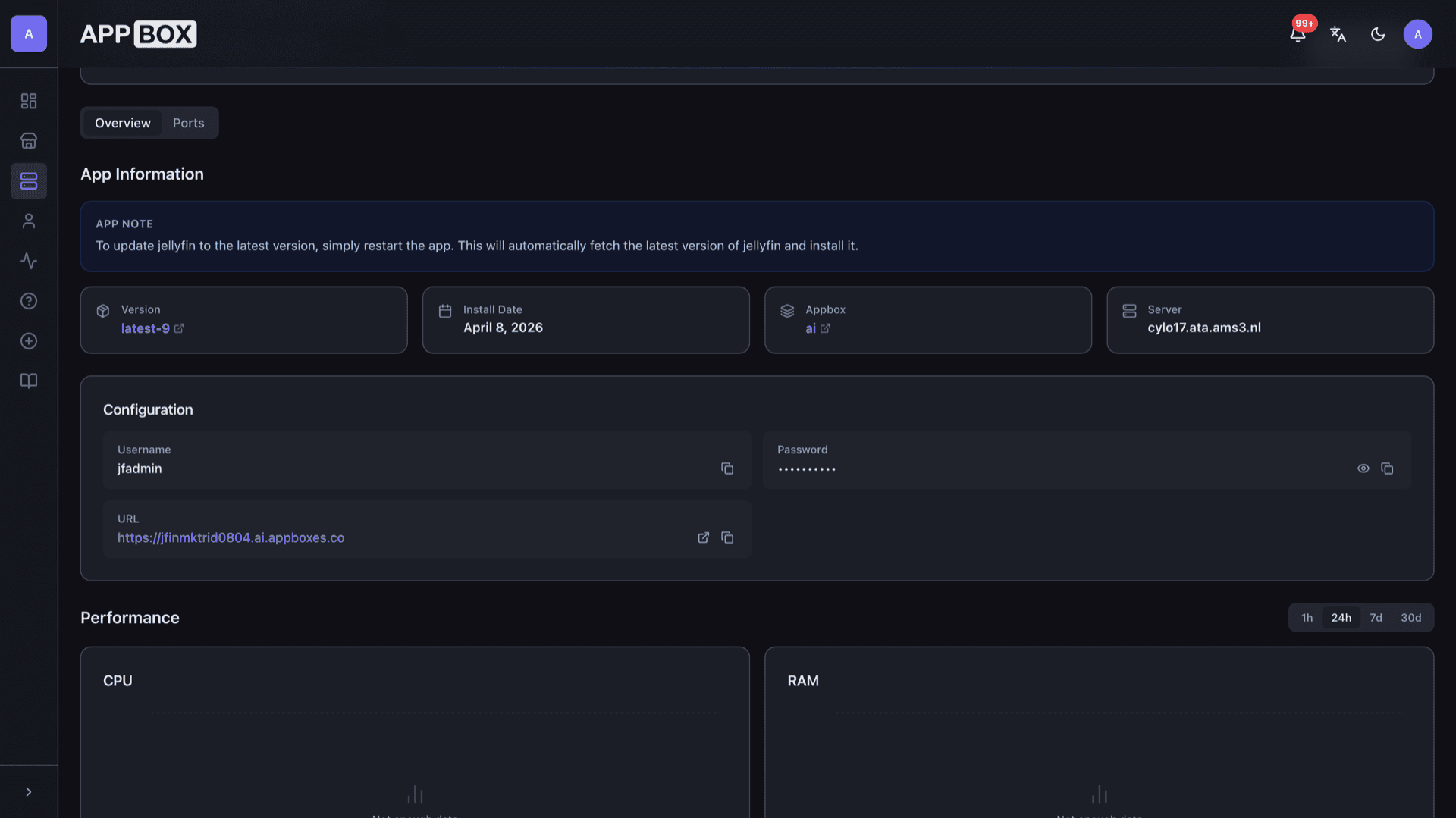
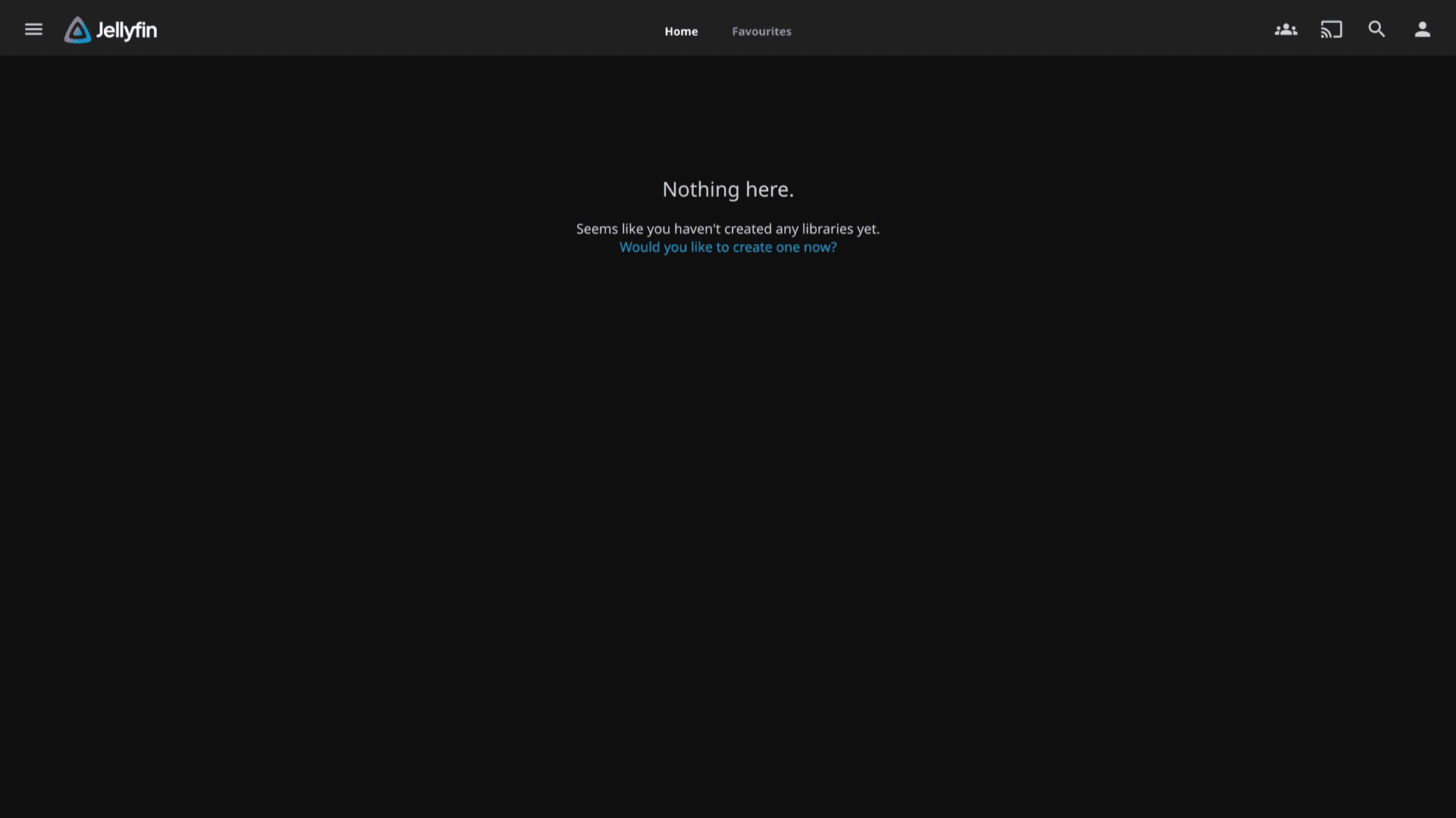
Open the HTTPS URL from the Overview tab, sign in with your install username and password, then manage libraries, users, and playback from the Jellyfin UI.
Libraries and metadata
Create libraries for movies, shows, music, and more, then let Jellyfin fetch artwork and metadata so browsing feels like a commercial service.
Household accounts
Add users and parental controls so everyone gets their own watch state and access rules on the same server.
Transcoding options
When hardware and settings allow, Jellyfin can transcode for bandwidth or device limits. Heavy transcoding benefits from extra CPU and RAM.
Official clients
Point Android, iOS, Android TV, and desktop clients at your public URL so playback stays on your hardware instead of a third-party cloud.
Credential gate
Install-time username and password protect the server. Copy them from the Configuration section on the installed app page when you set up apps or share access.
See Jellyfin on Appbox
Install in seconds
Pick your Appbox, fill in a few fields, and Jellyfin is live.
Install Jellyfin
Requires 1 App Slot
This demo shows what the installer looks like after you have an Appbox.
Multiplier
1.4x
Slot Cost
5 / 21
RAM
8.40 GB
CPUs
5.60
✓ jellyfin.steve.appboxes.co
Ready to install? You will need an active Appbox first.
This is a preview of the install form. Choose a plan to create your Appbox and deploy for real.
Operations on Appbox
How this template behaves as a managed Docker app on the platform.
Single-container app
Jellyfin runs as one Appbox app with RAM and CPU shown on the instance page, not as a VM you SSH into.
Updates via restart
The listing note applies: restarting the app from the panel pulls the current packaged image so you stay on the supported track without manual package installs.
HTTPS URL
The Overview tab lists your public URL and copy actions. Use that hostname in every client so TLS matches what Appbox provisions.
Per-App Boost
If transcodes or large libraries stress the default footprint, increase RAM and CPU with Per-App Boost instead of guessing at host limits.
Jellyfin vs Plex
| Feature | Jellyfin | Plex |
|---|---|---|
| Licensing | Fully open source (GPL) | Freemium with Plex Pass features |
| Account requirement | Self-hosted, no vendor account for core use | Plex account and cloud tie-ins common |
| Client ecosystem | Strong official and community clients | Very broad official client support |
| Hosted discovery | You control metadata and plugins | Polished discovery and integrations |
| Self-hostable |
Stay current
Frequently asked questions
Deploy Jellyfin on Appbox
Spin up open-source media hosting with HTTPS and a guided install form. Add libraries from the web UI once the instance is running.
Related comparison
Compare Plex alternatives
See how Jellyfin on Appbox compares with Plex, Emby, and Kodi.
Read guideAvailable versions
| Version | App Slots | RAM | CPU | Released | Changes |
|---|---|---|---|---|---|
| latest-10 | 1 | 6 GB | 4 | May 26, 2026 |
Need more resources? Use Per-App Boost to allocate extra App Slots and increase RAM and CPU by 10% per slot. See the FAQ below for details.