Ubuntu LTS on a real KVM guest
Ubuntu VPS hosting on Appbox. Ubuntu 24.04 or 26.04 LTS with sudo to root, Docker and Snap, your own kernel, apt, optional Xfce or KDE Plasma via Selkies, GNOME via RDP, and SSH plus a browser-based console.
What you get with Ubuntu VPS hosting
A full Ubuntu server VM, not a shared container userspace.
SSH, sudo, and console
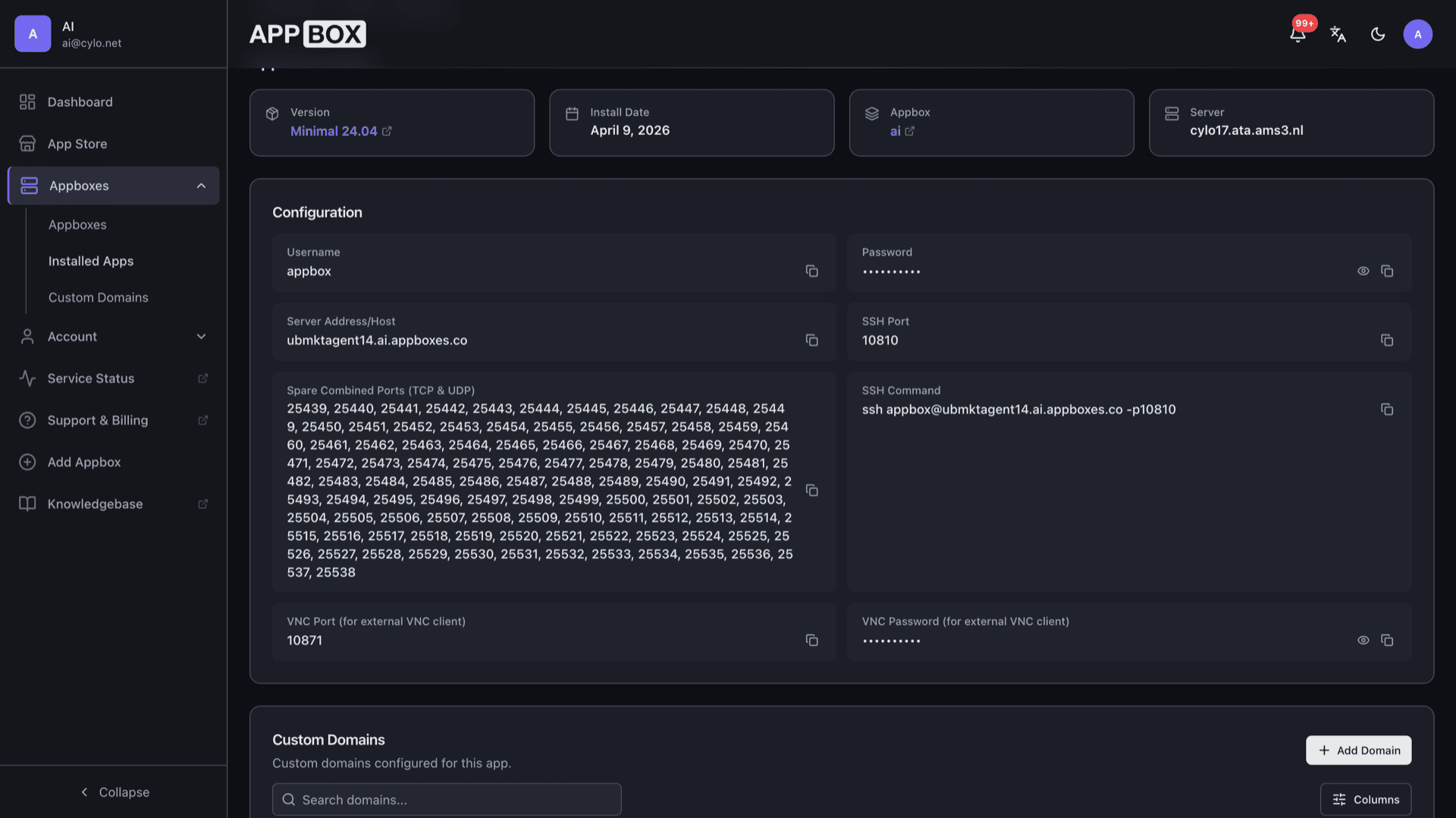
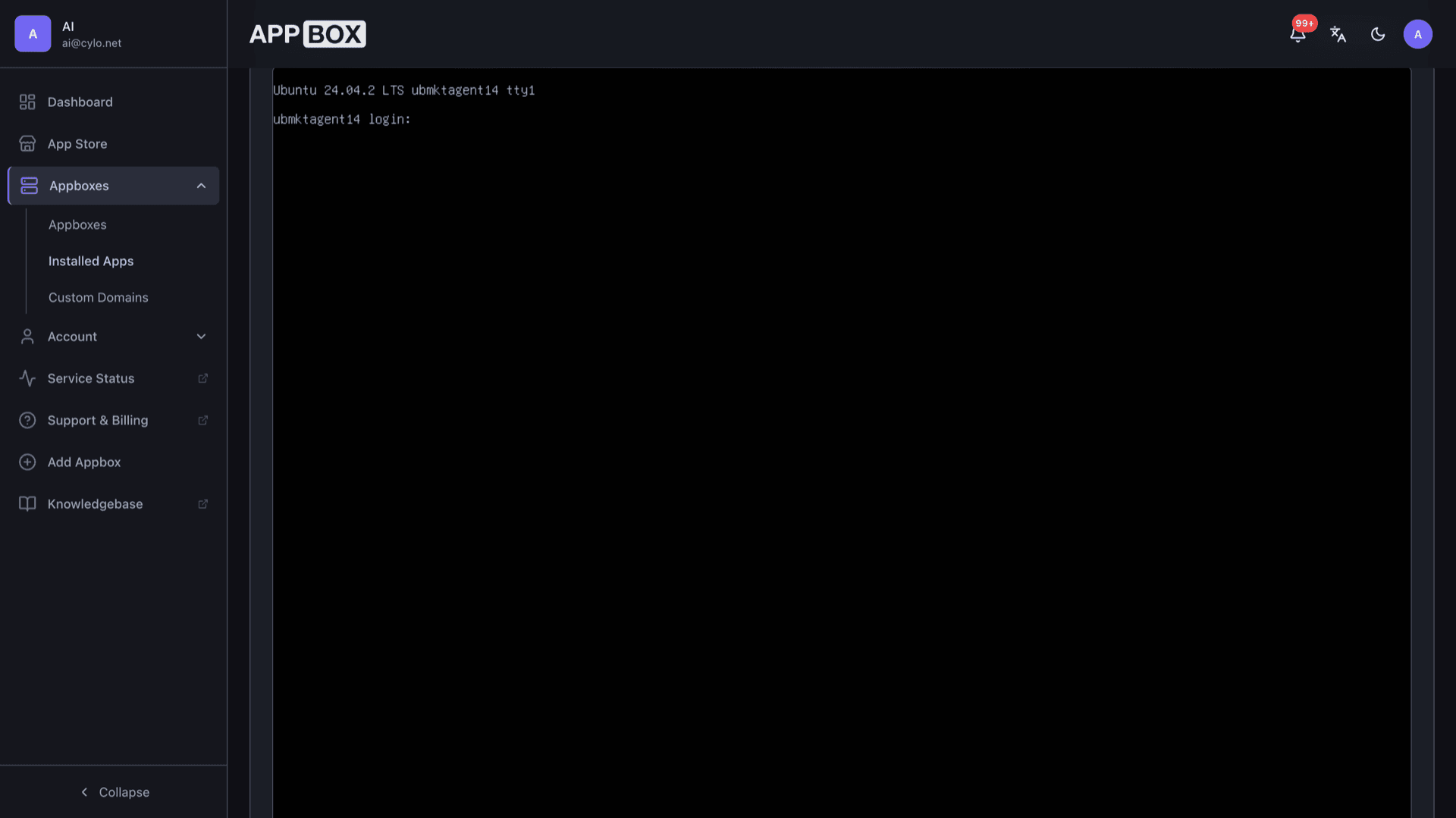
Connect with the credentials on the Overview tab and use sudo for a full root shell. The page lists a copy-ready ssh command, host, and port. The Console tab gives out-of-band access without SSH once the VM is running.
Minimal, Selkies, or RDP desktop
Pick a minimal headless image for servers, Xfce or KDE Plasma desktops through Selkies in the browser, or a GNOME desktop exposed over the standard RDP protocol.
Docker, Snap, full VM
Run Docker Engine, snapd, Flatpak, privileged services, and kernel modules inside your guest. This is real KVM, not a single shared container image.
Apt and Ubuntu archive
Install from main, universe, and other components you enable, with the same apt workflow you expect on Ubuntu Server.
Long-lived LTS options
Choose between the established 24.04 LTS base and the newer 26.04 LTS minimal image, both with predictable support windows and security updates you can apply on your schedule.
KVM with VirtIO
Runs under KVM and QEMU with VirtIO for disk and network so performance stays close to bare metal.
Ubuntu VPS running on Appbox
Install in seconds
Pick your Appbox, fill in a few fields, and Ubuntu VPS is live.
Install Ubuntu VPS
Requires 8 App Slots
This demo shows what the installer looks like after you have an Appbox.
Multiplier
1.4x
Slot Cost
12 / 21
RAM
11.20 GB
CPUs
5.60
✓ ubuntu.steve.appboxes.co
Ready to install? You will need an active Appbox first.
This is a preview of the install form. Choose a plan to create your Appbox and deploy for real.
What full KVM unlocks on Ubuntu
Workloads that belong on Ubuntu VPS instead of a container-only tier.
systemd and services
Run native systemd units, timers, and socket activation the way you would on hardware you own.
Guest networking
Shape firewall rules, VPN endpoints, and forwarding inside the VM without sharing a host network namespace.
Cloud and DevOps tooling
Install snaps, containers, and language stacks that assume a normal Ubuntu userspace and kernel features.
Secrets on the guest
Keep deploy keys, TLS material, and automation tokens on the VM disk you control, separate from other apps on the account.
Ubuntu VPS vs Debian VPS
| Feature | Ubuntu VPS on Appbox | Debian VPS on Appbox |
|---|---|---|
| Default package story | Apt with Ubuntu archives and PPAs if you add them | Apt with Debian main, contrib, non-free-firmware |
| Snap out of the box | snapd fits naturally on Ubuntu | snapd possible, Debian-first workflows common |
| Release cadence | LTS every two years, interim releases optional | Stable, testing, and minimal tracks per image |
| Remote desktop option | Xfce and KDE Plasma through Selkies, or GNOME over RDP, depending on the install image | Check Debian VPS images for desktop options |
| Full VM freedoms | KVM guest on Appbox | KVM guest on Appbox |
Pick the right image at install
Frequently asked questions
Deploy Ubuntu VPS hosting
Spin up Ubuntu 24.04 or 26.04 LTS on Appbox in one install flow. Sudo to root, Docker and Snap friendly, apt, optional Xfce or KDE Plasma via Selkies, GNOME via RDP, and a web console included.
Available versions
| Version | App Slots | RAM | CPU | Released | Changes |
|---|---|---|---|---|---|
| Remote Desktop 26.04 KDE Plasma | 8 | 8 GB | 4 | Apr 29, 2026 | |
| Remote Desktop 26.04 GNOME (RDP) | 8 | 8 GB | 4 | Apr 27, 2026 | |
| Remote Desktop 26.04 Xfce | 8 | 8 GB | 4 | Apr 24, 2026 | |
| Minimal 26.06 | 8 | 8 GB | 4 | Apr 24, 2026 | |
| Remote Desktop 24.04 Xfce | 8 | 8 GB | 4 | Jan 5, 2026 | |
| Minimal 24.04 | 8 | 8 GB | 4 | Jan 5, 2026 |
Need more resources? Use Per-App Boost to allocate extra App Slots and increase RAM and CPU by 10% per slot. See the FAQ below for details.