One server, every major file protocol
SFTPGo hosting on Appbox. Consolidate SFTP, FTPS, browser uploads, and WebDAV behind HTTPS with a full WebAdmin UI, REST API, and hooks for automation.
What you get with SFTPGo hosting
A single container that exposes the protocols and policies you would otherwise stitch together by hand.
Multi-protocol access
Offer SFTP and SCP, FTP and FTPS, HTTPS shares, and WebDAV from one place instead of running separate daemons for each.
WebAdmin console
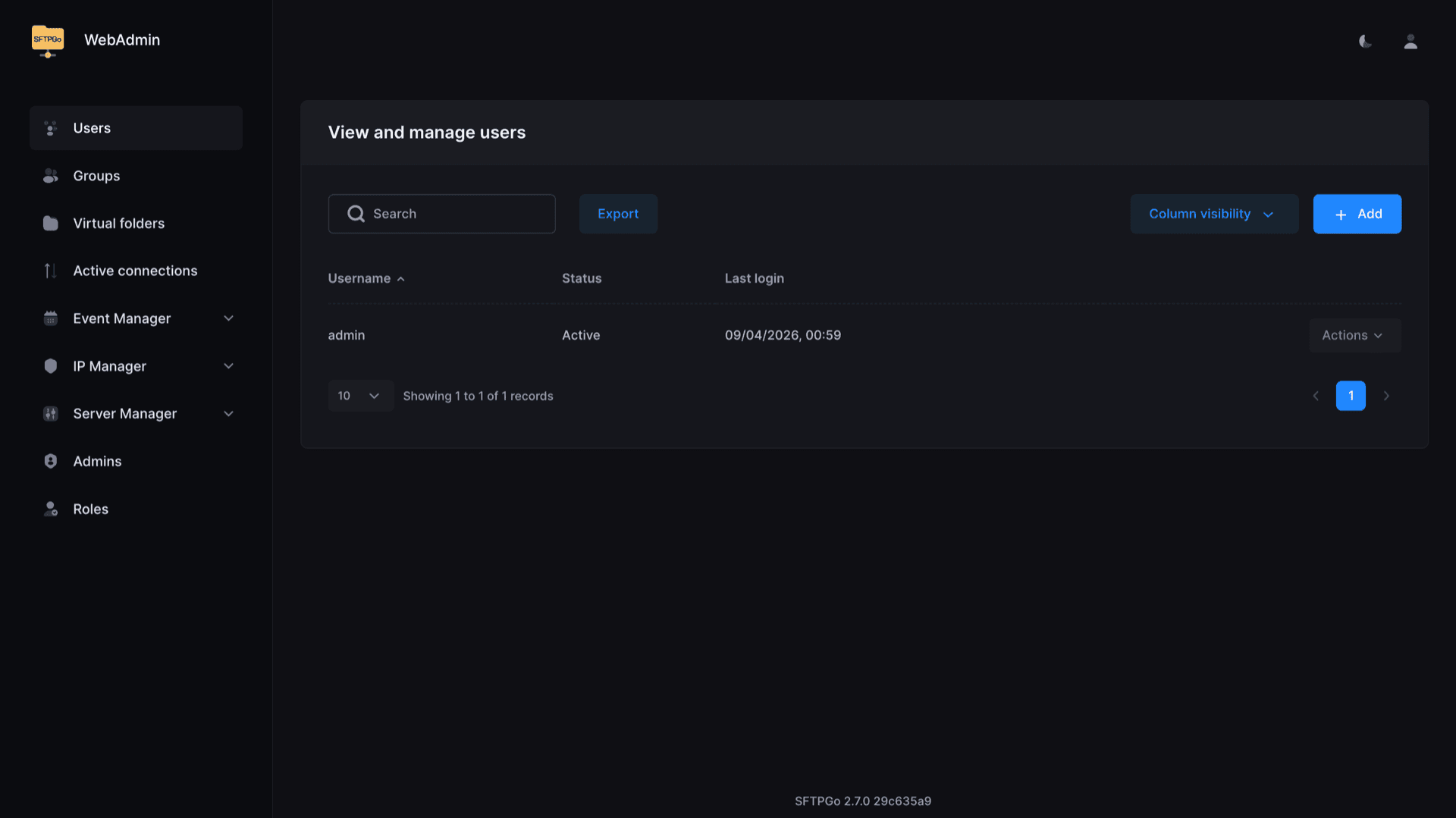
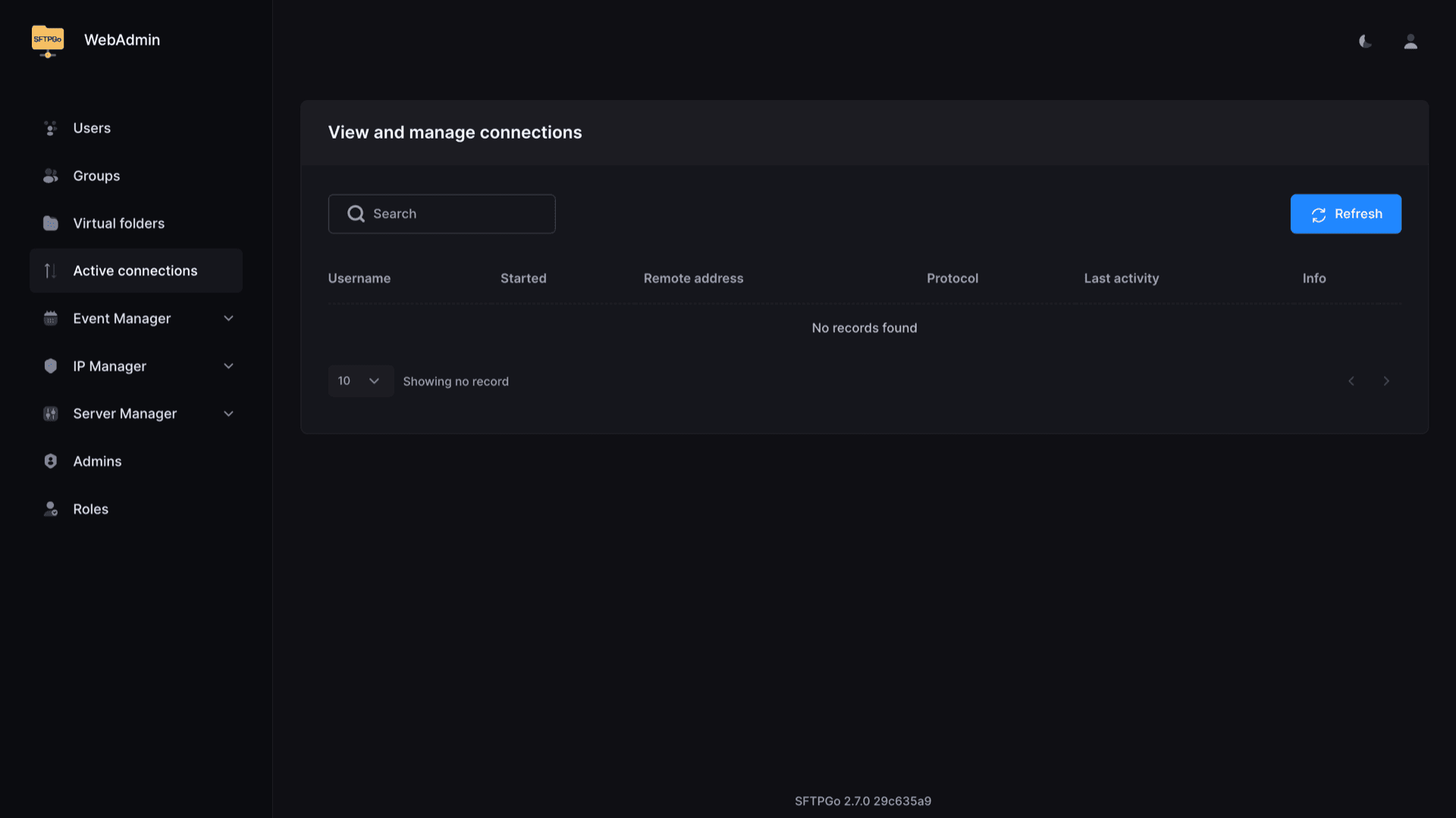
Create users, groups, virtual folders, quotas, and bandwidth limits from the browser. Review active connections and audit logs without SSH.
Flexible storage
Point users at local paths or cloud and object storage backends so the same policies apply no matter where bytes live.
Per-user policy
Restrict protocols, IP filters, upload and download caps, and two-factor authentication per account or role.
Automation hooks
Drive installs and integrations with the REST API, event actions, and pre-login hooks for external auth workflows.
TLS throughout
Terminate HTTPS and implicit FTPS on the platform edge while SFTPGo enforces modern ciphers and certificate handling inside the app.
See SFTPGo WebAdmin
Install in seconds
Pick your Appbox, fill in a few fields, and SFTPGo is live.
Install SFTPGo
Requires 1 App Slot
This demo shows what the installer looks like after you have an Appbox.
Multiplier
1.4x
Slot Cost
5 / 21
RAM
8.40 GB
CPUs
∞
✓ sftpgo.steve.appboxes.co
Ready to install? You will need an active Appbox first.
This is a preview of the install form. Choose a plan to create your Appbox and deploy for real.
Operations on Appbox
How the installed app page lines up with what SFTPGo exposes.
Admin and client URLs
After install, open the Admin URL for WebAdmin and the Client URL for HTTPS upload and download. Both resolve on your Appbox domain with platform TLS.
Hostname and ports
The Overview tab lists hostname, FTP or FTPS port, SFTP port, and WebDAV URL so you can hand concrete connection details to scripts and desktop clients.
Web client workflow
Share the client login with collaborators who do not run FileZilla. They use the same user database as SFTP and FTP, with policies you set in WebAdmin.
API and events
Automate user lifecycle, scan uploads, or notify Slack from Event Manager rules and the documented REST surface, without shell access to the container.
SFTPGo vs Pure-FTPd on Appbox
| Feature | SFTPGo | Pure-FTPd |
|---|---|---|
| Protocols in one app | SFTP, FTPS, HTTPS client, WebDAV | FTP and FTPS focused |
| Web administration | Full WebAdmin for users, folders, quotas | Minimal web UI, often config files |
| Object storage backends | S3, GCS, Azure, and more | Local disk oriented |
| FTPS throughput focus | General-purpose stack | Often tuned for raw FTP/S speed |
| Complexity at install | More moving parts to learn | Simpler if you only need FTP |
| Self-hostable on Appbox |
Plan your protocol mix
Frequently asked questions
Deploy SFTPGo on Appbox
Stand up a multi-protocol file server with WebAdmin, HTTPS client access, and clear connection details on your subdomain.
Available versions
| Version | App Slots | RAM | CPU | Released | Changes |
|---|---|---|---|---|---|
| 2.7.0 | 1 | 6 GB | Shared | Dec 13, 2025 |
Need more resources? Use Per-App Boost to allocate extra App Slots and increase RAM and CPU by 10% per slot. See the FAQ below for details.