Best Remote Server Setup for Media Automation
A practical guide to building a private remote media automation setup with hosted media apps, shared storage, monitoring, file access, and optional VPS control.
Best Remote Server Setup for Media Automation
A good media automation setup should feel boring in the best way. Your apps stay online, your files are easy to reach, your library stays organized, and you are not rebuilding proxy rules or storage mounts every time you add another tool.
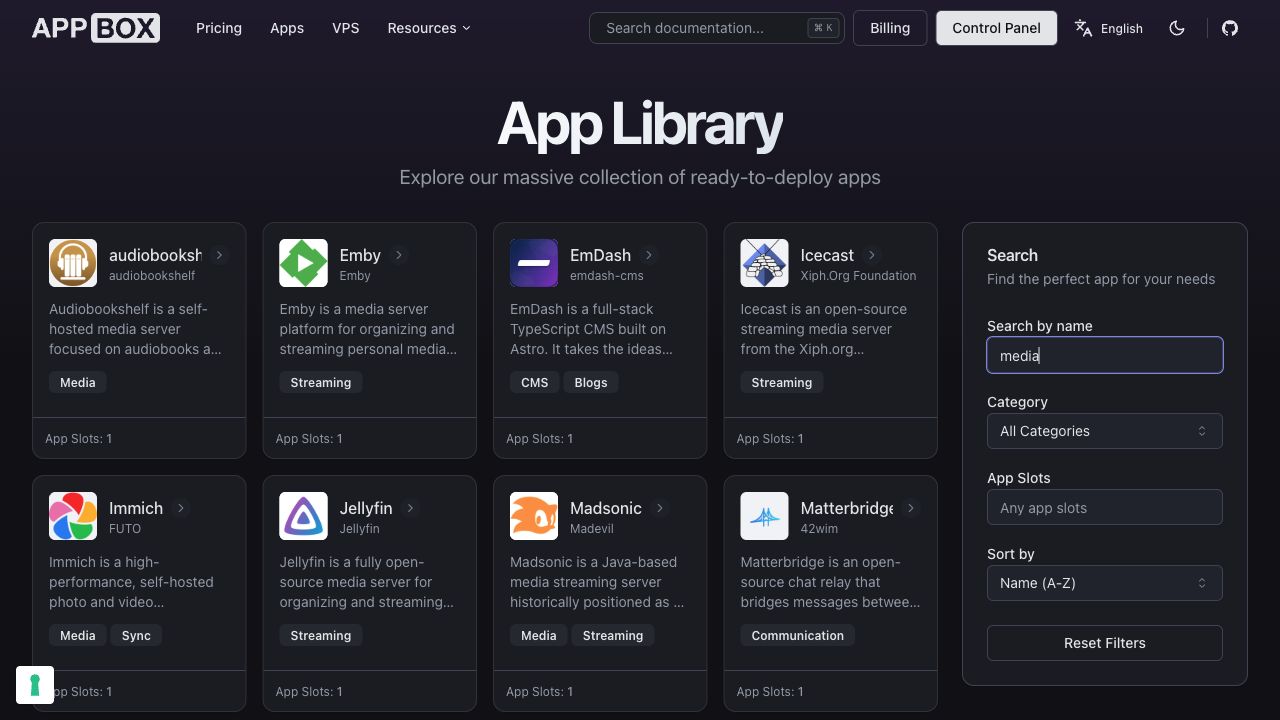
There are two common ways to build that kind of remote setup:
- Start with a blank VPS and assemble the whole stack yourself.
- Start with hosted apps, shared storage, and dashboard controls, then add a VPS only when you need custom machine-level control.
Both can work. For most people, the second path is easier to keep healthy over time.
Start With the Workflow
Before choosing a server, map the workflow you actually want:
- A media server for playback and library browsing.
- Monitoring so you can see streams, history, bandwidth, and server activity.
- Shared storage that all related apps can use.
- File access for uploads, moves, renames, and cleanup.
- Sync or backup tools for keeping important files safe.
- Optional custom scripts for jobs that do not fit a one-click app.
That list matters because media automation is rarely one app. It is usually a small system of apps that need to share files reliably.
Choose the Media Server First
The media server is the center of the setup.
Plex is a polished option with broad client support and a familiar library experience. Jellyfin is a fully open-source option with no subscription lock-in. Emby sits in a similar personal-media-server category with its own client ecosystem and management model.
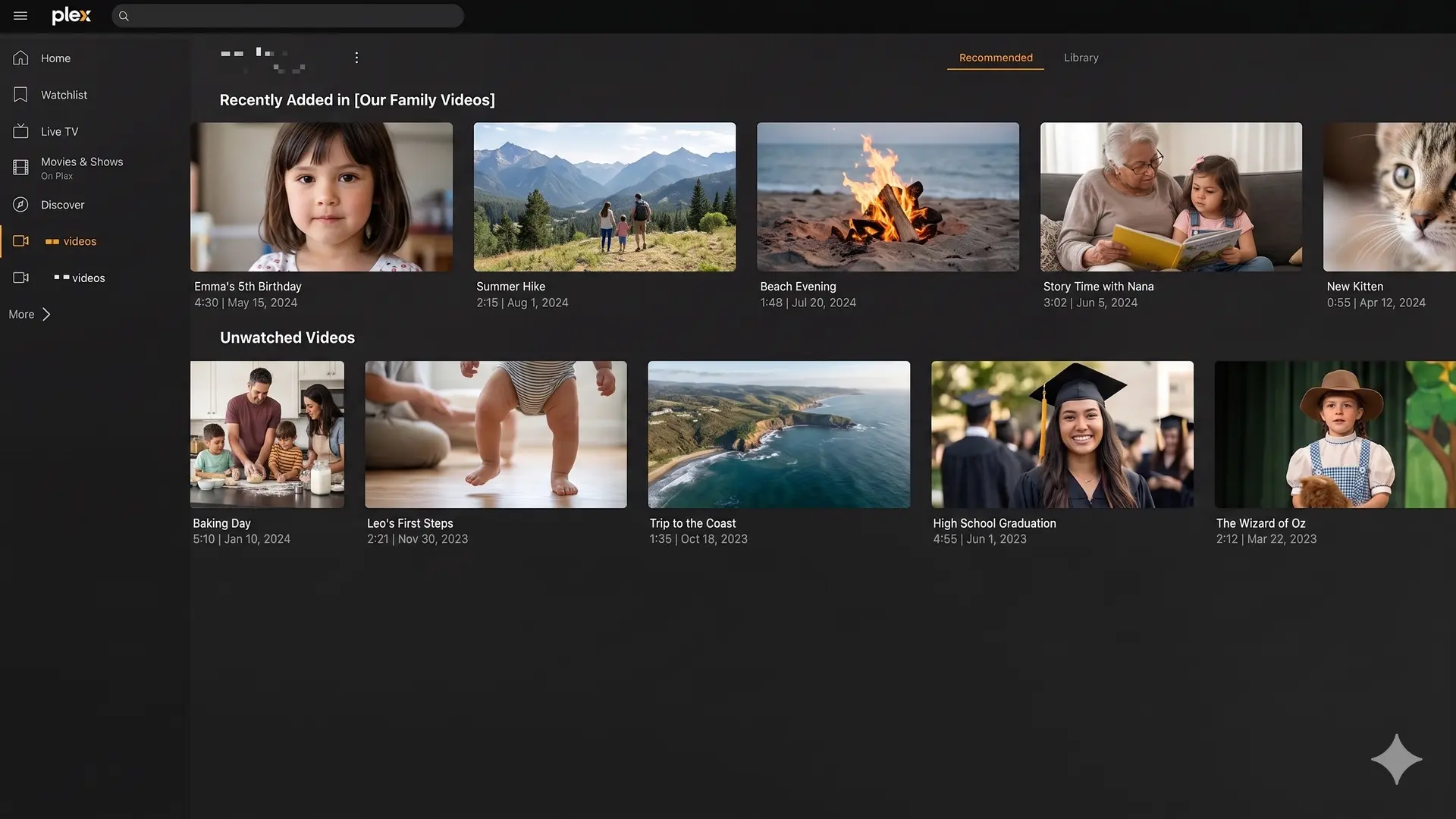
If you already know which media server you prefer, start there. If you are not sure, Appbox makes it easy to test more than one because each is available from the app library.
Add Monitoring Early
Monitoring is not just for large setups. It helps you understand whether playback is direct play or transcoding, which users are active, and whether the server is behaving the way you expect.
For Plex setups, Tautulli is the obvious companion app. It gives you playback history, stream details, user activity, bandwidth visibility, and event-based notifications.
That kind of visibility helps when you are tuning the setup. You can see whether a device is forcing unnecessary transcoding, whether a library scan is causing load, or whether a remote stream is struggling.
Keep File Access Simple
The file layer is where many self-built media stacks become messy.
You want a setup where the media server, management tools, and file access tools all understand the same storage. If every app has its own isolated path or custom mount, the system becomes harder to reason about.
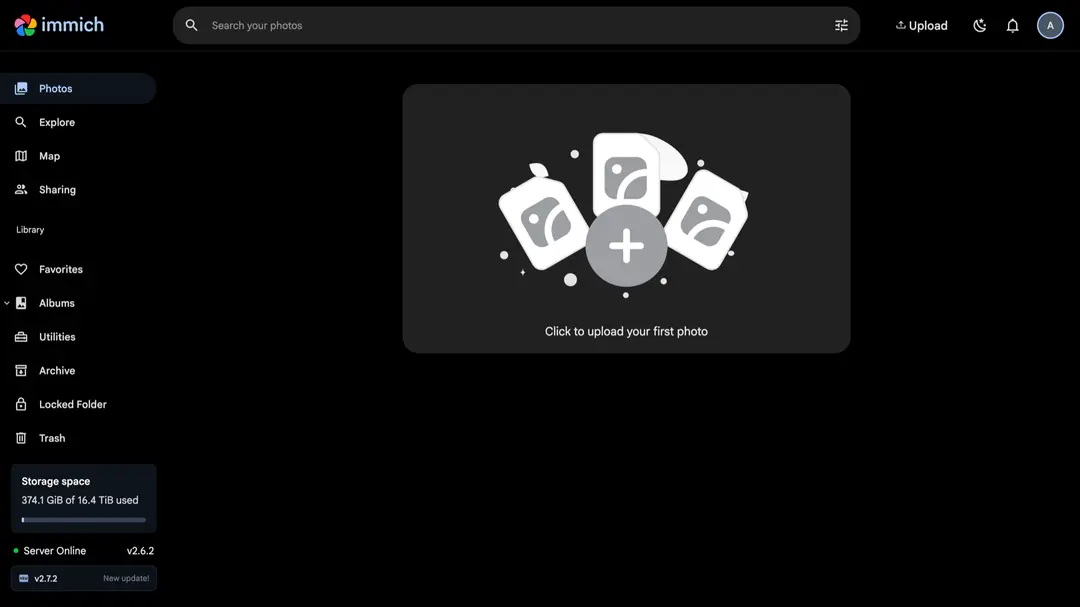
On Appbox, hosted apps can share the same Appbox data environment. You can use file-focused apps from the library, such as File Browser, SFTPGo, Rclone, Syncthing, or Nextcloud, depending on whether you need browser file management, protocol access, cloud sync, or personal cloud storage.
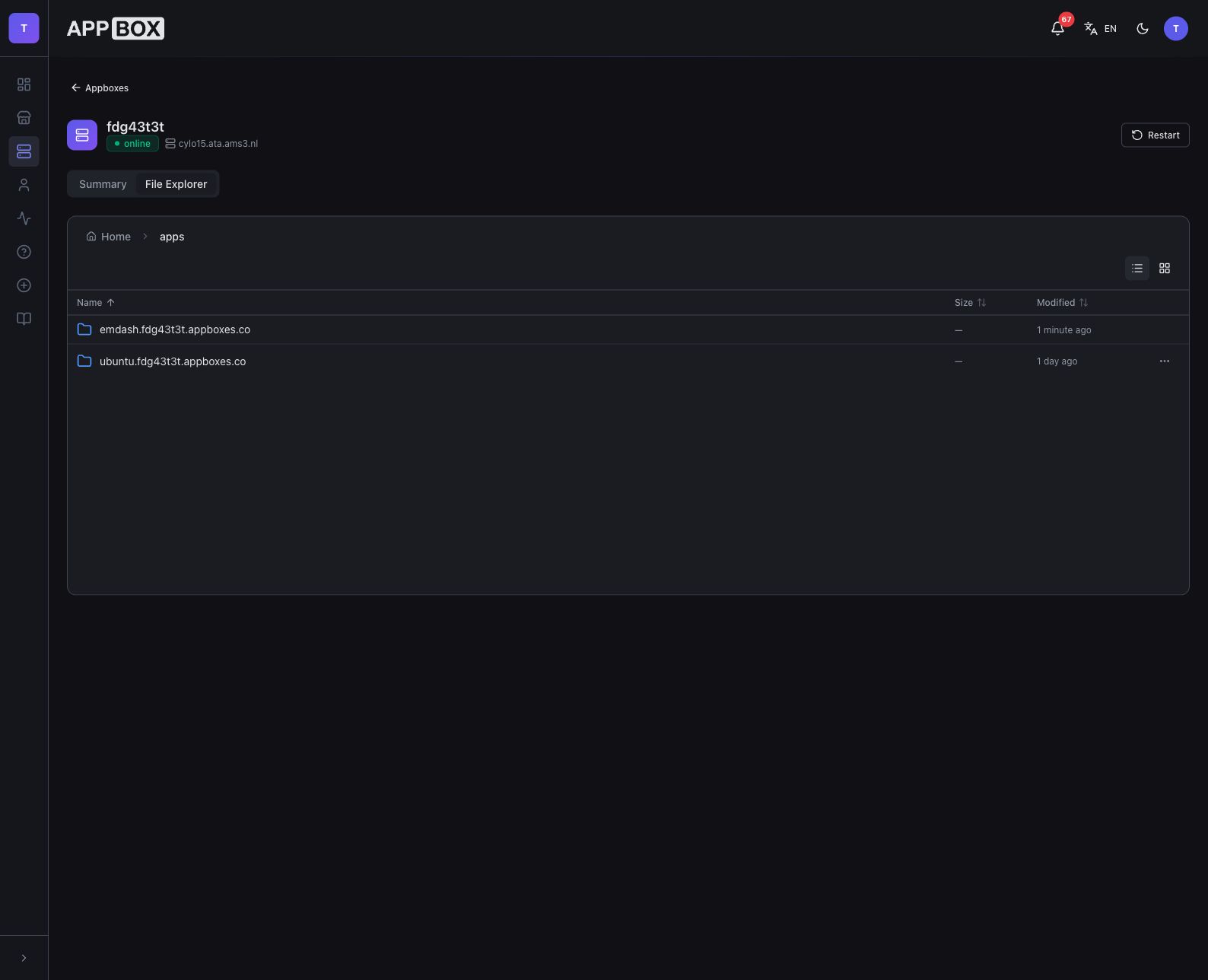
The important point is not the specific file app you choose. It is that file access should be part of the design, not something you bolt on later after the media library has already grown.
Add a VPS Only Where It Helps
A VPS is useful when you need full Linux control: custom scripts, package installs, scheduled jobs, development tools, or app combinations that are too specific for a one-click app.
You do not need to put the whole media setup on a VPS just because one part of the workflow needs that control.
With Appbox, an Ubuntu VPS can access your Appbox data under /APPBOX_DATA/, including hosted app data and shared storage. That means your hosted apps can stay in the managed app flow, while the VPS handles custom automation against the same files.
For example:
- Run Plex, Jellyfin, Emby, or Tautulli as hosted apps.
- Use File Browser, SFTPGo, Rclone, Syncthing, or Nextcloud for file access and sync.
- Add an Ubuntu VPS for custom scripts, batch jobs, development tools, or maintenance workflows.
- Keep everything pointed at the same Appbox data instead of splitting the setup across unrelated servers.
That hybrid shape is often calmer than forcing every task into one giant VPS.
What to Avoid
Avoid starting with a blank server unless you actually want to manage the operating system, reverse proxy, SSL certificates, firewall, service files, storage mounts, package updates, and troubleshooting yourself.
Avoid installing every app at once. A smaller setup is easier to understand, tune, and recover.
Avoid hiding file access from yourself. If you cannot quickly see where app data and media files live, future maintenance will be slower than it needs to be.
Avoid choosing tools only by feature lists. The best setup is the one you can still operate confidently three months later.
A Practical Appbox Pattern
For most remote media automation setups, this is a good starting pattern:
- Install your preferred media server from the Appbox app library.
- Add Tautulli if you are running Plex and want monitoring.
- Add a file-access app such as File Browser, SFTPGo, or Nextcloud.
- Add Rclone or Syncthing if your workflow needs sync, migration, or backup-style file movement.
- Add an Ubuntu VPS only when you need custom jobs or full machine control.
That gives you the useful parts of a remote server without making every task a server-admin project.
The Best Setup Is the One You Can Maintain
Media automation should reduce friction, not create a second job.
If you enjoy building every layer by hand, a VPS can be the right tool. If your goal is to run media apps, monitor them, manage files, and keep the system online, hosted apps plus shared storage is usually a better starting point.
Start with the app workflow. Add full VPS control only where it clearly earns its place.
Questions about building a media automation setup on Appbox? Reach out at support@appbox.co or open a ticket at billing.appbox.co.