How to Host a Plex Server in the Cloud
A practical guide to running a private Plex server in the cloud, what to look for in a hosted setup, and how Appbox makes media app hosting easier than managing a VPS by hand.
How to Host a Plex Server in the Cloud
Running Plex at home works well until it does not. Upload speed, storage limits, hardware failures, noisy disks, and remote access settings can all get in the way of simply opening your media library and pressing play.
A cloud Plex server solves a different problem: it gives you a private media server that is always online, reachable from anywhere, and not tied to the machine under your desk. The trade-off is that you want the setup to be simple, predictable, and built around media apps rather than a generic blank server.
This guide walks through what matters when choosing a cloud Plex setup and how Appbox fits into that workflow.
What a Cloud Plex Server Needs
Plex is not especially complicated, but a good hosted Plex server still needs a few things to be pleasant day to day:
- Reliable storage for your media library, metadata, posters, and app data.
- Enough CPU and memory for library scanning, remote access, and occasional transcoding.
- Fast network access so remote playback starts quickly and stays stable.
- A persistent URL for the Plex web app and server access.
- Simple app management so updates, restarts, and credentials are not a weekend project.
- Room to run companion apps such as Jellyfin, Emby, Tautulli, Overseerr, File Browser, or Nextcloud.
You can build that yourself on a VPS. Many people do. But then you are also responsible for the operating system, Docker stack, firewall, reverse proxy, SSL certificates, storage mounts, service restarts, and every little operational detail that follows.
Appbox is designed for the other path: choose an app, install it, and manage it from the dashboard.
Why Use Appbox for Plex Hosting
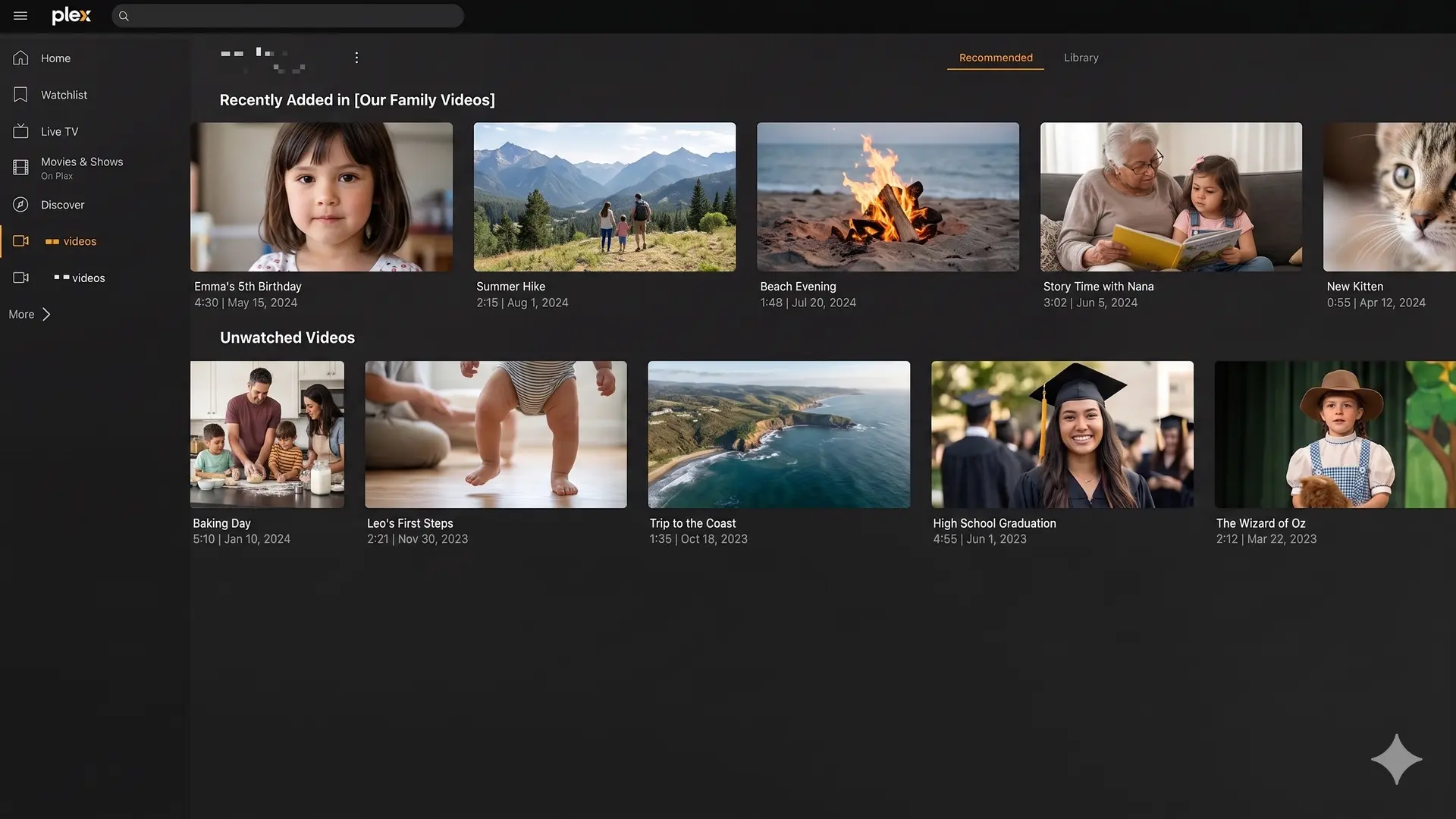
On Appbox, Plex is available as a one-click app. Instead of starting with a bare server, you start with a managed app environment that already understands domains, app data, storage, resource allocation, and dashboard controls.
That gives you a few practical benefits:
- One-click install from the Appbox app library.
- Dashboard controls for app details, restarts, credentials, versions, and resource usage.
- Shared storage across your Appbox apps, so related tools can work with the same files.
- Custom domains and HTTPS handled through the platform flow.
- App Boost when a heavier app needs more CPU or memory from your plan.
- Companion apps available from the same library, including Jellyfin, Emby, Tautulli, File Browser, and Nextcloud.
If the goal is to run Plex, not become the operations team for your own media stack, those details matter.
Plex Hosting vs a Generic VPS
A VPS is flexible. You get root access and can install almost anything. That is useful when you need full control, custom services, or a very specific Linux environment.
For Plex hosting, flexibility can also become friction. A typical VPS setup means choosing a Linux distribution, installing Docker or packages, configuring storage, setting up a reverse proxy, managing SSL, opening ports, creating backups, and watching resource use yourself.
Appbox is more opinionated. It is not trying to replace every VPS use case. It is trying to make hosted apps easier.
Choose a VPS if you want to manage every layer yourself.
Choose Appbox if you want a private media app environment where Plex and related apps are the main workflow.
Picking the Right Appbox Plan
The right plan depends on what else you want to run next to Plex.
For a lightweight setup, you might only need Plex plus a file manager. For a fuller media environment, you may want Plex, Tautulli, File Browser, Nextcloud, and a few supporting tools. If you expect heavier scanning, larger libraries, or multiple active apps, leave enough plan capacity for that from the start.
The useful thing about Appbox is that plans are not just a single app slot. They are an environment. You can install multiple apps, allocate resources with App Boost where supported, and keep related services close to the same storage.
That is especially helpful when your media server grows from "just Plex" into a small private app stack.
Setting Up Plex on Appbox
The basic flow is simple:
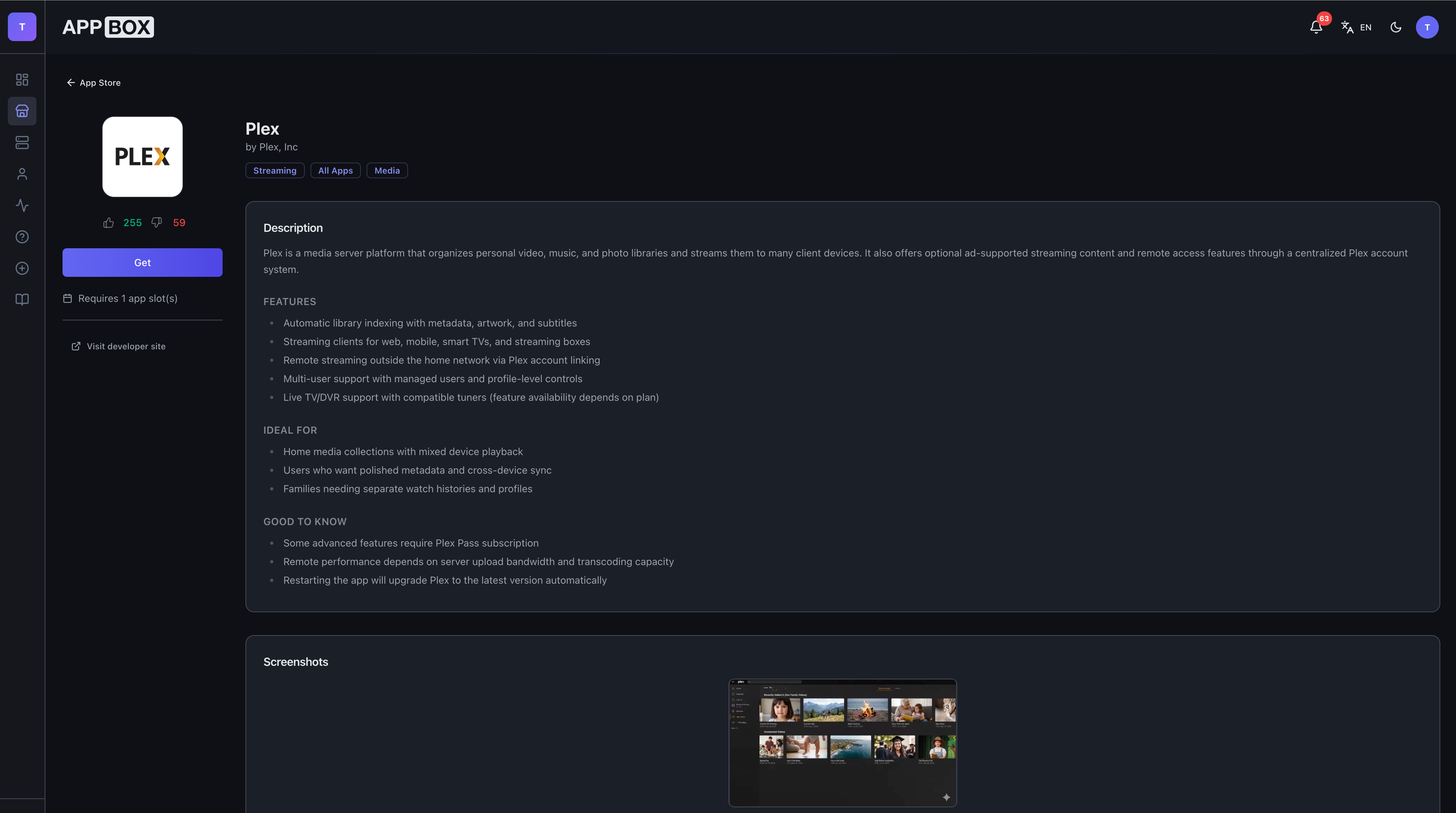
- Open the Plex app page.
- Choose an Appbox plan with enough capacity for your library and companion apps.
- Install Plex from the app flow.
- Open the app details page to find the generated URL and credentials.
- Sign in to Plex and connect it to your account.
- Add your media folders and let Plex scan the library.
From there, you can add related apps from the Appbox app library as needed.
Companion Apps Worth Considering
Plex is often the center of the setup, but it is rarely the only useful app.
Tautulli is useful for Plex monitoring and library activity. Jellyfin and Emby are alternative media servers if you want to compare workflows or run an open-source option alongside Plex. File Browser gives you a straightforward web file manager. Nextcloud is useful if you want private cloud storage and file sync in the same Appbox environment.
This is where Appbox becomes more than "a Plex host." It is a hosted app environment for the rest of the tools around your media library.
A Few Practical Tips
Keep your library structure tidy from the beginning. Plex is good at matching media, but clean folders and consistent naming save time later.
Use direct play where possible. Transcoding can be useful, but it is more demanding than streaming files in a format your device already supports.
Watch storage growth. Posters, metadata, thumbnails, and companion apps all consume space over time, not just the media files themselves.
Keep companion apps focused. It is tempting to install everything at once, but a smaller setup is easier to understand and tune.
Start with the Plex App Page
If you want a private Plex server without building the whole stack by hand, start with the Plex app page. You can compare plans, check the app requirements, and install it through the same Appbox flow used for the rest of the app library.
And if you later want to expand beyond Plex, the same environment can host the other apps that make a private media server more useful.
Questions about Plex hosting on Appbox? Reach out at support@appbox.co or open a ticket at billing.appbox.co.