
Peer-to-peer folder sync
Resilio Sync hosting on Appbox. Keep files in sync across devices over LAN and the internet without a mandatory central cloud, with a web UI on your subdomain.
What you get with Resilio Sync hosting
A Sync instance on Appbox with TLS, subdomain, and the connection details you need for clients.
Direct device sync
Transfers go between peers when possible, with relay-style fallbacks when the product allows, instead of routing everything through a single vendor cloud.
Browser management
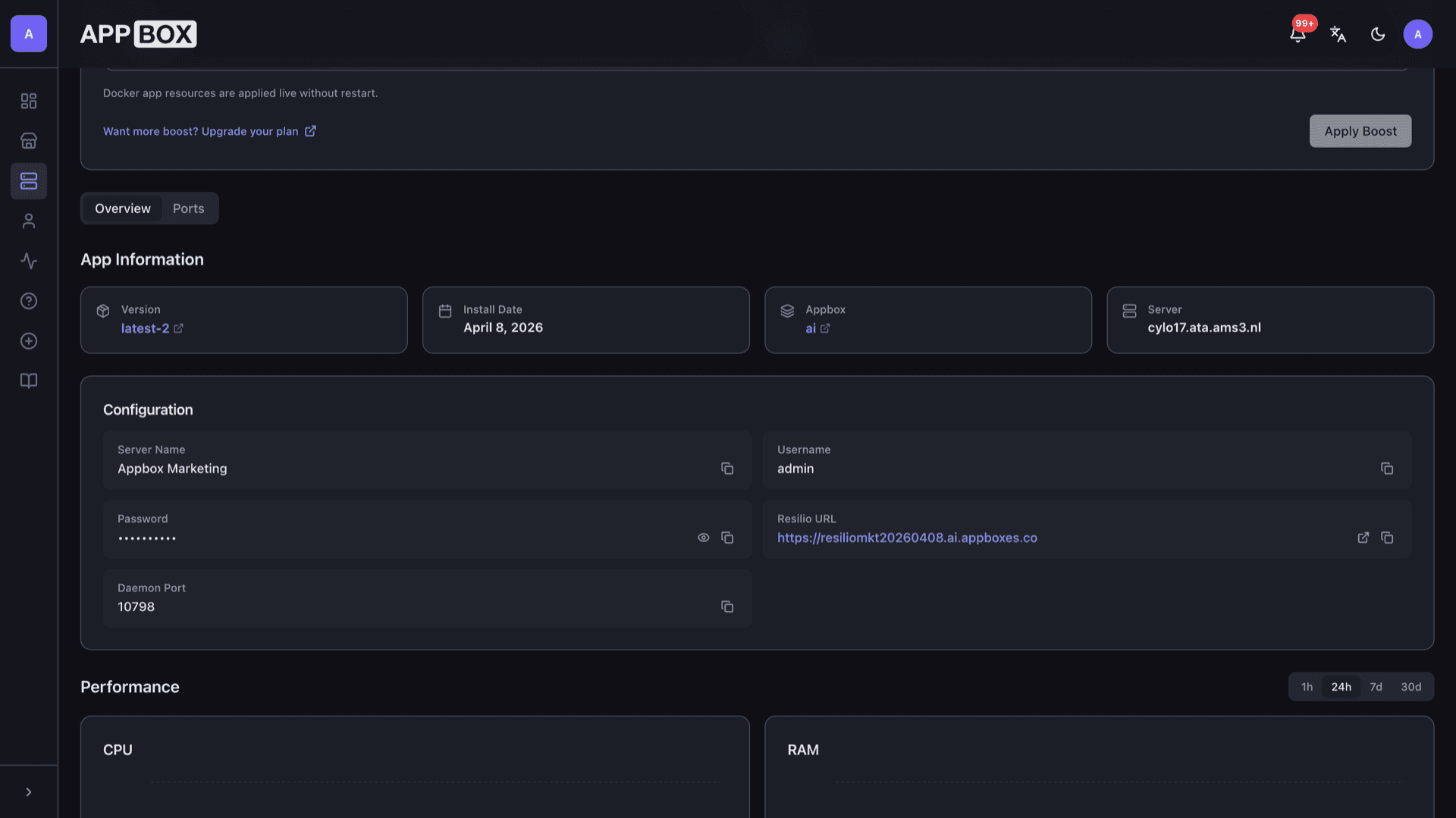
Open the Resilio URL from the Overview tab, authenticate with your install credentials, then manage folders and links from the web UI.
Persistent app data
Configuration and sync state live on Appbox volumes tied to your install, so restarts keep your setup.
Credential gate
The username and password you set at install protect the web UI, which fits hosting on a shared platform.
Your HTTPS URL
The panel lists the Resilio URL, daemon port, and copy actions so you can attach desktop or mobile Sync clients quickly.
Share by link or folder
Create shared folders and invites from the UI so other devices join with the permissions you define.
See Resilio Sync on Appbox
التثبيت خلال ثوانٍ
اختر Appbox الخاص بك، واملأ بضعة حقول، وسيصبح Resilio Sync متاحاً.
تثبيت Resilio Sync
يتطلب 1 App Slot
يعرض هذا العرض التوضيحي شكل المثبّت بعد أن يصبح لديك Appbox.
المضاعِف
1.4x
تكلفة Slot
5 / 21
RAM
5.60 GB
وحدات CPU
∞
✓ rslsync.steve.appboxes.co
جاهز للتثبيت؟ ستحتاج أولاً إلى Appbox نشط.
هذه معاينة لنموذج التثبيت. اختر خطة لإنشاء Appbox ونشر التطبيق فعلياً.
Operations and expectations
How this app behaves on Appbox compared to a desktop-only install.
Single-container app
The Sync daemon and web UI run in one Appbox app container with resources shown on the installed app page.
Client ecosystem
Desktop and mobile Resilio clients connect to your instance using the hostname, port, and secrets from the Overview tab.
Throughput and peers
Speed depends on peer count, link quality, and whether sources stay online. Plan headroom if you move large libraries.
Per-App Boost
CPU and RAM charts on the instance page help you decide when extra slots are worth it for heavy sync workloads.
Resilio Sync vs Syncthing
| Feature | Resilio Sync | Syncthing |
|---|---|---|
| Protocol and engine | Resilio mesh and product UX | Block exchange protocol, open stack |
| Web UI style | Resilio web console | Syncthing built-in UI |
| Mobile and desktop clients | Resilio client apps | Syncthing and third-party apps |
| Licensing model | Free tier with business options upstream | Open source (MPL-style) |
| Appbox install | One-click managed image | Also available on Appbox as its own app |
| Self-hostable |
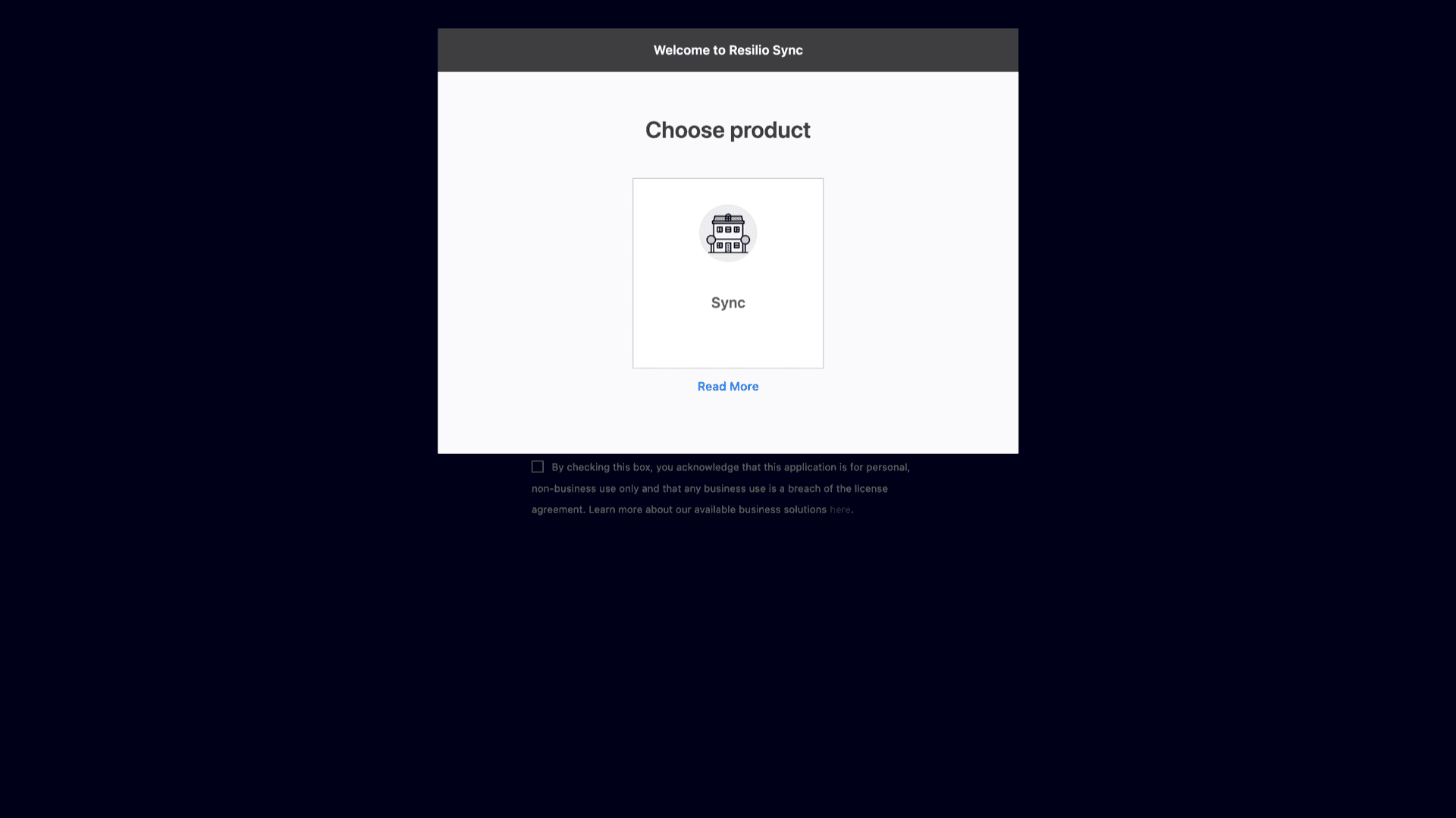
First launch in the browser
Frequently asked questions
Deploy Resilio Sync on Appbox
Install in one flow, open your HTTPS URL, and start adding folders and peers from the web UI.
Available versions
| Version | App Slots | RAM | CPU | Released | Changes |
|---|---|---|---|---|---|
| latest-2 | 1 | 4 GB | Shared | Apr 7, 2021 |
Need more resources? Use Per-App Boost to allocate extra App Slots and increase RAM and CPU by 10% per slot. See the FAQ below for details.