
Project management on your domain
Plane hosting on Appbox. Deploy an open-source workspace for issues, cycles, modules, and pages behind HTTPS with admin credentials from your install form.
What you get with Plane hosting
A full Plane instance with TLS, subdomain, and lifecycle controls from the Appbox panel.
Issues and cycles
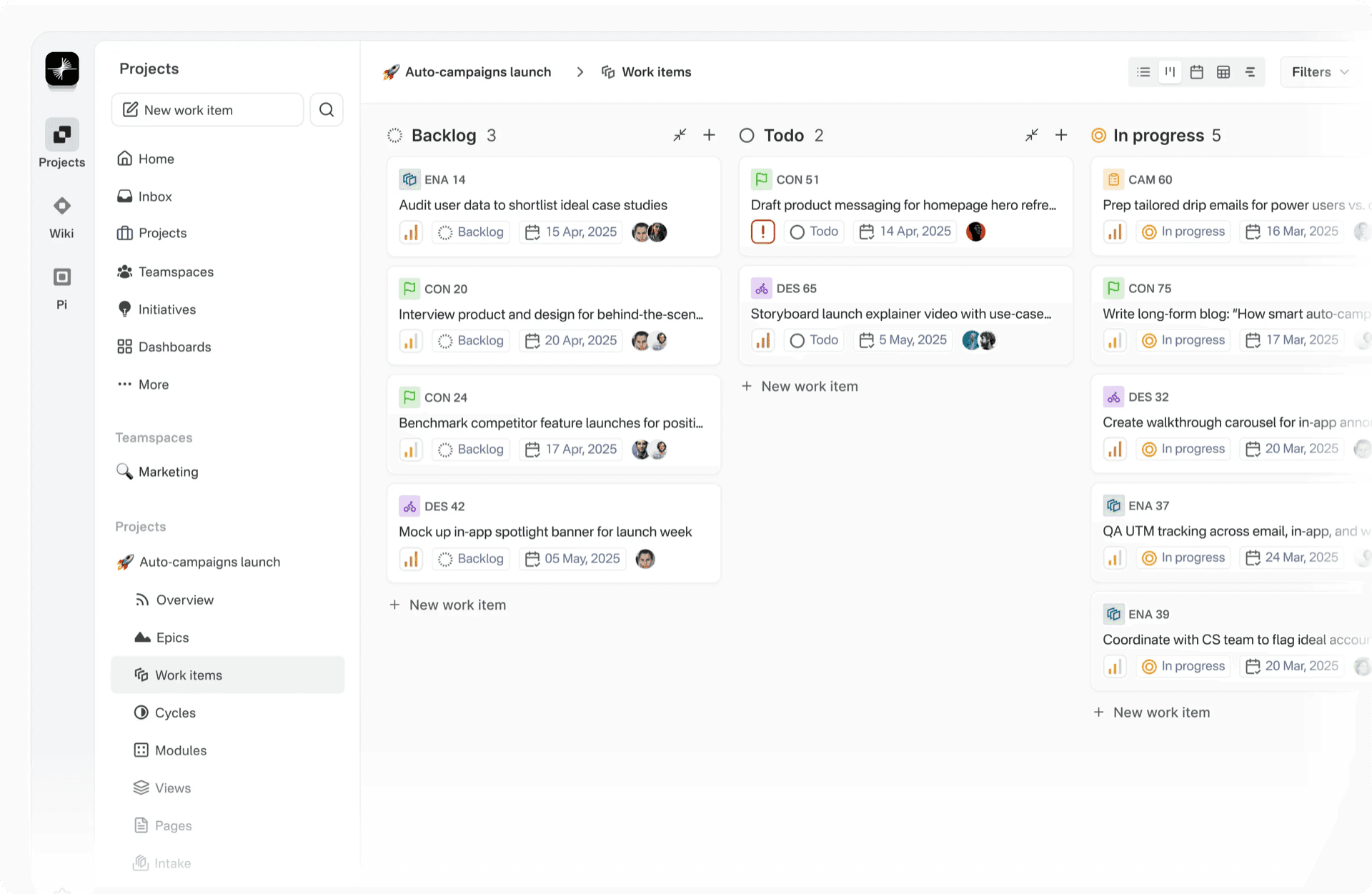
Plan work with issues, cycles, and modules. Filter and group work the way your team expects from modern trackers.
Workspaces and projects
Create workspaces, add projects, and invite collaborators from the web app after you sign in with the admin email and password from install.
Pages and docs
Use Pages for notes and documentation alongside delivery work so context stays next to the backlog.
HTTPS URL
The control panel exposes your public URL with copy actions so bookmarks and sharing use the same hostname Appbox provisions.
Web-first UI
Command palette, sidebar navigation, and dashboards run in the browser without a separate desktop client.
One-click lifecycle
Install, restart, and upgrade from Actions on the installed app page while Plane keeps data on persistent volumes.
Plane on Appbox
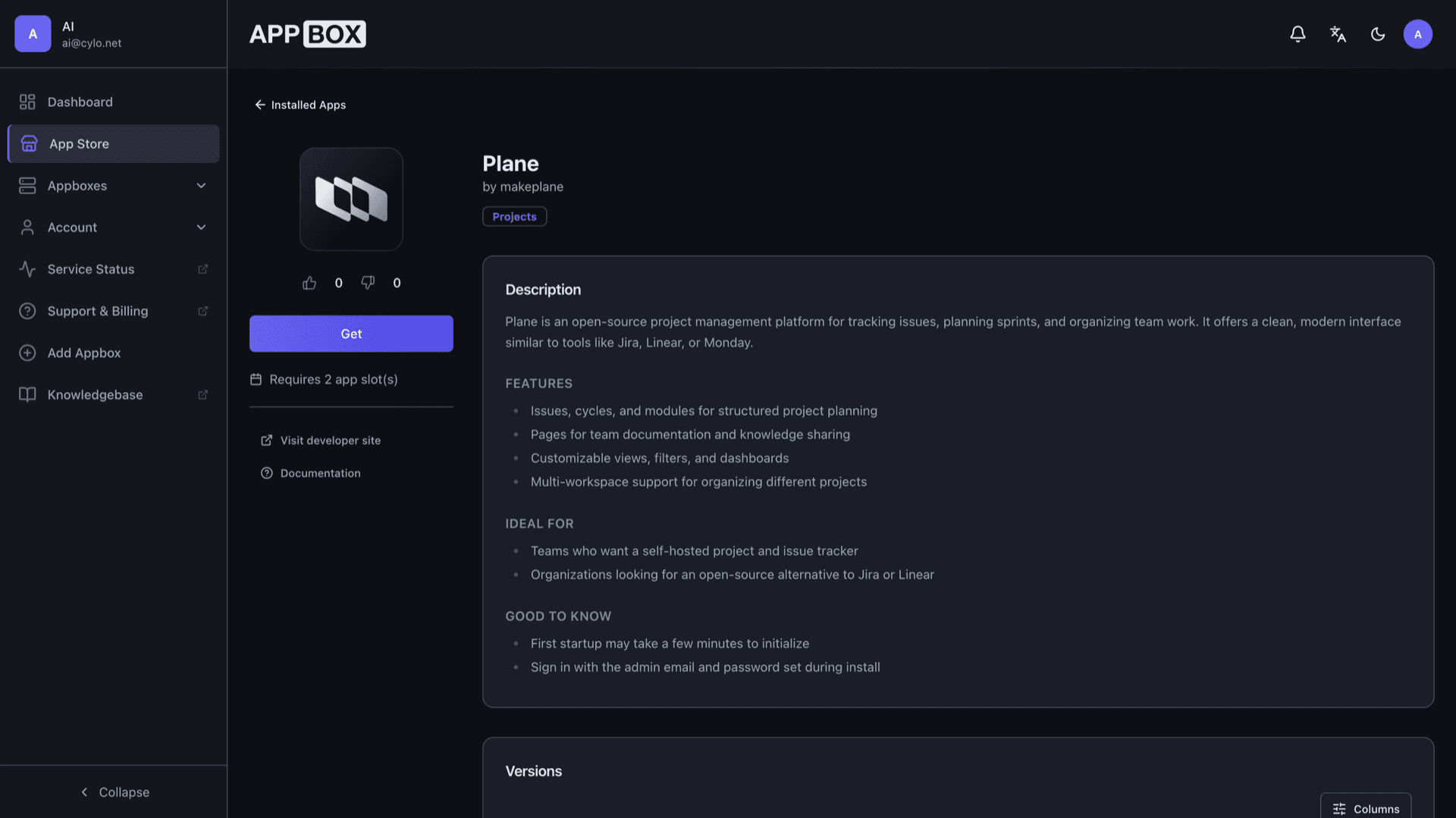
التثبيت خلال ثوانٍ
اختر Appbox الخاص بك، واملأ بضعة حقول، وسيصبح Plane متاحاً.
تثبيت Plane
يتطلب 2 من App Slots
يعرض هذا العرض التوضيحي شكل المثبّت بعد أن يصبح لديك Appbox.
المضاعِف
1.4x
تكلفة Slot
6 / 21
RAM
8.40 GB
وحدات CPU
∞
✓ plane.steve.appboxes.co
جاهز للتثبيت؟ ستحتاج أولاً إلى Appbox نشط.
هذه معاينة لنموذج التثبيت. اختر خطة لإنشاء Appbox ونشر التطبيق فعلياً.
Operations and planning
How Plane fits managed hosting and when to add resources.
Ports and proxy
The Ports tab lists what the container exposes. For daily use, follow the Web UI link on Overview for HTTPS through the platform reverse proxy.
Persistent data
Workspace data and uploads live in the app's volumes on Appbox. Back up before major upgrades or migrations.
Account recovery
Keep the install email and password safe. If you are locked out, use Plane's password recovery and the platform's moduser or support paths as documented.
Per-App Boost
Large teams or heavy automation can need more RAM and CPU. Boost adds capacity in 10% steps per extra slot from the installed app page.
Plane vs Jira Cloud
| Feature | Plane on Appbox | Jira Cloud |
|---|---|---|
| Hosting | Self-hosted on your Appbox | Atlassian cloud |
| Data control | Data on your instance and volumes | Vendor-operated tenancy |
| Billing model | Appbox plan and app slots | Jira subscription per user tier |
| Mobile apps | Web UI primary | Official mobile clients |
| Marketplace | Plane ecosystem and APIs | Large Atlassian Marketplace |
| Open source |
Sign in after install
Frequently asked questions
Deploy Plane on Appbox
Get Plane hosting in one click, open your HTTPS URL, and run issues and cycles on infrastructure you control.
Related comparison
Compare Monday.com alternatives
See how Plane on Appbox compares with Monday.com, ERPNext, ClickUp, and Asana.
Read guideAvailable versions
| Version | App Slots | RAM | CPU | Released | Changes |
|---|---|---|---|---|---|
| 1.2.3 | 2 | 6 GB | Shared | Apr 1, 2026 |
Need more resources? Use Per-App Boost to allocate extra App Slots and increase RAM and CPU by 10% per slot. See the FAQ below for details.