
Self-hosted office editors
OnlyOffice hosting on Appbox. Deploy ONLYOFFICE Docs with spreadsheet, document, and presentation editors you can integrate with platforms such as Nextcloud, using your own subdomain and TLS.
What you get with OnlyOffice hosting
A Document Server instance sized for serious editing workloads, with clear connection details in the panel.
Office-format editors
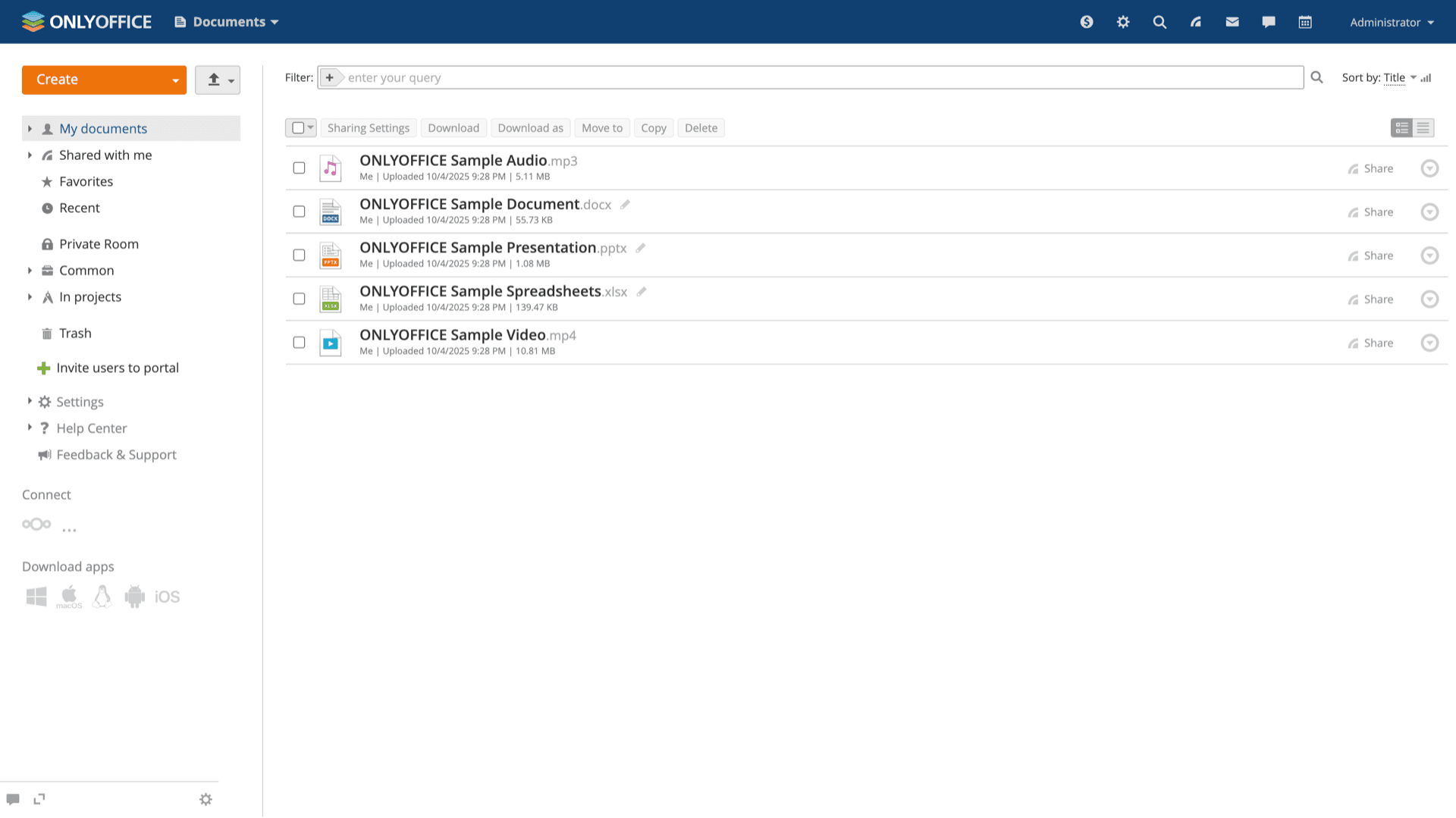
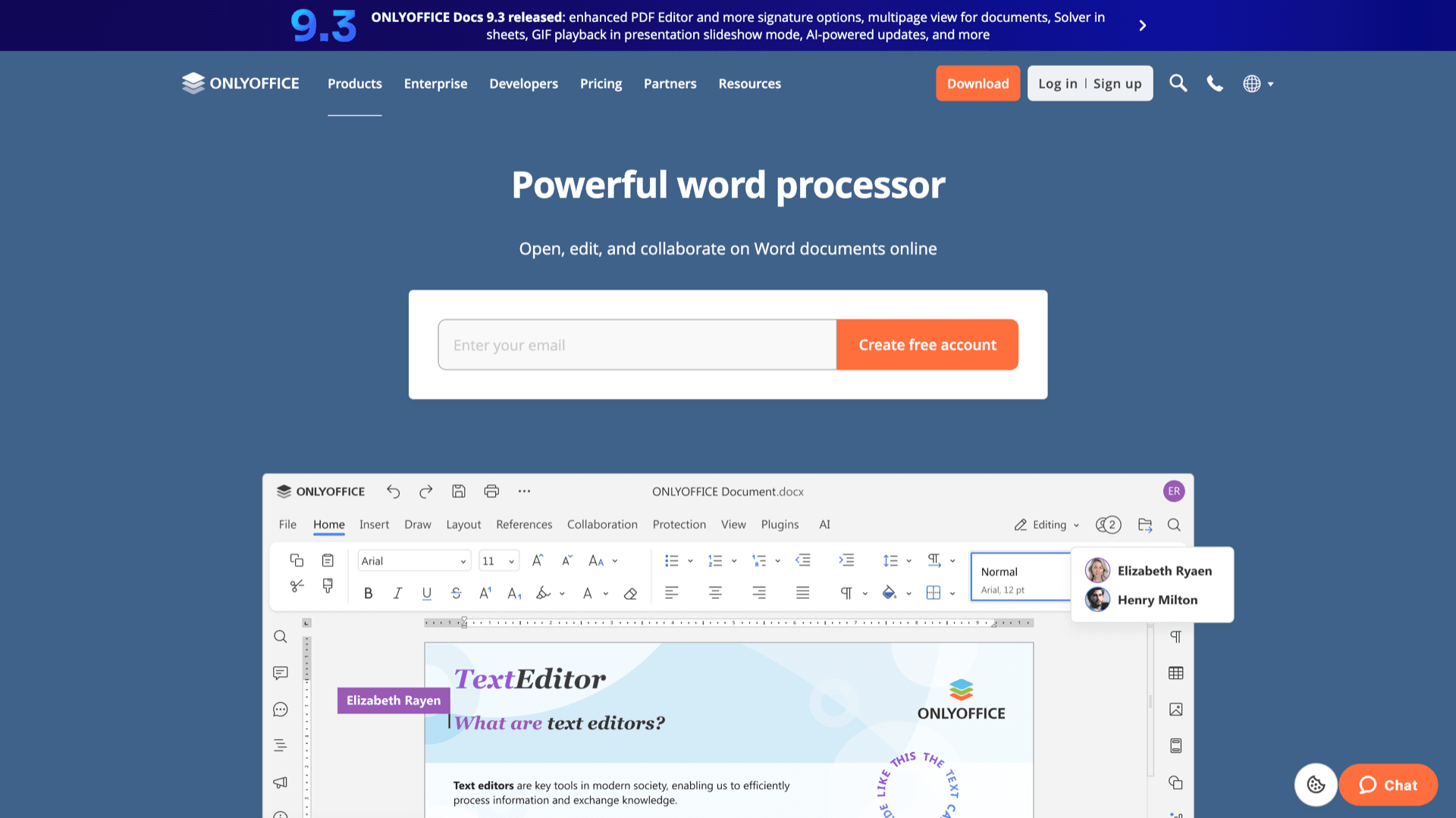
Edit DOCX, XLSX, PPTX, and related formats in the browser with familiar toolbars, comments, and track changes where the product supports them.
Built for collaboration stacks
Document Server is designed to sit behind Nextcloud, ownCloud, Seafile, and other integrations that drive real-time co-editing through the API.
Your HTTPS endpoint
The installed app page lists the public URL template and fields so you can attach the hostname your reverse proxy and DNS expect.
Install-gated Web Office
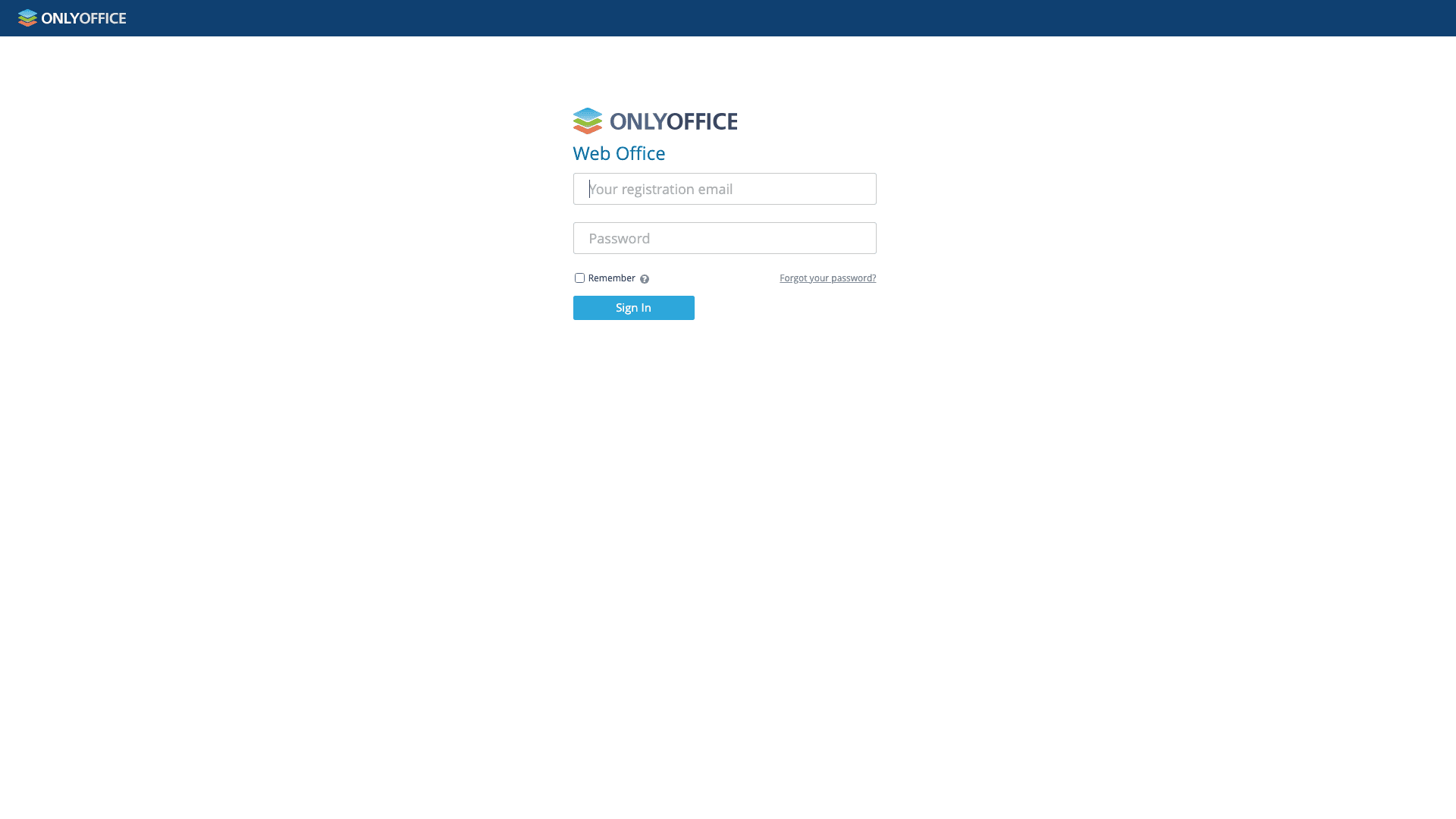
First sign-in uses the email and password you set at install, which keeps casual visitors off the administration surface.
Versioned Appbox image
You pick the published app version at install time; upgrades follow the normal Appbox update flow when newer builds ship.
Heavy by design
ONLYOFFICE Docs bundles editors and services that need substantial RAM. The versions table reflects that footprint so you can plan slots and boost before you install.
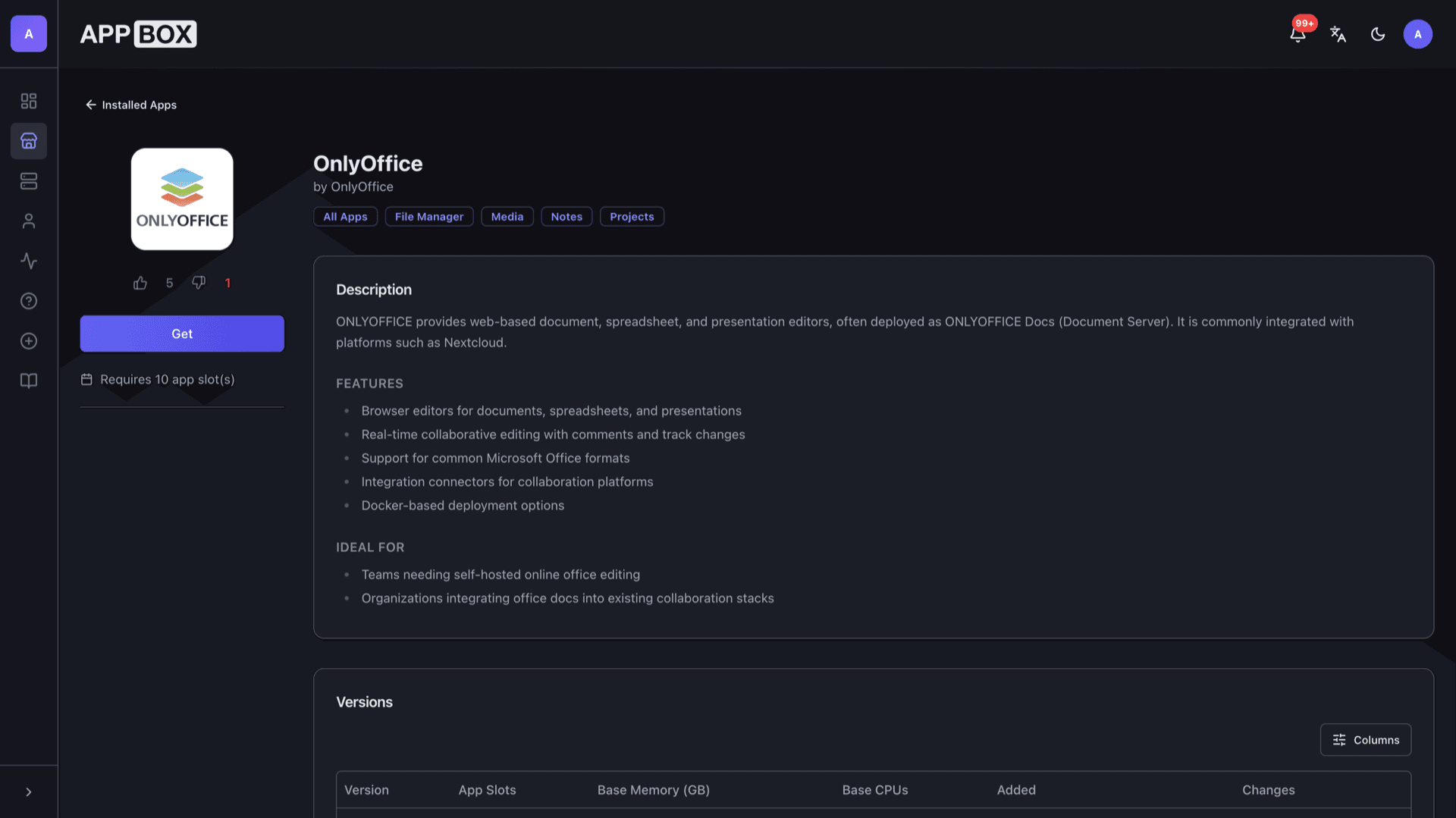
See OnlyOffice on Appbox
التثبيت خلال ثوانٍ
اختر Appbox الخاص بك، واملأ بضعة حقول، وسيصبح OnlyOffice متاحاً.
تثبيت OnlyOffice
يتطلب 10 من App Slots
يعرض هذا العرض التوضيحي شكل المثبّت بعد أن يصبح لديك Appbox.
المضاعِف
1.4x
تكلفة Slot
14 / 21
RAM
19.60 GB
وحدات CPU
∞
✓ docs.steve.appboxes.co
جاهز للتثبيت؟ ستحتاج أولاً إلى Appbox نشط.
هذه معاينة لنموذج التثبيت. اختر خطة لإنشاء Appbox ونشر التطبيق فعلياً.
Deployment and integration notes
How teams usually wire Document Server into their environment on Appbox.
Single managed app
Editors, conversion services, and dependencies run inside one Appbox container with resources shown on your instance dashboard.
Connector apps
Enable the OnlyOffice connector inside your file platform, then point it at the external Document Server URL from the Overview tab.
JWT and advanced options
Upstream documentation covers JWT secrets, WOPI, and clustering. Start with the stock install, then tighten security to match your integration guide.
Per-App Boost headroom
Concurrent editing and large spreadsheets benefit from extra RAM and CPU. Boost adds 10% per slot when you need more than the base chart shows.
Self-hosted OnlyOffice vs Microsoft 365
| Feature | OnlyOffice on Appbox | Microsoft 365 |
|---|---|---|
| Hosting model | Your Appbox instance and URL | Microsoft-operated cloud |
| Data location | You control the server and volumes | Microsoft data centers and policies |
| Licensing | Upstream AGPL/commercial terms apply | Per-user subscription |
| Desktop suite | Browser editors plus integrations | Full desktop and web apps |
| Admin burden | You patch, monitor, and integrate | Mostly managed by vendor |
| Self-hostable | No for the full cloud suite |
Standalone vs integrated use
Frequently asked questions
Deploy OnlyOffice on Appbox
Install ONLYOFFICE Docs in one flow, open Web Office with your credentials, then wire your collaboration app to the public URL.
Available versions
| Version | App Slots | RAM | CPU | Released | Changes |
|---|---|---|---|---|---|
| 11.0.0 | 10 | 14 GB | Shared | Nov 11, 2020 |
Need more resources? Use Per-App Boost to allocate extra App Slots and increase RAM and CPU by 10% per slot. See the FAQ below for details.
OnlyOffice
بواسطة OnlyOffice