
Stream audio you control
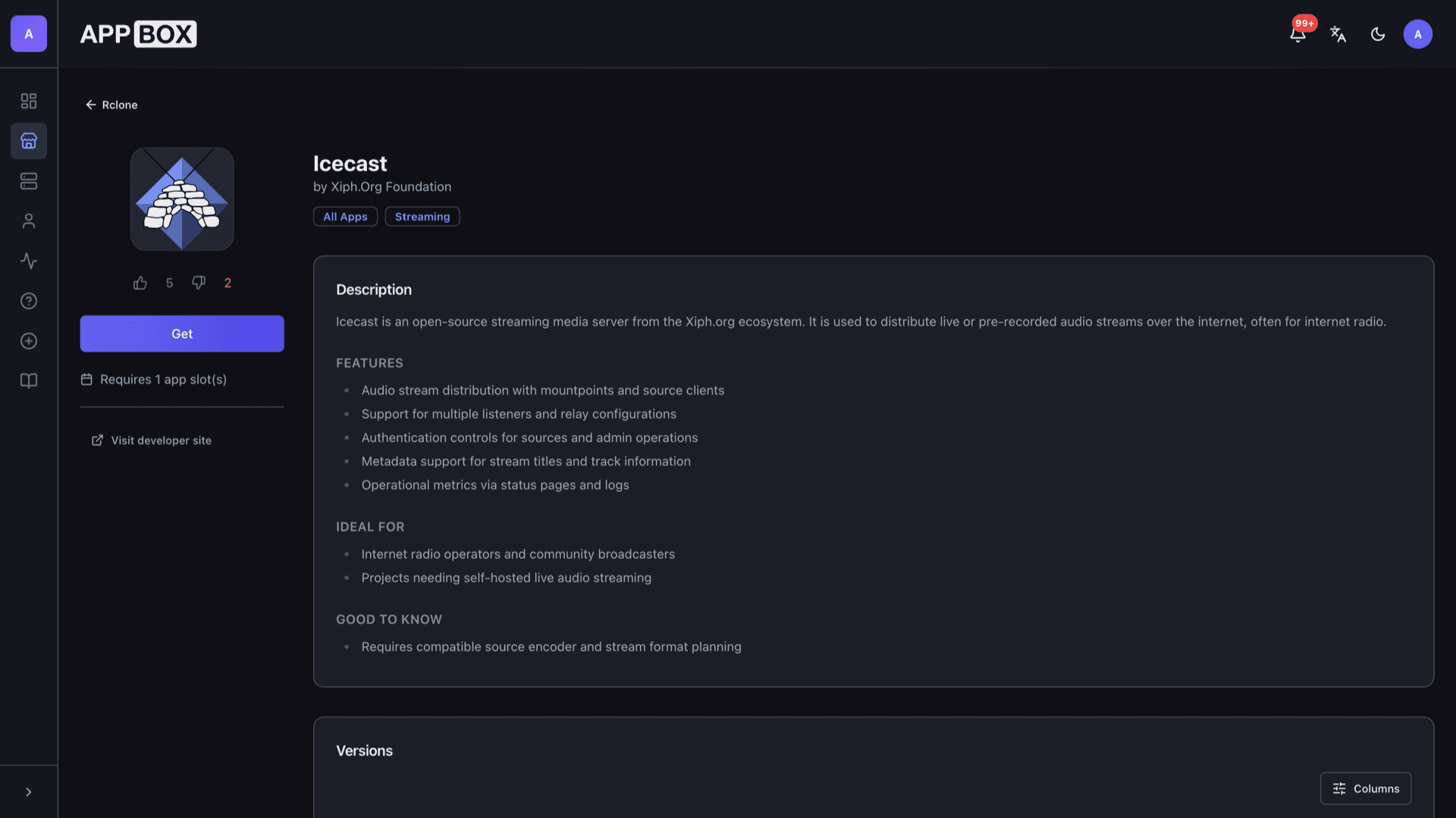
Icecast hosting on Appbox. Publish live or recorded audio with mountpoints, listener limits, and relay support behind the platform reverse proxy.
What you get with Icecast hosting
A standards-friendly streaming server for community radio, podcasts-as-live, and private feeds.
Mountpoints and listeners
Expose one or more mount URLs, tune listener caps, and serve Ogg or MP3 depending on what your sources send and your clients expect.
Source authentication
Sources authenticate with the credentials you set at install so random clients cannot hijack your encoder slot.
Relay-friendly
Pull or push streams between Icecast nodes when you need redundancy, geographic edges, or upstream syndication.
Status and admin UI
Watch connected sources and listeners from the web admin interface using the admin password you chose during provisioning.
Now-playing metadata
Update titles from compatible encoders so players and websites can show track or show information alongside the audio.
Panel-managed URL
After install, the Overview tab lists the public hostname, streaming port, and admin URL resolved for your subdomain.
Icecast on Appbox
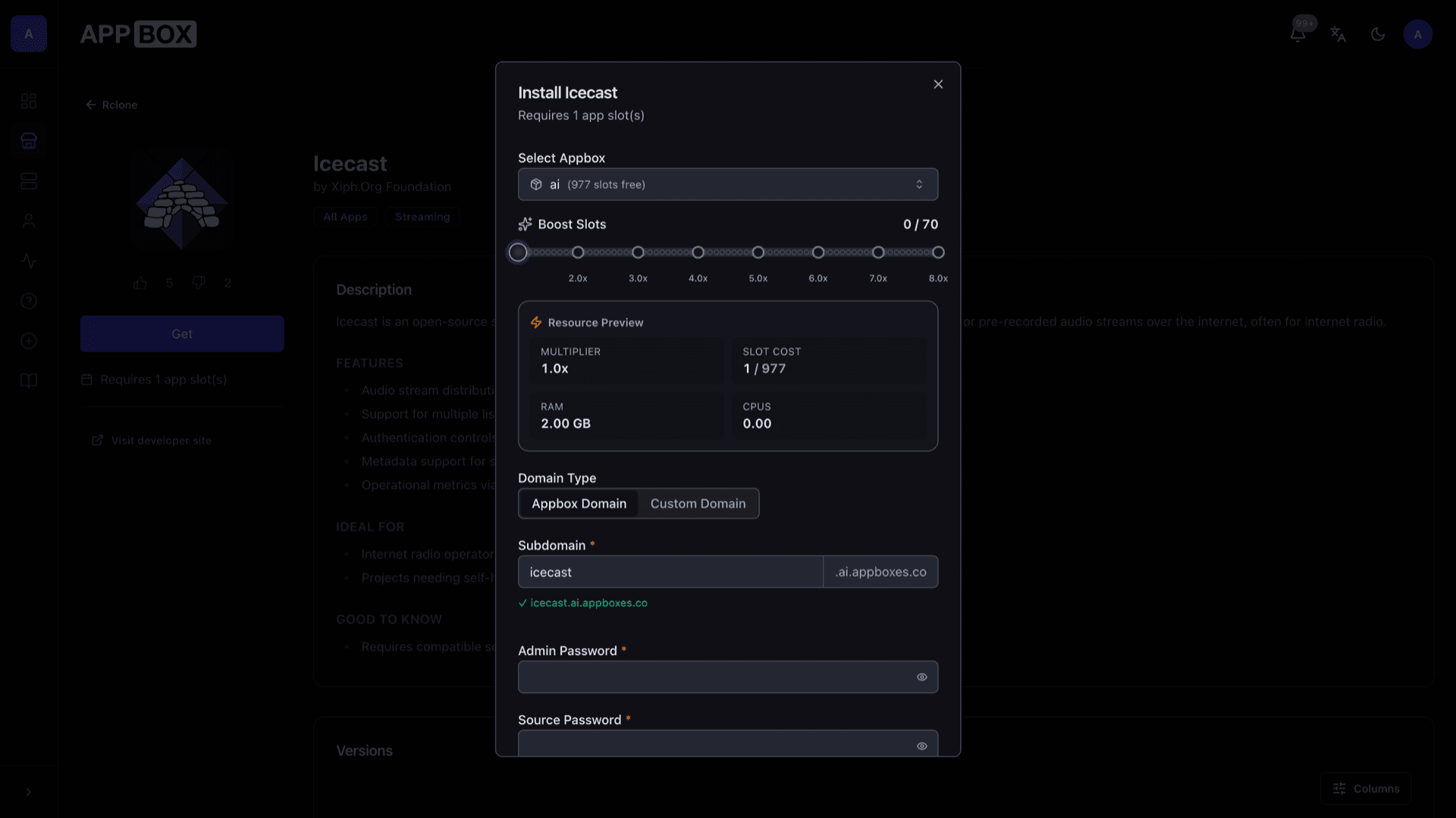
التثبيت خلال ثوانٍ
اختر Appbox الخاص بك، واملأ بضعة حقول، وسيصبح Icecast متاحاً.
تثبيت Icecast
يتطلب 1 App Slot
يعرض هذا العرض التوضيحي شكل المثبّت بعد أن يصبح لديك Appbox.
المضاعِف
1.4x
تكلفة Slot
5 / 21
RAM
2.80 GB
وحدات CPU
∞
✓ icecast.steve.appboxes.co
جاهز للتثبيت؟ ستحتاج أولاً إلى Appbox نشط.
هذه معاينة لنموذج التثبيت. اختر خطة لإنشاء Appbox ونشر التطبيق فعلياً.
After it is running
Typical day-two tasks for broadcasters and self-hosters.
Point your encoder
Configure butt, Liquidsoap, or another Icecast-compatible source with the server address and port from the Configuration section, plus the source username and password shown on the installed app page.
Three distinct passwords
Admin credentials unlock the web interface, source credentials authorize encoders, and relay credentials protect downstream pulls. Mixing them up is the fastest way to get 401 errors.
HTTPS admin, plain audio port
The admin interface is reached through the platform hostname with TLS. Listener and source traffic use the streaming port listed in the panel, matching how Icecast expects connections.
Logs and tuning
Icecast logs rejected sources, relay failures, and listener churn. Use them when debugging bitrate mismatches or firewall issues before opening a support thread.
Icecast on Appbox vs DIY on a VPS
| Feature | Icecast on Appbox | Self-managed VPS |
|---|---|---|
| Provisioning | One-click install from the store | Packages, users, systemd units, and updates by hand |
| TLS for admin | Handled by the platform reverse proxy | You bring certificates and a front proxy |
| Resource graphs | CPU, RAM, and I/O on the installed app page | Bring your own monitoring stack |
| Kernel-level workloads | Managed Linux userspace container with sudo inside the app | Full VM or bare metal if you choose that route |
| Updates | Upgrade when a new image is published | Distro packages or source builds on your schedule |
| Cost model | App Slots and optional Per-App Boost | You size and pay the whole server |
Match encoder settings to the mount
Frequently asked questions
Put your stream on Appbox
Deploy Icecast hosting in one click, set three passwords, and start sending audio from the encoder you already use.
Available versions
| Version | App Slots | RAM | CPU | Released | Changes |
|---|---|---|---|---|---|
| 2.4.4-1 | 1 | 2 GB | Shared | Jan 6, 2021 |
Need more resources? Use Per-App Boost to allocate extra App Slots and increase RAM and CPU by 10% per slot. See the FAQ below for details.
Icecast
بواسطة Xiph.Org Foundation