
Static sites from Git pushes
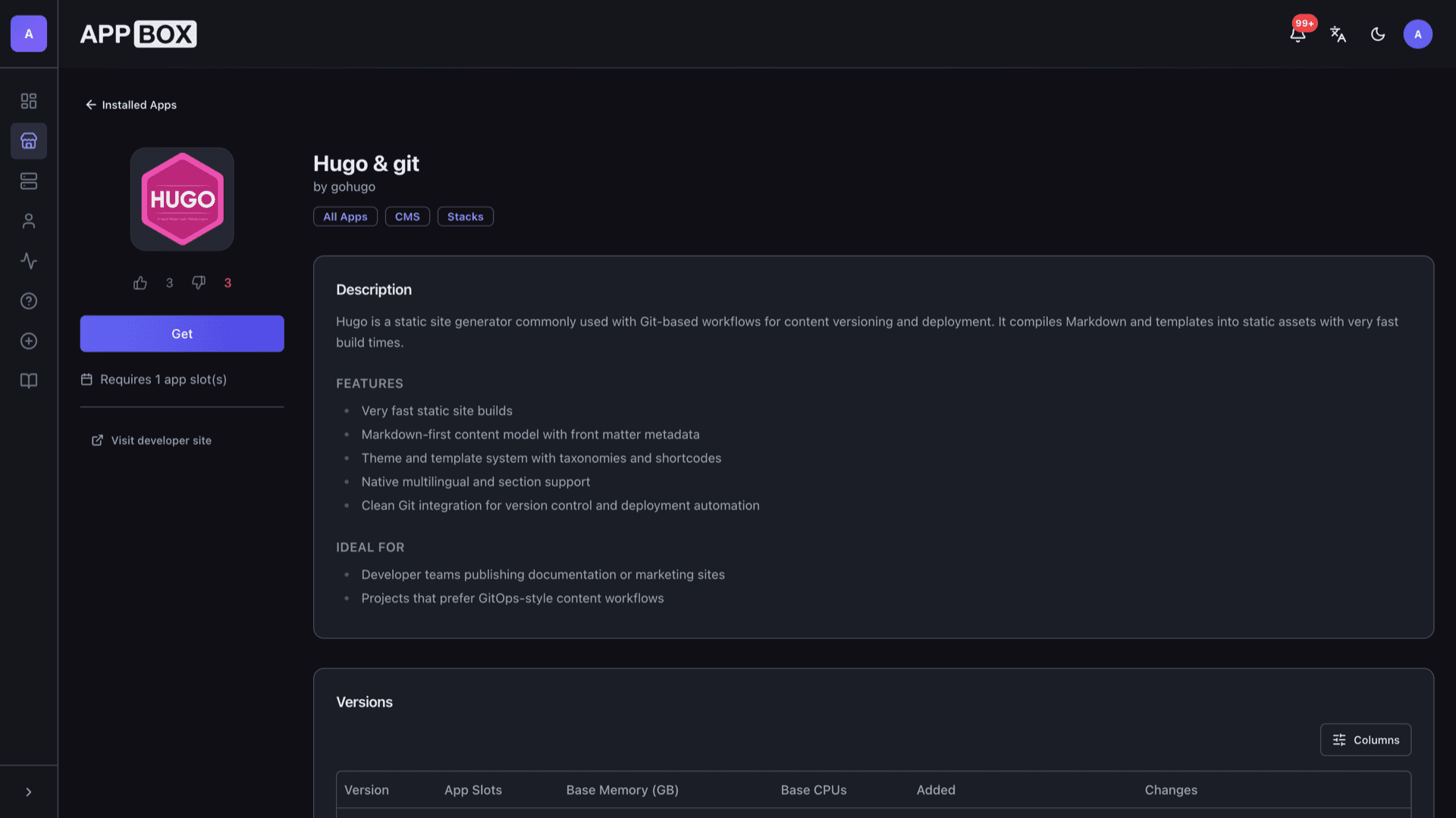
Hugo & git hosting on Appbox. Run Hugo against a working tree that tracks your Git remote, with periodic pulls and platform-managed HTTPS in front of the site.
What you get with Hugo & git hosting
A Markdown-first workflow with fast builds and a simple deploy path on Appbox.
Fast static builds
Hugo compiles Markdown, templates, and assets into plain HTML. Builds stay quick even as sections and taxonomies grow.
Git pull from your remote
Install with your repository URL so the instance clones your Hugo project. A background job keeps pulling from that remote on a fixed interval so commits you push to GitHub or GitLab eventually land on the server.
SSH key for Git
Provide a base64-encoded private key at install when your remote requires SSH authentication, matching how the image configures git for non-interactive clone and pull.
HTTPS in the panel
Appbox terminates TLS in front of your site. Visitors use the Web UI URL from the installed app page without you running a separate certificate stack.
Themes and taxonomies
Use Hugo themes, shortcodes, sections, and multilingual content the same way you would in any standard Hugo project.
Markdown-first content
Author posts and pages with front matter in your editor of choice, then let Hugo turn them into the final static output.
Hugo & git on Appbox
التثبيت خلال ثوانٍ
اختر Appbox الخاص بك، واملأ بضعة حقول، وسيصبح Hugo & git متاحاً.
تثبيت Hugo & git
يتطلب 1 App Slot
يعرض هذا العرض التوضيحي شكل المثبّت بعد أن يصبح لديك Appbox.
المضاعِف
1.4x
تكلفة Slot
5 / 21
RAM
2.80 GB
وحدات CPU
∞
✓ hugogit.steve.appboxes.co
جاهز للتثبيت؟ ستحتاج أولاً إلى Appbox نشط.
هذه معاينة لنموذج التثبيت. اختر خطة لإنشاء Appbox ونشر التطبيق فعلياً.
Operations and limits
What to expect inside the Appbox container for this stack.
Managed container
The app runs as a Linux environment on Appbox, not a KVM guest. You get root and sudo inside the container for files and services this image exposes, without nested Docker or host kernel changes.
Web UI is your site
There is no separate admin console for Hugo itself. The Web UI link hits the Hugo process serving your working tree, so visitors see whatever the current checkout and Hugo configuration produce after pulls and rebuilds.
Repository URL field
The external URL field on the install form resolves to your instance hostname so the panel can link out to the live site once DNS and routing are in place.
Upstream docs
Hugo configuration, shortcodes, and theme structure follow the official Hugo documentation. Appbox supplies hosting, storage, and the clone or pull settings you configured on install, with live values on the Overview tab.
Hugo & git vs WordPress
| Feature | Hugo & git | WordPress |
|---|---|---|
| Output | Pre-built static HTML | PHP renders each request |
| Content model | Markdown files in Git | Database and admin UI |
| Hosting footprint | Static files behind nginx | PHP, MySQL/MariaDB, plugins |
| Deploy style | Push to Git; instance pulls on a timer | Edit in dashboard or sync |
| Plugin ecosystem | Hugo modules and themes | Large plugin directory |
| Interactive comments | Add via external services | Native or plugin |
| Self-hostable |
Have your repo ready
Frequently asked questions
Ship your static site from Git
Deploy Hugo & git hosting on Appbox in one click, then iterate with pushes instead of dragging files by hand.
Available versions
| Version | App Slots | RAM | CPU | Released | Changes |
|---|---|---|---|---|---|
| 0.118.2 | 1 | 2 GB | Shared | Sep 20, 2023 |
Need more resources? Use Per-App Boost to allocate extra App Slots and increase RAM and CPU by 10% per slot. See the FAQ below for details.