
Firefox where you need it
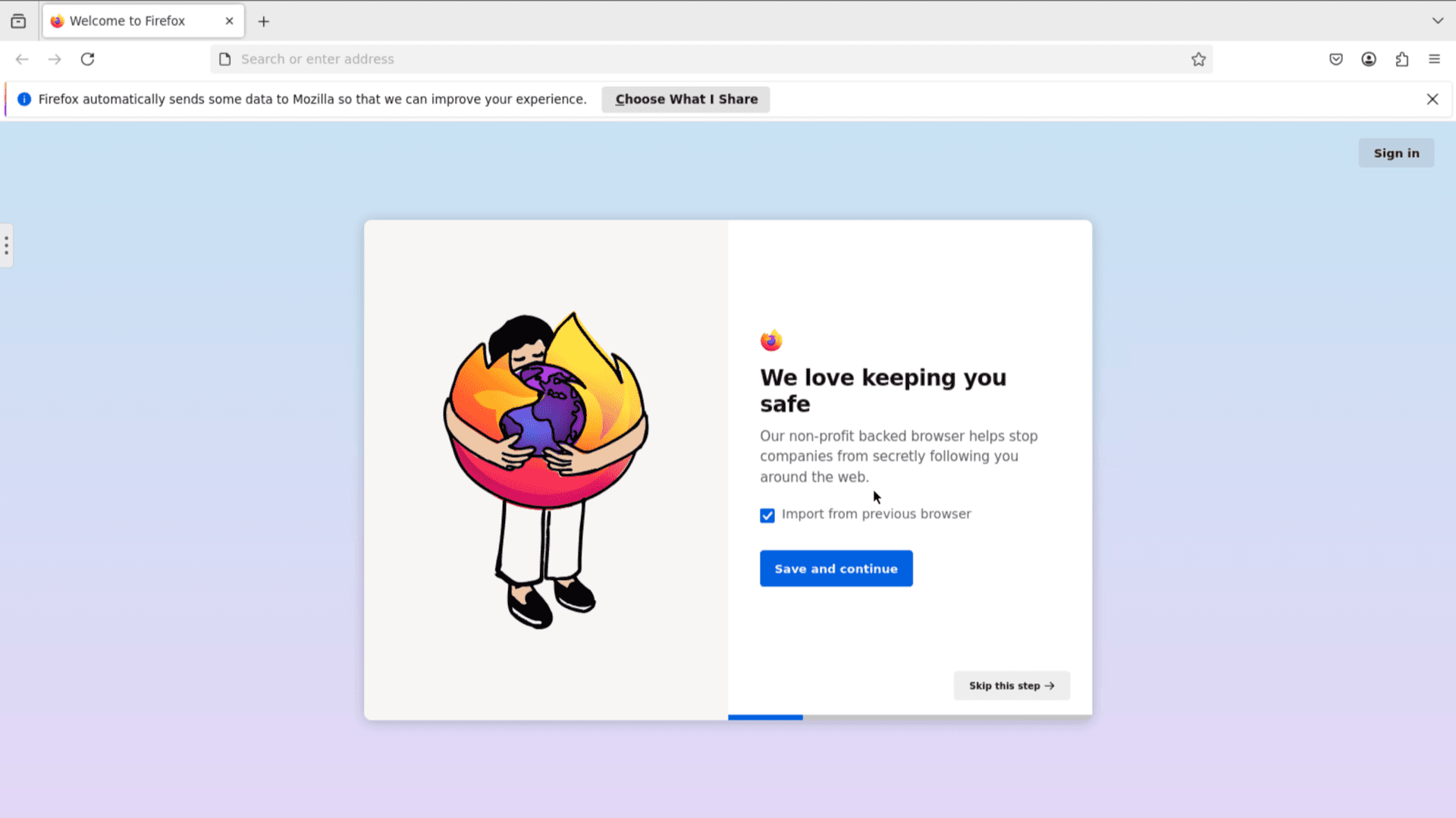
Firefox hosting on Appbox. Open a full Firefox session through your Web UI link, with Gecko rendering, extensions, and sync, running on our managed platform.
What you get with Firefox on Appbox
The same browser engine and UI you know, delivered as a hosted session with HTTPS in front of the viewer.
Gecko and web standards
Pages render with Mozilla's Gecko stack, including modern CSS, HTML, and JavaScript features you expect from desktop Firefox.
Privacy-first defaults
Built-in tracking protection, configurable cookie behavior, and Firefox's approach to cross-site data align with the upstream product.
Extensions and themes
Install add-ons from Mozilla's ecosystem when a site or workflow needs tooling beyond the stock profile.
Developer tools
Use the same inspector, console, network monitor, and performance panels you would on a local Firefox install.
Web UI session
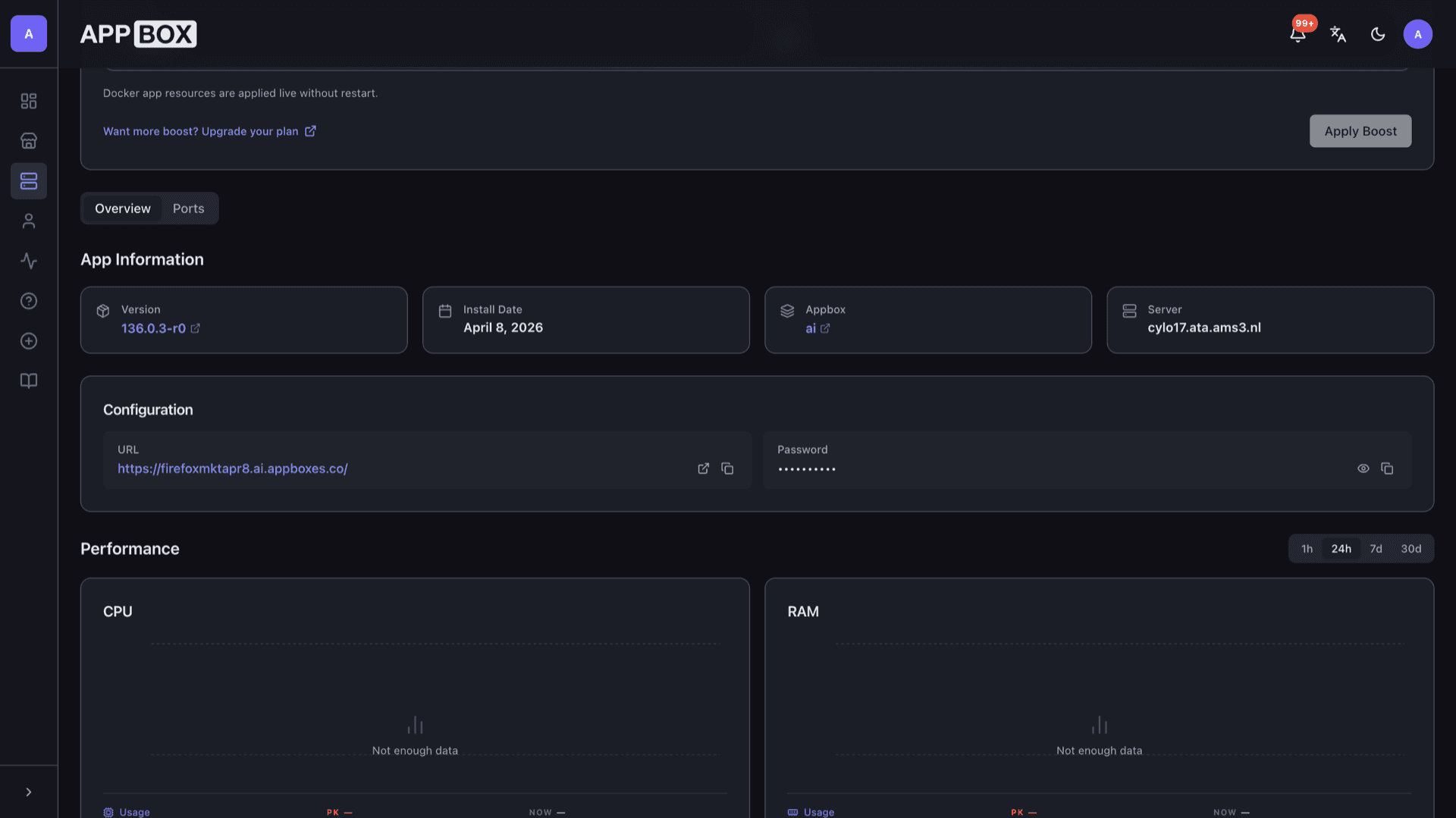
After install, open the URL from the Overview tab, enter the VNC password you chose, and interact with Firefox inside the remote desktop viewer.
HTTPS to the viewer
Appbox terminates TLS in front of your instance. You connect to the Web UI over encrypted HTTP as with other hosted apps.
See Firefox on Appbox
التثبيت خلال ثوانٍ
اختر Appbox الخاص بك، واملأ بضعة حقول، وسيصبح Firefox متاحاً.
تثبيت Firefox
يتطلب 2 من App Slots
يعرض هذا العرض التوضيحي شكل المثبّت بعد أن يصبح لديك Appbox.
المضاعِف
1.4x
تكلفة Slot
6 / 21
RAM
2.80 GB
وحدات CPU
∞
✓ firefox.steve.appboxes.co
جاهز للتثبيت؟ ستحتاج أولاً إلى Appbox نشط.
هذه معاينة لنموذج التثبيت. اختر خطة لإنشاء Appbox ونشر التطبيق فعلياً.
Workflows and limits
How teams use a hosted browser, and what to expect compared with a full desktop or VPS.
Shared or personal research
Keep sensitive research or vendor demos inside a session that does not touch your everyday laptop browser profile.
Firefox Sync
Sign in with a Mozilla account inside Firefox to sync tabs, bookmarks, and passwords the same way you would on a physical device.
Audio and media
Playback and audio forwarding depend on the remote viewer and platform; expect limitations compared with a native desktop. Test your use case after install.
Managed container
The app runs in Appbox's container environment. You get the Firefox desktop session in the viewer, not a full KVM with nested Docker or custom kernels.
Firefox vs Google Chrome
| Feature | Firefox (Appbox) | Google Chrome |
|---|---|---|
| Rendering engine | Gecko / Quantum | Blink |
| Default privacy posture | Stronger out-of-the-box tracking controls | Google services integration by design |
| Extension store | Mozilla Add-ons | Chrome Web Store |
| Open source | Mozilla open-source project | Chromium open; Chrome is proprietary |
| Site compatibility | Excellent; some sites target Chromium first | Often the reference for web compatibility |
| Hosted on Appbox | Yes, Web UI session | Not offered as this app |
VNC password at connect
Frequently asked questions
Run Firefox on Appbox
Deploy Firefox hosting in one click. Get a Gecko-based browser session you can open from any machine with HTTPS.
Available versions
| Version | App Slots | RAM | CPU | Released | Changes |
|---|---|---|---|---|---|
| 151.0.3-r0 | 2 | 2 GB | Shared | Jun 14, 2026 |
Need more resources? Use Per-App Boost to allocate extra App Slots and increase RAM and CPU by 10% per slot. See the FAQ below for details.