
Files in the browser, mounts on the desktop
File Browser Quantum hosting on Appbox. Manage uploads and shares in the web UI, then attach the same scope over WebDAV for Finder, Explorer, or rclone.
What you get with File Browser Quantum hosting
Quantum builds on the File Browser lineage with clearer WebDAV documentation, API references, and workflow-focused defaults.
Web file workspace
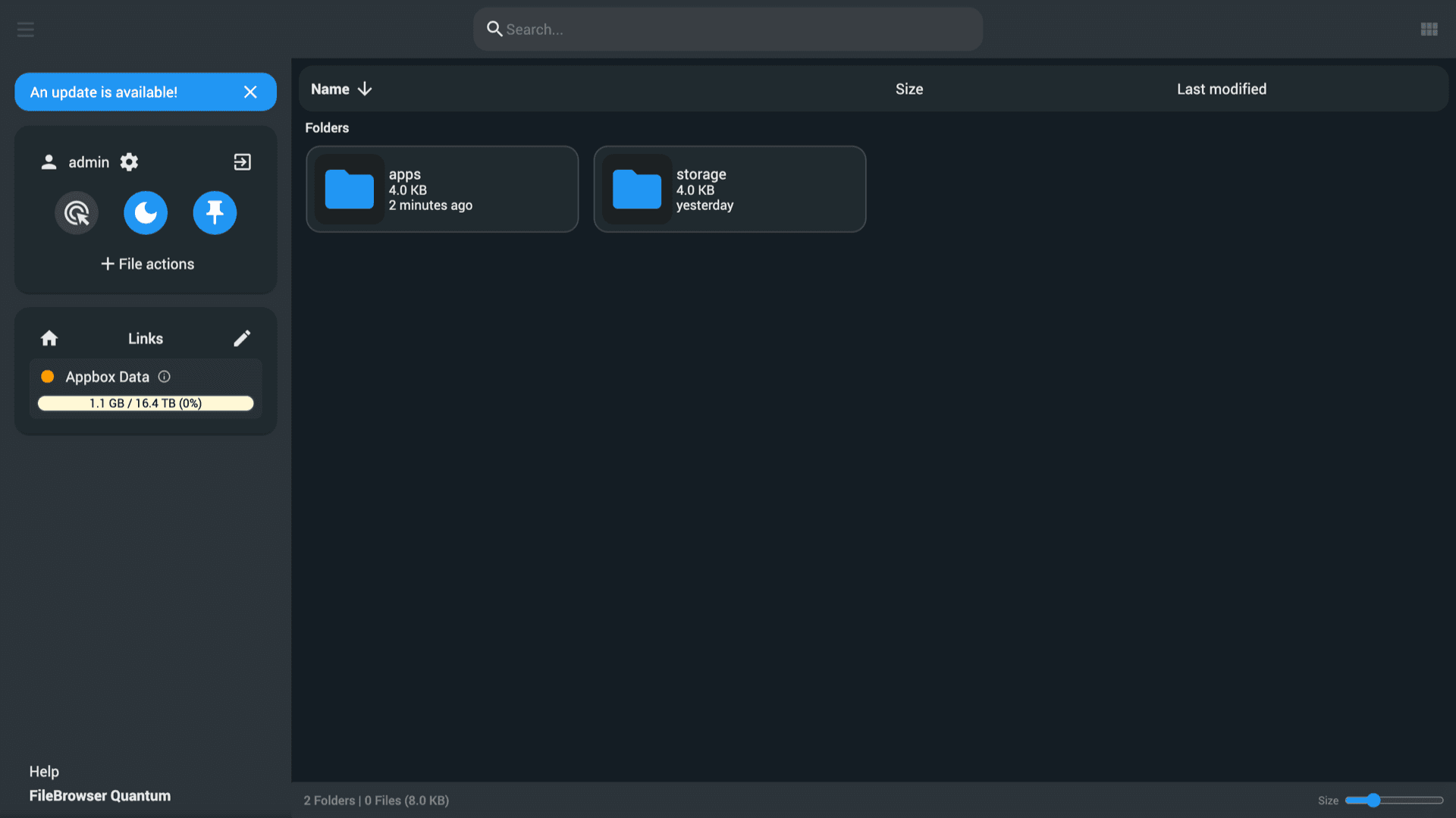
Browse, upload, move, copy, and preview from a fast UI. Multi-select, search, and breadcrumbs behave like a desktop manager over HTTPS behind Appbox.
WebDAV per source
Mount paths documented as /dav style endpoints so native clients can sync or edit files without opening the browser. TLS is handled at the platform edge.
REST API surface
Automate uploads, shares, and user operations with the documented HTTP API instead of brittle UI scraping.
Users and rules
Create accounts with scoped roots, permission bits, and global rules before per-user overrides. Suitable for small teams sharing one Appbox volume.
HTTPS by default
You sign in on your Appbox hostname with valid certificates. WebDAV and API clients reuse the same hostname and trust chain.
Storage visibility
Disk usage and path context stay visible in the UI so operators notice growth before jobs fail mid-transfer.
See File Browser Quantum on Appbox
التثبيت خلال ثوانٍ
اختر Appbox الخاص بك، واملأ بضعة حقول، وسيصبح File Browser Quantum & Webdav متاحاً.
تثبيت File Browser Quantum & Webdav
يتطلب 1 App Slot
يعرض هذا العرض التوضيحي شكل المثبّت بعد أن يصبح لديك Appbox.
المضاعِف
1.4x
تكلفة Slot
5 / 21
RAM
8.40 GB
وحدات CPU
∞
✓ filebrowser.steve.appboxes.co
جاهز للتثبيت؟ ستحتاج أولاً إلى Appbox نشط.
هذه معاينة لنموذج التثبيت. اختر خطة لإنشاء Appbox ونشر التطبيق فعلياً.
Operations and client setup
Details that matter when you pair the web UI with desktop tools.
Tokens for WebDAV
Many WebDAV clients expect a short password. Create an API token in Quantum settings and use it as the WebDAV password when the client is picky about length or special characters.
Stable URLs in the panel
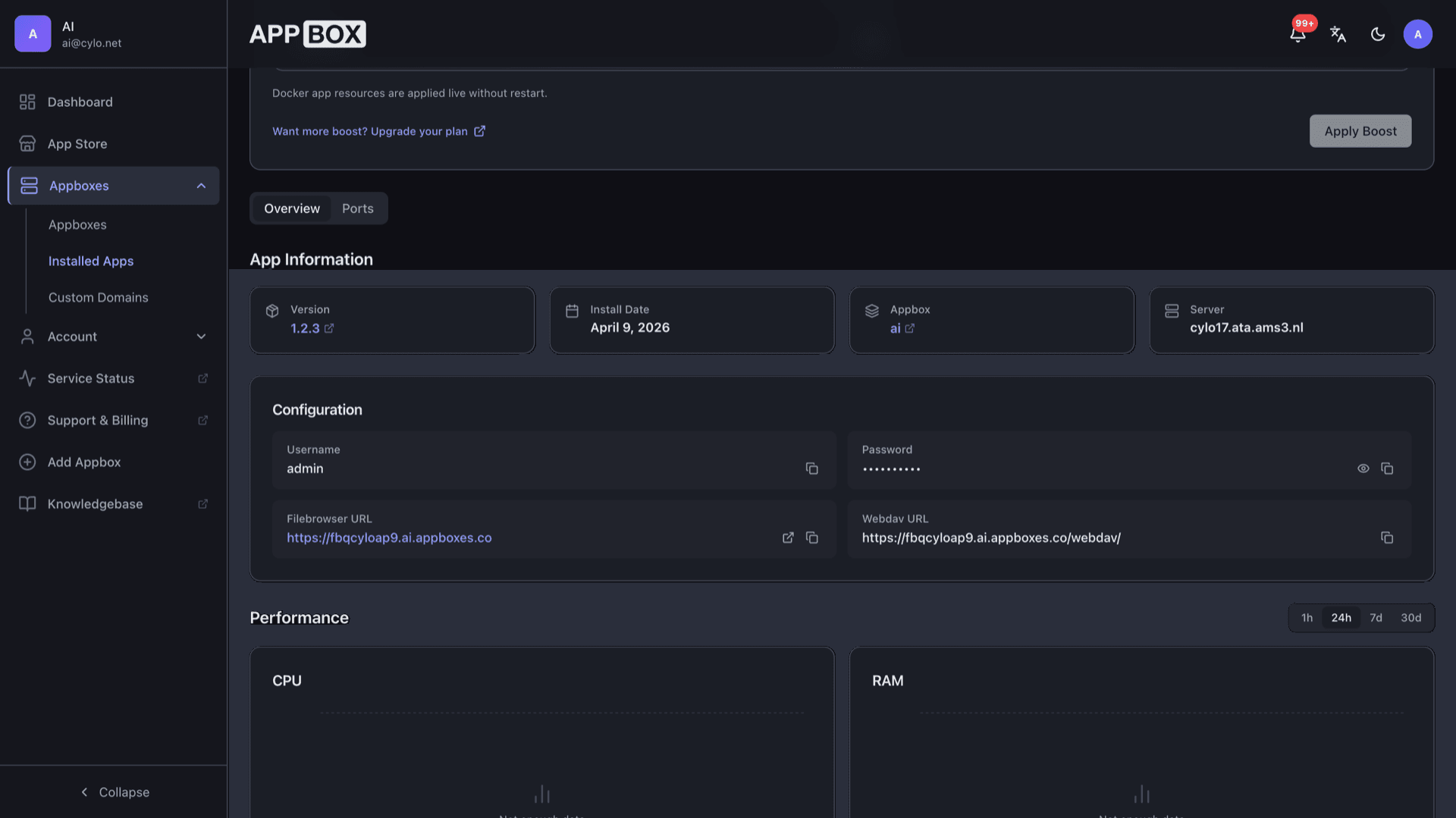
After install, copy the File Browser URL and WebDAV URL from the installed app page so scripts and bookmarks stay aligned with what the platform provisioned.
Single container footprint
The app ships as one managed container on Appbox, so you are not wiring nginx, certificates, and a separate WebDAV daemon by hand.
Works beside other apps
Install near sync, media, or backup apps on the same account. Humans use the browser while automation writes through WebDAV or shared paths where the platform allows it.
File Browser Quantum vs classic File Browser
| Feature | File Browser Quantum | File Browser (classic) |
|---|---|---|
| WebDAV documentation | Dedicated WebDAV guides and path layout | WebDAV available; docs vary by fork |
| API reference | Structured REST docs and examples | API present; surface depends on build |
| UI focus | Workflows tuned for mixed web and mount clients | Mature minimal UI |
| Appbox listing | This store entry (app 246) | Separate File Browser & WebDAV app (231) |
| Self-hostable |
WebDAV authentication quirks
Frequently asked questions
Deploy File Browser Quantum on Appbox
Stand up a web file manager with WebDAV and API access in one click, then tune boosts as your libraries grow.
Available versions
| Version | App Slots | RAM | CPU | Released | Changes |
|---|---|---|---|---|---|
| 1.4.0 | 1 | 6 GB | Shared | Jun 23, 2026 | |
| 1.2.3 | 1 | 6 GB | Shared | Mar 31, 2026 |
Need more resources? Use Per-App Boost to allocate extra App Slots and increase RAM and CPU by 10% per slot. See the FAQ below for details.
File Browser Quantum & Webdav
بواسطة filebrowserquantum