
Self-hosted uptime and status pages
Uptime Kuma hosting on Appbox. Run a private monitoring dashboard with multi-channel alerts, public status pages, and no third-party SaaS holding your check history.
What you get with Uptime Kuma hosting
A single web app on your Appbox URL for checks, notifications, and optional status sites.
Broad monitor types
Track HTTP and HTTPS endpoints, TCP ports, ICMP ping, DNS records, keyword presence, and more from one dashboard with per-monitor intervals and timeouts.
Rich notifications
Send alerts to Telegram, Discord, Slack, email, Gotify, Pushover, webhooks, and a long list of other integrations when a service goes down or recovers.
Live dashboard
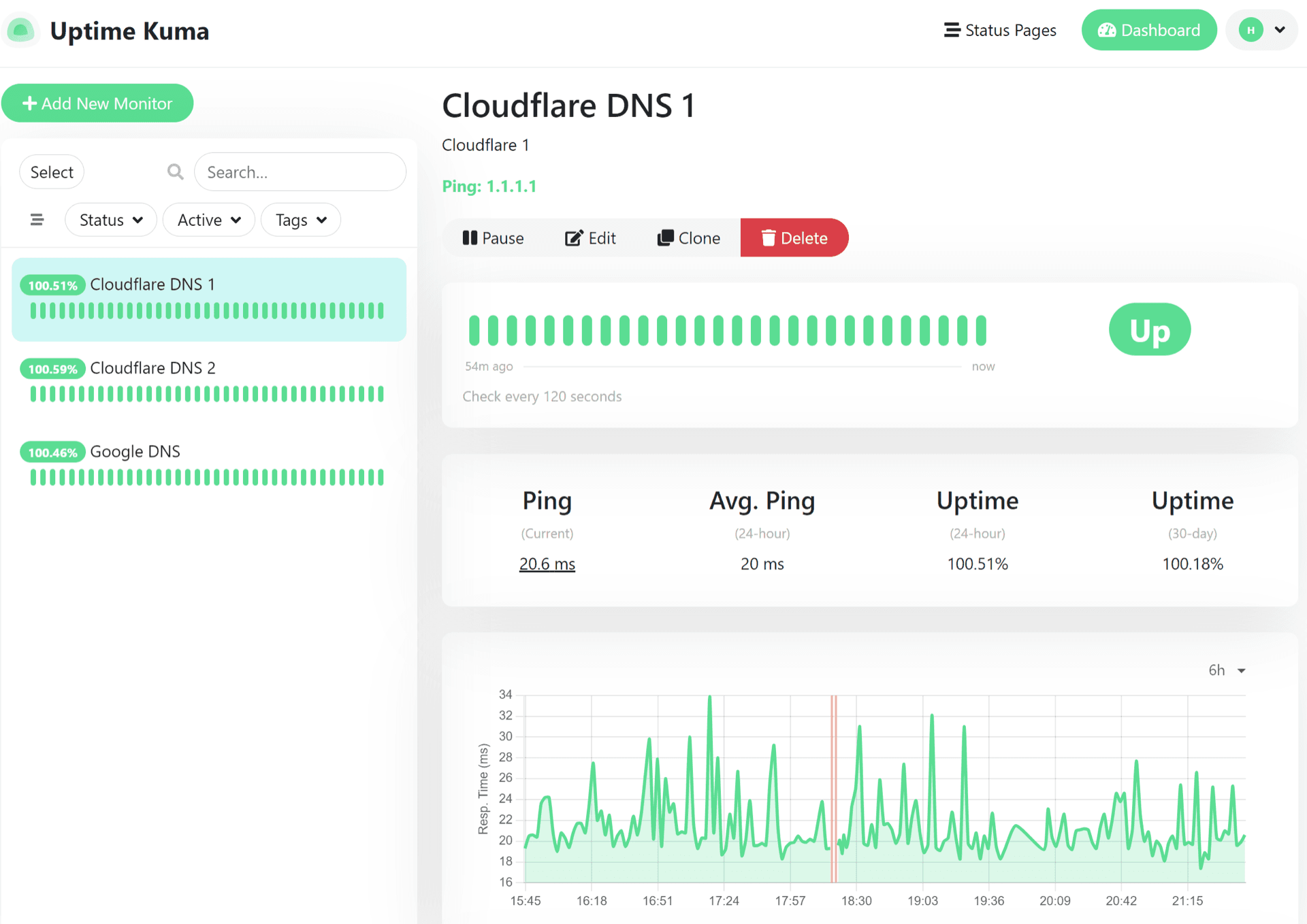
See up and down states, response times, and incident history in a fast UI that updates as probes run, without refreshing the whole page.
Status pages
Publish read-only status pages for customers or teams, with branding and monitor grouping, served from the same instance as your private dashboard.
TLS and proxy aware
Monitor HTTPS expiry and chain issues, work through reverse proxies, and keep an eye on certificates without a separate scanner stack.
SQLite datastore
History and configuration live in a local SQLite database inside the app data directory, so you are not wiring an external database server.
Uptime Kuma on Appbox
Install in seconds
Pick your Appbox, fill in a few fields, and Uptime Kuma is live.
Install Uptime Kuma
Requires 1 App Slot
This demo shows what the installer looks like after you have an Appbox.
Multiplier
1.4x
Slot Cost
5 / 21
RAM
1.40 GB
CPUs
∞
✓ uptime-kuma.steve.appboxes.co
Ready to install? You will need an active Appbox first.
This is a preview of the install form. Choose a plan to create your Appbox and deploy for real.
Operations and day-to-day use
How teams actually run Uptime Kuma after it is installed.
Granular checks
Tune retries, expected status codes, keywords, and maintenance windows per monitor so alerts match how strict you want each dependency to be.
Shared visibility
Use dashboard accounts and status pages so operators see everything while stakeholders only see the services you expose publicly.
Runs on Appbox
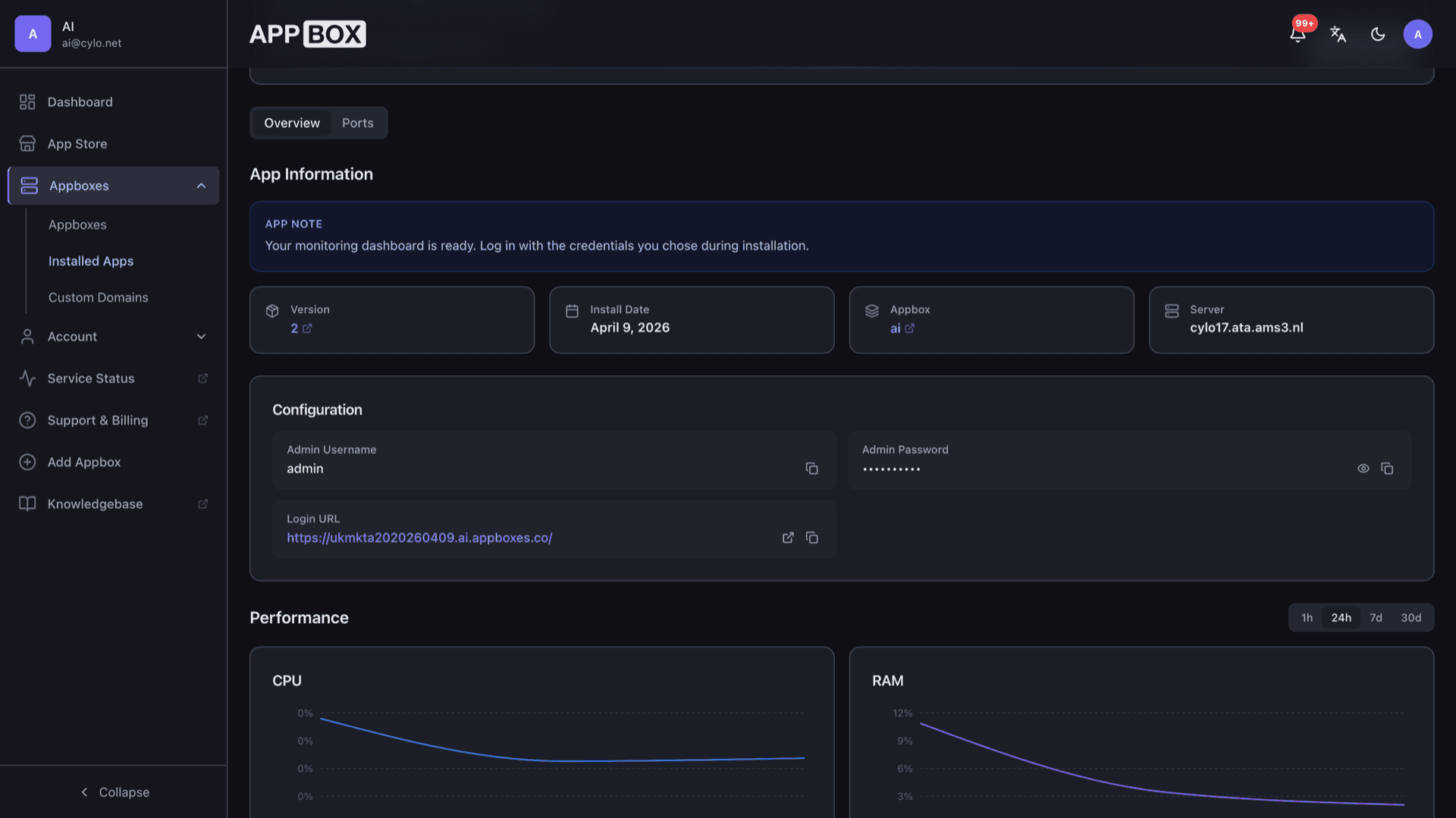
The container stays on platform-managed infrastructure with the HTTPS URL and resource limits shown on your installed app page, while you configure monitors inside the app.
Portable config
Export and import monitor definitions as JSON for backups, cloning to another host, or moving between environments when you rebuild.
Uptime Kuma vs UptimeRobot
| Feature | Uptime Kuma (self-hosted) | UptimeRobot (SaaS) |
|---|---|---|
| Data and history | Stored on your Appbox instance | Held in vendor cloud under their retention rules |
| Pricing model | App Slots and boost on Appbox | Subscription tiers and monitor limits |
| Notification channels | Large built-in list plus webhooks | Broad integrations, tier-dependent |
| Status pages | Included with your instance | Often a paid add-on or higher plan |
| Operational burden | You patch and back up the app | Vendor handles uptime of the service |
| Network placement | Probes originate from your Appbox region | Vendor global probe network |
Open the Web UI from the panel
Frequently asked questions
Start monitoring on your own infrastructure
Deploy Uptime Kuma hosting on Appbox in one click and keep uptime checks, alerts, and status pages under your control.
Available versions
| Version | App Slots | RAM | CPU | Released | Changes |
|---|---|---|---|---|---|
| 2 | 1 | 1 GB | Shared | Mar 18, 2026 |
Need more resources? Use Per-App Boost to allocate extra App Slots and increase RAM and CPU by 10% per slot. See the FAQ below for details.