
Stream your library from one server
Madsonic hosting on Appbox. A Java media server in the Subsonic tradition: web UI, playlists, transcoding, and API access for compatible desktop and mobile players.
What you get with Madsonic hosting
A focused stack for people who already like Subsonic-style servers and clients.
Web media center
Browse artists, albums, genres, and playlists in the classic Madsonic interface, with jukebox-style playback controls in the browser.
Subsonic API
Point compatible third-party apps at your instance so phones and desktops can stream without opening the website every time.
Transcoding
Convert formats on the fly when a client needs a different bitrate or codec, which helps on slow links or picky players.
Users and sharing
Create accounts, tune access, and keep personal libraries and favorites separate under one server.
Podcasts and radio
Subscribe to feeds and use discovery features alongside local files so spoken audio and music live in one place.
Managed web app
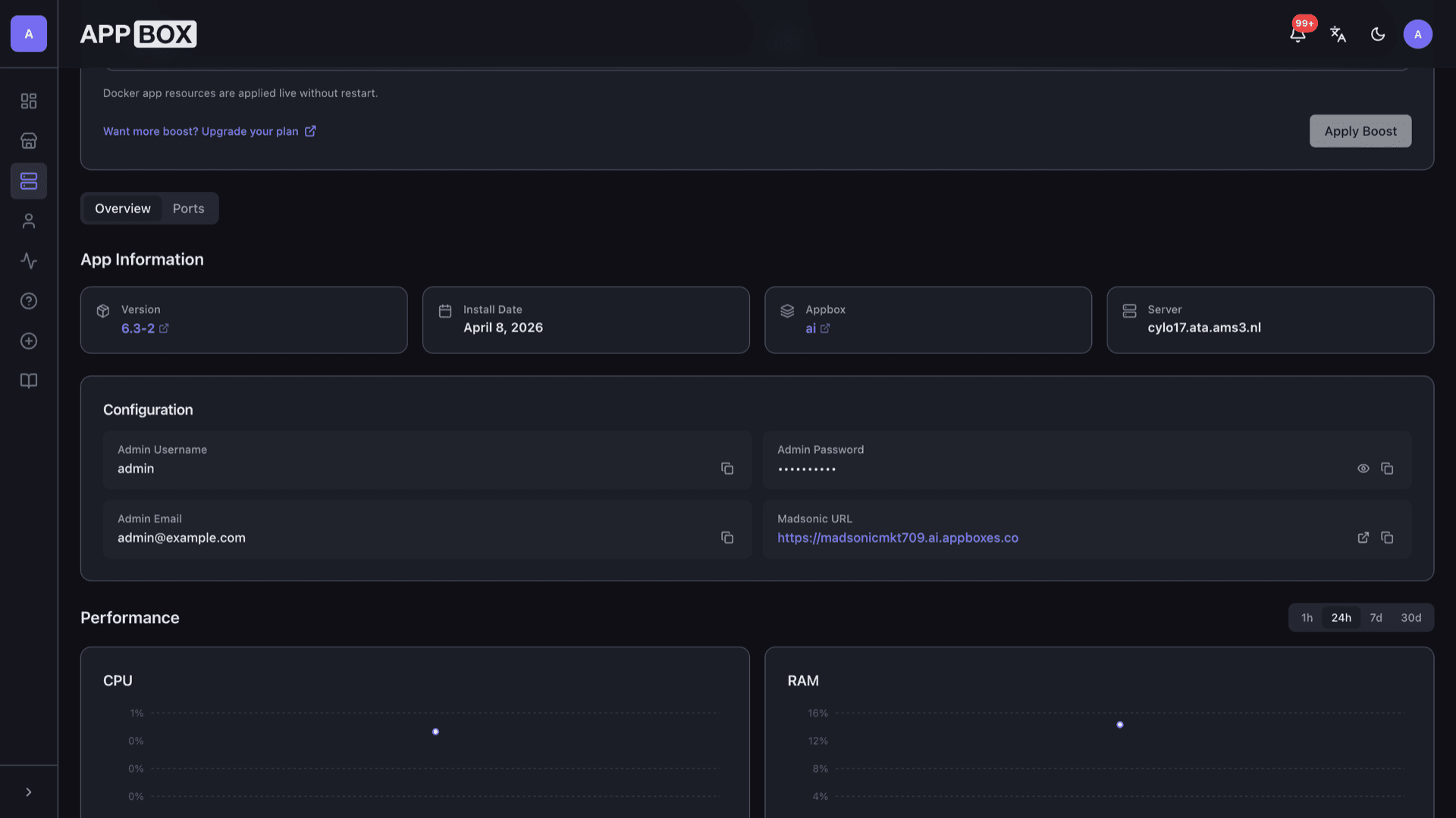
Runs as a platform-managed container with TLS on your chosen subdomain, without you wiring nginx or certificates by hand.
See Madsonic on Appbox
Install in seconds
Pick your Appbox, fill in a few fields, and Madsonic is live.
Install Madsonic
Requires 1 App Slot
This demo shows what the installer looks like after you have an Appbox.
Multiplier
1.4x
Slot Cost
5 / 21
RAM
2.80 GB
CPUs
∞
✓ madsonic.steve.appboxes.co
Ready to install? You will need an active Appbox first.
This is a preview of the install form. Choose a plan to create your Appbox and deploy for real.
After you deploy
Typical setup steps once the container is running.
Lock down admin
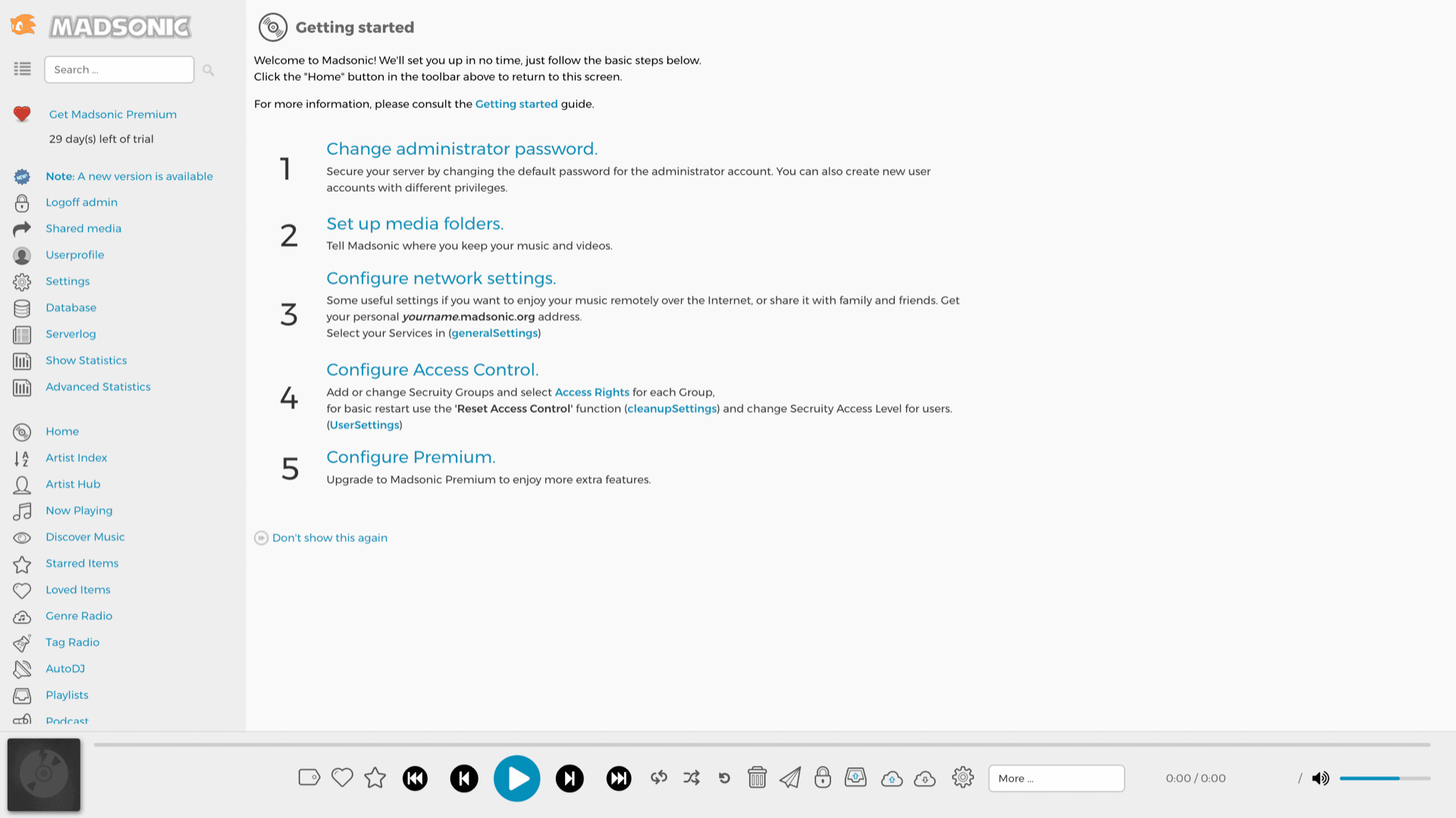
Replace the default admin password from the Getting started screen, then create non-admin users for everyday listening.
Point at media folders
Add folders that contain your audio (and video if you use that side of the product) so the scanner can index metadata and artwork.
Tune network and access
Adjust host name, port expectations, and security groups so remote clients and your subdomain line up with how you reach the server.
Pair a client app
Use any Subsonic-compatible player with your HTTPS URL and the user credentials you created in the web UI.
Madsonic vs Navidrome
| Feature | Madsonic | Navidrome |
|---|---|---|
| Implementation | Java, Spring-style stack | Go, lightweight binary |
| UI style | Classic Subsonic-era layout | Modern responsive SPA |
| API | Subsonic-compatible | Subsonic-compatible |
| Resource use | Heavier JVM footprint | Lower baseline RAM |
| Project pace | Smaller community, slower cadence | Very active development |
| Self-hostable |
First login
Frequently asked questions
Deploy Madsonic hosting on Appbox
Install Madsonic in one flow, open your subdomain, and point Subsonic-compatible clients at your own library.
Available versions
| Version | App Slots | RAM | CPU | Released | Changes |
|---|---|---|---|---|---|
| 6.3-2 | 1 | 2 GB | Shared | Apr 7, 2021 |
Need more resources? Use Per-App Boost to allocate extra App Slots and increase RAM and CPU by 10% per slot. See the FAQ below for details.