App Freeze
Pause an app you aren't using to get its app slots back, and keep its data for later.
Freezing an app stops it and gives its app slots back to your Appbox, including any boost slots it had. Its data and settings stay where they are. When you unfreeze it, it starts again as it was, with the same boost.
Use it to try a new app when all your slots are taken, or to put aside an app you only need now and then, without uninstalling it and losing its data.
Freeze an app
- Go to Appboxes > Installed Apps and open the app.
- In the Actions card, select Freeze.
- Select Confirm.
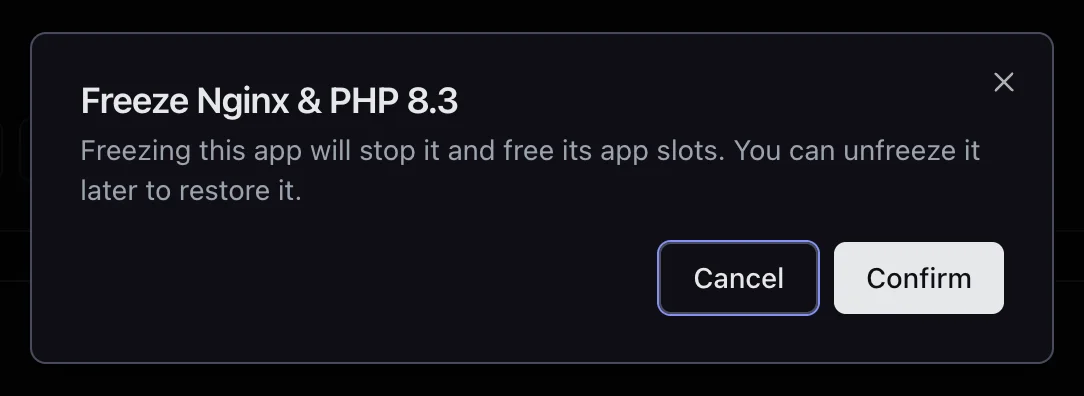
The app's status changes to frozen, and its slots count as free on your Appbox straight away.
To freeze several apps at once, tick them in Installed Apps and select Freeze in the bar that appears. The list doesn't ask you to confirm.
Unfreeze an app
- Open the frozen app from Installed Apps.
- In the Actions card, select Unfreeze.
- Select Confirm.
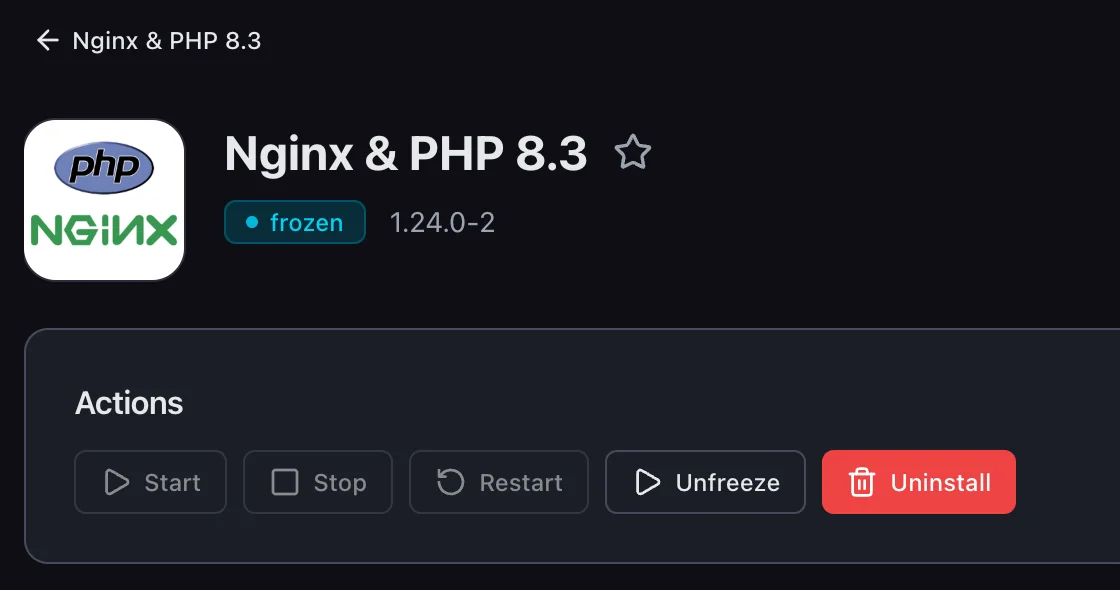
Unfreezing takes the app's slots again, plus its boost slots, so your Appbox needs that many free. The app starts and its address works again within a minute or so.
While an app is frozen
- It isn't running, so its address doesn't open.
- Start, Stop and Restart are unavailable, and so is its App Boost card.
Troubleshooting
| What you see | What to check |
|---|---|
| Freeze is greyed out | Wait until the app finishes installing, updating or restarting. An app whose install failed can't be frozen, so uninstall it instead. |
| Instance is in a transitional state. | The app is installing, updating or being removed. Try again when it's done. |
| Unfreezing fails for lack of slots | Free enough slots for the app and its boost slots by freezing or uninstalling another app. |
| Cannot unfreeze due to low quota. | Your Appbox has run out of disk space. Delete files to make room, then unfreeze. |