
Light BitTorrent hosting
Transmission hosting on Appbox. A minimal client and daemon with web access, encryption, magnet links, DHT, and PEX, installed in one click on your subdomain.
What you get with Transmission hosting
The upstream client you know, packaged for Appbox with TLS and clear connection details on the installed app page.
Daemon and web UI
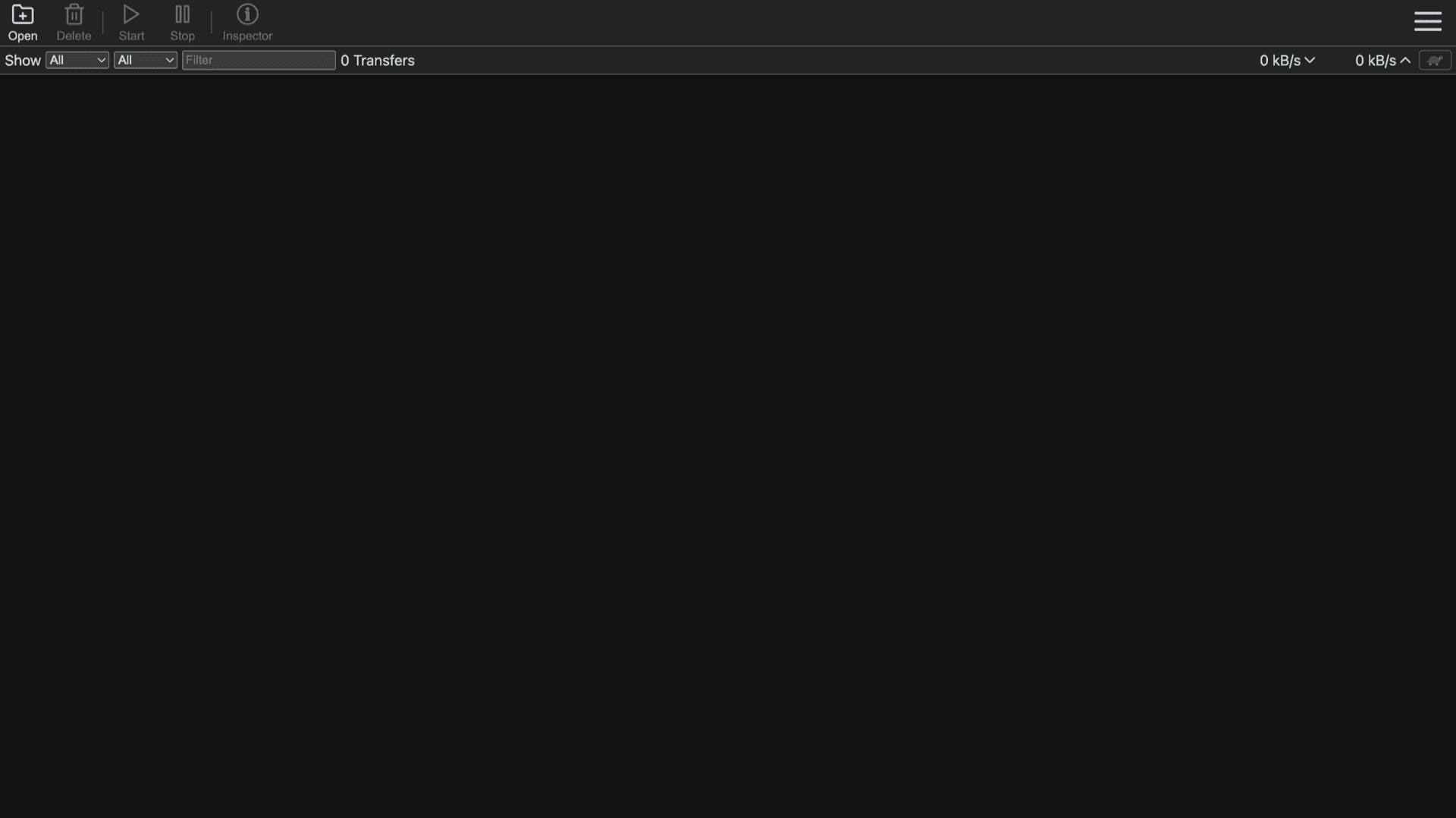
transmission-daemon serves the official web interface so you add torrents, pause queues, and read stats from a browser without a desktop session.
Clean interface
Toolbar actions, filters, transfer counts, and speed readouts stay readable on large monitors and smaller viewports alike.
Magnets and peers
Magnet links, encryption, DHT, and PEX behave like the desktop builds you already use for public and private swarms.
Limits and scheduling
Bandwidth caps, alternative speed mode, and queue ordering help you stay inside host and plan limits while seeding or grabbing large sets.
HTTP basic auth
The username and password you set at install protect the web UI, which fits hosting on a shared platform.
HTTPS URL
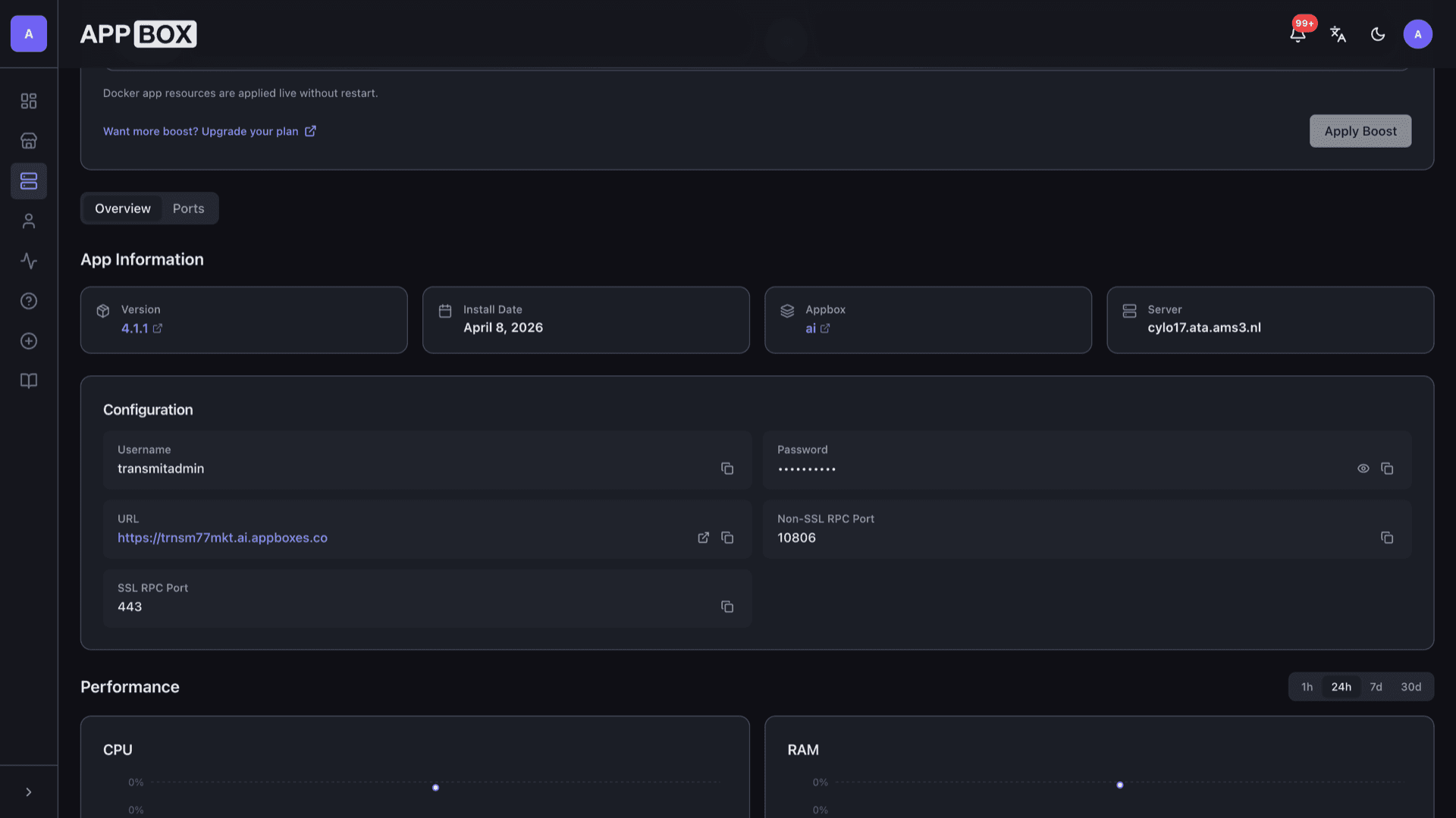
The Overview tab lists your Web UI link, RPC port details, and copy actions so you can script against JSON-RPC with the values shown there.
Transmission on Appbox
Installer på sekunder
Vælg din Appbox, udfyld nogle få felter, og Transmission er live.
Installer Transmission
Kræver 1 App Slot
Denne demo viser, hvordan installationsprogrammet ser ud, når du har en Appbox.
Multiplikator
1.4x
Slotpris
5 / 21
RAM
∞
CPU'er
∞
✓ transmission.steve.appboxes.co
Klar til at installere? Du skal først have en aktiv Appbox.
Dette er en forhåndsvisning af installationsformularen. Vælg en plan for at oprette din Appbox og udrulle rigtigt.
Running it on Appbox
How the platform wraps Transmission without changing the upstream feature set.
Single-container app
Daemon, web assets, and data directories live in one Appbox app with persistent volumes for configuration and downloads paths the image defines.
RPC endpoints
Non-SSL and SSL RPC port values resolve on the Overview tab after install so desktop tools and scripts can target the same daemon the web UI uses.
Automation friendly
JSON-RPC matches upstream Transmission expectations, so community scripts and wrappers that speak the standard API remain applicable.
Resource visibility
CPU, RAM, and disk charts on the installed app page show whether Per-App Boost or a plan change would help heavy seeding workloads.
Transmission vs qBittorrent
| Feature | Transmission | qBittorrent |
|---|---|---|
| Default UI model | Minimal lists and toolbar | Richer tabbed Qt client and optional Web UI |
| Typical idle footprint | Very small daemon focus | Qt UI can use more RAM when attached |
| Built-in content search | Not in core; use magnets and .torrent files | Search plugins common in many setups |
| Web UI shipping | Bundled with daemon packages | Web UI is optional alongside the desktop app |
| Feature surface | Streamlined client | More toggles and advanced options exposed by default |
| Self-hostable |
Sign in at the browser prompt
Frequently asked questions
Deploy Transmission hosting on Appbox
Install Transmission in one flow, open your HTTPS Web UI, and manage torrents with a lightweight daemon and familiar RPC.
Available versions
| Version | App Slots | RAM | CPU | Released | Changes |
|---|---|---|---|---|---|
| 4.1.2 | 1 | Shared | Shared | Invalid Date | |
| 4.1.1 | 1 | Shared | Shared | Invalid Date | |
| 4.1.0 | 1 | Shared | Shared | Invalid Date | |
| 4.0.6 | 1 | Shared | Shared | Invalid Date |
Need more resources? Use Per-App Boost to allocate extra App Slots and increase RAM and CPU by 10% per slot. See the FAQ below for details.