
Your media server, one click away
Emby hosting on Appbox. Organize libraries, fetch metadata, and stream to phones, TVs, and browsers from a single managed instance with a public HTTPS URL.
What you get with Emby hosting
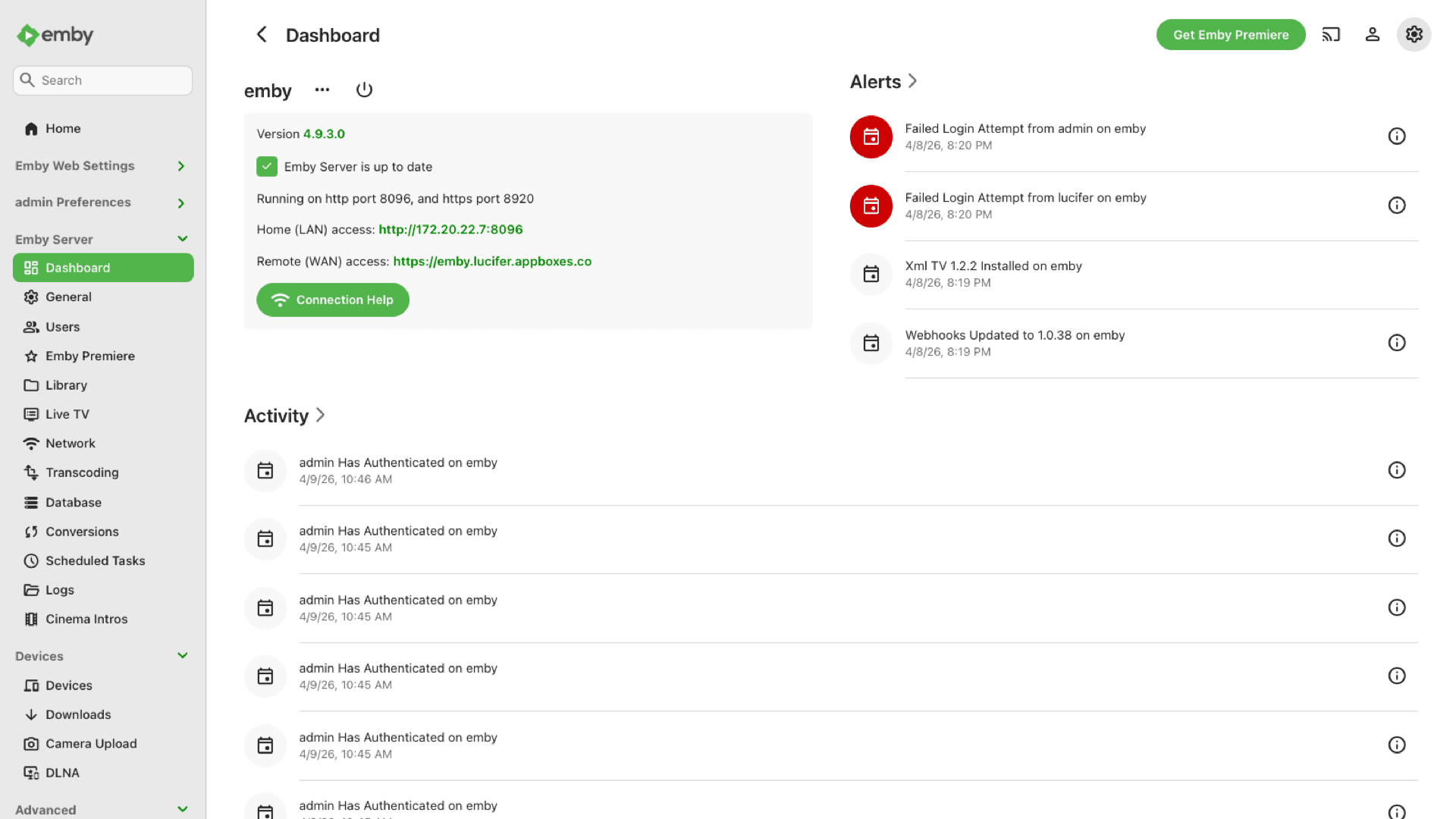
A full Emby Server on Appbox with TLS, subdomain, and the connection details on your installed app page.
Library management
Add movies, TV, music, and photos, then let Emby fetch metadata, artwork, and structure for browsing in the web app and other clients.
Web dashboard
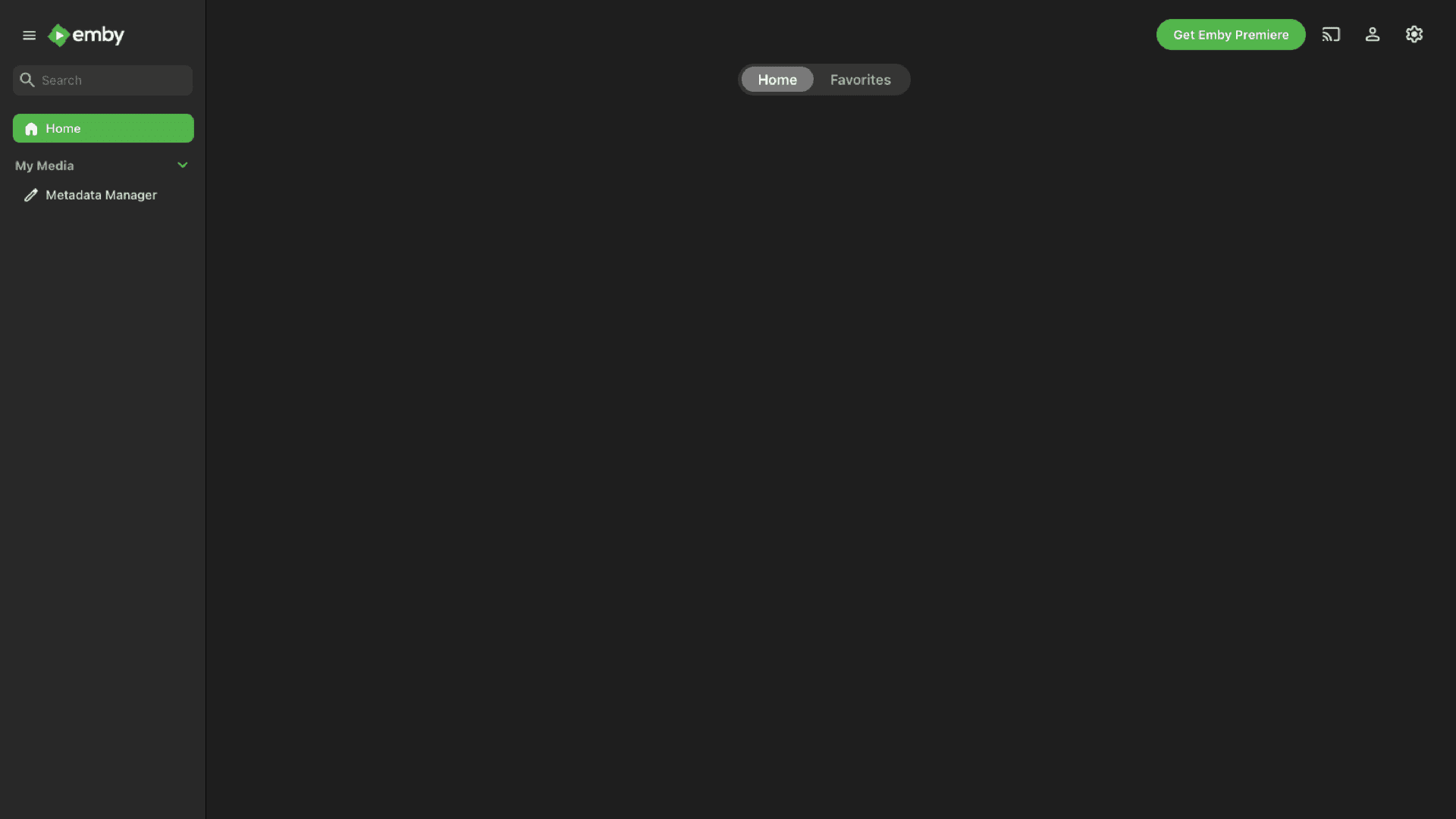
Open the Web UI link from the Overview tab, sign in with your install credentials, then configure libraries, users, and playback settings.
Broad client support
Use official Emby apps and compatible players on phones, tablets, TVs, and desktops against the hostname and credentials shown in the panel.
Transcoding options
When hardware and licensing allow, Emby can transcode for bandwidth or device limits. Heavy transcoding benefits from extra CPU headroom and Per-App Boost.
Multi-user control
Create accounts, profiles, and parental controls so family members see their own libraries and restrictions.
HTTPS on your URL
The panel lists your Emby URL with copy actions so you can attach clients without guessing hostnames or ports.
Emby on Appbox
Installer på sekunder
Vælg din Appbox, udfyld nogle få felter, og Emby er live.
Installer Emby
Kræver 1 App Slot
Denne demo viser, hvordan installationsprogrammet ser ud, når du har en Appbox.
Multiplikator
1.4x
Slotpris
5 / 21
RAM
∞
CPU'er
∞
✓ emby.steve.appboxes.co
Klar til at installere? Du skal først have en aktiv Appbox.
Dette er en forhåndsvisning af installationsformularen. Vælg en plan for at oprette din Appbox og udrulle rigtigt.
Operations and shared storage
How Emby fits the Appbox model and what to plan for after install.
Libraries and /APPBOX_DATA
The app note reminds you that other apps' data is reachable under /APPBOX_DATA when you add library paths, so you can include downloads or shared folders without manual host paths.
Premiere and features
Some capabilities are tied to Emby Premiere. Check Emby's own docs for which extras need a subscription versus what the open server already provides.
Remote streaming
Quality and reliability depend on uplink, client choice, and whether transcoding runs. Watch CPU and RAM on the instance page when many streams are active.
Per-App Boost
Charts on the installed app page help you decide when extra slots are worth it for larger libraries, more concurrent streams, or heavier metadata work.
Emby vs Jellyfin
| Feature | Emby | Jellyfin |
|---|---|---|
| License model | Emby Server with optional Emby Premiere for some extras | Fully open-source GPLv2 stack |
| Client ecosystem | Emby-branded apps and broad device support | Jellyfin apps and community clients |
| Vendor cloud tie-in | Optional Emby Connect for easier remote discovery | Self-hosted only, no vendor cloud account required |
| Metadata and UX polish | Long-polished commercial-style media UX | Actively improving open-source UX |
| Self-hostable on Appbox |
First sign-in and clients
Frequently asked questions
Start streaming with Emby
Deploy Emby hosting on Appbox in one click, open your Web UI, and build your libraries on a managed HTTPS endpoint.
Available versions
| Version | App Slots | RAM | CPU | Released | Changes |
|---|---|---|---|---|---|
| latest-2 | 1 | Shared | Shared | Invalid Date |
Need more resources? Use Per-App Boost to allocate extra App Slots and increase RAM and CPU by 10% per slot. See the FAQ below for details.