
Deluge 2.x, browser controlled
Deluge hosting on Appbox. The current 2.2.x stack with Web UI, deluged, and libtorrent-backed transfers you manage from any device with HTTPS access.
What you get with Deluge hosting
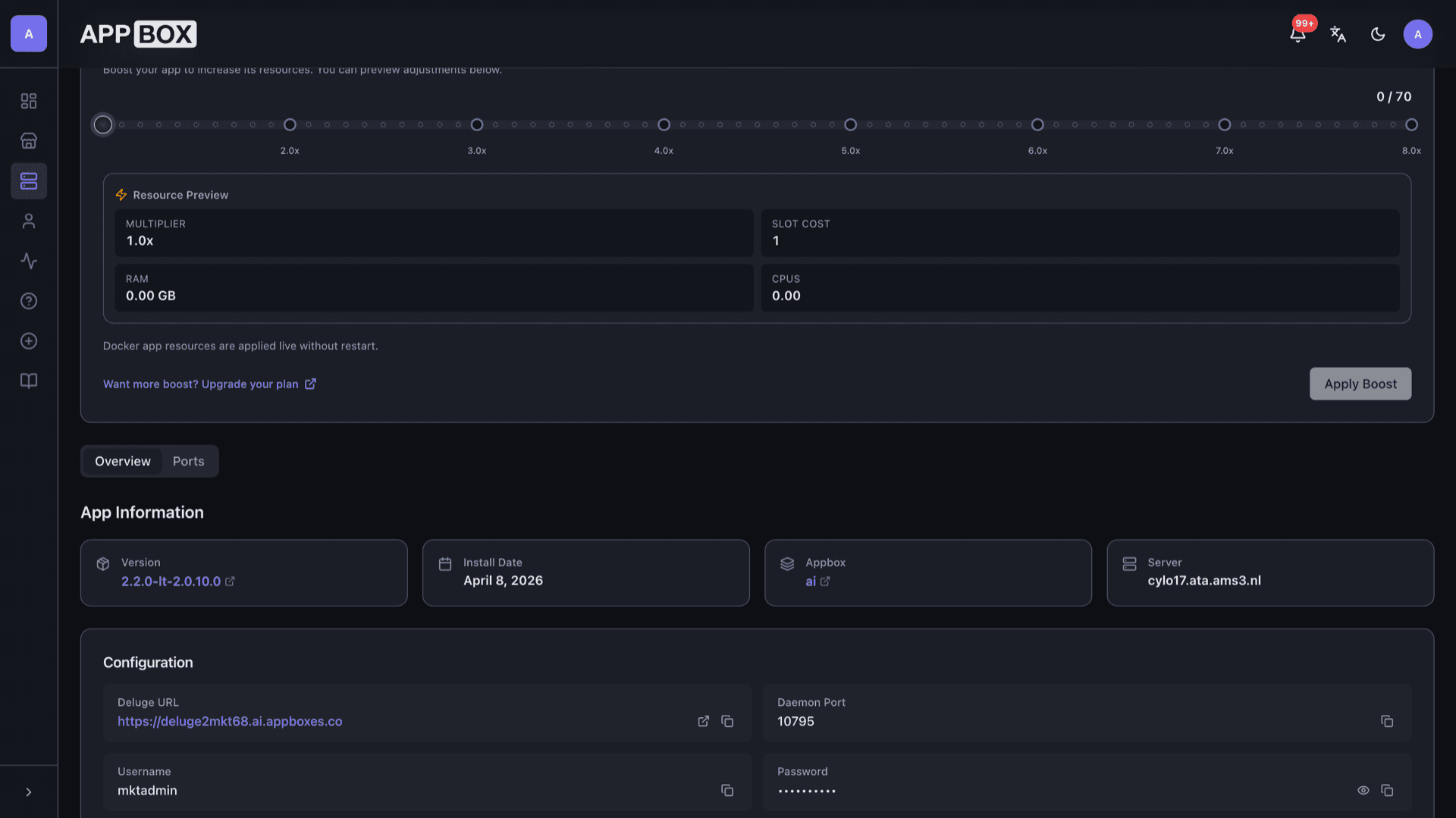
Daemon plus Web UI in one Appbox app, with ports and credentials surfaced on the Overview tab.
Web UI plus daemon
Deluge Web UI talks to deluged on the instance. Add torrents, pause queues, and watch speeds without a desktop session on the server.
Remote friendly
Use the published HTTPS URL from your installed app page. The daemon port is listed for thin clients or automation that speaks Deluge RPC.
Plugins and limits
Enable supported plugins where they make sense, tune encryption, DHT, and PEX, and shape bandwidth per torrent or globally.
Lightweight footprint
Deluge stays modest on RAM and CPU compared with heavier clients, which helps on smaller Appbox plans.
Your credentials
You choose the Deluge username and password at install. The panel shows the Web UI URL, daemon port, and masked secrets after provisioning.
Fix Offline Daemon
If the Web UI shows the daemon offline with stale connection details, use Fix Offline Daemon on the installed app page to rewrite the Web UI config, then connect again.
Deluge on Appbox
Installer på sekunder
Vælg din Appbox, udfyld nogle få felter, og Deluge er live.
Installer Deluge
Kræver 1 App Slot
Denne demo viser, hvordan installationsprogrammet ser ud, når du har en Appbox.
Multiplikator
1.4x
Slotpris
5 / 21
RAM
∞
CPU'er
∞
✓ deluge.steve.appboxes.co
Klar til at installere? Du skal først have en aktiv Appbox.
Dette er en forhåndsvisning af installationsformularen. Vælg en plan for at oprette din Appbox og udrulle rigtigt.
Operations and integrations
How teams use Deluge 2.x day to day on Appbox.
Labels and queues
Organize torrents with labels, ordering, and queue rules so seeding and grabbing stay predictable on a shared slot.
Paths and completion moves
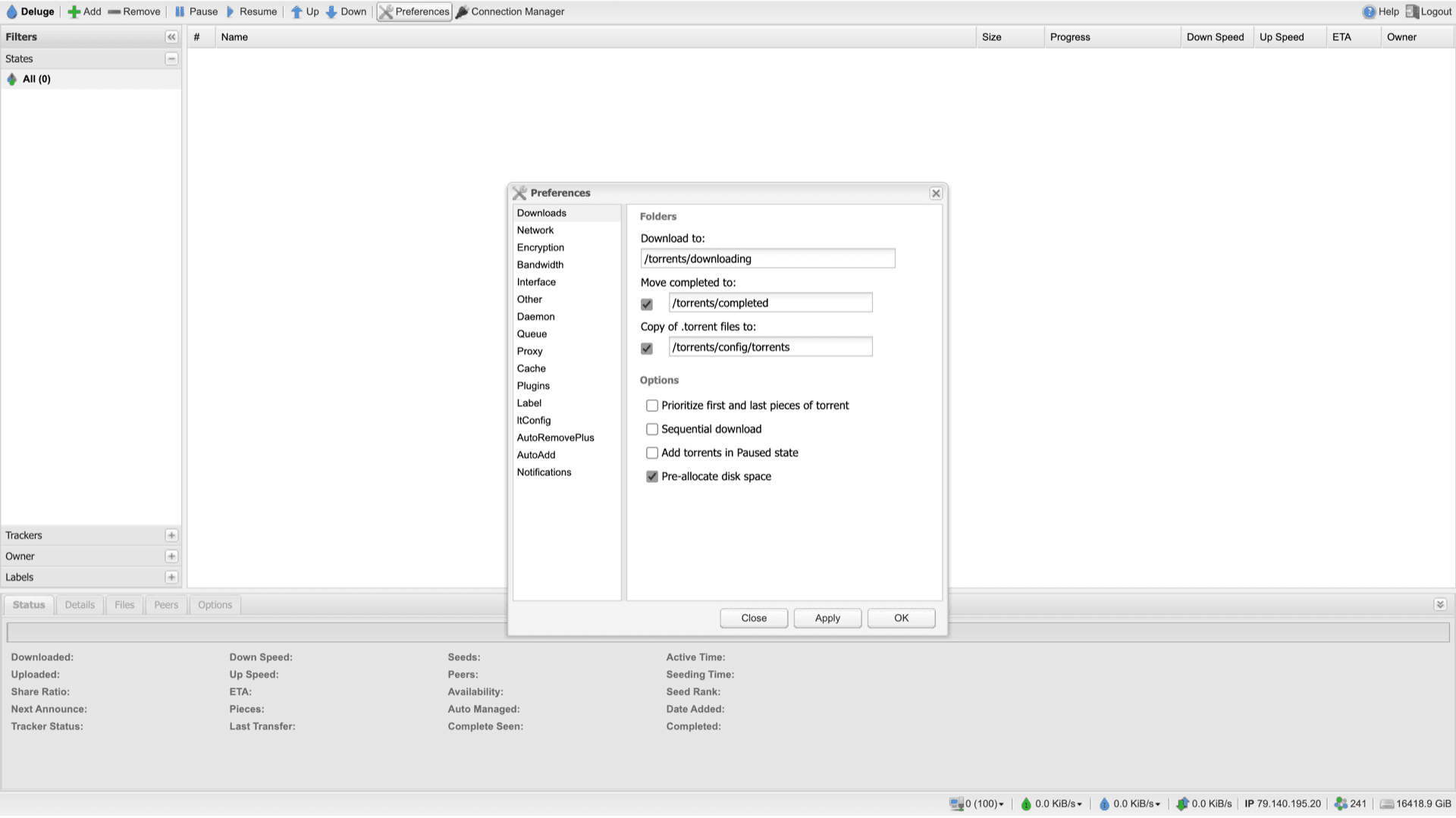
Point downloads and completed moves at your app volumes from Preferences so data lands on persistent storage you control.
RPC aware workflows
Automation that targets Deluge RPC can use the host and port from the panel together with the daemon password you set at install.
Connection Manager
After signing into the Web UI, open Connection Manager, select the local daemon entry, and click Connect when the status shows Online.
Deluge 2.x vs Deluge 1.3.15 on Appbox
| Feature | Deluge 2.2.x (this listing) | Deluge 1.3.15 listing |
|---|---|---|
| Upstream focus | Current 2.x line and Web UI | Legacy 1.3.x compatibility build |
| Web UI generation | Deluge 2 Web UI | Classic thin-client Web UI |
| Typical use case | New installs and current docs | Scripts and plugins stuck on 1.3.x |
| libtorrent generation | 2.x era libtorrent | Older libtorrent branch |
| Maintenance pace | Active upstream releases | Security fixes only, slower cadence |
| Appbox app id | 68 | 107 |
First launch checklist
Frequently asked questions
Deploy Deluge on Appbox
Spin up Deluge 2.x hosting in one install flow. You keep the Web UI, daemon, and credentials under your control.
Available versions
| Version | App Slots | RAM | CPU | Released | Changes |
|---|---|---|---|---|---|
| 2.2.0-lt-2.0.10.0 | 1 | Shared | Shared | Invalid Date | |
| 1.3.15 | 1 | Shared | Shared | Invalid Date |
Need more resources? Use Per-App Boost to allocate extra App Slots and increase RAM and CPU by 10% per slot. See the FAQ below for details.