
Debian desktop in your browser
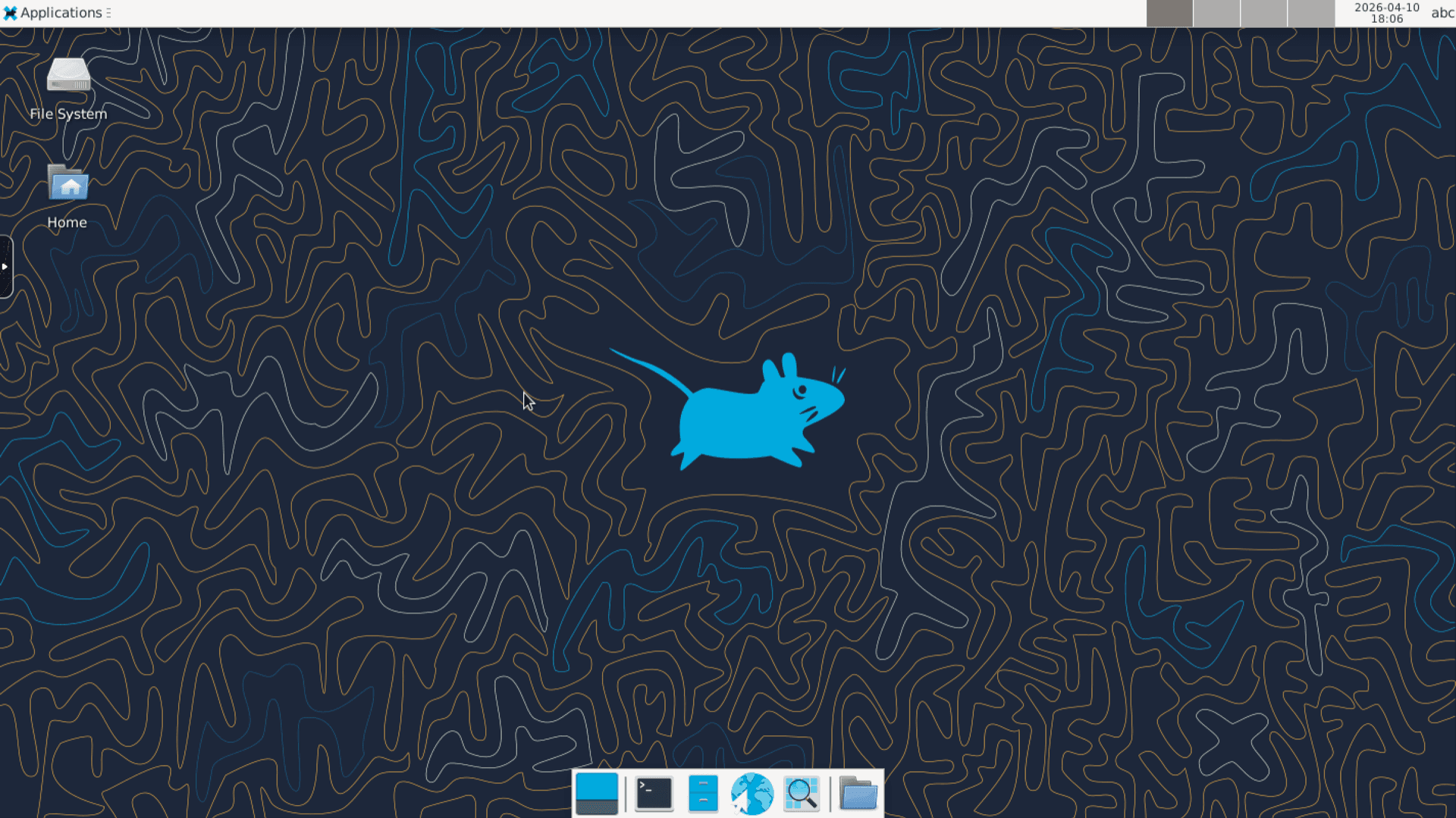
Debian 12 Remote Desktop hosting on Appbox. Bookworm with a full desktop, SSH, xrdp, and a noVNC-style web session you open from the panel.
What you get with Debian 12 Remote Desktop hosting
Stable Debian userspace on Appbox with GUI access paths that match how the product is wired after install.
Browser webtop
Open Remote Desktop from the Overview tab. The panel links into your session so you land in the live desktop without hunting for ports by hand.
SSH with copy-ready command
The Configuration block lists username, host, port, and an ssh command you can copy. Default login user is abc; use sudo when you need a root shell inside the environment.
xrdp for RDP clients
xrdp is part of the stack so Windows, macOS, and mobile RDP clients can attach using the host and forwarded RDP port from your installed app page.
Bookworm and apt
Debian 12 package sets, security updates through apt, and a normal Linux workflow inside the container image the app ships.
Managed container, real root inside
This is an Appbox OS app: a Linux userspace inside Docker on the platform, not a separate KVM guest. You still get sudo to root inside that environment.
Forwarded spare ports
Overview lists spare combined TCP and UDP ports you can point applications at when you need extra listeners beyond SSH and RDP.
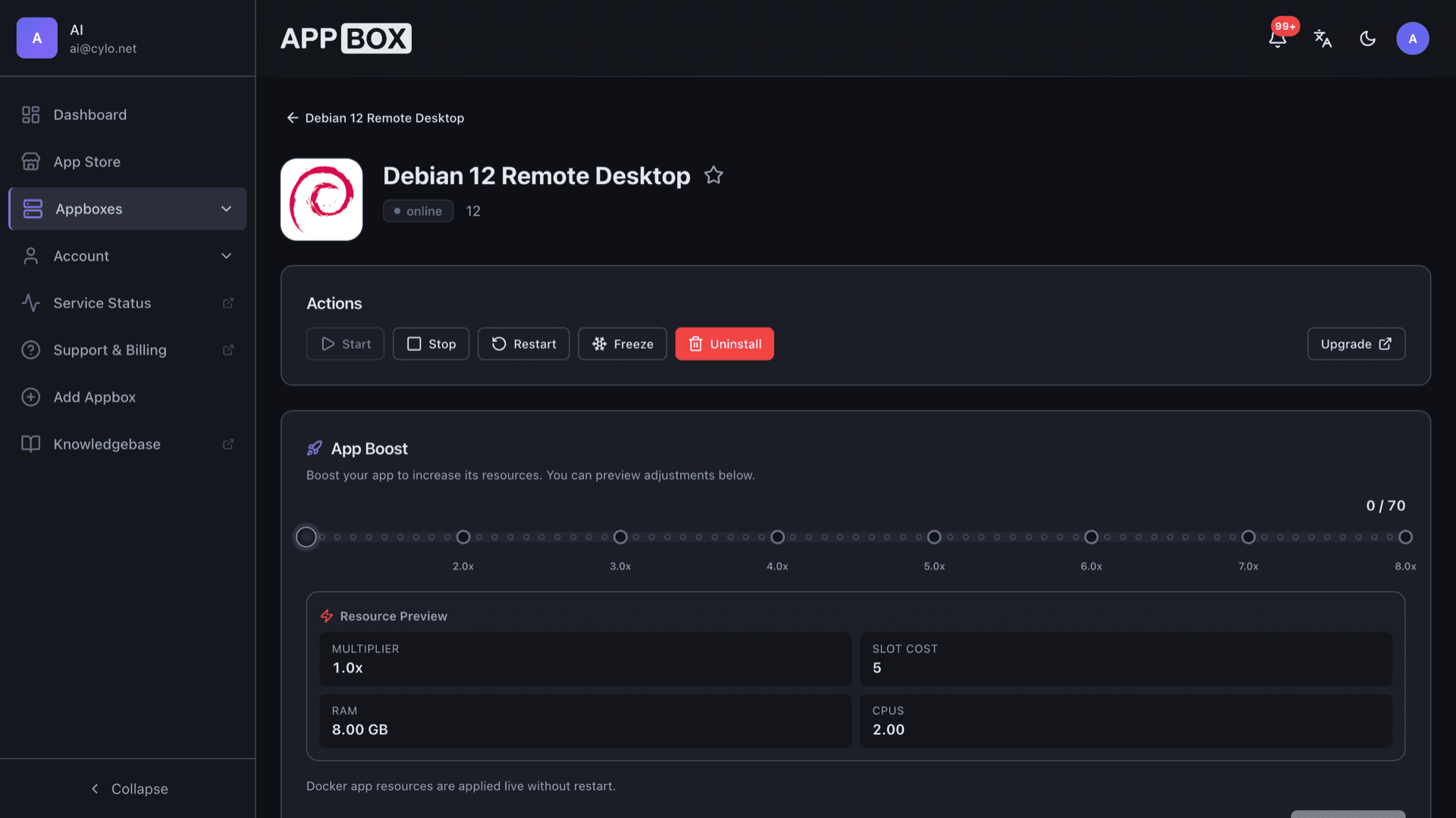
Debian 12 Remote Desktop running on Appbox
Installer på sekunder
Vælg din Appbox, udfyld nogle få felter, og Debian 12 Remote Desktop er live.
Installer Debian 12 Remote Desktop
Kræver 5 App Slots
Denne demo viser, hvordan installationsprogrammet ser ud, når du har en Appbox.
Multiplikator
1.4x
Slotpris
9 / 21
RAM
∞
CPU'er
∞
✓ debian12remotedesktop.steve.appboxes.co
Klar til at installere? Du skal først have en aktiv Appbox.
Dette er en forhåndsvisning af installationsformularen. Vælg en plan for at oprette din Appbox og udrulle rigtigt.
Desktop sessions in practice
When to lean on the browser webtop versus native RDP clients.
Quick access
Open Remote Desktop from Overview when you are on a locked-down laptop and cannot install an RDP client.
Heavy workflows
Switch to xrdp with the forwarded RDP port when you want multi-monitor or richer clipboard behavior.
GUI plus CLI
Keep SSH alongside the desktop for copy-paste automation while still using graphical tools when needed.
Same Bookworm base
Install desktop apps with apt inside the environment the same way you would on a small office server.
Debian 12 Remote Desktop vs remote control to a home PC
| Feature | Debian 12 Remote Desktop on Appbox | Consumer remote desktop |
|---|---|---|
| Host location | Runs in your Appbox region | Depends on home bandwidth and power |
| Always on | Data center uptime | PC sleep and Windows updates |
| Linux desktop | Debian Xfce stack | Usually Windows or macOS host |
| Multi-user ops | SSH and RDP paths documented | Often single-seat home use |
| Cost model | App Slots | Hardware plus residential ISP |
| Nested Docker | Not a KVM guest | Varies by what you remote into |
Signing into the webtop
Frequently asked questions
Start Debian 12 Remote Desktop hosting
Deploy a Bookworm desktop with SSH, xrdp, and browser webtop on Appbox. Connection details appear on Overview as soon as the instance is running.
Available versions
| Version | App Slots | RAM | CPU | Released | Changes |
|---|---|---|---|---|---|
| 12 | 5 | Shared | Shared | Invalid Date |
Need more resources? Use Per-App Boost to allocate extra App Slots and increase RAM and CPU by 10% per slot. See the FAQ below for details.
Debian 12 Remote Desktop
af Debian