One library for books you read and hear
BookOrbit hosting on Appbox gives you a private library for ebooks, PDFs, comics and audiobooks, with browser readers and progress that follows you between devices.
What you get with BookOrbit hosting
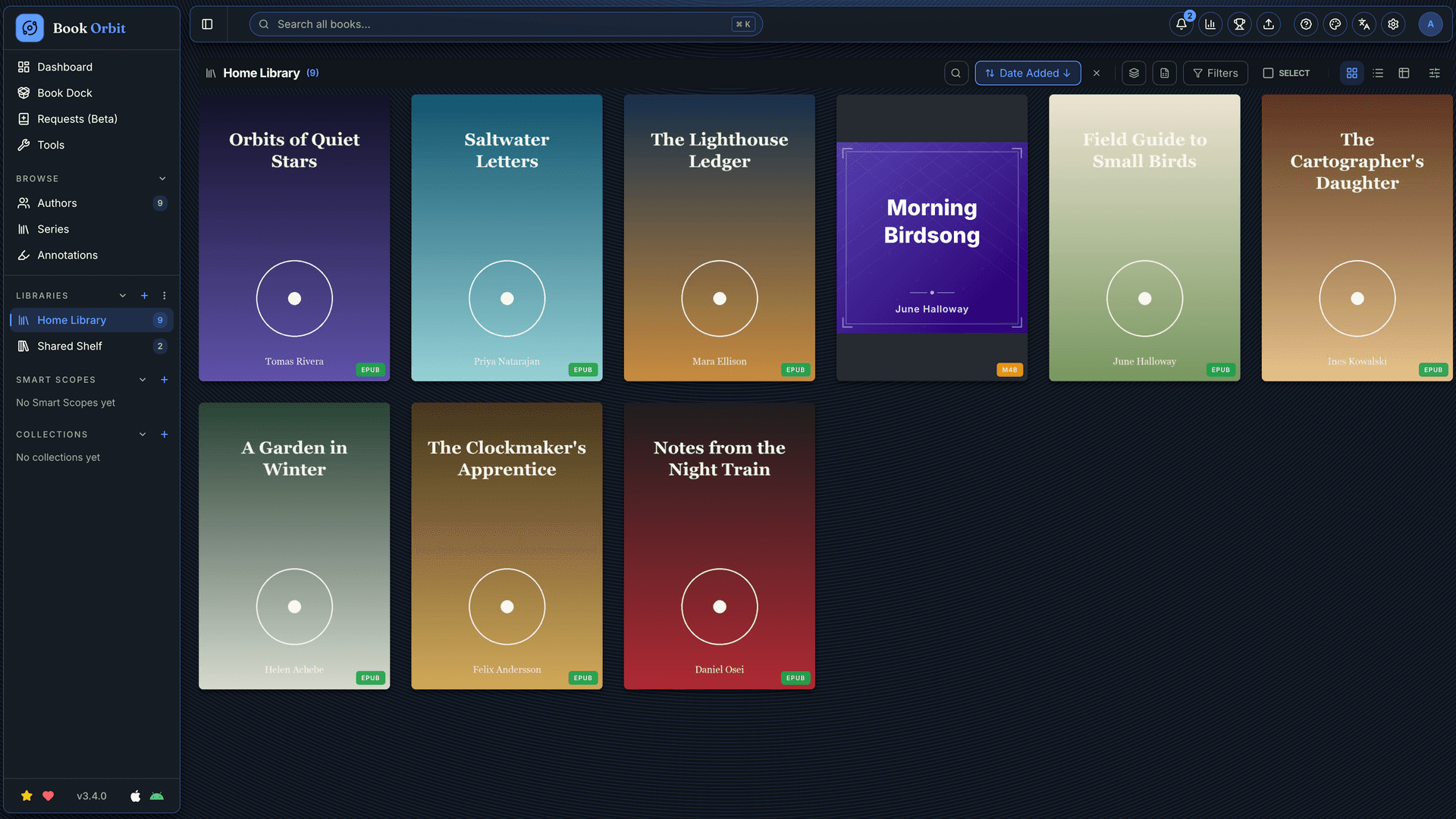
Readers in your browser
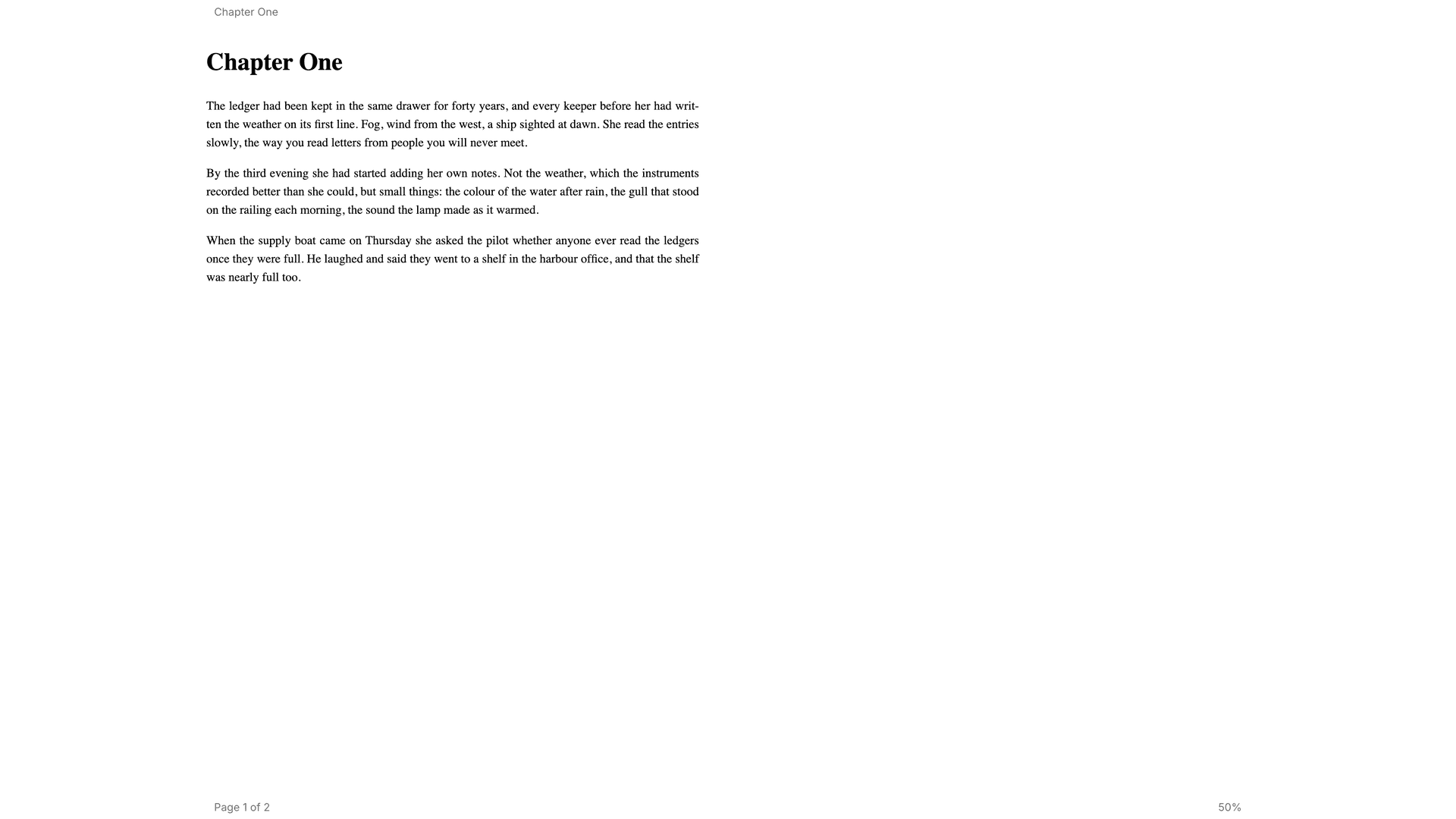
Open EPUB, MOBI, AZW3, FB2 and PDF files, or CBZ, CBR and CB7 comics, without installing a desktop app.
Audiobook player
Play M4B, MP3, M4A, OPUS, OGG and FLAC audiobooks, and BookOrbit remembers where each reader stopped.
Progress across devices
Reading position and highlights move between Kobo devices, KOReader, the web reader and the BookOrbit iPhone app.
Metadata from 14 sources
Fill in covers, series and descriptions from Google Books, Open Library, Hardcover, Audible and other providers.
An account per reader
Each person gets their own progress, shelves and permissions. Public sign-up stays off unless you turn it on.
PostgreSQL included
PostgreSQL with pgvector runs inside the app, so you have no separate database to install or update.
Inside BookOrbit
Installer på sekunder
Vælg din Appbox, udfyld nogle få felter, og BookOrbit er live.
Installer BookOrbit
Kræver 1 App Slot
Denne demo viser, hvordan installationsprogrammet ser ud, når du har en Appbox.
Multiplikator
1.4x
Slotpris
5 / 21
RAM
2.80 GB
CPU'er
2.80
✓ bookorbit.steve.appboxes.co
Klar til at installere? Du skal først have en aktiv Appbox.
Dette er en forhåndsvisning af installationsformularen. Vælg en plan for at oprette din Appbox og udrulle rigtigt.
Bring in the books you already have
Book Dock imports
Upload files or copy them into /data/book-dock, check the metadata, then add them to a library.
Shared Appbox storage
Create a library from a folder in /APPBOX_DATA/storage or another app's folder to use files you already keep on Appbox.
Move from another app
Import metadata and reading progress from an Audiobookshelf server or backup, or from Calibre-Web Automated database copies.
Reading services
Send progress and highlights to Hardcover, Readwise and The StoryGraph once you add your account details.
BookOrbit on Appbox or on your own server
| Feature | BookOrbit on Appbox | Docker Compose on your server |
|---|---|---|
| First login | The install form creates the administrator | Generate secrets, then enter the setup token |
| Database | PostgreSQL and pgvector run inside the app | A separate PostgreSQL container you maintain |
| HTTPS | Appbox domain and certificate | Your own reverse proxy and certificate |
| Narration | Connect a speech server you host elsewhere | Optional Kokoro container in the same stack |
| Resources | 2 GB RAM and 2 CPUs, more with Per-App Boost | Whatever your server provides |
Your first sign-in
Frequently asked questions
Start your BookOrbit library
Install BookOrbit hosting on Appbox and add the ebooks, comics and audiobooks you already own.
Available versions
| Version | App Slots | RAM | CPU | Released | Changes |
|---|---|---|---|---|---|
| 3.4.0-appbox.1 | 1 | 2 GB | 2 | Oct 16, 2026 |
Need more resources? Use Per-App Boost to allocate extra App Slots and increase RAM and CPU by 10% per slot. See the FAQ below for details.