Windows 11 Pro on real hardware isolation
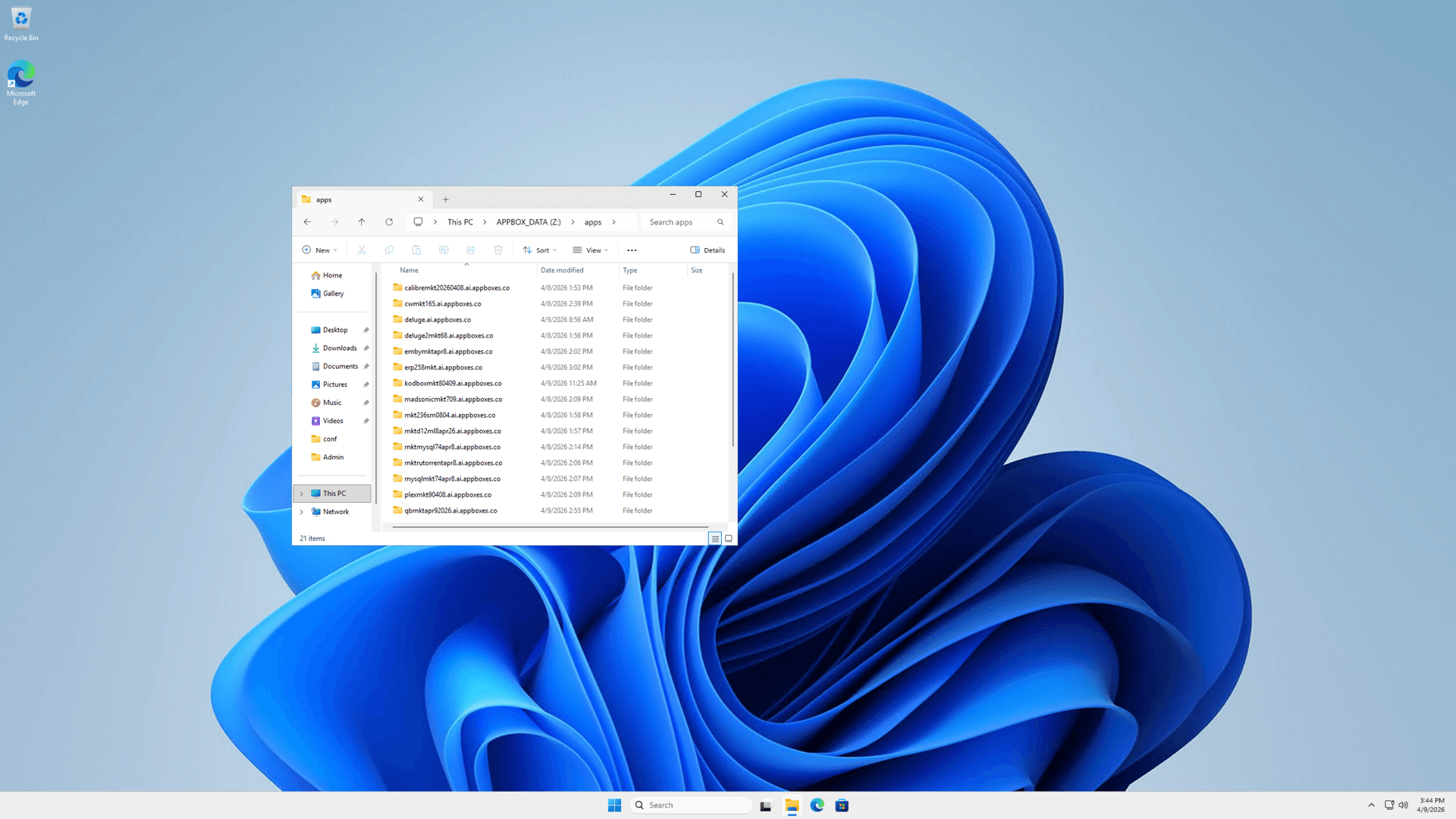
Windows 11 Pro VPS hosting on Appbox gives you a dedicated Windows VM with administrator access, RDP, and a web console, not a shared container userspace.
What you get with this Windows VPS
A full Windows desktop VM with platform-managed networking and clear connection fields on your installed app page.
Remote Desktop ready
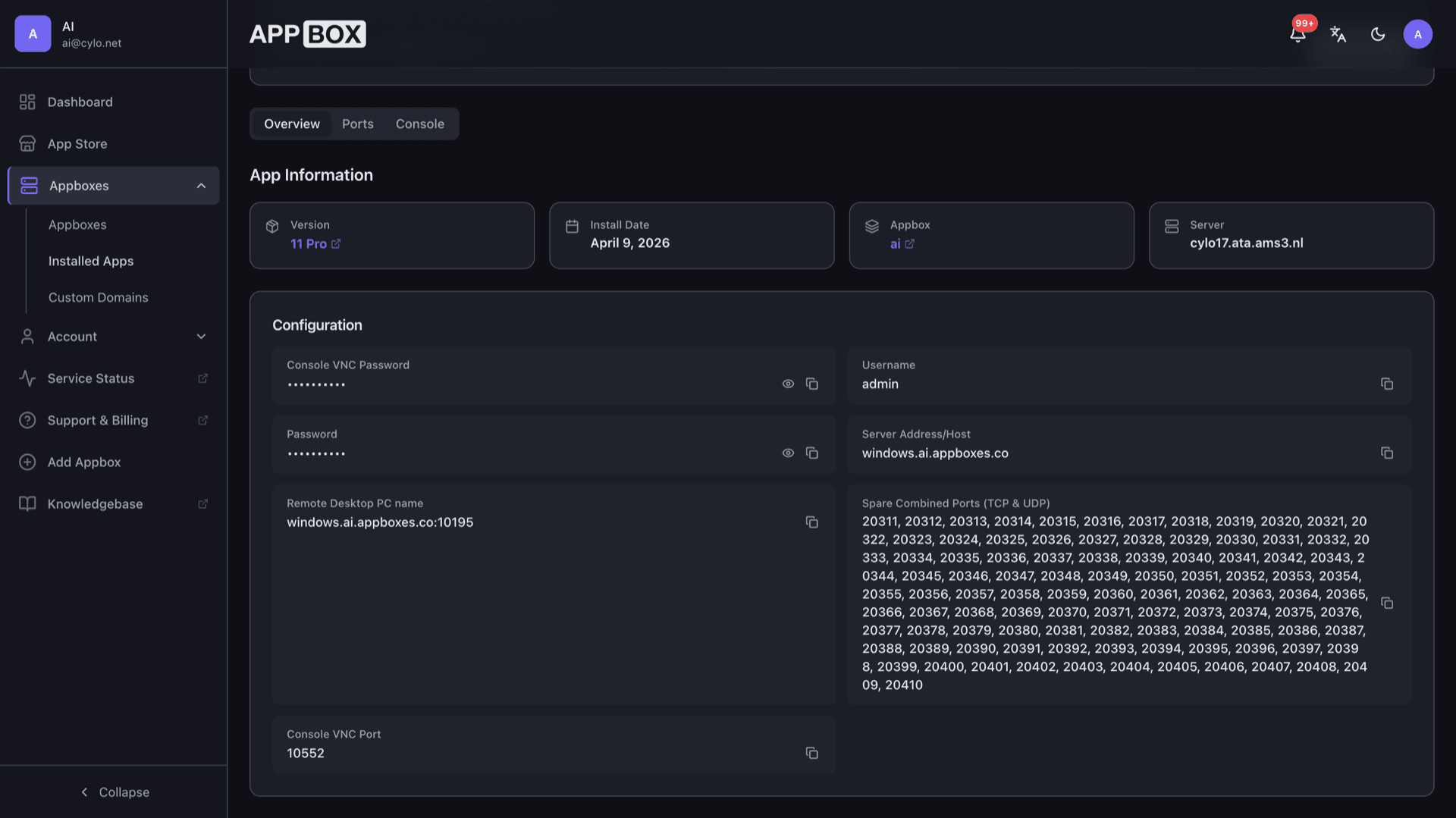
RDP is enabled and firewall rules are prepared so you can connect from Windows, macOS, or mobile clients using the hostname and port shown after install.
Administrator access
You receive a Windows administrator account with the password you set at install time, suitable for software installs, updates, and system configuration.
KVM with VirtIO
The guest runs under KVM with VirtIO storage and network drivers pre-installed for stable disk and throughput on the virtual hardware Appbox allocates.
QEMU Guest Agent
The image includes the guest agent so the platform can cooperate cleanly with shutdown, time sync, and lifecycle operations on the VM.
Reserved port layout
Overview and Ports list the external RDP endpoint, console VNC port, and spare combined TCP or UDP slots you can assign to apps and services inside Windows.
Web console access
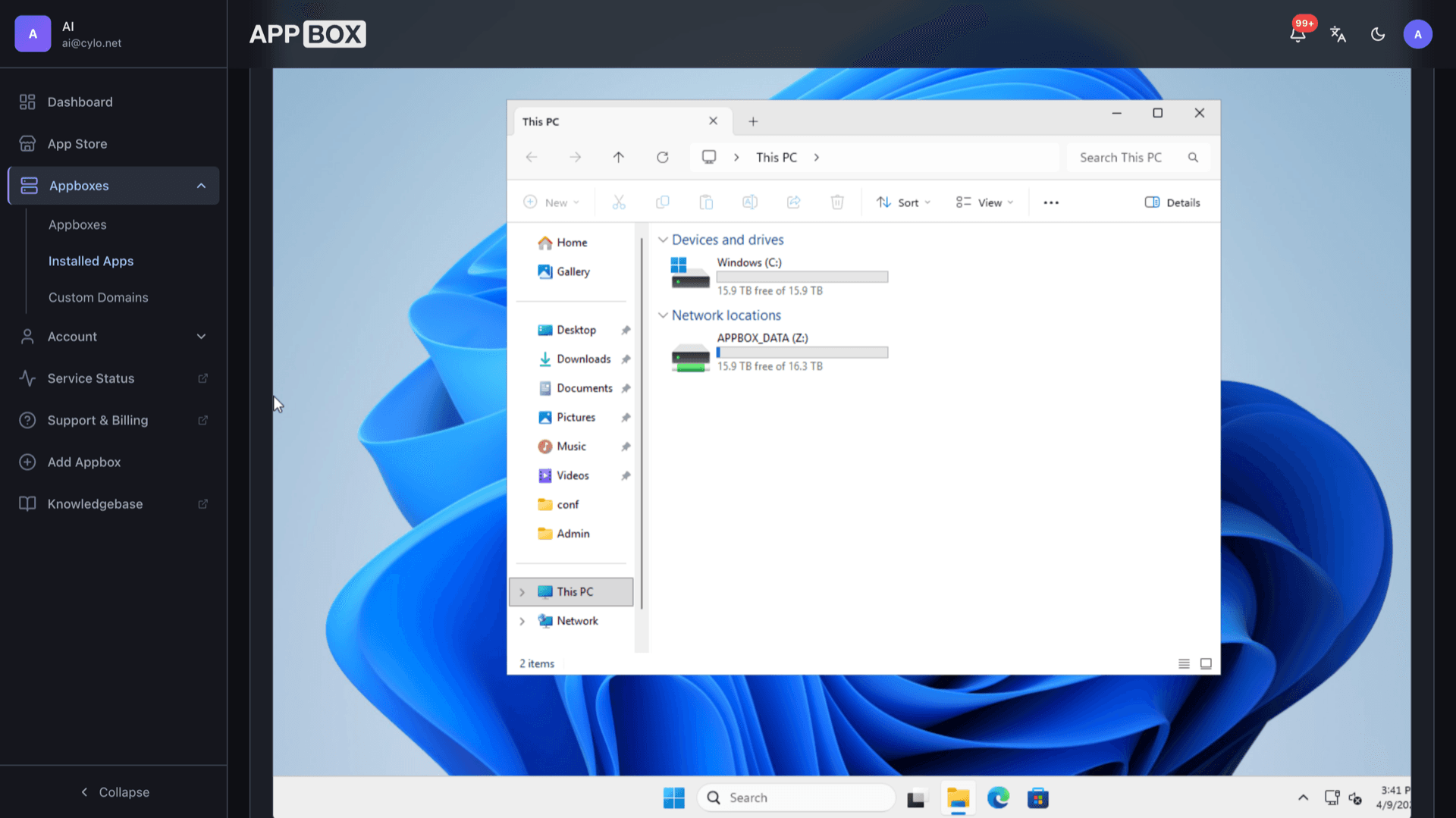
Open the Console tab to reach the VM through noVNC when RDP is inconvenient, using the console password derived from your install credentials.
See Windows 11 Pro VPS on Appbox
几秒钟内安装
选择你的 Appbox,填写几个字段,Windows 11 Pro VPS 就会上线。
安装 Windows 11 Pro VPS
需要 20 个 App Slots
这个演示展示的是你拥有 Appbox 后安装器的样子。
倍数
1.1x
Slot 成本
21 / 21
RAM
13.20 GB
CPU
6.60
✓ windows.steve.appboxes.co
准备安装了吗?你需要先有一个有效的 Appbox。
这是安装表单预览。选择套餐以创建你的 Appbox,并进行真实部署。
Workflows that fit a Windows VM
Use the machine like any other Windows workstation or small server you would rent elsewhere.
Developer tooling
Install Visual Studio, .NET SDKs, Git for Windows, containers with Docker Desktop, or WSL2 workloads that need a real Windows kernel next to Linux tooling.
Always-on services
Run IIS, SQL Server Express, file shares, or internal line-of-business apps that expect a persistent Windows host with open firewall rules you control.
Licensing clarity
The image does not ship a product key. Windows runs unactivated with a watermark and limited personalization until you supply a valid Windows 11 Pro license.
Sized to your plan
Base vCPU, RAM, and disk come from the version you pick. Per-App Boost increases resources when you spend additional slots on this instance.
Appbox Windows 11 VPS vs public cloud Windows VM
| Feature | Appbox Windows 11 Pro VPS | Hyperscaler Windows VM |
|---|---|---|
| Billing model | Bundled with your Appbox plan and slots | Per-minute or monthly VM plus egress and storage lines |
| Networking setup | Appbox publishes RDP, console, and spare ports on your subdomain | You configure NSGs, public IPs, and rules yourself |
| Console access | Integrated noVNC console tab in the panel | Serial or vendor-specific console, often extra steps |
| License included | BYO Windows 11 Pro key | BYO or paid gallery images with license fees |
| Global regions | Runs on Appbox infrastructure locations | Broad multi-region footprint |
| Full Windows desktop |
Plan for activation
Frequently asked questions
Deploy your Windows 11 Pro workstation
Spin up a dedicated Windows VM with RDP and console access on Appbox, then activate on your own timeline.
Available versions
| Version | App Slots | RAM | CPU | Released | Changes |
|---|---|---|---|---|---|
| 11 Pro | 10 | 12 GB | 6 | Jan 5, 2026 |
Need more resources? Use Per-App Boost to allocate extra App Slots and increase RAM and CPU by 10% per slot. See the FAQ below for details.