
IRC in the browser, always on
The Lounge hosting on Appbox. Run a self-hosted web IRC client that keeps networks connected server-side while you use a clean UI from any device.
What you get with The Lounge hosting
Persistent IRC sessions, a browser UI, and room for themes and plugins on Appbox storage.
Server-side sessions
Connections stay attached to IRC networks while browsers and laptops close. You reconnect to the same session from the Web UI link on your installed app page.
Web client UI
Join channels, read backlog, and manage multiple networks from a single responsive interface over HTTPS, with TLS terminated in front of your instance.
Multi-user ready
Run several accounts on one instance so a household or team can share the host while keeping separate nick lists and network settings.
History and search
Scroll back in channels and queries with searchable logs stored alongside your configuration on the Appbox volume.
Plugins and themes
Extend the client with community packages and switch appearance without rebuilding the container image.
HTTPS on Appbox
Open the Web UI from the panel over encrypted HTTP to the platform edge, then let The Lounge speak TLS to IRC networks when you enable secure connections.
The Lounge on Appbox
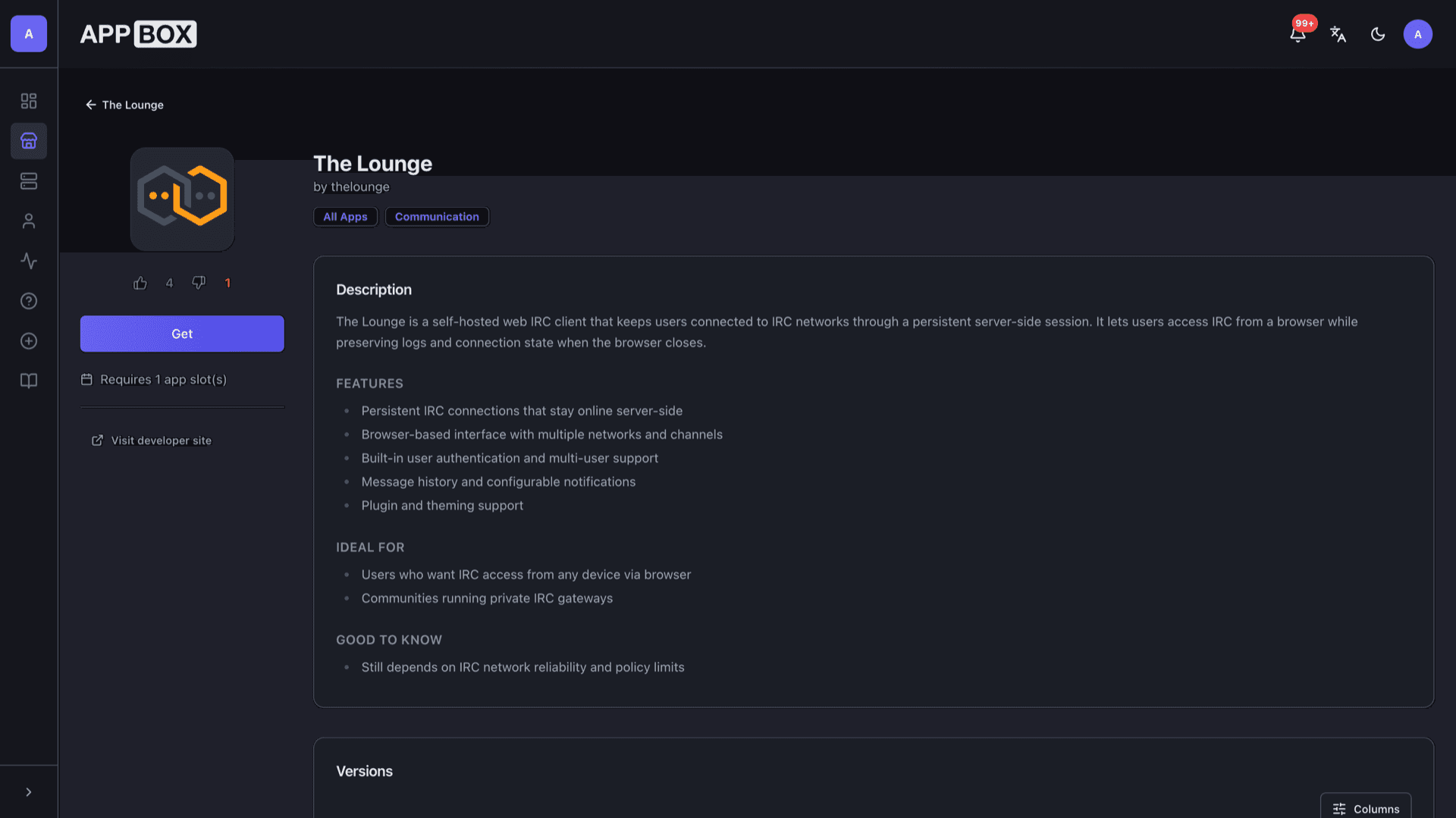
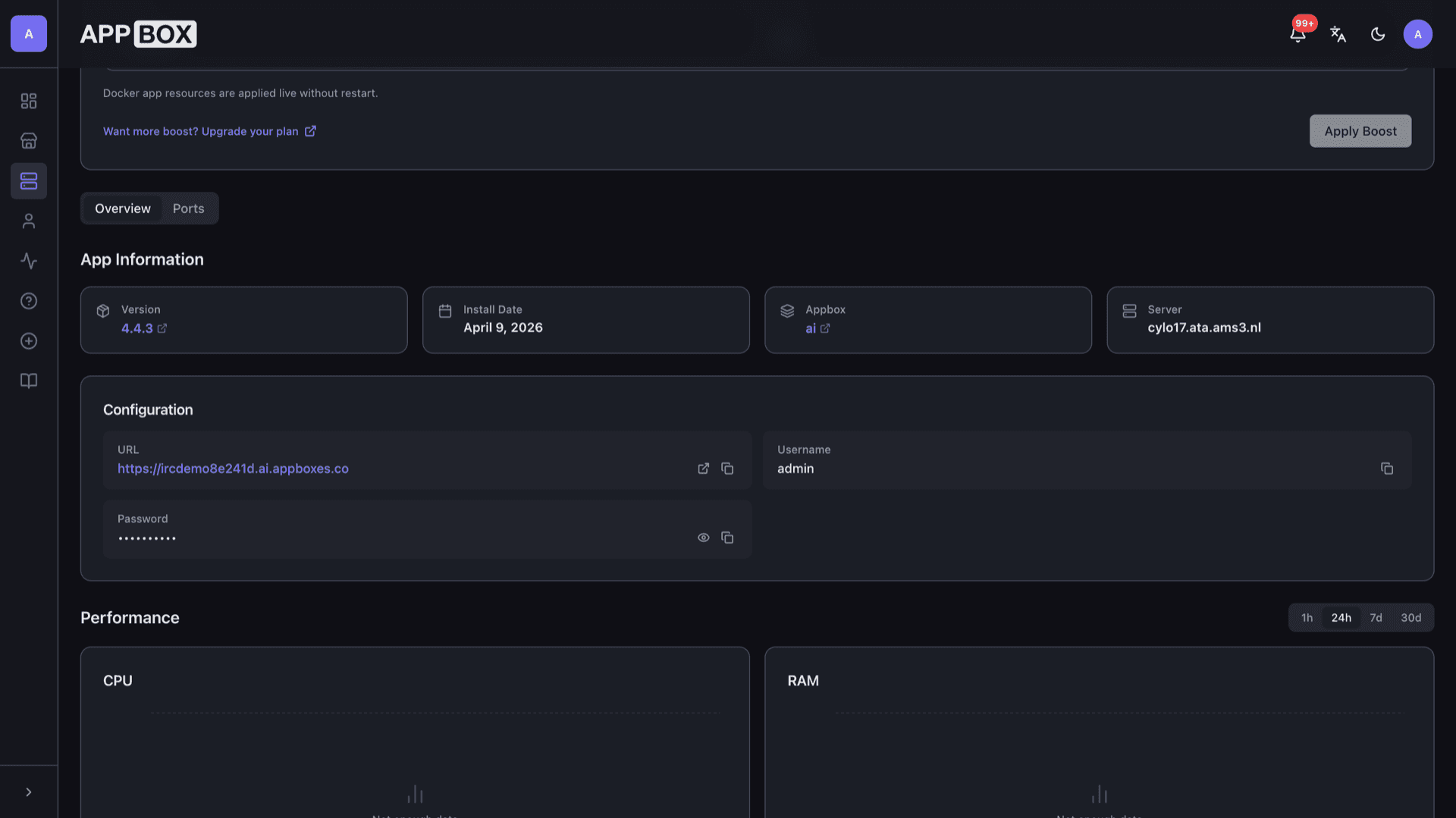
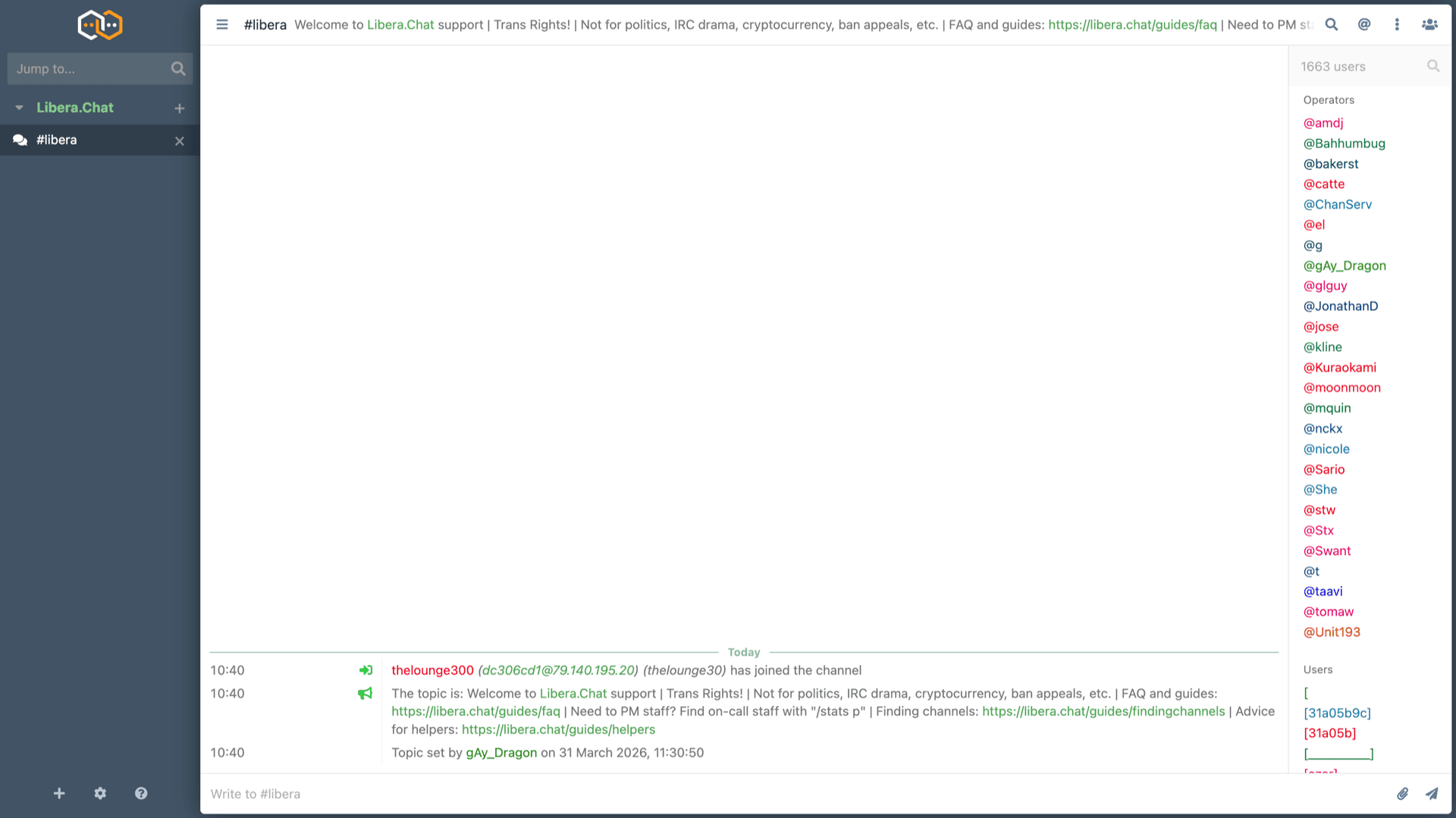
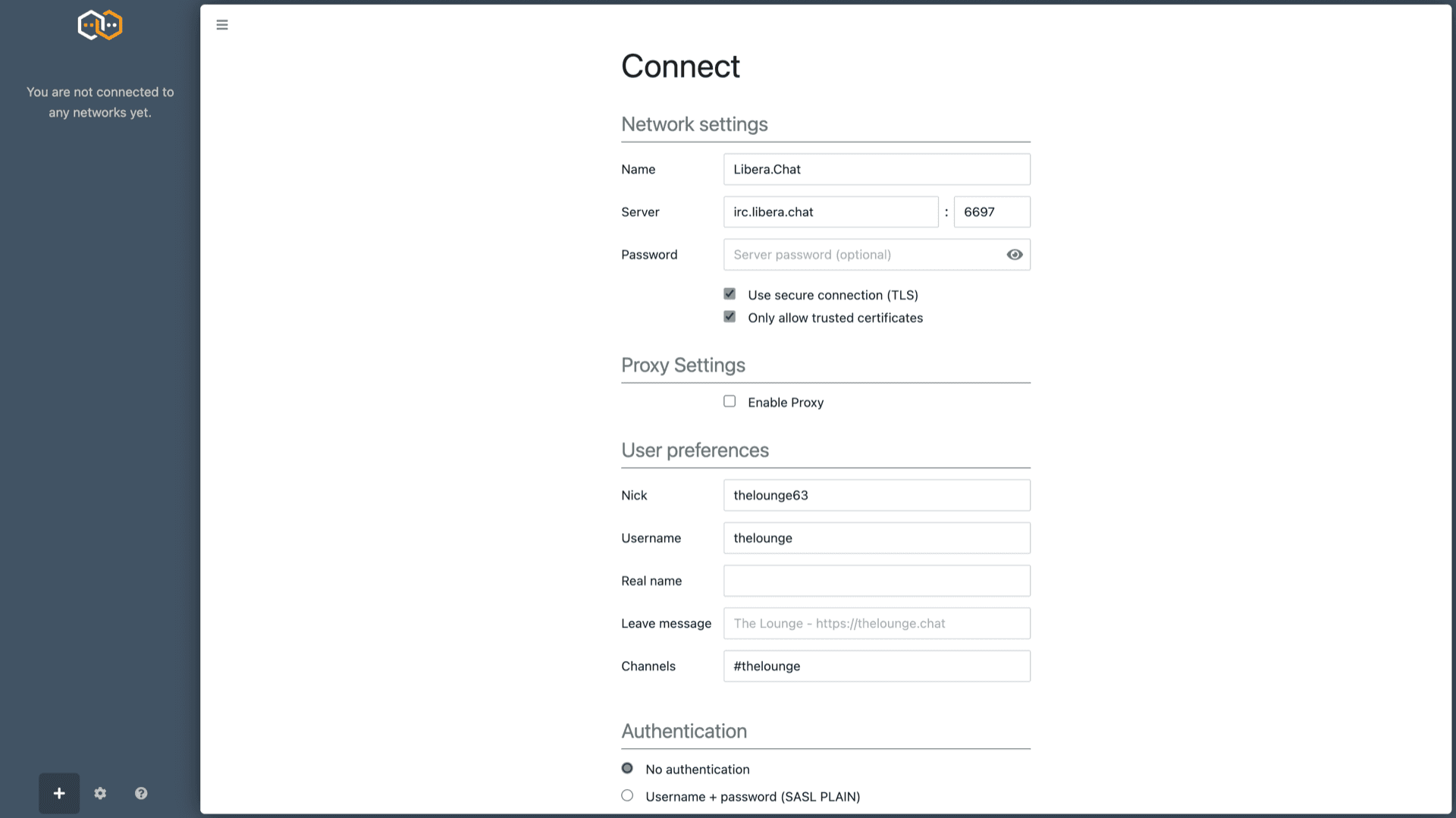
几秒钟内安装
选择你的 Appbox,填写几个字段,The Lounge 就会上线。
安装 The Lounge
需要 1 个 App Slots
这个演示展示的是你拥有 Appbox 后安装器的样子。
倍数
1.4x
Slot 成本
5 / 21
RAM
2.80 GB
CPU
∞
✓ thelounge.steve.appboxes.co
准备安装了吗?你需要先有一个有效的 Appbox。
这是安装表单预览。选择套餐以创建你的 Appbox,并进行真实部署。
After the first login
How the client fits next to a bouncer or a plain desktop IRC app.
Point it at real networks
Add Libera.Chat, OFTC, or your own IRCd using host, port, TLS, SASL, and channel lists from the Connect screen. Uptime still depends on each network policy.
Nicknames and channels
Set default nicks, user strings, and auto-join channels per network so reconnects land where you expect.
Stack with a bouncer
You can aim The Lounge at a ZNC or similar bouncer if you already run one; the web client then rides on top of the bouncer session.
Two layers of passwords
Your The Lounge login protects the web app. IRC network passwords or SASL live in each network profile and are separate from the panel credentials.
The Lounge on Appbox vs IRCCloud
| Feature | The Lounge on Appbox | IRCCloud |
|---|---|---|
| Hosting | Your Appbox instance and storage | Vendor-hosted SaaS |
| Pricing model | App Slots and optional Per-App Boost | Subscription tiers |
| Data residency | Logs and config on your volume | Provider infrastructure |
| Customization | Full theming and package ecosystem | Product-defined feature set |
| Operations | You apply image upgrades from the panel | Fully managed service |
| Browser IRC experience |
IRC networks set their own rules
Frequently asked questions
Open IRC from anywhere
Deploy The Lounge hosting on Appbox in one click, then add networks and channels from the browser.
Available versions
| Version | App Slots | RAM | CPU | Released | Changes |
|---|---|---|---|---|---|
| 4.4.3 | 1 | 2 GB | Shared | Dec 8, 2025 |
Need more resources? Use Per-App Boost to allocate extra App Slots and increase RAM and CPU by 10% per slot. See the FAQ below for details.