
Full ERP on your own domain
ERPNext hosting on Appbox. Deploy accounting, CRM, stock, projects, and HR behind platform TLS with credentials you set at install.
What you get with ERPNext hosting
The same Frappe and ERPNext experience as upstream, packaged as one Appbox app with a public URL and panel lifecycle actions.
Integrated modules
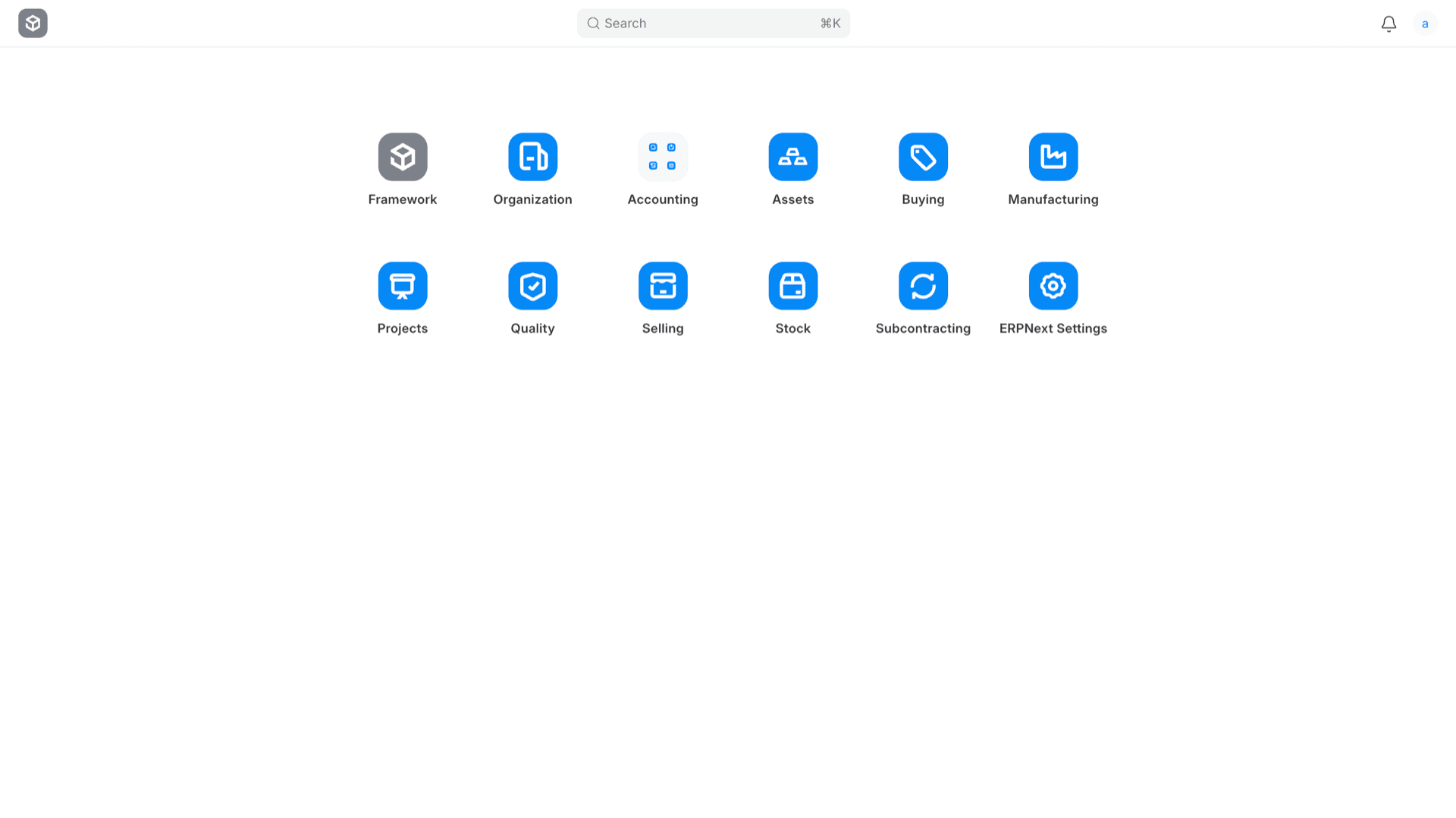
Use Accounting, Selling, Stock, Buying, Projects, HR, and more from one Desk instead of stitching together separate SaaS tools.
Roles and permissions
Assign roles per user, separate companies where needed, and rely on Frappe permission rules for sensitive documents.
DocTypes and automation
Extend the system with custom DocTypes, workflows, and scripts when standard forms need to match your processes.
Documents and ledgers
Create invoices, journal entries, purchase orders, and stock movements with traceable posting and standard ERP reports.
HTTPS login URL
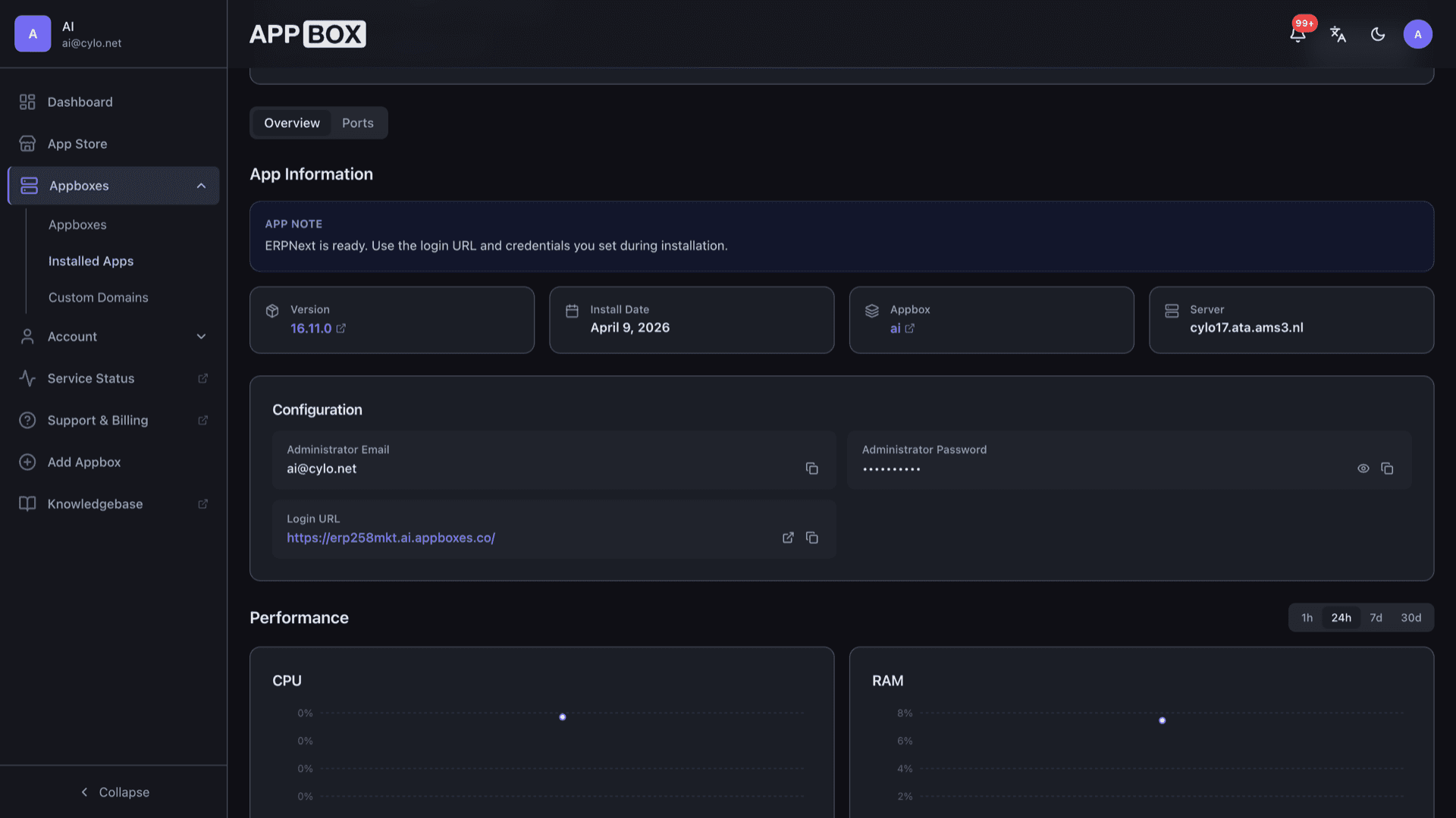
Overview lists your Login URL with copy actions so browsers and bookmarks always use the hostname Appbox provisions for TLS.
Single-container footprint
ERPNext and MariaDB run together in one managed container, so you are not wiring separate database VMs yourself.
See ERPNext on Appbox
几秒钟内安装
选择你的 Appbox,填写几个字段,ERPNext 就会上线。
安装 ERPNext
需要 2 个 App Slots
这个演示展示的是你拥有 Appbox 后安装器的样子。
倍数
1.4x
Slot 成本
6 / 21
RAM
5.60 GB
CPU
∞
✓ erpnext.steve.appboxes.co
准备安装了吗?你需要先有一个有效的 Appbox。
这是安装表单预览。选择套餐以创建你的 Appbox,并进行真实部署。
Running on Appbox
Provisioning, persistence, and when to add resources for heavier companies.
MariaDB inside the app
The database runs in the same container as the bench. Site data and logs use persistent volumes so restarts keep your company data.
Frappe bench layout
You administer ERPNext through the web UI and optional bench operations the image supports, matching how Frappe expects sites to run.
Image updates
Restarting from the installed app page pulls the current packaged image on the supported track, like other Appbox Docker apps.
Per-App Boost
Large charts of accounts, many users, or heavy reports can need more RAM and CPU. Increase resources with Per-App Boost instead of running the container undersized.
ERPNext on Appbox vs vendor cloud ERP
| Feature | ERPNext (self-hosted on Appbox) | Vendor subscription ERP |
|---|---|---|
| Data residency | On your Appbox storage and backups you control | Typically vendor-managed cloud regions |
| Licensing model | Open-source stack under your Appbox plan | Per-user or module subscriptions are common |
| Customization depth | Full Frappe framework, custom DocTypes, self-hosted apps | Often constrained to configuration and approved extensions |
| Operational responsibility | You operate the instance; Appbox hosts the container | Vendor operates software and infrastructure |
| Uptime and support | Depends on your monitoring plus Appbox platform status | Commercial SLAs and help desks where offered |
First boot patience
Frequently asked questions
Run ERPNext on infrastructure you control
Deploy the Desk, modules, and MariaDB database as one app, then grow companies and users on your timeline.
Related comparison
Compare Monday.com alternatives
See how ERPNext on Appbox compares with Monday.com, Plane, ClickUp, and Asana.
Read guideAvailable versions
| Version | App Slots | RAM | CPU | Released | Changes |
|---|---|---|---|---|---|
| 16.11.0 | 2 | 4 GB | Shared | Apr 24, 2026 |
Need more resources? Use Per-App Boost to allocate extra App Slots and increase RAM and CPU by 10% per slot. See the FAQ below for details.