
Run scheduling on your own instance
Cal.diy hosting on Appbox packages the self-hosted Cal.com scheduling platform with its database, cache, API, cron processing, persistent storage, and first administrator in one install.
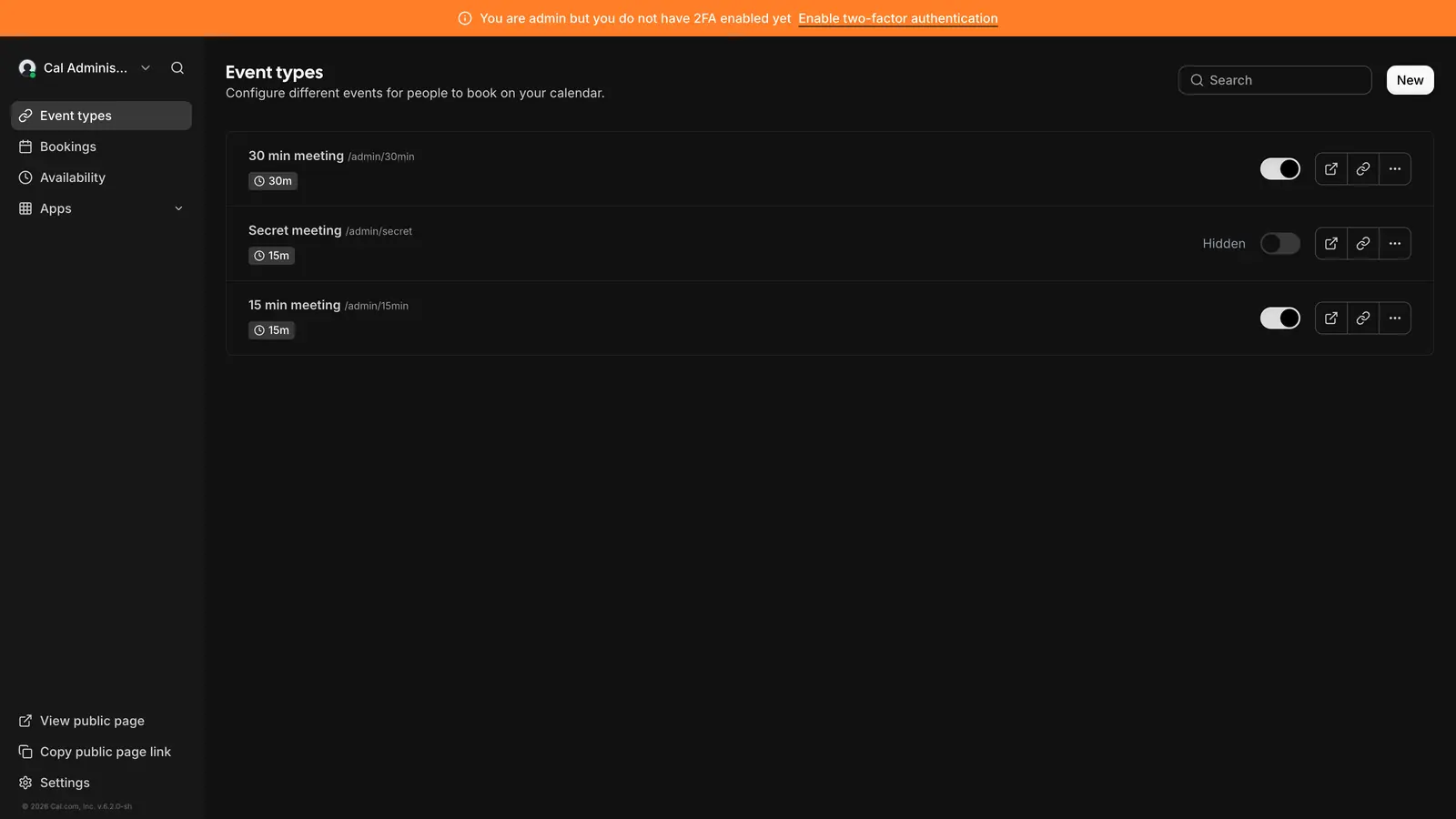
Cal.diy scheduling settings
几秒钟内安装
选择你的 Appbox,填写几个字段,Cal.diy 就会上线。
安装 Cal.diy
需要 1 个 App Slots
这个演示展示的是你拥有 Appbox 后安装器的样子。
倍数
1.4x
Slot 成本
5 / 21
RAM
5.60 GB
CPU
∞
✓ cal.steve.appboxes.co
准备安装了吗?你需要先有一个有效的 Appbox。
这是安装表单预览。选择套餐以创建你的 Appbox,并进行真实部署。
Scheduling tools on your instance
Create booking workflows with the self-hosted Cal.com application while controlling the deployment and persistent data.
Booking pages
Publish scheduling pages where invitees can choose available times for configured event types.
Availability rules
Configure schedules and event duration rules that shape which booking times are offered.
Team scheduling
Use Cal.com team scheduling workflows when the upstream features and account configuration fit your organization.
Calendar connections
Connect supported calendar providers after installation using the credentials and setup required by those providers.
API v2 included
The package includes the Cal.com API v2 service for supported programmatic scheduling workflows.
Initial administrator
Choose the first administrator during installation. Provisioning creates and verifies that account before reporting readiness.
A complete packaged runtime
Required services share one Appbox lifecycle and one persistent data mount.
Single app lifecycle
Cal web, API v2, PostgreSQL 15, Redis 7, nginx, and authenticated cron processing run inside the packaged application.
Persistent app data
Database, cache, application state, and supporting files live beneath /app/data and should be backed up together.
Internal services
The package exposes the nginx web entry point while its bundled database and cache remain internal to the container.
Authenticated readiness
Appbox marks the install ready only after the package sends its authenticated installation callback.
Cal.diy on Appbox vs Calendly
| Feature | Cal.diy on Appbox | Calendly |
|---|---|---|
| Hosting model | A dedicated Appbox-hosted Cal.com deployment with bundled supporting services. | A vendor-managed scheduling service operated by Calendly. |
| Setup | Appbox provisions the container, persistent mount, HTTPS route, supporting services, and first administrator. | Account signup without operating the underlying application or database. |
| Operations | You plan backups, updates, resources, email, provider credentials, and optional integrations. | Calendly operates infrastructure, updates, and service availability. |
| Product ecosystem | Cal.com features and integrations supported by this pinned package, with credentials configured separately. | Calendly features, plans, integrations, and support within its managed product. |
| Best fit | Teams that value a dedicated deployment and accept operational ownership. | Teams that prioritize managed convenience and Calendly-specific workflows. |
Enable 2FA after first login
Frequently asked questions
Deploy Cal.diy on Appbox
Start Cal.diy hosting with persistent data, bundled PostgreSQL and Redis, API v2, authenticated readiness, and an administrator configured during installation.
Available versions
| Version | App Slots | RAM | CPU | Released | Changes |
|---|---|---|---|---|---|
| 0.1.4 | 1 | 4 GB | Shared | Jul 27, 2026 |
Need more resources? Use Per-App Boost to allocate extra App Slots and increase RAM and CPU by 10% per slot. See the FAQ below for details.