
Rolling-release Linux, full root VM
Arch Linux VPS hosting on Appbox. A KVM guest with sudo to root, room for Docker and Snap, your own kernel, pacman and the rolling model, plus SSH and a browser-based console.
What you get with Arch Linux VPS hosting
A real Arch environment on KVM, not a shared container userspace.
SSH, sudo, and console
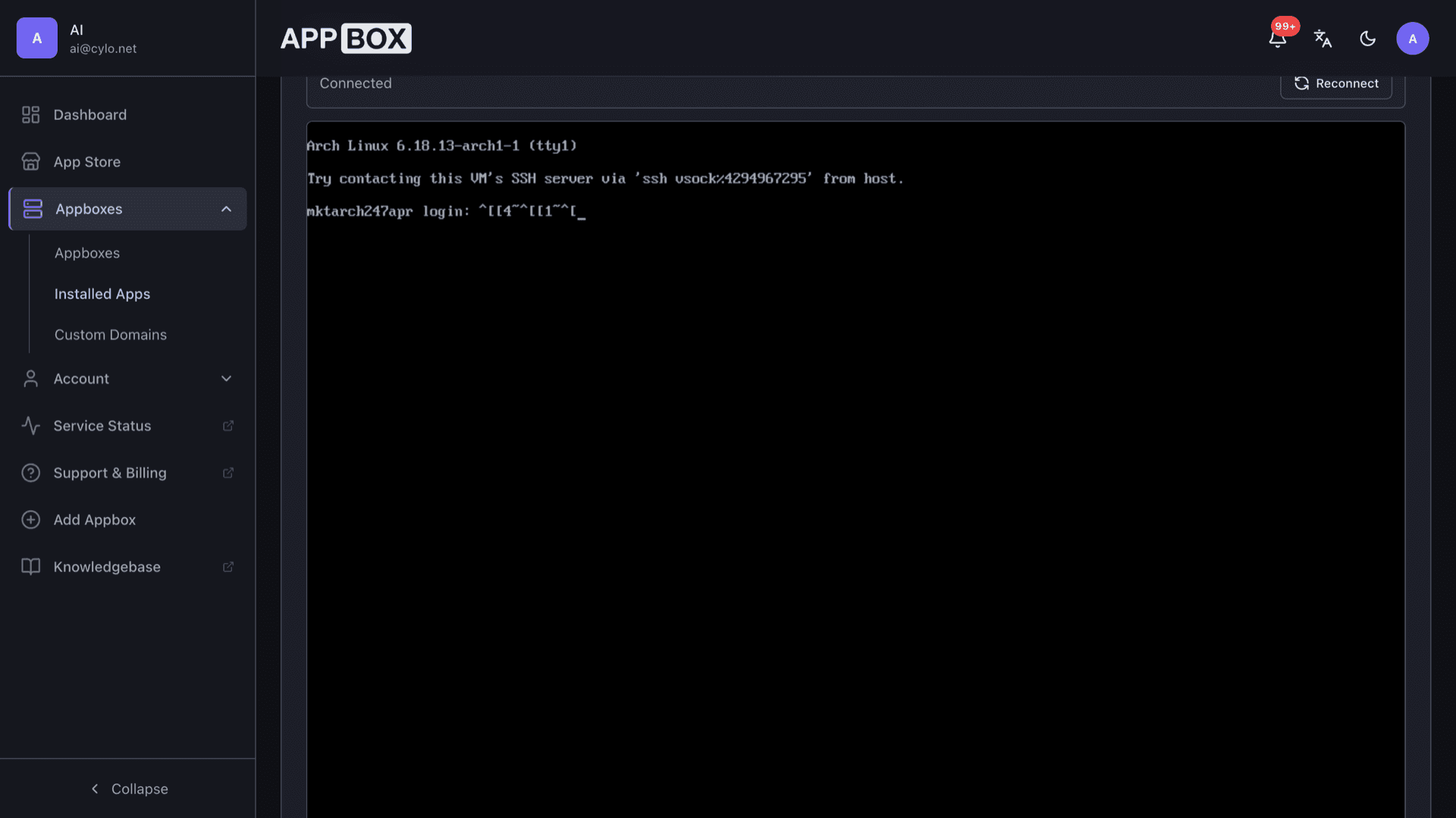
Connect with the credentials on the Overview tab and use sudo for a full root shell. Copy-ready ssh command, host, and port are listed there. The Console tab gives out-of-band access without SSH.
Docker, Snap, full VM
Run Docker Engine, snapd, privileged services, and kernel modules inside your own guest. This is real KVM, not a single shared container image.
Pacman and rolling updates
Use pacman against rolling repos so you stay close to upstream. Plan for occasional manual steps when large updates land, as on any Arch system.
AUR-friendly workflow
Build and install from the Arch User Repository when you need packages outside the main repos. You control the toolchain inside the VM.
KVM with VirtIO
Runs under KVM/QEMU with VirtIO drivers for disk and network so performance stays close to bare metal.
Minimal, build-it-yourself
Start from a minimal rolling image and shape the system the Arch way. Best if you are comfortable on the command line and reading the wiki.
Arch Linux VPS running on Appbox
几秒钟内安装
选择你的 Appbox,填写几个字段,Arch Linux VPS 就会上线。
安装 Arch Linux VPS
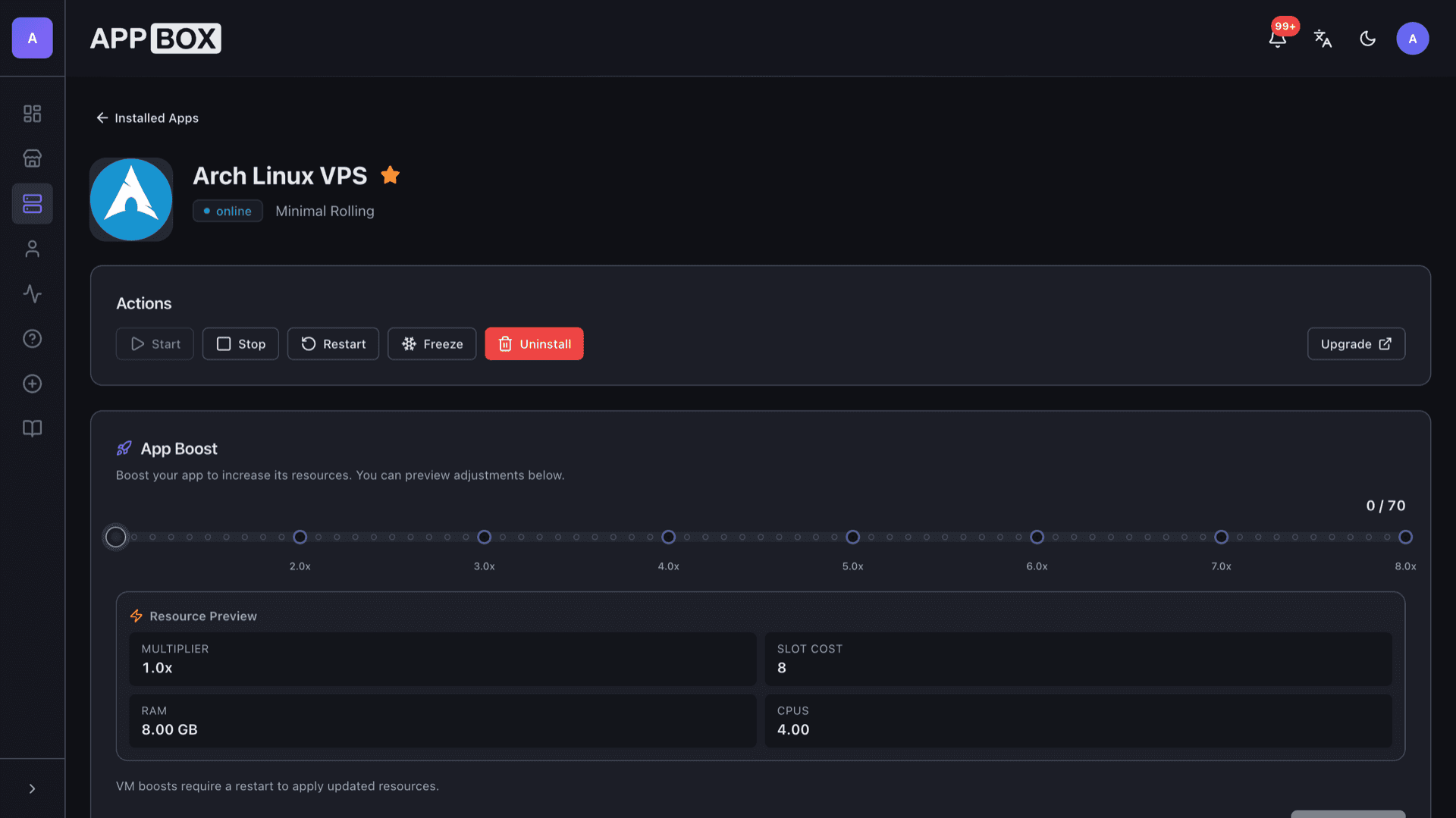
需要 8 个 App Slots
这个演示展示的是你拥有 Appbox 后安装器的样子。
倍数
1.4x
Slot 成本
12 / 21
RAM
11.20 GB
CPU
5.60
✓ arch.steve.appboxes.co
准备安装了吗?你需要先有一个有效的 Appbox。
这是安装表单预览。选择套餐以创建你的 Appbox,并进行真实部署。
Rolling Arch in production
What experienced admins pair with a KVM Arch guest.
Update hygiene
Subscribe to arch-announce, snapshot before major `-Syu` runs, and keep rollback paths because rolling means you own the cadence.
Public services
Bind web stacks, game servers, or VPN endpoints to forwarded ports with a real kernel and firewall rules inside the VM.
Secrets handling
Store deploy keys and TLS material on the guest disk you control, separate from the Appbox panel credentials.
AUR discipline
Review PKGBUILDs before `makepkg` on production hosts and prefer binary caches when teams need reproducible builds.
Arch Linux VPS vs Ubuntu LTS VPS
| Feature | Arch Linux VPS on Appbox | Ubuntu LTS VPS |
|---|---|---|
| Release model | Rolling | Fixed LTS cadence |
| Package freshness | Often newer upstreams | Conservative backports |
| Admin attention | Expect frequent updates | Lower churn between releases |
| AUR | Community packages common | PPAs or snaps instead |
| Ideal operator | Hands-on Arch users | Teams wanting predictability |
| Full VM freedoms | KVM guest on Appbox | Also KVM on comparable VPS |
Out-of-band access
Frequently asked questions
Deploy Arch Linux VPS hosting
Spin up an Arch Linux VPS on Appbox with one install flow. Sudo to root, Docker and Snap friendly, rolling pacman, and a web console included.
Available versions
| Version | App Slots | RAM | CPU | Released | Changes |
|---|---|---|---|---|---|
| Minimal Rolling | 8 | 8 GB | 4 | Mar 11, 2026 |
Need more resources? Use Per-App Boost to allocate extra App Slots and increase RAM and CPU by 10% per slot. See the FAQ below for details.