
Your files, your cloud
Nextcloud hosting on Appbox. Deploy file sync, sharing, and optional collaboration apps on infrastructure you control, with HTTPS and panel-managed lifecycle.
What you get with Nextcloud hosting
A full Nextcloud instance sized for the Appbox template, with the URLs and credentials you need to sign in.
Files and folders
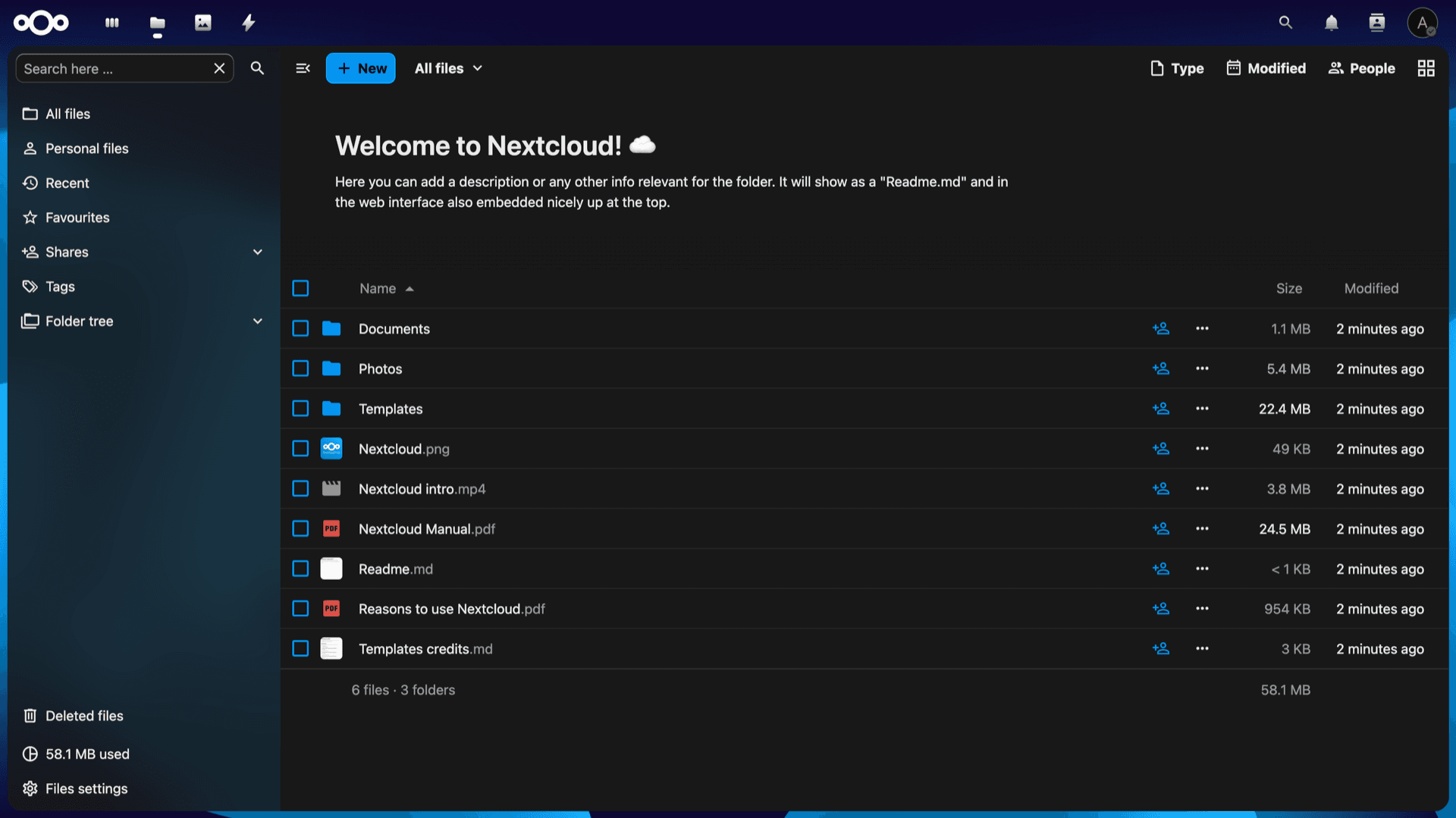
Use the web Files app for uploads, versions, favorites, and trash, then add desktop or mobile sync clients when you are ready.
Sharing controls
Share with users or links, set expirations and passwords where supported, and keep visibility inside your tenant.
HTTPS URL
Open the NextCloud URL from the Overview tab so browser and clients match the hostname Appbox provisions for TLS.
WebDAV ready
Mount the server with WebDAV-compatible tools using your account or app passwords configured inside Nextcloud.
App ecosystem
Enable calendars, contacts, Talk, office integrations, and other supported apps from the Nextcloud app directory when your plan allows.
Admin policies
Tune quotas, brute-force protection, and background jobs from the admin settings once you sign in with the install credentials.
See Nextcloud on Appbox
Saniyeler içinde yükleyin
Appbox'ınızı seçin, birkaç alanı doldurun ve Nextcloud canlıya çıksın.
Nextcloud yükle
1 Uygulama Slotu gerektirir
Bu demo, bir Appbox'ınız olduktan sonra yükleyicinin nasıl göründüğünü gösterir.
Çarpan
1.4x
Slot Maliyeti
5 / 21
RAM
5.60 GB
CPU'lar
∞
✓ nextcloud.steve.appboxes.co
Yüklemeye hazır mısınız? Önce aktif bir Appbox'a ihtiyacınız olacak.
Bu, yükleme formunun bir önizlemesidir. Appbox'ınızı oluşturmak ve gerçek yayınlamak için bir plan seçin.
Running on Appbox
How this template behaves as a managed app on the platform.
Docker-backed app
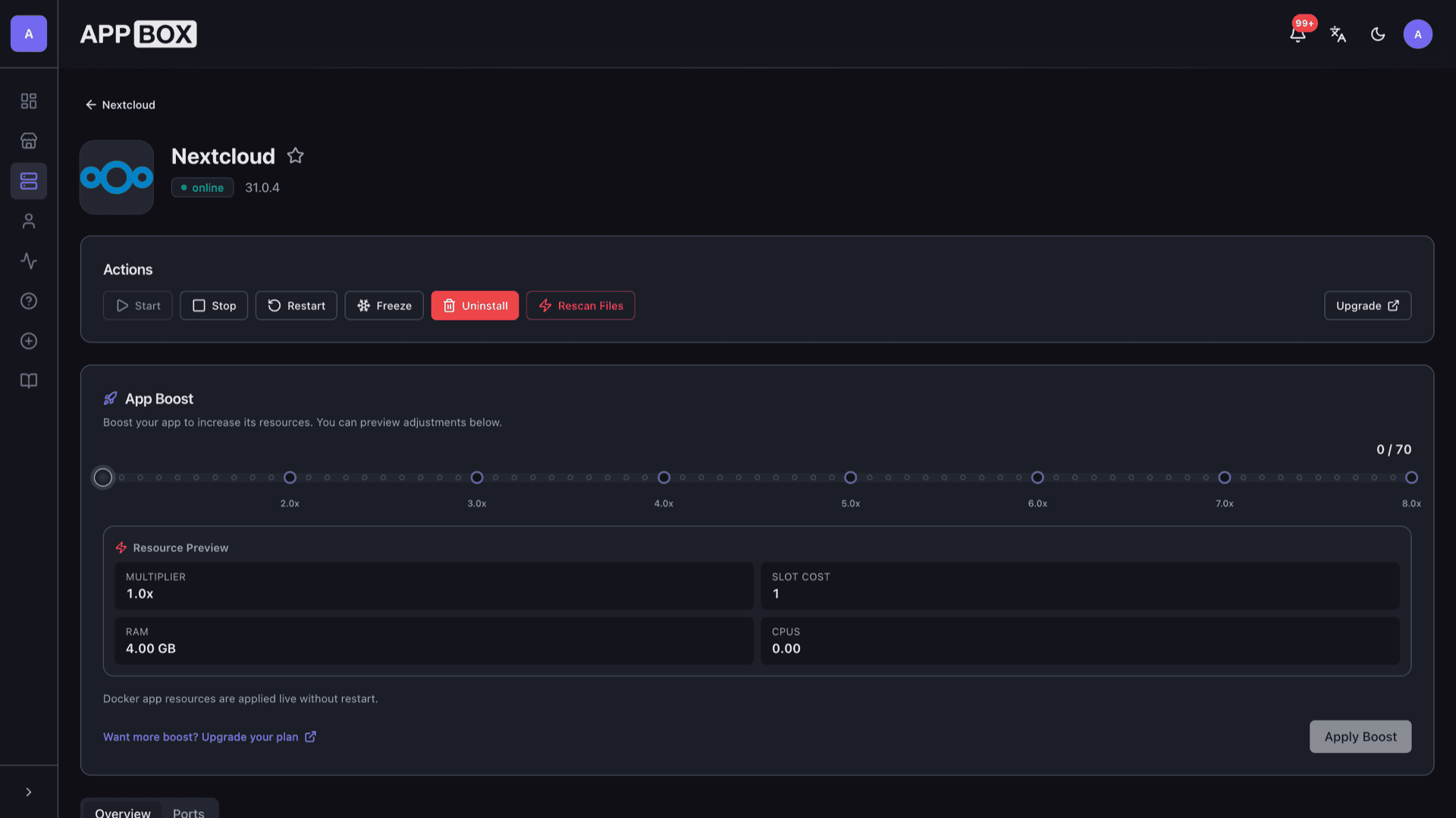
Nextcloud runs as a single Appbox app with RAM and CPU shown on the instance page. Restart and boost apply through the panel without you SSHing to the host.
CLI when exposed
When the template exposes SSH command details on the Overview tab, use them for occ and maintenance tasks; otherwise rely on the web admin and documented workflows.
Per-App Boost
Large libraries, previews, and background jobs benefit from extra RAM and CPU. Increase resources with Per-App Boost instead of guessing host limits.
Panel lifecycle
Start, stop, restart, and uninstall from Actions. Follow store notes for image updates and supported upgrade paths.
Nextcloud vs Dropbox
| Feature | Nextcloud (self-hosted) | Dropbox |
|---|---|---|
| Data location | Your Appbox instance and volumes | Dropbox-operated cloud |
| Pricing model | Appbox plan and slots | Per-user subscriptions |
| Customization | Apps, themes, policies you control | Vendor feature set |
| Compliance flexibility | You define retention and access | Vendor terms and regions |
| Operational work | You operate backups and updates | Fully managed service |
| Desktop sync | Official Nextcloud clients | Dropbox desktop app |
First boot can take time
Frequently asked questions
Deploy Nextcloud on Appbox
Start self-hosted file sync and collaboration with one click, HTTPS, and panel-managed operations.
Available versions
| Version | App Slots | RAM | CPU | Released | Changes |
|---|---|---|---|---|---|
| 31.0.4 | 1 | 4 GB | Shared | Apr 29, 2025 |
Need more resources? Use Per-App Boost to allocate extra App Slots and increase RAM and CPU by 10% per slot. See the FAQ below for details.