
Your Plex library, hosted and ready to stream
Plex hosting on Appbox gives you a dedicated Plex Media Server with a public HTTPS URL, a simple claim-code setup, and the familiar Plex clients your household already knows.
What you get with Plex hosting
A polished personal media server on Appbox, with the install flow and connection details handled by the platform.
Organized libraries
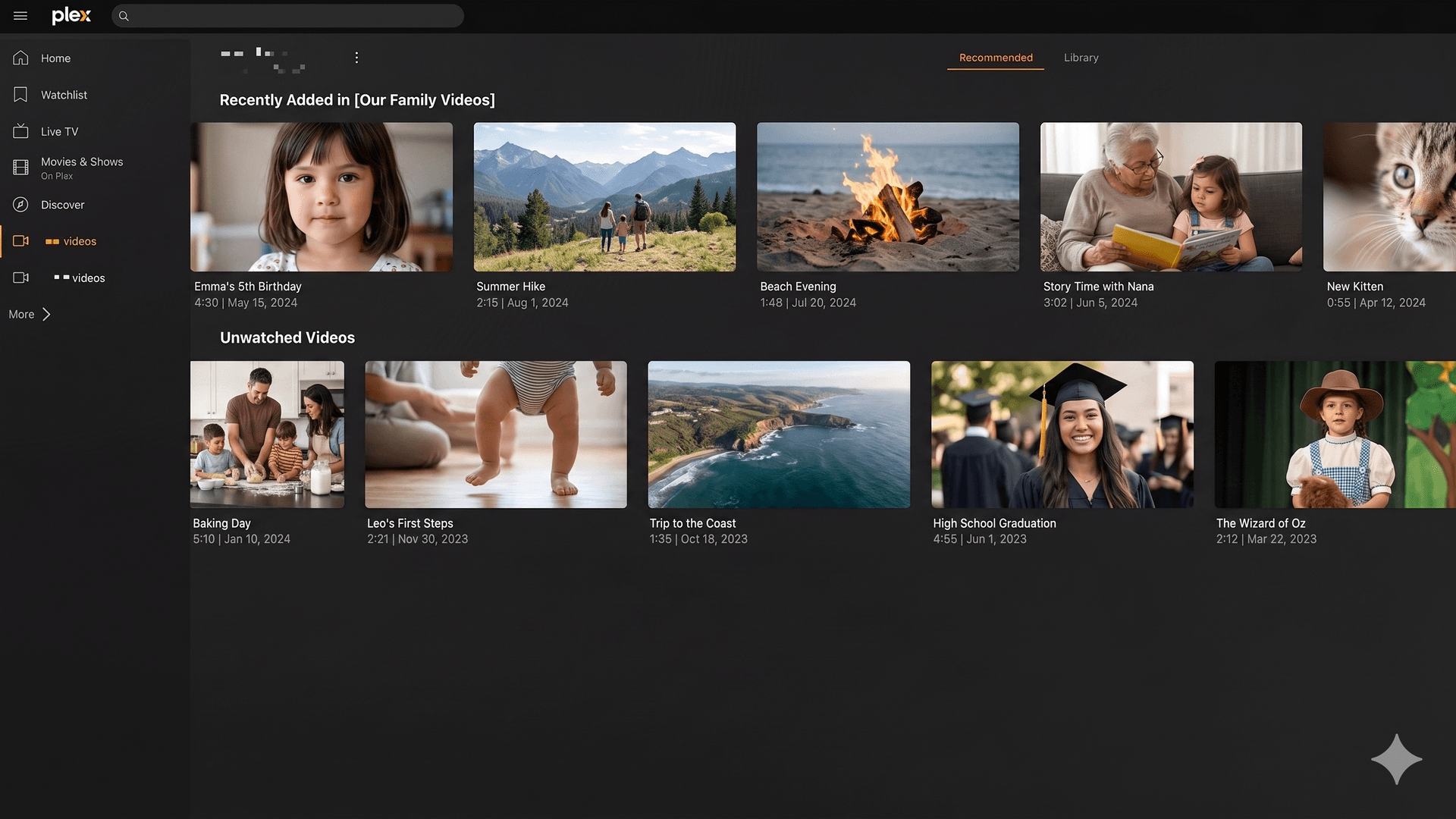
Point Plex at your movie, TV, music, and photo folders, then let it fetch artwork, metadata, seasons, albums, and browsing views.
Clients everywhere
Use Plex apps on phones, tablets, smart TVs, streaming boxes, desktops, and the web against the same hosted server.
Claim-code setup
Open the Plex claim page, paste the claim code into the Appbox install form, and connect the new server to your Plex account during provisioning.
Public HTTPS URL
Appbox shows your Plex Web URL after install, so you can open the library in a browser without building your own reverse proxy.
Profiles and sharing
Use Plex users, managed users, and library access rules so friends or family get their own watch history and permissions.
Direct play or transcode
Plex can direct play compatible media and transcode when clients or bandwidth require it. Larger libraries and heavy transcodes benefit from extra headroom.
See Plex on Appbox
Installera på sekunder
Välj din Appbox, fyll i några fält och Plex är live.
Installera Plex
Kräver 1 appplats
Den här demon visar hur installationsprogrammet ser ut när du har en Appbox.
Multiplikator
1.4x
Platskostnad
5 / 21
RAM
∞
CPU:er
∞
✓ plex.steve.appboxes.co
Redo att installera? Du behöver först en aktiv Appbox.
Det här är en förhandsvisning av installationsformuläret. Välj en plan för att skapa din Appbox och driftsätta på riktigt.
Built for real media workflows
How Plex fits into an Appbox account after the first install.
Bring your media paths
Create Plex libraries from the folders exposed to the app, including media prepared by other Appbox tools or mounted storage when your setup provides it.
Updates by restart
The app listing notes that restarting the Plex app upgrades it to the latest packaged version, keeping day-to-day maintenance simple.
Per-App Boost
If scans, thumbnails, or transcodes need more room, use Per-App Boost to add RAM and CPU to this Plex instance from the Appbox panel.
Web-first administration
Open Plex Web from the installed app page to add libraries, manage users, review remote access, and check server settings in one place.
Plex on Appbox vs a home server
| Feature | Plex on Appbox | Plex at home |
|---|---|---|
| Public access | HTTPS URL shown in the Appbox panel | Usually needs router, DNS, and certificate setup |
| Install flow | One-click deploy with Plex claim code | Manual OS, package, service, and firewall work |
| Uptime factors | Runs on your Appbox plan away from home power and ISP changes | Depends on local hardware, power, and home upload |
| Media control | Your Plex server and libraries | Your Plex server and libraries |
| Performance tuning | Use app slots and Per-App Boost when workloads grow | Upgrade or replace local hardware |
| Plex account features | Same Plex account and Plex Pass rules apply | Same Plex account and Plex Pass rules apply |
Claim it with your Plex account
Frequently asked questions
Start Plex hosting on Appbox
Deploy Plex in one flow, claim the server with your Plex account, and turn your media folders into a streamable library with a managed HTTPS URL.
Available versions
| Version | App Slots | RAM | CPU | Released | Changes |
|---|---|---|---|---|---|
| latest-8 | 1 | Shared | Shared | Invalid Date |
Need more resources? Use Per-App Boost to allocate extra App Slots and increase RAM and CPU by 10% per slot. See the FAQ below for details.