
FTP and SFTP from your browser
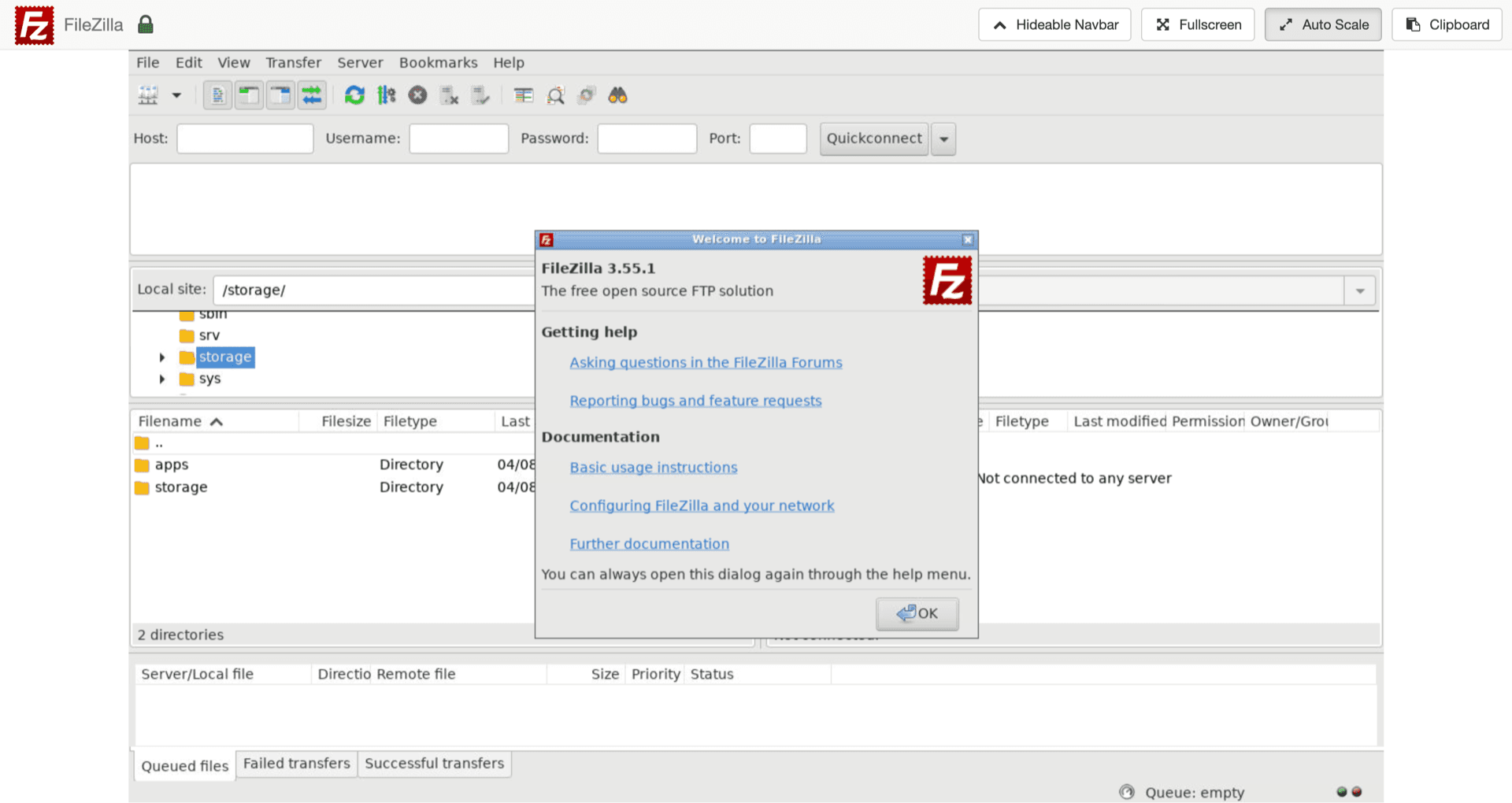
FileZilla Client hosting on Appbox. The familiar two-pane client runs in a web session so you can move files between remote servers and your Appbox storage.
What you get with FileZilla Client on Appbox
The same protocol support and queue behavior you expect from the desktop app, delivered as a managed instance.
FTP, FTPS, and SFTP
Create site entries for plain FTP, explicit TLS, or SSH-based SFTP. Pick the mode that matches each remote host instead of juggling multiple tools.
Browser-accessible UI
Open the Web UI from your installed app page, authenticate with the VNC password you set at install, and use the full FileZilla interface without local installs.
Appbox connection details
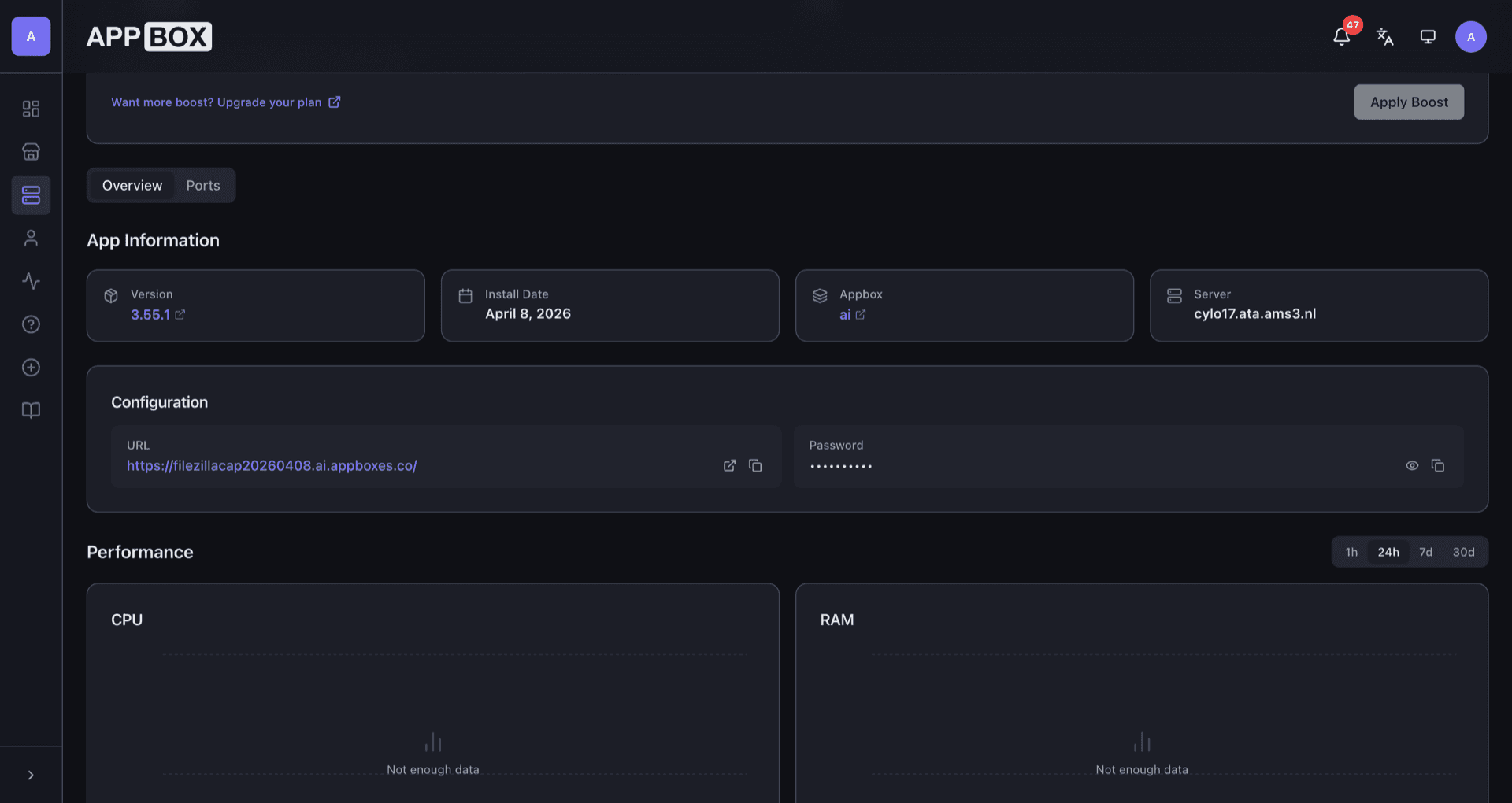
Overview lists your URL, resource usage, and actions. Copy the Web UI link when you need a fresh session from another device.
Site Manager profiles
Save hosts, credentials, and protocol options in the Site Manager so repeat connections stay one click away.
Queue and resume
Use the transfer queue for large folders. Interrupted jobs can resume when the server supports it.
Paths into Appbox storage
Local panes resolve to storage inside your Appbox environment, so downloads land where your other apps can read them.
FileZilla Client on Appbox
Installera på sekunder
Välj din Appbox, fyll i några fält och FileZilla Client är live.
Installera FileZilla Client
Kräver 1 appplats
Den här demon visar hur installationsprogrammet ser ut när du har en Appbox.
Multiplikator
1.4x
Platskostnad
5 / 21
RAM
∞
CPU:er
∞
✓ filezillaclient.steve.appboxes.co
Redo att installera? Du behöver först en aktiv Appbox.
Det här är en förhandsvisning av installationsformuläret. Välj en plan för att skapa din Appbox och driftsätta på riktigt.
Operations and security habits
How this app fits next to SSH, Pure-FTPd, and everyday file workflows.
Prefer encrypted modes
SFTP and FTPS protect credentials and payloads on the wire. Treat cleartext FTP as a last resort for legacy endpoints only.
Passive mode awareness
Some FTP servers need passive mode and specific port ranges. Match the settings your host documents when directory listings fail.
Pairs with FTP servers
If you also run Pure-FTPd or another FTP app on Appbox, you can connect from this client using the hostnames and ports shown on those apps.
Not a public file server
This package is a client. It connects out to remote services; it does not replace an FTP daemon for inbound uploads from the internet.
Browser FileZilla on Appbox vs desktop FileZilla
| Feature | Appbox web session | Native desktop install |
|---|---|---|
| Setup | One-click install on Appbox | Download and update per device |
| Access | Any modern browser via Web UI | Only where the app is installed |
| Local file integration | Files live in Appbox storage | Direct access to the machine filesystem |
| Clipboard and drag-drop | Browser and VNC session limits apply | Full OS integration |
| Resource use | Runs on Appbox CPU and RAM quotas | Uses the local machine only |
| Core protocols | FTP, FTPS, SFTP | FTP, FTPS, SFTP |
VNC password at install
Frequently asked questions
Deploy FileZilla Client on Appbox
Spin up the web-accessible client in one flow, then connect to your hosts with FTP, FTPS, or SFTP from anywhere you can open a browser.
Available versions
| Version | App Slots | RAM | CPU | Released | Changes |
|---|---|---|---|---|---|
| 3.55.1 | 1 | Shared | Shared | Invalid Date |
Need more resources? Use Per-App Boost to allocate extra App Slots and increase RAM and CPU by 10% per slot. See the FAQ below for details.
FileZilla Client
av Tim Kosse