
Mount almost any cloud for your apps
Rclone hosting on Appbox with Rclone Web. Add remotes, run transfers and create mounts from your browser, and your media servers and file managers can read them.
What you get with Rclone hosting
rclone with a web interface, saved mounts and SSH, on an always-on Appbox.
Over 70 providers
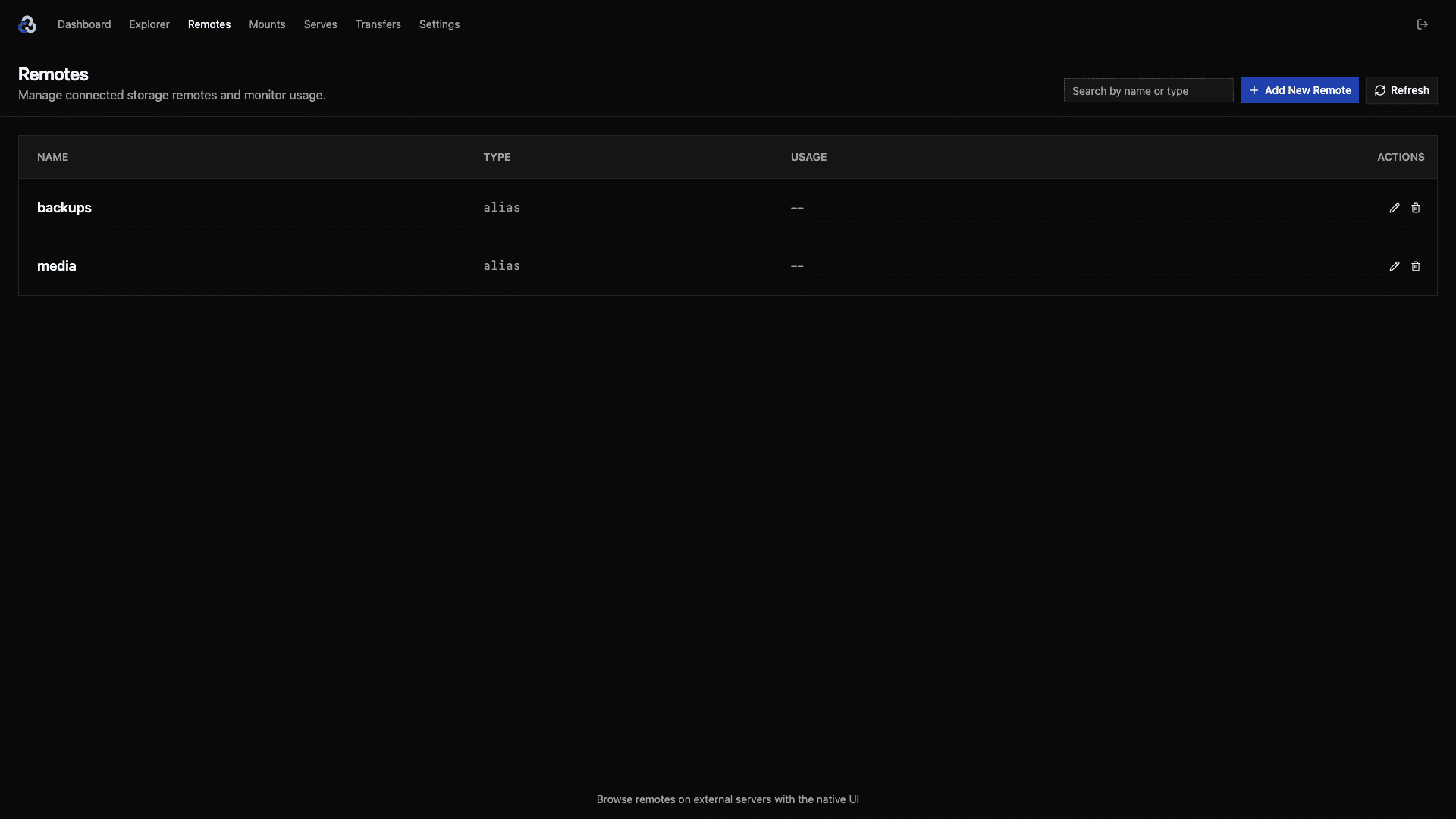
Google Drive, OneDrive, Dropbox, S3, Backblaze B2, SFTP, WebDAV and many more, all set up the same way.
Mounts that stay mounted
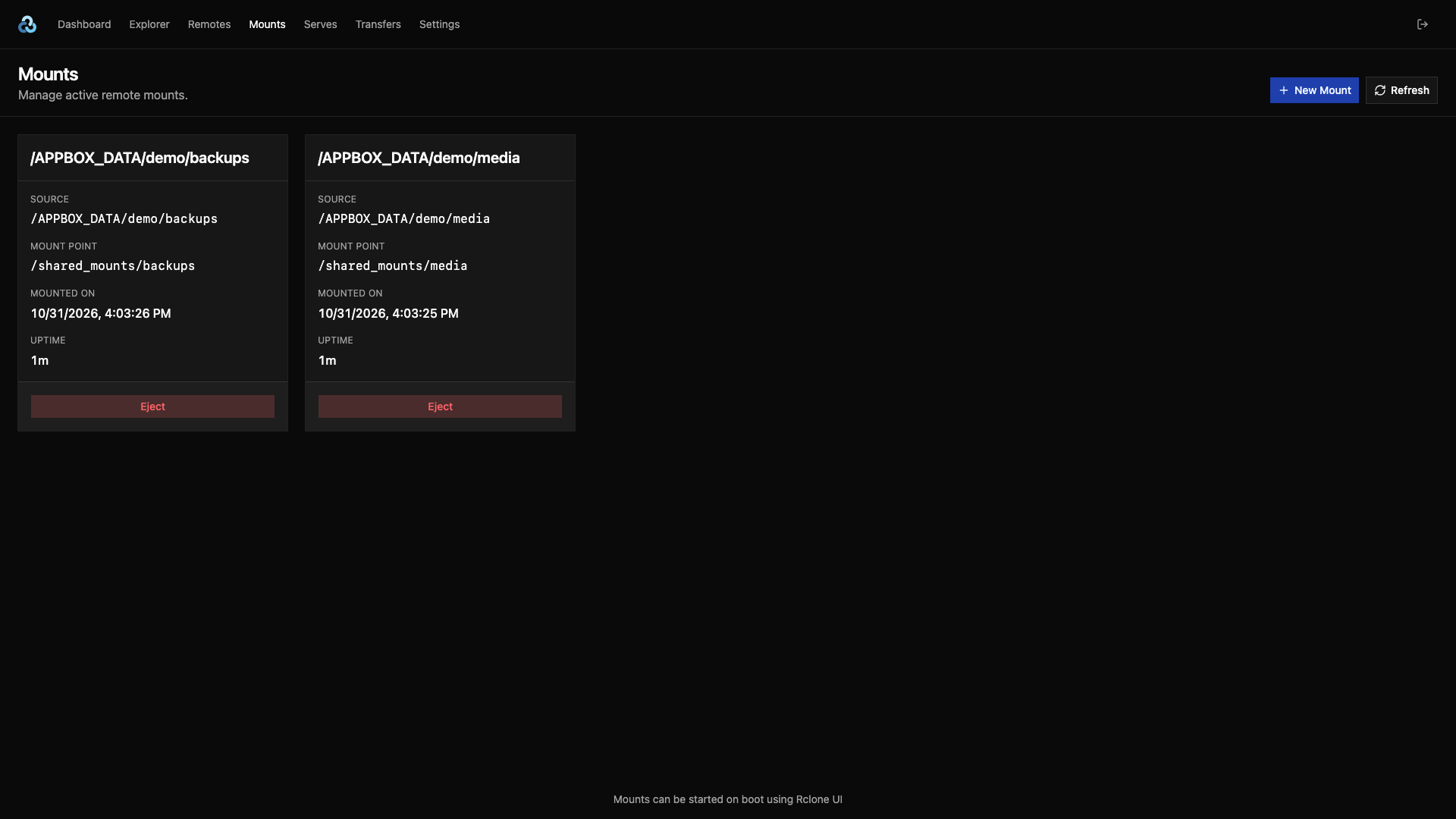
Create a mount on the Mounts page and it comes back at the same path after every restart or update.
Shared with your apps
Mounts live in /shared_mounts, so Plex, Jellyfin, file managers and your other Appbox apps can read them without copying anything.
Rclone Web
rclone's own web interface for adding and editing remotes, browsing files, watching transfers and managing mounts.
rclone over SSH
Run copy, sync, check and config from your own terminal. The SSH login runs rclone commands only.
Encrypted remotes
Put the crypt remote in front of any provider to keep encrypted copies of your files in the cloud.
Rclone on Appbox
Инсталација за секунде
Изаберите свој Appbox, попуните неколико поља и Rclone је уживо.
Инсталирај Rclone
Захтева 1 слот апликације
Ова демонстрација показује како изгледа инсталер након што имате Appbox.
Множилац
1.4x
Цена у слотовима
5 / 21
RAM
5.60 GB
CPU-ови
∞
✓ rclone.steve.appboxes.co
Спремни за инсталацију? Прво вам је потребан активан Appbox.
Ово је преглед форме за инсталацију. Изаберите план да креирате свој Appbox и покренете апликацију заиста.
How you work with the instance
The app page shows your login, the SSH command and your password.
Sign in to Rclone Web
Open the URL on the app page and sign in as rclone with the password you set at install.
Add Google Drive over SSH
Remotes that sign in through a browser are added with rclone config over SSH, with port 53682 forwarded so the sign-in link opens on your own computer.
No shell by design
SSH runs a short list of rclone commands, and the web UI only offers rclone's own features.
Boost when jobs grow
Large transfers and busy mounts benefit from extra RAM and CPU. Raise Per-App Boost from the installed app page when you need more headroom.
Rclone vs single-vendor sync apps
| Feature | Rclone on Appbox | Vendor desktop sync |
|---|---|---|
| Providers per install | Over 70 in one app | Usually one vendor |
| Interfaces | Web UI and rclone over SSH | Desktop app |
| Checksum verification | Built into sync and copy | Varies by product |
| Mounts for other apps | Shared in /shared_mounts | Local to your computer |
| Hosting model | Always-on Appbox instance | Runs on your PC or phone |
| Self-hostable | N/A (client software) |
Read flags before sync
Frequently asked questions
Deploy Rclone on your Appbox
Mount your cloud storage for the rest of your apps, with a web UI and saved mounts.
Available versions
| Version | App Slots | RAM | CPU | Released | Changes |
|---|---|---|---|---|---|
| v1.75.2 | 1 | 4 GB | Shared | Oct 31, 2026 | |
| v1.69.0-1 | 1 | 4 GB | Shared | May 9, 2025 |
Need more resources? Use Per-App Boost to allocate extra App Slots and increase RAM and CPU by 10% per slot. See the FAQ below for details.