
Private sync without a cloud account
Syncthing hosting on Appbox. Keep folders aligned across your computers and phones using encrypted, peer-to-peer replication and a browser-based control panel.
What you get with Syncthing hosting
Decentralized synchronization with device identities, folder rules, and a web UI you open from your Appbox instance.
Peer-to-peer sync
Devices talk directly over TLS when they can, with relay and discovery helpers when they cannot. No vendor cloud holds your files.
Encrypted transport
Connections use TLS. You approve remote devices by exchanging device IDs so only trusted peers join your cluster.
Web control panel
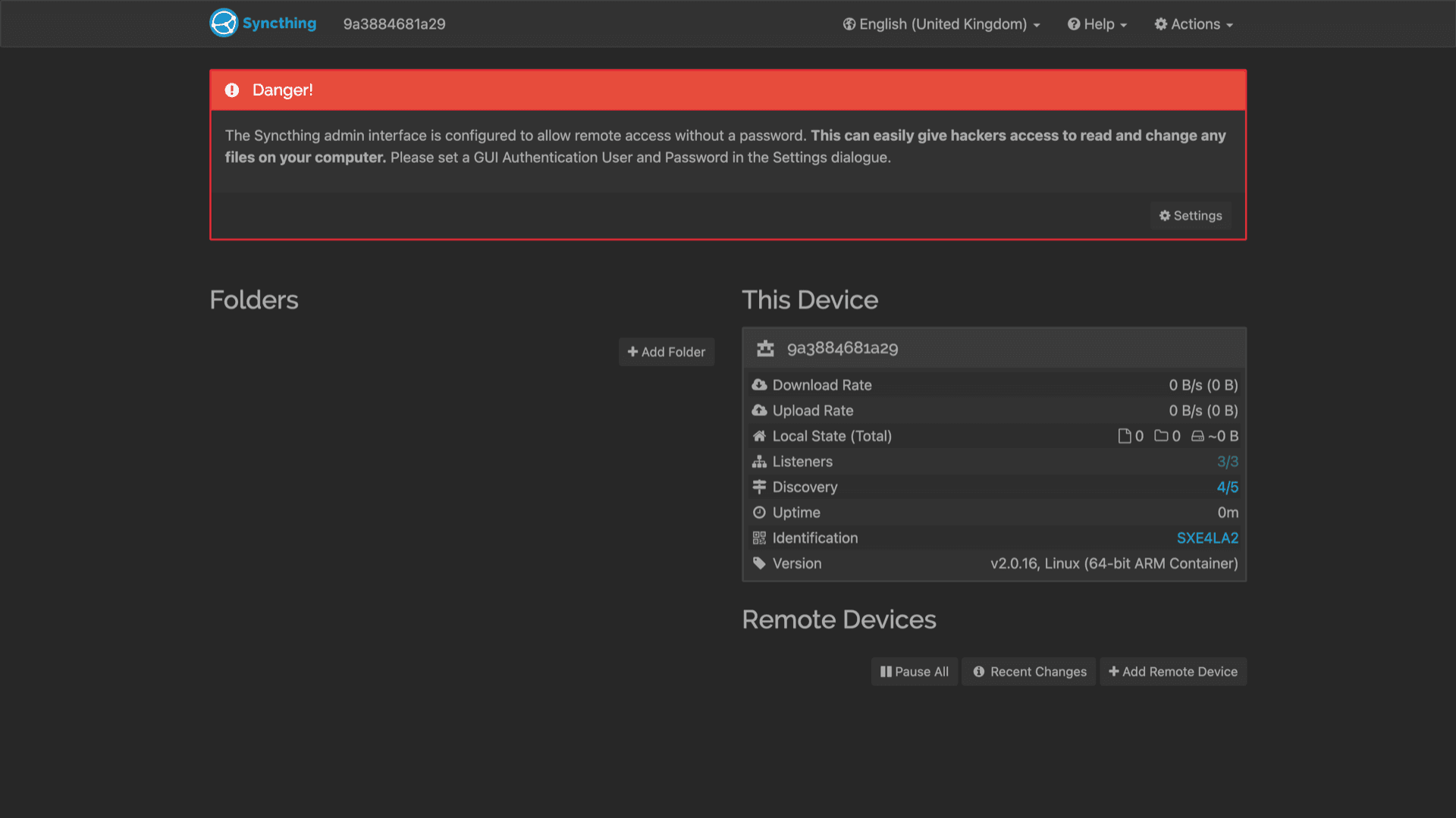
Add folders, tune per-folder versioning, inspect transfer rates, and review recent changes from the built-in GUI after you sign in.
Selective folders
Share only the directories you choose, with different paths on each machine, and pause or resume sync without uninstalling.
Versioning and conflicts
Enable simple or staggered file versioning on folders where you want recovery options, and resolve conflicts using the documented workflows.
Discovery helpers
Global and local discovery, plus optional relays, make it easier for devices on different networks to find each other when direct ports are not open.
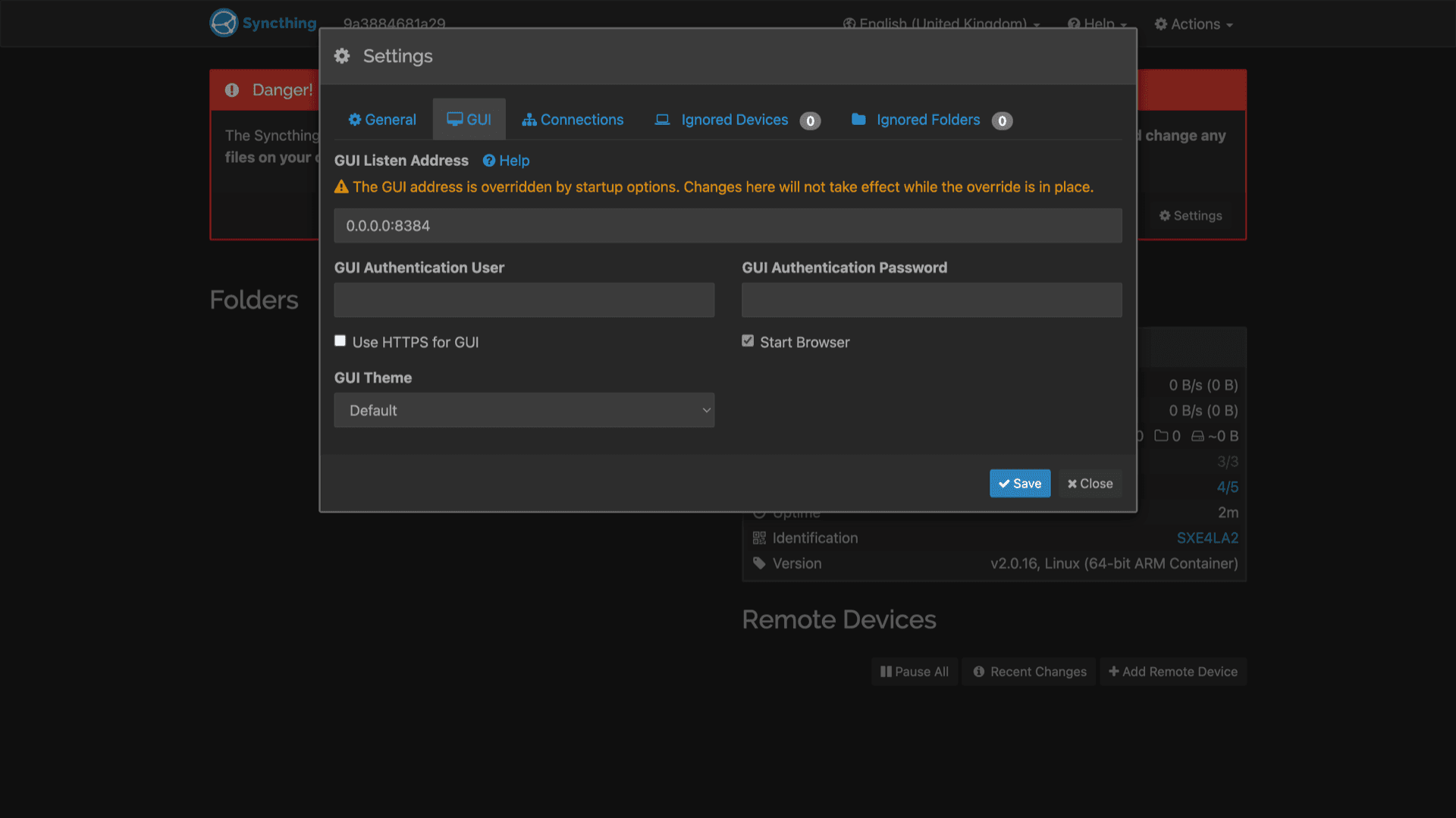
See Syncthing in the browser
Installer på sekunder
Velg Appboxen din, fyll ut noen få felt, så er Syncthing live.
Installer Syncthing
Krever 1 app-plass
Denne demoen viser hvordan installasjonsprogrammet ser ut etter at du har en Appbox.
Multiplikator
1.4x
Plasskostnad
5 / 21
RAM
∞
CPU-er
∞
✓ syncthing.steve.appboxes.co
Klar til å installere? Du trenger først en aktiv Appbox.
Dette er en forhåndsvisning av installasjonsskjemaet. Velg en plan for å opprette Appboxen din og distribuere på ordentlig.
Operating your sync cluster
Practical steps after the instance is online on Appbox.
Pair devices safely
Copy device IDs from the web UI or the Show ID action, share them out-of-band, and accept only the peers you recognize.
HTTPS from Appbox
Open the Web UI link from your installed app page. The platform terminates TLS in front of the container, then you authenticate with the credentials from install.
Phones and desktops
Install official or community Syncthing clients on laptops, phones, and servers, then add the same trusted devices and folders you manage in the web UI.
Read upstream docs
Folder types, ignore patterns, and advanced networking options are documented on syncthing.net. Start from the introduction if you are new to device-scoped sharing.
Syncthing vs Dropbox
| Feature | Syncthing on Appbox | Dropbox |
|---|---|---|
| Where data lives | Your Appbox instance and your devices | Dropbox-operated cloud storage |
| Account model | Device trust via IDs, no Dropbox-style vendor login for sync | Central Dropbox account |
| LAN and direct sync | Designed for direct device connections when reachable | Primarily cloud-mediated sync |
| Share links to arbitrary files | Not the primary workflow | Strong share-link and collaboration features |
| Mobile experience | Official and third-party apps | Polished first-party mobile apps |
| Self-hostable |
Web UI access on Appbox
Frequently asked questions
Get started with Syncthing
Deploy Syncthing hosting on Appbox in one click, then pair your devices and keep folders in sync without handing data to a central cloud.
Available versions
| Version | App Slots | RAM | CPU | Released | Changes |
|---|---|---|---|---|---|
| v2.0.13 | 1 | Shared | Shared | Invalid Date | |
| v2.0.12 | 1 | Shared | Shared | Invalid Date |
Need more resources? Use Per-App Boost to allocate extra App Slots and increase RAM and CPU by 10% per slot. See the FAQ below for details.