
Sync almost any cloud from one host
Rclone hosting on Appbox. A full rclone toolchain plus desktop access over VNC so you can configure remotes, run transfers, and mount storage without juggling local installs.
What you get with Rclone hosting
Upstream rclone semantics in a persistent Appbox app with clear connection details in the panel.
Broad backend support
Use the same commands for object stores, consumer clouds, SFTP, WebDAV, and many other remotes documented upstream, instead of maintaining a separate tool per vendor.
Sync and copy jobs
Run sync, copy, and move workflows with checksum verification, filters, and dry runs so you can validate changes before they hit production data.
Encryption remote
Layer the crypt backend over any remote when you want ciphertext at rest on a provider that does not offer native client-side encryption.
Transfer controls
Tune bandwidth caps, concurrency, retries, and logging so long migrations stay predictable on shared hosting resources.
Mount mode
When the image allows it, expose a configured remote through FUSE-style mount workflows for interactive browsing from the desktop session.
Cross-app context
Anything you place under the shared `shared_mounts` path is visible to every other Appbox app on your account, so Rclone can read or write data that media servers, file managers, and backups consume without duplicate uploads.
Rclone on Appbox
Installer på sekunder
Velg Appboxen din, fyll ut noen få felt, så er Rclone live.
Installer Rclone
Krever 1 app-plass
Denne demoen viser hvordan installasjonsprogrammet ser ut etter at du har en Appbox.
Multiplikator
1.4x
Plasskostnad
5 / 21
RAM
∞
CPU-er
∞
✓ rclone.steve.appboxes.co
Klar til å installere? Du trenger først en aktiv Appbox.
Dette er en forhåndsvisning av installasjonsskjemaet. Velg en plan for å opprette Appboxen din og distribuere på ordentlig.
How you work with the instance
The control panel surfaces URLs and secrets; destructive commands still need your judgment.
Web UI and VNC
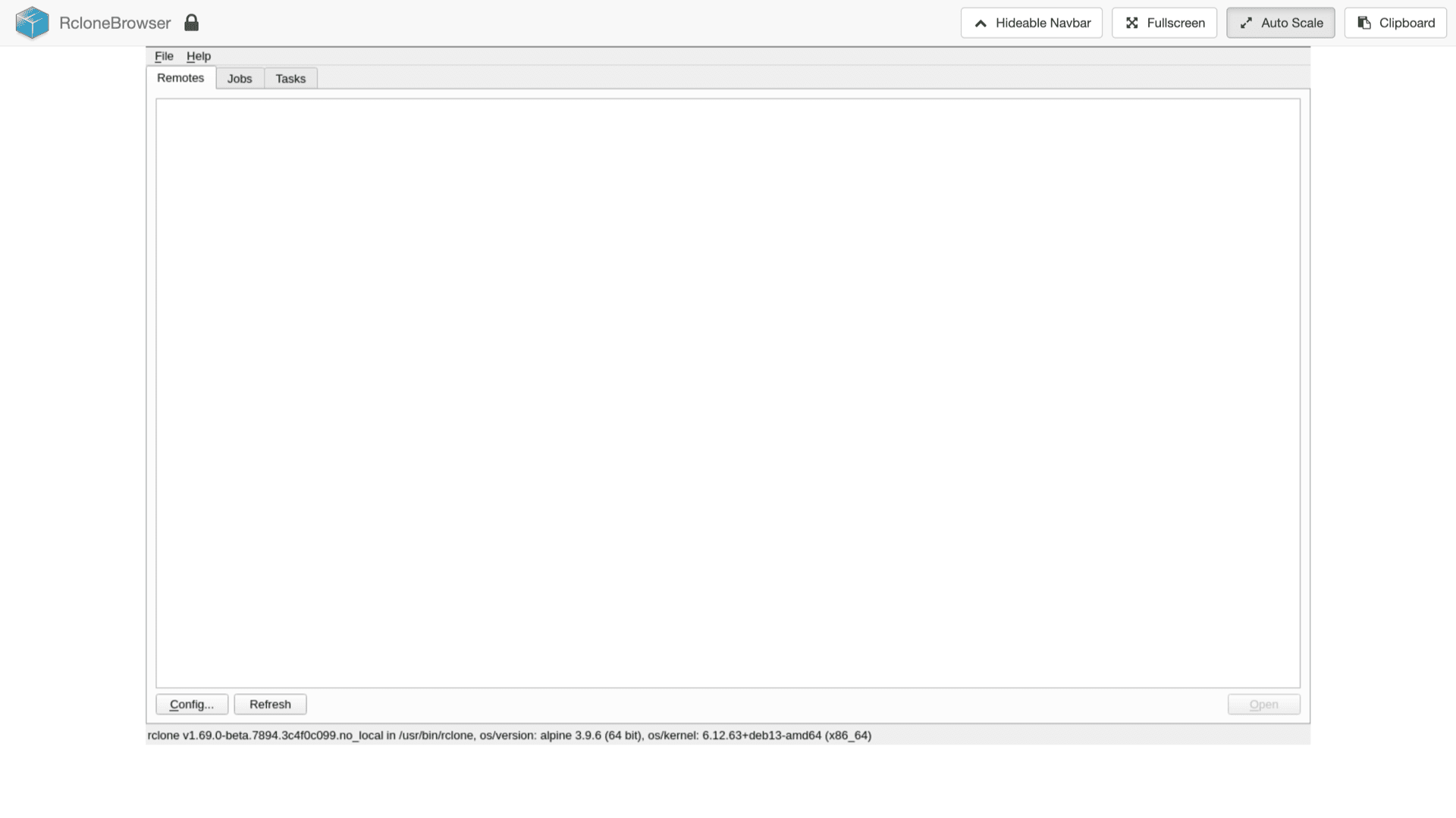
Install supplies a resolvable URL template plus a VNC password. Open the Web UI link from the installed app page, authenticate with the password you set, and use the desktop to edit configs or run interactive rclone commands.
CLI-first workflow
Rclone remains a command-line tool at heart. SSH or terminal access through the provided environment is where you run scripted syncs, cron-style jobs, and advanced flags.
Linux environment limits
You get sudo inside the managed container, but this is not a KVM VPS. Do not expect nested Docker, snapd, or custom host kernels. Keep workloads to what rclone and the image support.
Boost when jobs grow
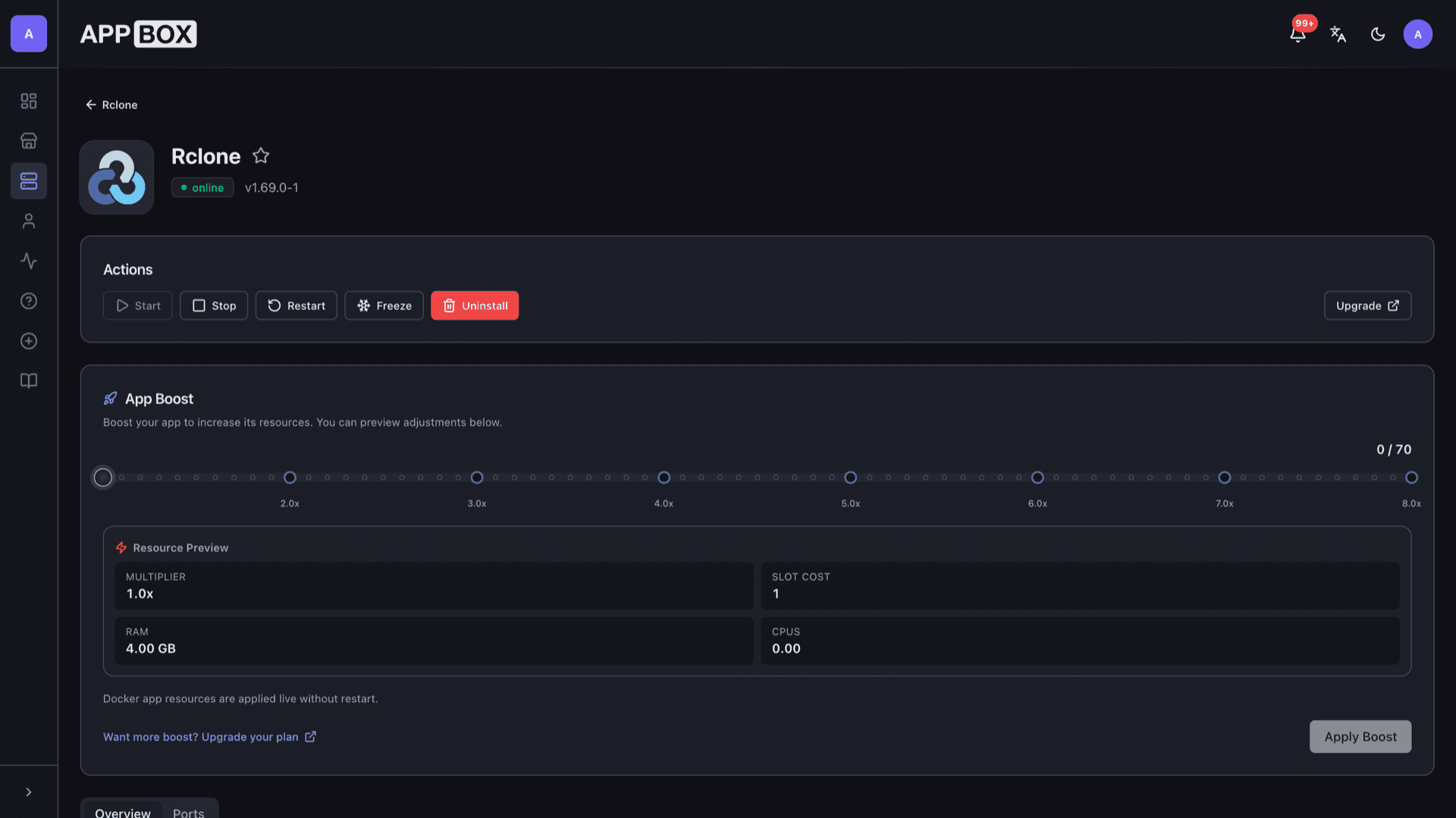
Heavy verify or multi-TB migrations benefit from extra RAM and CPU. Raise Per-App Boost from the installed app page when sustained transfers need more headroom.
Rclone vs single-vendor sync apps
| Feature | Rclone on Appbox | Vendor desktop sync |
|---|---|---|
| Providers per install | Dozens of backends in one binary | Typically one vendor ecosystem |
| Automation | Scriptable CLI, cron friendly | GUI-first, limited scripting |
| Checksum verification | Built into sync and copy | Varies by product |
| Learning curve | Commands, remotes, filters | Often simpler onboarding |
| Hosting model | Always-on Appbox instance | Runs on your PC or phone |
| Self-hostable | N/A (client software) |
Read flags before sync
Frequently asked questions
Deploy Rclone on your Appbox
Stand up a dedicated sync host with Web UI access, then wire the remotes and schedules you already run in development.
Available versions
| Version | App Slots | RAM | CPU | Released | Changes |
|---|---|---|---|---|---|
| v1.69.0-1 | 1 | Shared | Shared | Invalid Date |
Need more resources? Use Per-App Boost to allocate extra App Slots and increase RAM and CPU by 10% per slot. See the FAQ below for details.