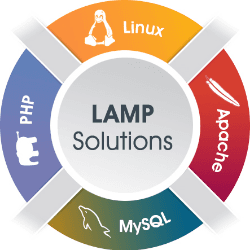
Classic LAMP, ready to use
Lamp Stack hosting on Appbox. Deploy Linux, Apache, MariaDB, and PHP in one flow, then drop files into the web root and connect with localhost and your external MySQL port.
What you get with Lamp Stack hosting
A familiar stack for PHP apps without wiring Apache, PHP-FPM, and a database server yourself.
Apache web server
Serve PHP and static assets over HTTPS using the URL on your installed app page. The default document root is ready for uploads or Git deploys.
MariaDB included
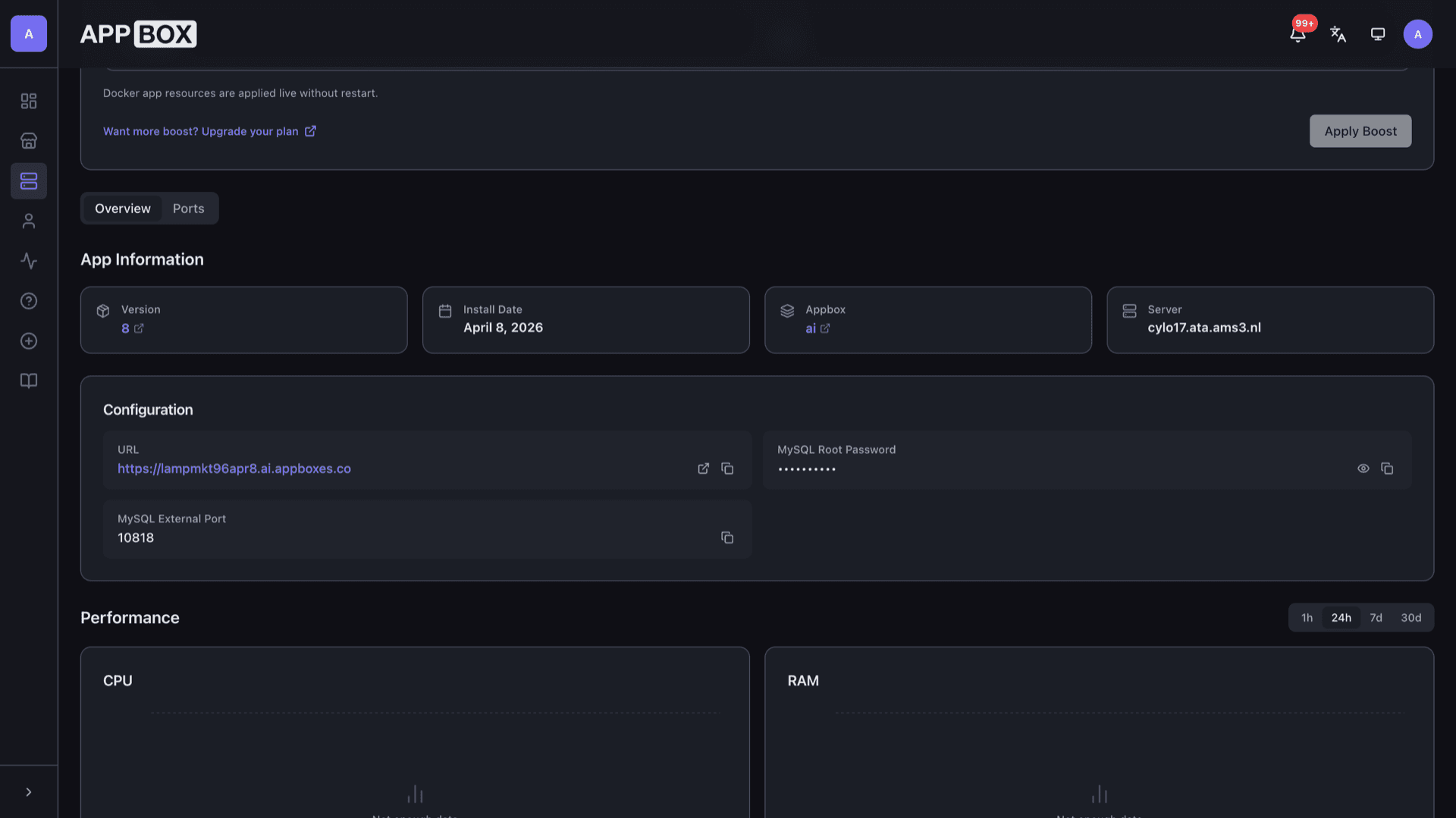
MySQL-compatible storage with root credentials you set at install. Use localhost plus the external port shown in Configuration for remote tools and apps.
PHP runtime
Run common PHP versions and extensions expected by WordPress-style apps and custom code, with errors and limits behaving like a typical Linux host.
HTTPS subdomain
The platform terminates TLS and proxies to your app, so visitors reach a normal https URL while you focus on the stack inside the container.
Persistent web root
Site files and database data live on durable Appbox storage so restarts and upgrades keep your content.
Shell-friendly workflow
Use SFTP or SSH workflows you already know for PHP hosting, subject to the access model your Appbox plan exposes.
See Lamp Stack on Appbox

Installer på sekunder
Velg Appboxen din, fyll ut noen få felt, så er Lamp Stack live.
Installer Lamp Stack
Krever 1 app-plass
Denne demoen viser hvordan installasjonsprogrammet ser ut etter at du har en Appbox.
Multiplikator
1.4x
Plasskostnad
5 / 21
RAM
∞
CPU-er
∞
✓ lampstack.steve.appboxes.co
Klar til å installere? Du trenger først en aktiv Appbox.
Dette er en forhåndsvisning av installasjonsskjemaet. Velg en plan for å opprette Appboxen din og distribuere på ordentlig.
After install
How the pieces fit together on Appbox.
Publish your site
Upload or sync PHP files and assets into the web root. When index.php or index.html is present, Apache serves it instead of a directory listing.
Connect to MySQL
Applications on the same instance use localhost for the host and the MySQL user you configure. Remote clients use the hostname from your panel plus the external port in Configuration.
Tune Apache and PHP
Adjust vhosts, modules, and php.ini inside the app environment the same way you would on a small VPS, keeping compatibility with the platform-managed reverse proxy.
Harden for production
Defaults are meant as a starting point. Plan firewall rules, least-privilege database users, and backups before you expose sensitive data.
Lamp Stack on Appbox vs DIY VPS
| Feature | Lamp Stack on Appbox | DIY VPS LAMP |
|---|---|---|
| Provisioning | One-click install from the store | Manual OS, packages, and TLS |
| HTTPS front door | Platform-managed certificate and proxy | You operate certbot or similar |
| Kernel and KVM | Managed container environment | Full VM with your kernel |
| Nested Docker | Not the target use case | You can run Docker on the guest |
| Cost model | App Slots and boost on Appbox | Raw VPS billing |
| Stack control | Apache, MariaDB, PHP in one app | Unlimited customization |
MySQL host and port
Frequently asked questions
Deploy Lamp Stack hosting on Appbox
Spin up Apache, MariaDB, and PHP in one install, open your HTTPS URL, and start shipping PHP apps with familiar tooling.
Available versions
| Version | App Slots | RAM | CPU | Released | Changes |
|---|---|---|---|---|---|
| 8 | 1 | Shared | Shared | Invalid Date |
Need more resources? Use Per-App Boost to allocate extra App Slots and increase RAM and CPU by 10% per slot. See the FAQ below for details.
Lamp Stack
av Appbox