
Modern web UI for rTorrent
Flood hosting on Appbox. Control rTorrent from a touch-friendly interface with filtering, sorting, and clear transfer stats, deployed in one click.
What you get with Flood hosting
A focused frontend over rTorrent with Appbox handling TLS, subdomain, and container lifecycle.
Responsive interface
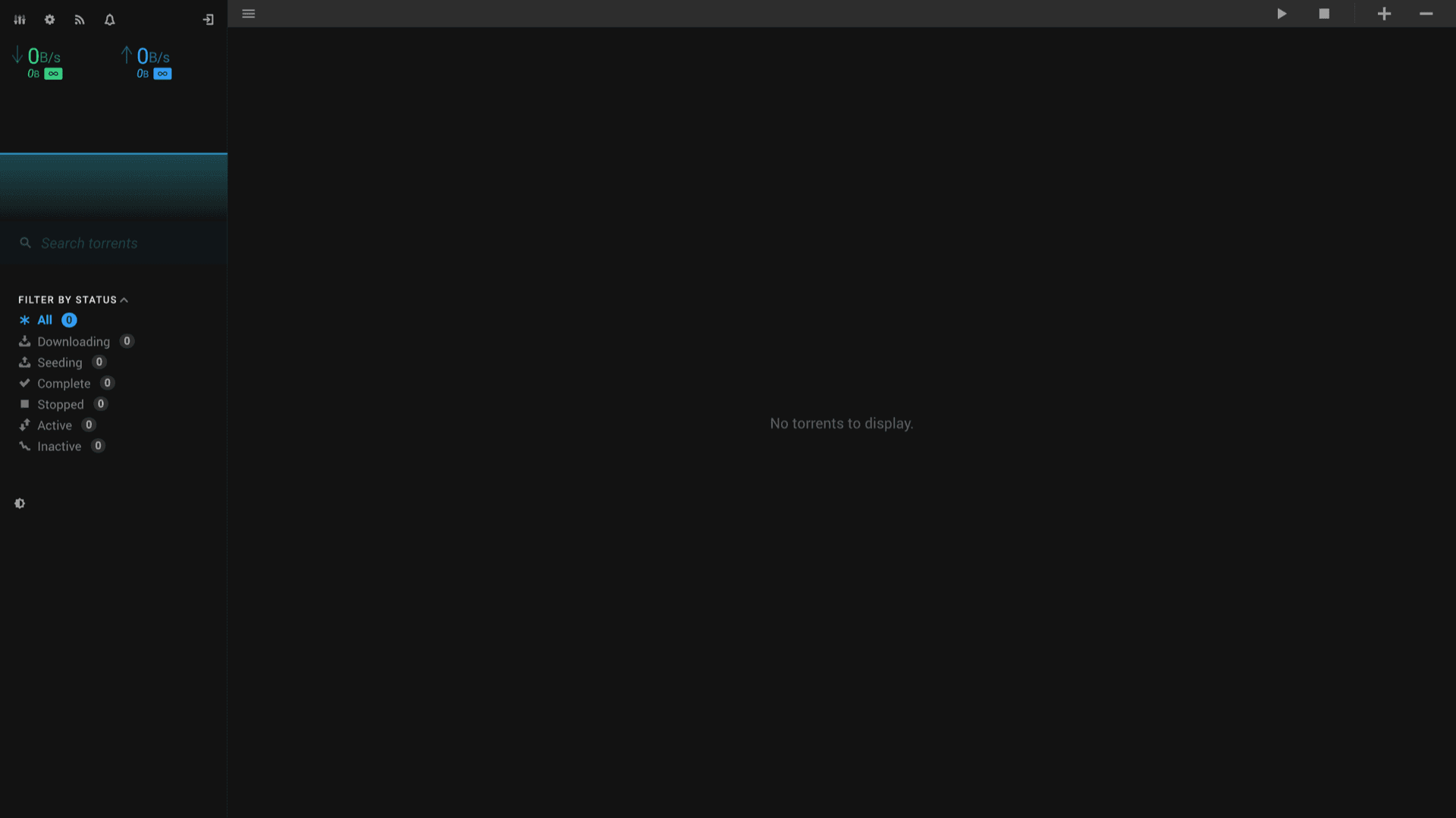
Layouts and controls work on desktop and mobile without the cramped tables common in older torrent web UIs.
Torrent workflows
Filter and sort the list, run bulk actions, and keep download and upload rates visible in the header.
rTorrent on Appbox
This Appbox image wires Flood to rTorrent with RPC preconfigured so you manage the daemon through Flood after install.
Settings and feeds
Adjust client behavior from Settings, use Feeds where enabled, and switch themes from the UI.
Session login
Username and password you set at install gate the web UI, which fits hosting on a shared platform.
Your URL
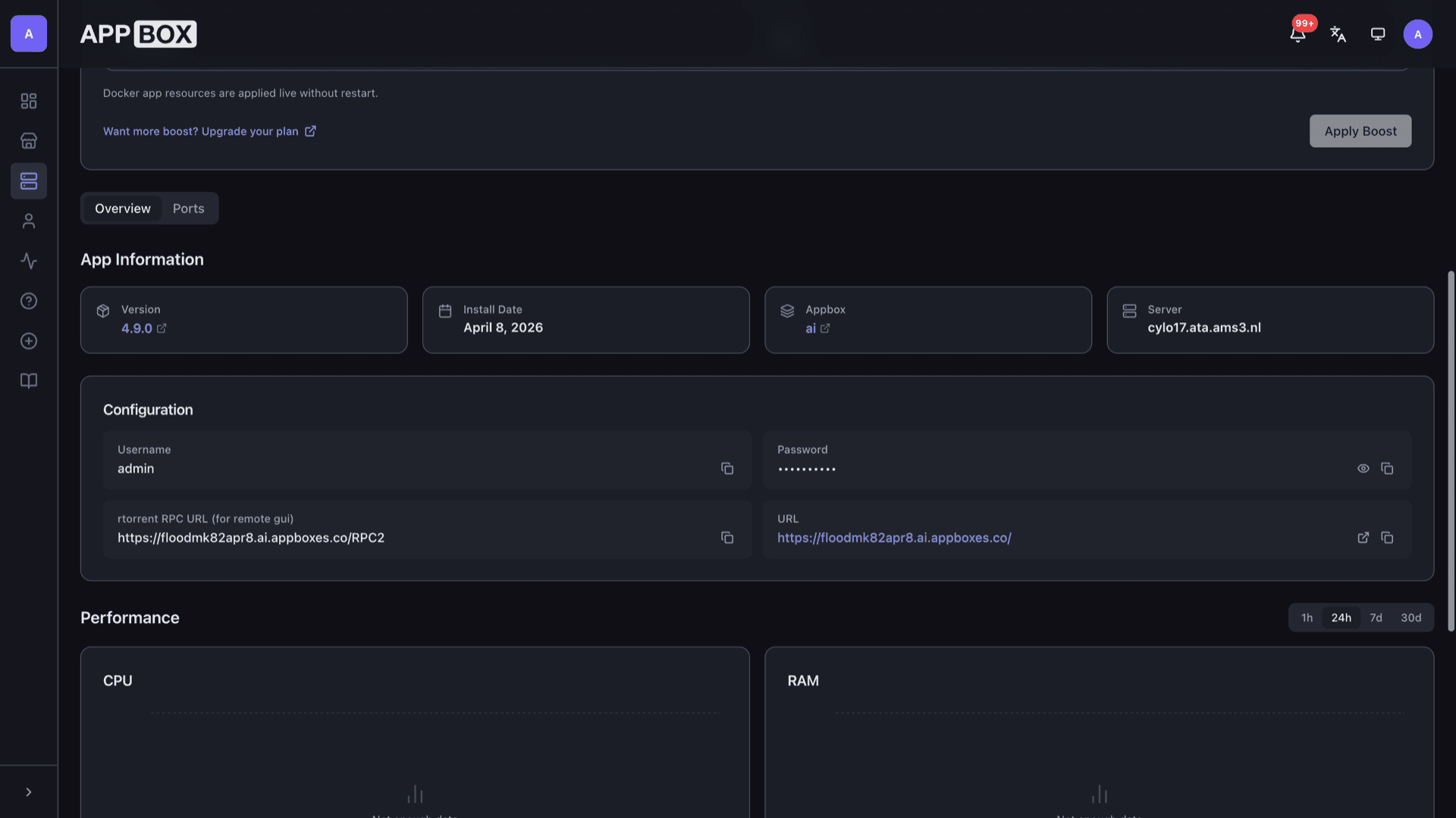
The installed app page lists your HTTPS URL, RPC endpoint for remote GUI tools, and copy actions for credentials.
See Flood on Appbox
Installer på sekunder
Velg Appboxen din, fyll ut noen få felt, så er Flood live.
Installer Flood
Krever 1 app-plass
Denne demoen viser hvordan installasjonsprogrammet ser ut etter at du har en Appbox.
Multiplikator
1.4x
Plasskostnad
5 / 21
RAM
∞
CPU-er
∞
✓ flood.steve.appboxes.co
Klar til å installere? Du trenger først en aktiv Appbox.
Dette er en forhåndsvisning av installasjonsskjemaet. Velg en plan for å opprette Appboxen din og distribuere på ordentlig.
Operations and limits
What to expect when you run Flood as a managed app on Appbox.
Single-container stack
Flood and rTorrent run in one Appbox app container with persistent volumes for configuration and data paths the image defines.
Backend scope
Upstream Flood can talk to multiple client types; on Appbox the supported pairing is rTorrent, as noted in the store listing.
RPC for power users
The Overview tab exposes the rTorrent SCGI RPC URL so compatible desktop or CLI tools can attach if you prefer.
Resource usage
CPU, RAM, and disk charts on the installed app page help you see whether Per-App Boost or plan changes make sense.
Flood vs ruTorrent
| Feature | Flood | ruTorrent |
|---|---|---|
| UI model | SPA-style React interface | Classic PHP plugin pages |
| Mobile use | Designed for smaller viewports | Often desktop-first |
| Theming | Built-in light and dark themes | Theme plugins vary by install |
| Ecosystem | Focused core, fewer third-party plugins | Large plugin catalog |
| rTorrent support | Yes (Appbox image) | Yes (typical pairing) |
| Self-hostable |
rTorrent only on Appbox
Frequently asked questions
Deploy Flood hosting on Appbox
Install Flood in one flow, open your Web UI, and manage rTorrent from a modern interface with HTTPS on your subdomain.
Available versions
| Version | App Slots | RAM | CPU | Released | Changes |
|---|---|---|---|---|---|
| 4.9.0 | 1 | Shared | Shared | Invalid Date |
Need more resources? Use Per-App Boost to allocate extra App Slots and increase RAM and CPU by 10% per slot. See the FAQ below for details.