Launch Week Day 1 - New Dashboard
Day 1 of Launch Week is here. The new Appbox dashboard is now live.
Launch Week Day 1: The New Dashboard Is Live
We said Launch Week starts Monday. And Day 1 is now live.
Today we are shipping the new Appbox dashboard experience. This is a major UI and workflow upgrade across the control panel, and it has one simple goal: make running your appboxes faster, clearer, and less annoying day to day.
This update has been in progress for a long time, and I am very happy we can finally put it in your hands.
A New Control Center
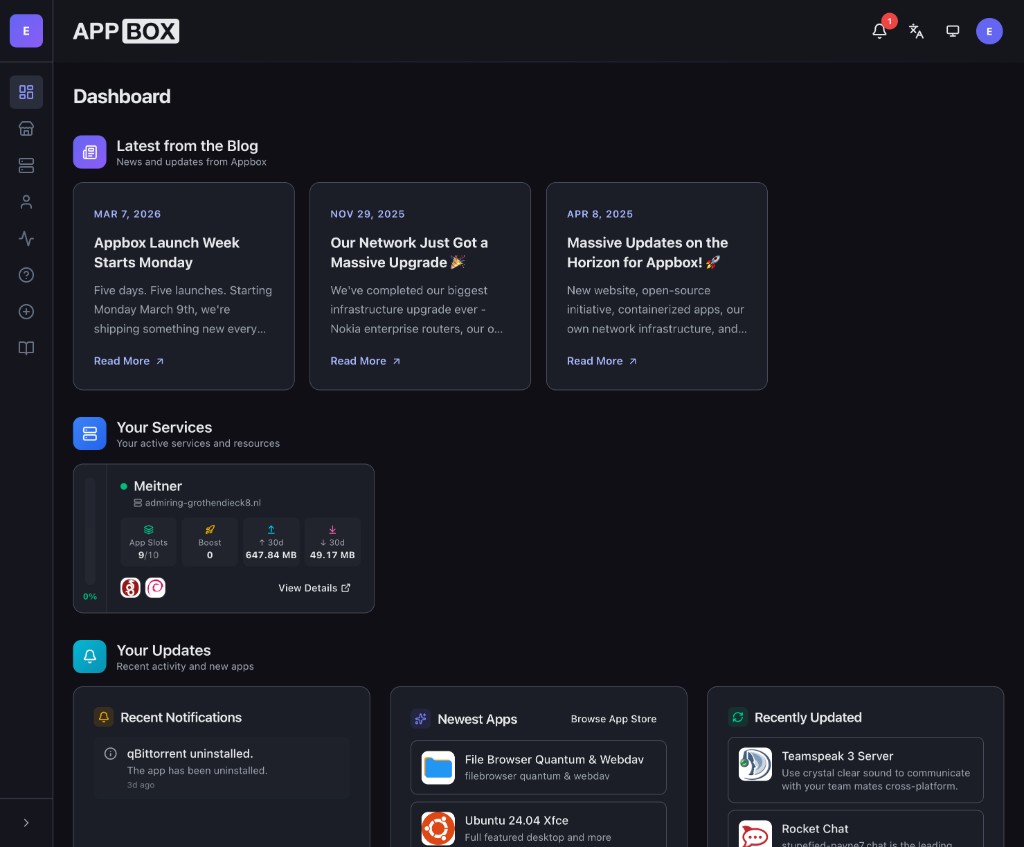
Before today, this information lived across separate pages and flows. Today, we are introducing a dedicated dashboard that brings it together into one operational view:
- latest blog and platform updates
- your service overview cards
- your notifications
- newest and recently updated apps
So instead of jumping between tabs, you can open one page and immediately see what matters.
Redesigned Appbox Management
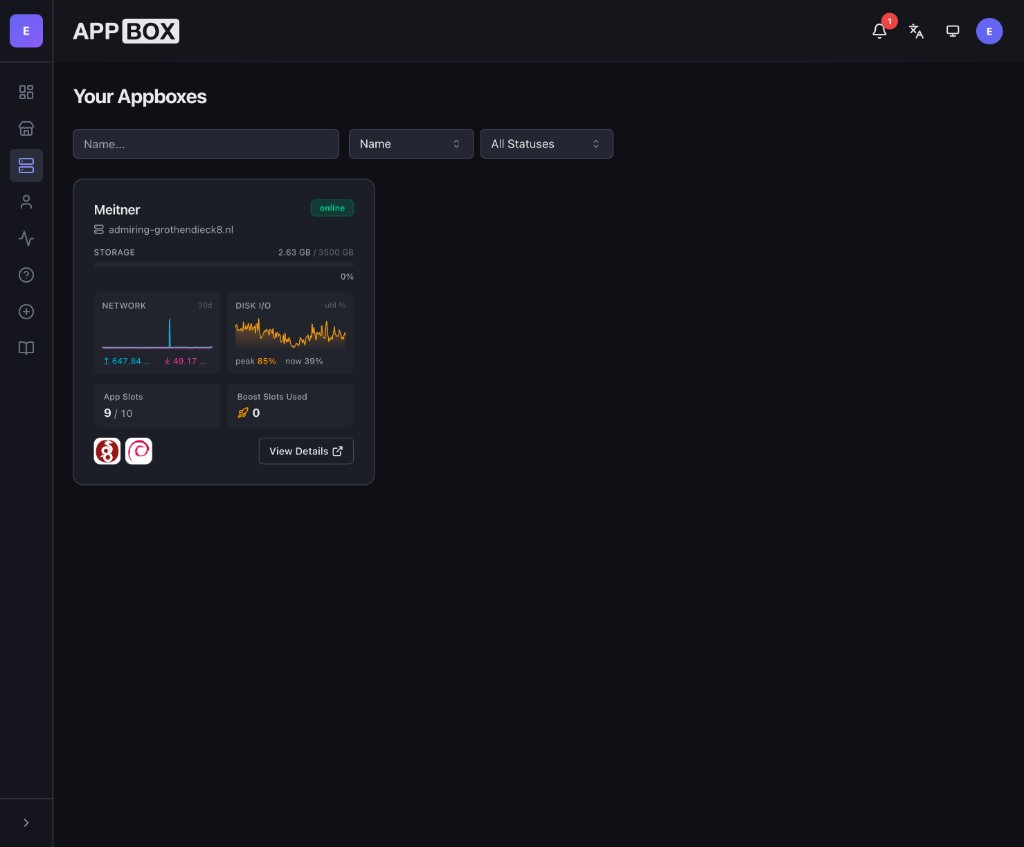
The appboxes area has been rebuilt with a cleaner card layout and faster scanability. You can quickly spot status, storage, traffic, slot usage, and jump directly into details.
Inside each appbox, the summary view is now more operational: resource cards, charts, and core actions are easier to reach and easier to understand at a glance.
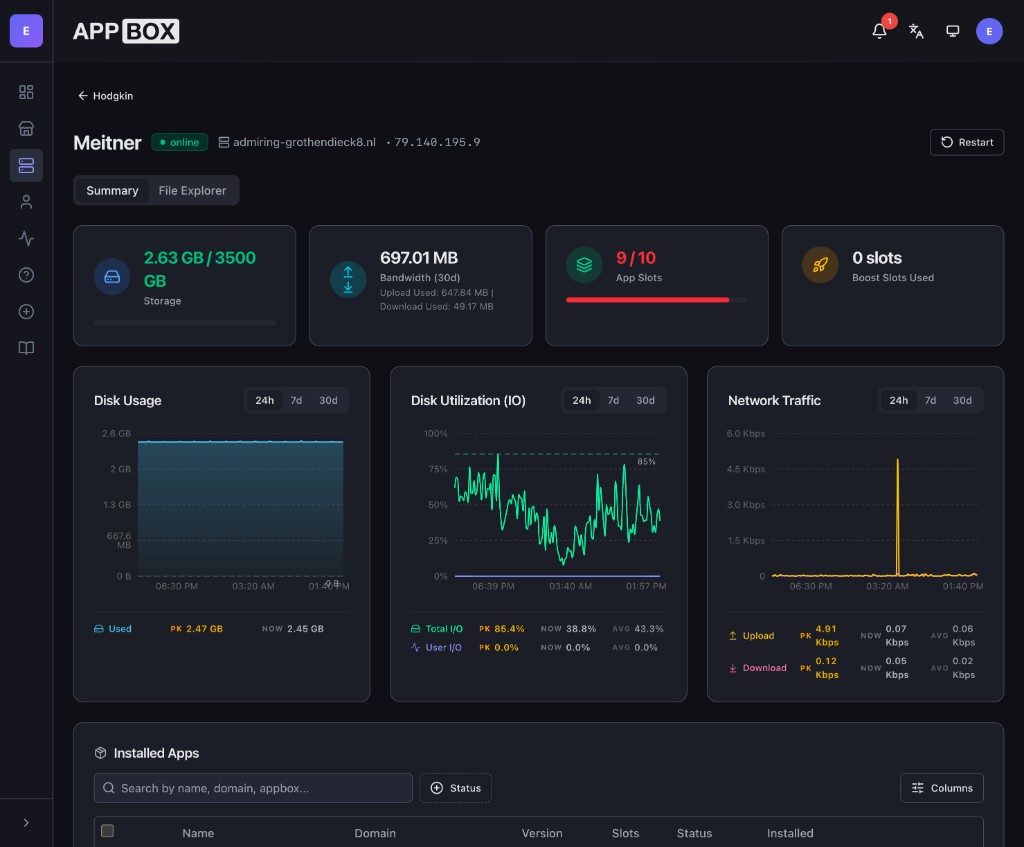
This is the kind of page you keep open while actually using your environment, not just a static info screen.
App Store Is Better Integrated
We also improved app discovery and app detail flows so they feel like part of one system instead of separate tools.
The store view is cleaner, categories are easier to browse, and the path from discovery to install is shorter.
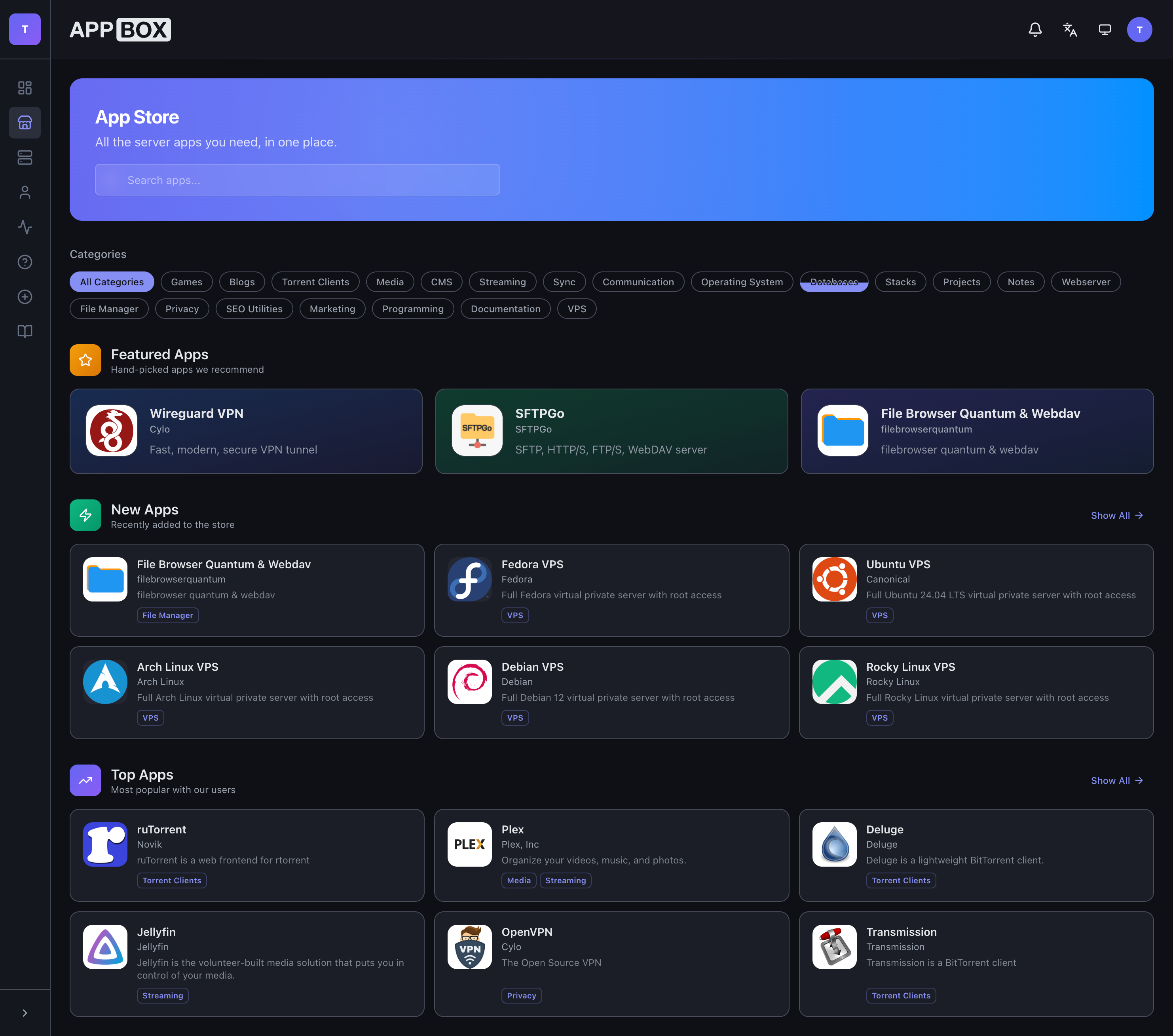
App detail pages now make version/resource details clearer, so you can decide faster and with fewer surprises before installing or upgrading.
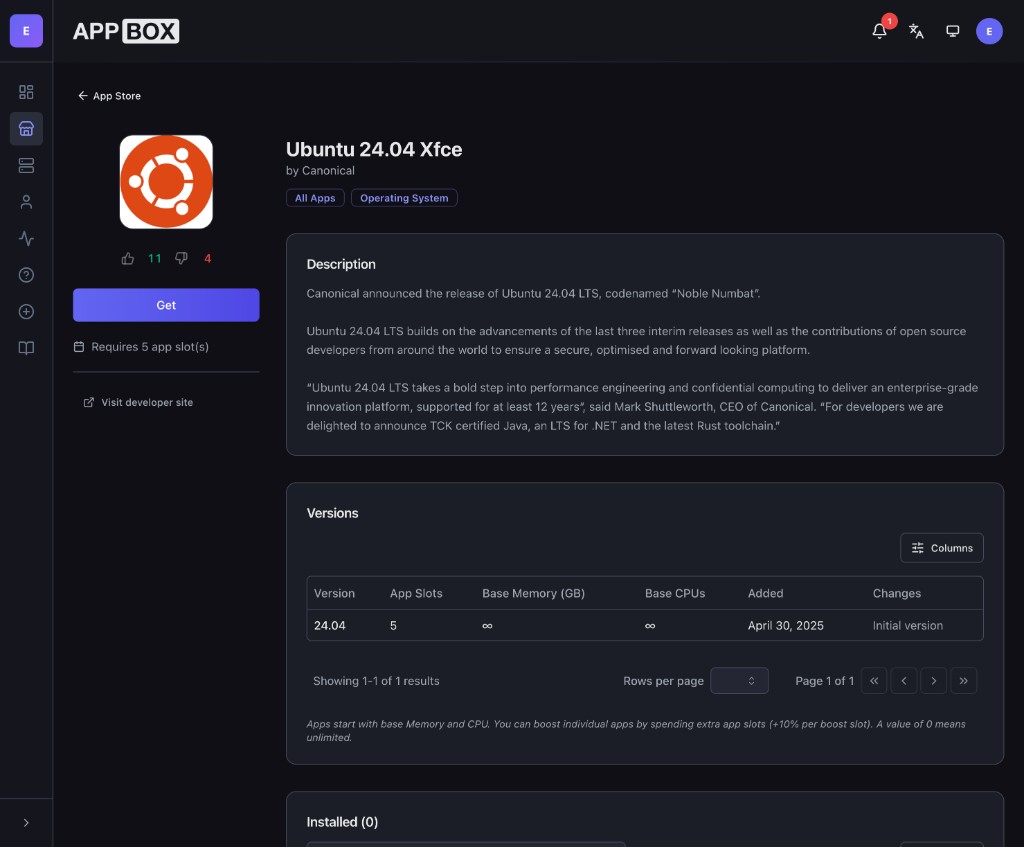
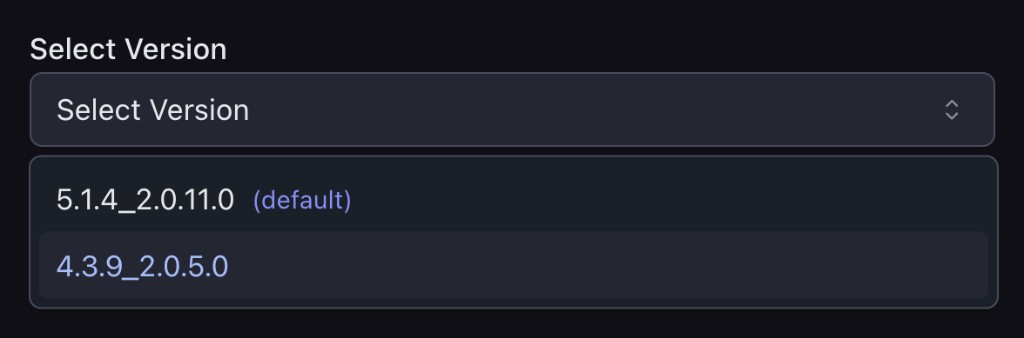
And starting today, apps can expose and support multiple installable versions directly in the flow, so you can choose the version you want, and switch to another version at any time.
Custom Domains Are Now First Class
Custom domains are now a core part of the install experience, not an awkward extra step.
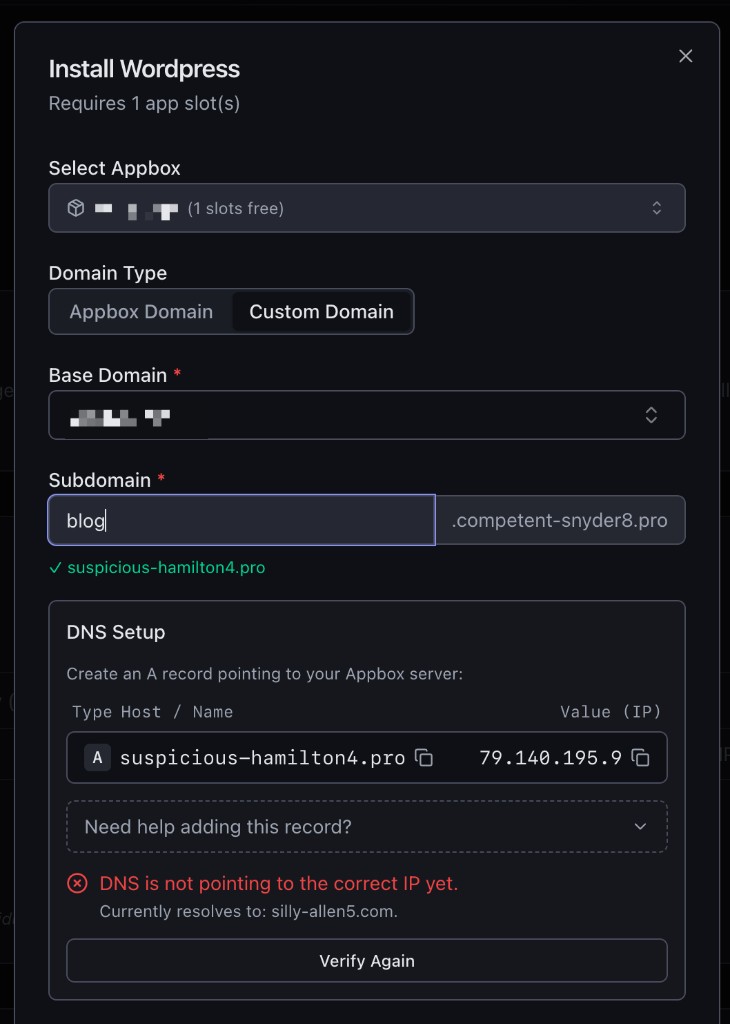
When an app requires a domain, setup now happens directly in the install dialog with a clear guided flow:
- Select your Appbox.
- Choose Domain Type:
- Appbox Domain to use your Appbox default domain.
- Custom Domain to use one of your own domains.
- Pick the Base Domain.
- Enter the Subdomain you want to use.
- If you selected a custom domain, Appbox shows the exact DNS record to add (host/name and target IP), then lets you verify it immediately.
Instead of manually guessing records, copying docs, and retrying installs, you get a built-in DNS setup and verification step in the same place where you install the app.
New File Explorer (Built from Scratch)
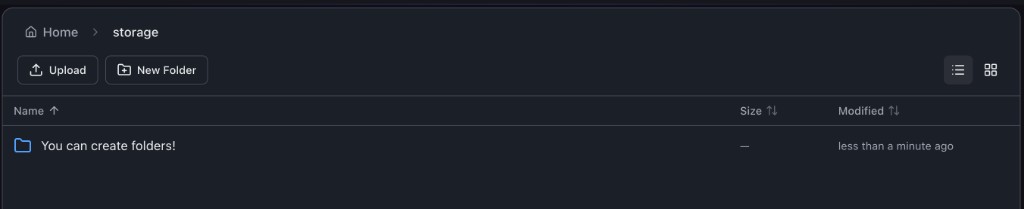
The file explorer has been reimagined from scratch. In the previous experience, file management was only limited to deleting files. Now it is a proper file manager with:
- uploads
- new folder creation
- rename
- delete
- download
- list/grid view switching
- breadcrumb navigation and contextual actions
So you can actually manage your appbox files natively instead of installing an additional app.
Two-Factor Authentication
Security should not be optional in 2026. Starting today, Appbox accounts support built-in two-factor authentication.
You can enable and manage 2FA directly from your account area, including recovery code management for account recovery.
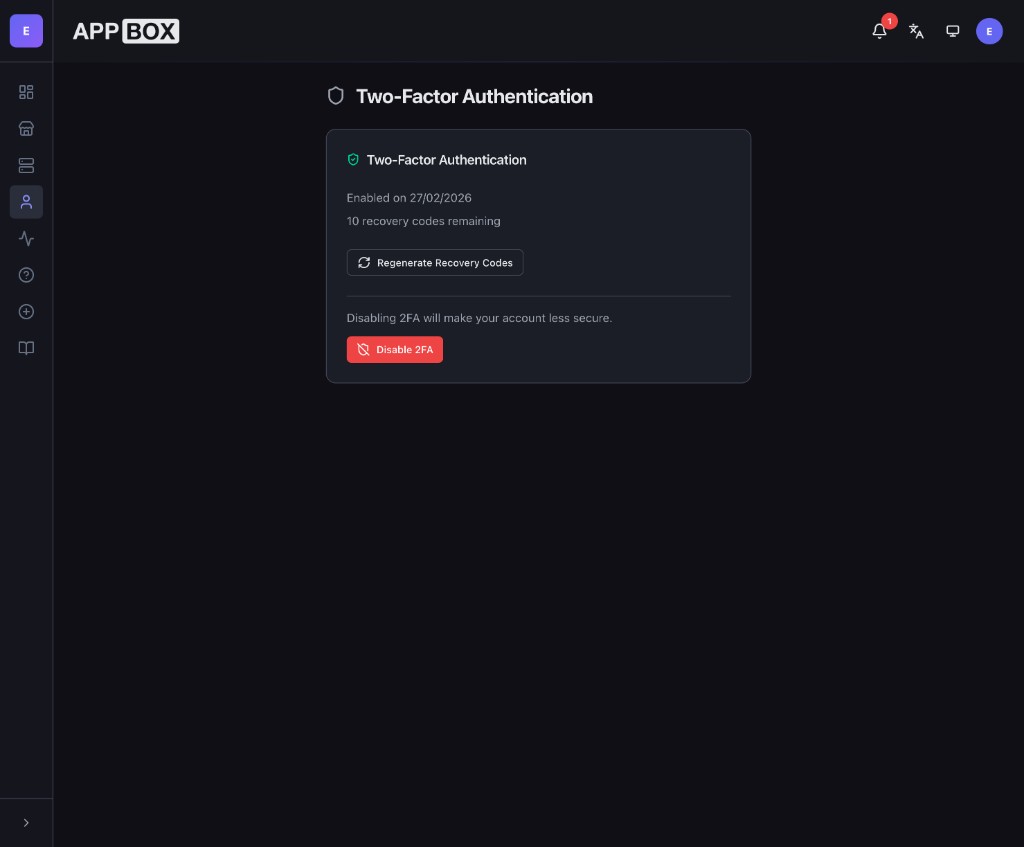
This is a major security milestone for the platform, and one of the features users have requested most consistently.
New Design Language Across the Dashboard
The visual system has been refreshed across navigation, spacing, cards, typography, and interaction states. The target was consistency and focus: less visual noise, stronger hierarchy, better readability, and a more modern product feel in both dark and light themes.
No longer will you have a blearing white screen when you're installing apps at midnight!
Better Daily UX: Theme, Language, and Faster Shortcuts
This release also includes quality-of-life features that make the dashboard nicer to use every day:
- Native language switching directly in the UI (with more languages being added over time).
- Pinned app shortcuts shown as small quick-access icons on your service cards, so you can jump into your most-used apps faster.
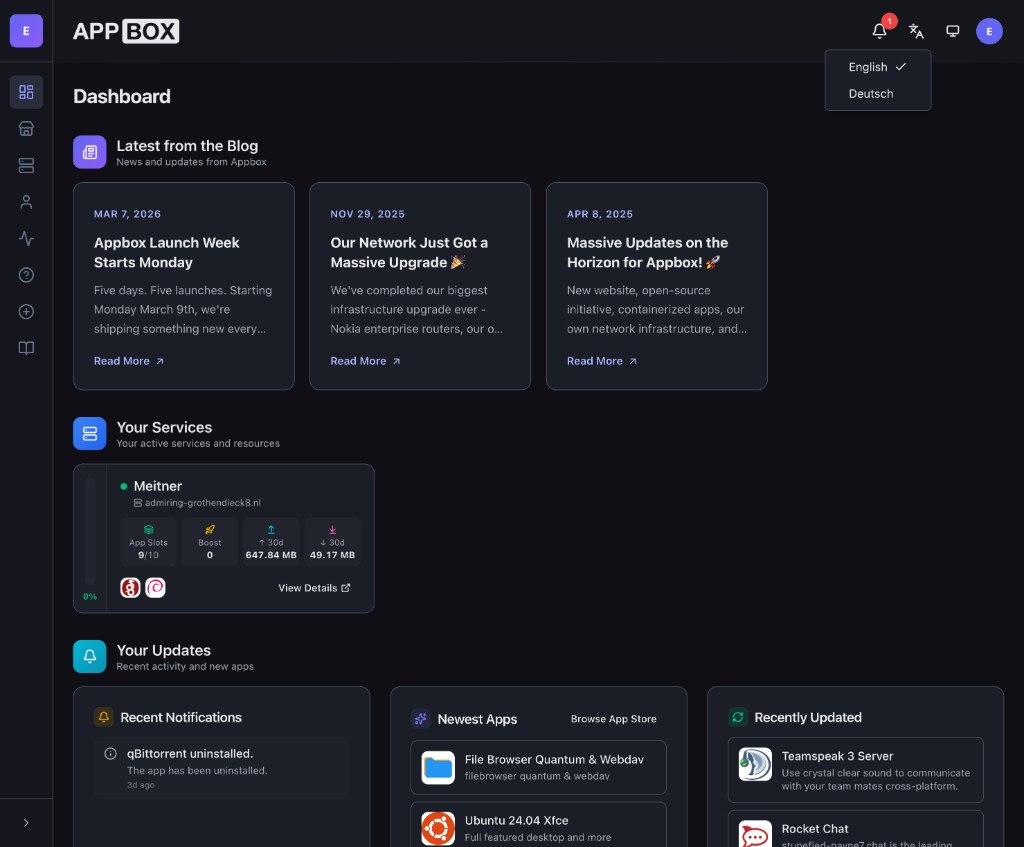
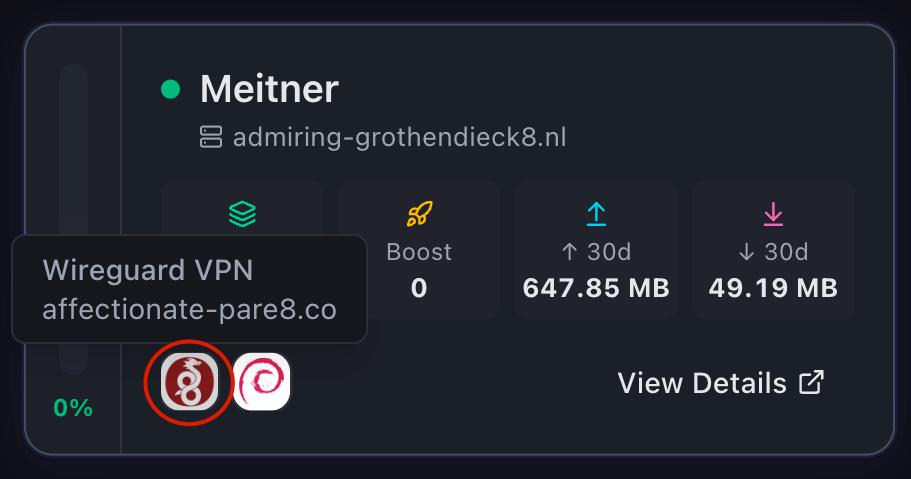
Language switching and pinned shortcuts put daily controls right where you need them.
Day 1 Is Live Now
If you are already an Appbox user, you can log in and start using the new dashboard immediately.
As always, feedback is welcome. The fastest way we improve Appbox is by shipping, listening, and iterating with real usage.
Got feedback or found an issue? Reach out at support@appbox.co or open a ticket at billing.appbox.co.