Introducing n8n on Appbox
Deploy n8n on Appbox and start building self-hosted workflow automations for apps, APIs, webhooks, and internal tools.
Introducing n8n on Appbox
n8n is now available on Appbox.
That means you can deploy a private workflow automation workspace, open the visual editor, and start connecting apps, APIs, schedules, webhooks, and custom code without managing a server by hand.
Install n8n from the Appbox App Store.
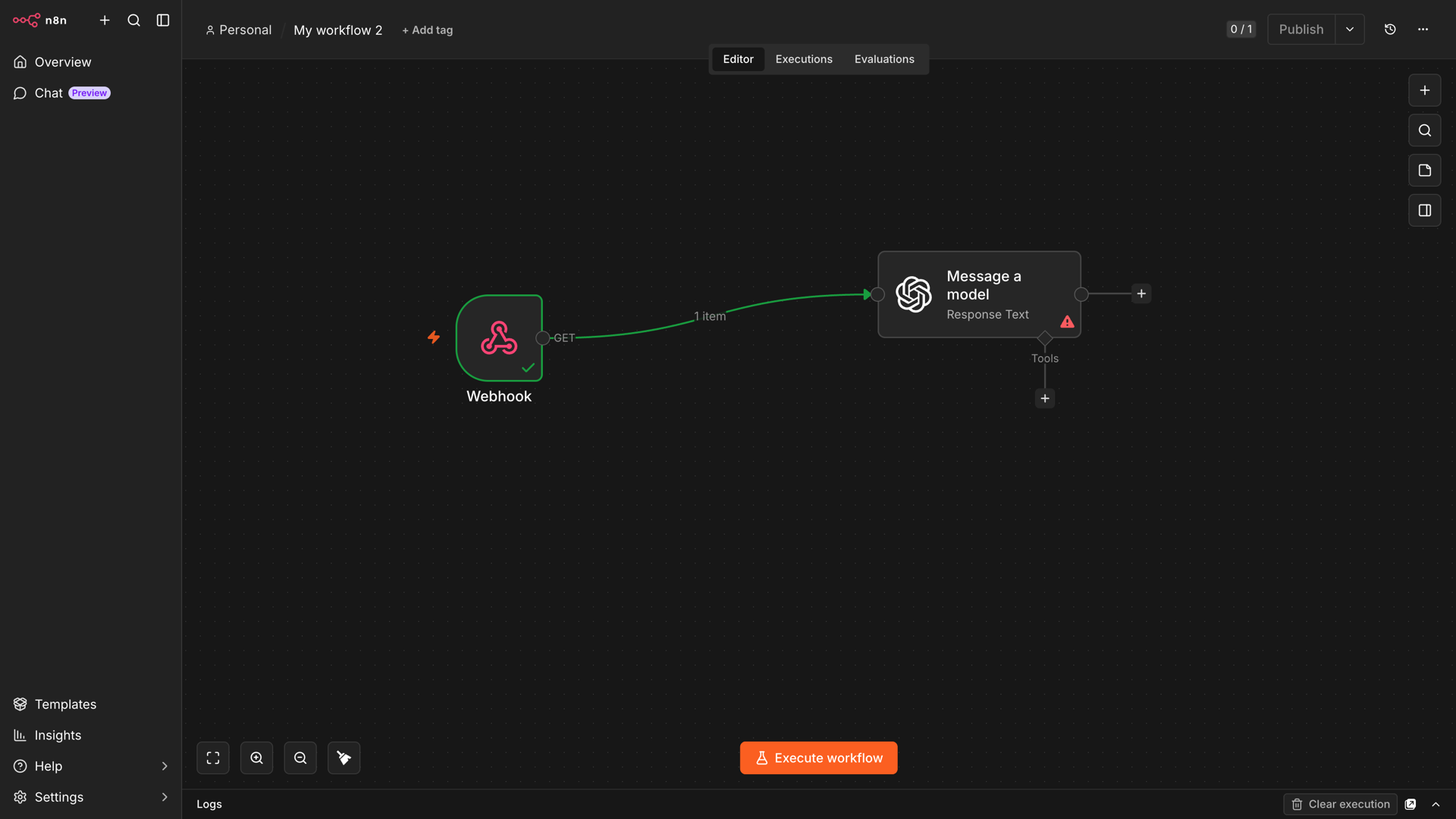
What You Can Build
n8n is useful whenever one app needs to react to another app, clean up data, call an API, send a notification, or run a scheduled task.
On Appbox, that makes it a natural companion for apps with webhooks, APIs, notification hooks, WebDAV, RPC, or scriptable interfaces.
For AI, support, and business workflows:
- OpenClaw can act as the AI layer for your automations. Send a webhook from n8n when a support ticket, monitor alert, or file upload needs summarizing, then have OpenClaw draft the reply, classify the request, or turn the event into a task.
- Chatwoot exposes inbox events and APIs for customer support. Tag urgent conversations, enrich new contacts from another system, notify a team channel when a VIP writes in, or create a follow-up task after a conversation closes.
- Mautic has a REST API and campaign automation surface. Sync leads from forms, score contacts after product events, add people to campaigns from webhook submissions, or notify sales when a lead crosses a threshold.
- ERPNext exposes business records through APIs. Create invoices from form submissions, update deals when a payment lands, notify operations when stock is low, or push customer records into another Appbox app.
- Plane and OpenProject work well as task destinations. Turn incidents, form submissions, failed jobs, or customer requests into issues and work packages with the right assignee and context.
- Rallly can fit scheduling workflows. Create polls from request forms, notify guests after a meeting time is selected, or send reminders before an availability deadline.
- OnlyOffice and Jitsi fit document and meeting workflows. Notify reviewers when a document is ready, create a meeting link after an approval, or send post-meeting follow-up tasks into Plane or OpenProject.
For content, publishing, and developer workflows:
- EmDash gives you a structured CMS with forms, short links, plugins, and autobuild hooks. Send form submissions to n8n, notify editors when content is published, trigger a rebuild after a draft goes live, or send new posts to Mattermost, Rocket.Chat, and social queues.
- WordPress has a REST API and hook ecosystem. Draft posts from form submissions, publish announcements when content goes live, back up media to another storage app, or send editorial reminders before scheduled posts.
- GitLab, Gogs, and other Git apps expose repository, project, and system hooks. Run release notifications on tags, create deployment checklists after merges, post failed pipeline summaries into chat, or open project-management issues from bug-report templates.
- Hugo Git can sit in a Git-based publishing flow. Trigger rebuild notifications after content commits, publish a changelog when a new tag lands, or ask n8n to create a review task for every pull request.
- Docmost is useful as a documentation destination. Create an onboarding checklist when a new customer signs up, post incident notes from monitoring events, or keep internal runbooks updated from workflow outputs.
- Jupyter Notebook can support data and reporting workflows. Run scheduled notebooks, export reports after a database update, or notify a channel when a long-running analysis finishes.
- Serposcope can feed SEO workflows. Send rank-change alerts, create a weekly search-position digest, or open a content task when an important keyword drops.
- MySQL/MariaDB, Nginx & PHP, and LAMP Stack are useful for internal tools. Use n8n to write rows, call private admin endpoints, run scheduled maintenance checks, or notify a team when a custom app receives a new submission.
For files, storage, sync, and backup:
- Nextcloud exposes WebDAV and a broad app ecosystem. Move uploaded files into review folders, notify a team when a client upload arrives, create calendar follow-ups, or copy approved documents into project spaces.
- SFTPGo includes a REST API, event actions, and login hooks. Trigger file-processing workflows when a client uploads a report, move completed exports into Nextcloud, notify a channel when a partner transfer arrives, or disable temporary users after a deadline.
- File Browser Quantum, File Browser WebDAV, and Kodbox expose file-management surfaces such as REST APIs, WebDAV, command hooks, or storage plugins. Watch shared folders, generate metadata, copy finished assets to archive storage, or route files for approval before publishing.
- Rclone is scriptable across object storage, SFTP, WebDAV, and cloud remotes. Schedule sync jobs from n8n, verify transfers after large migrations, move processed media into long-term storage, or send failure summaries to chat.
- Restic REST Server gives restic clients an HTTPS backup target. Notify admins when scheduled backup checks fail, open an incident after missed snapshots, or write a daily backup health summary into Docmost.
- Syncthing and Resilio Sync are useful for file event pipelines. React when a folder finishes syncing, copy completed drops into a media library, or alert a user when expected files have not arrived.
- Pure-FTPd and other FTP/SFTP-style endpoints can sit in legacy file workflows. Poll for new partner files, move them into SFTPGo or Nextcloud, then notify the right team once processing completes.
For security, access, and infrastructure:
- Vaultwarden exposes a Bitwarden-compatible API and optional SMTP notifications. Create reminders for vault reviews, notify admins when onboarding or offboarding tasks are due, or coordinate password-rotation checklists across teams.
- OpenVPN and WireGuard VPN can be part of access workflows. Notify operators when credentials need rotating, create checklist tasks for new VPN users, or run scheduled connectivity checks through n8n.
- Ubuntu, Debian, Fedora, Rocky Linux, AlmaLinux, Arch Linux, and Windows VPS apps give you scriptable environments. Use n8n to trigger SSH commands, run health checks, collect report files, or post maintenance summaries after scheduled jobs.
- Ubuntu, Debian, and Firefox remote desktop apps can support browser or desktop tasks. Schedule reminders for manual review work, capture outputs from scripts, or hand off completed desktop exports into file storage.
For monitoring, chat, and notifications:
- Uptime Kuma supports rich notification targets and webhooks. Turn downtime events into Mattermost or Rocket.Chat alerts, create OpenProject incidents, ask OpenClaw for a short incident summary, or log every recovery into a status spreadsheet.
- Mattermost and Rocket.Chat are useful notification and approval endpoints. Send human-readable updates from any workflow, ask a team to approve a request, then continue the automation once someone responds.
- RocketChat Hubot is useful for chat commands. Let teammates trigger n8n webhooks from chat, ask for deployment status, or kick off a scripted maintenance workflow with an audit trail.
- Matterbridge connects IRC, Matrix, XMPP, Slack, Discord, Microsoft Teams, Telegram, and more. Use n8n to format operational events once, then relay them to the communities or rooms that need to see them.
- ZNC and The Lounge can be part of chat-ops workflows. Forward important IRC events into modern team channels, archive highlights, or notify operators when a watched keyword appears.
For media and download automation:
- Tautulli exposes Plex activity, notification scripts, and a JSON API. Send newly added media digests, alert when a stream errors, export usage reports, or create cleanup tasks when storage crosses a limit.
- Plex, Jellyfin, Emby, Navidrome, Audiobookshelf, Calibre, Madsonic, and SeAT can feed library or community workflows. Announce new media, refresh libraries after imports, create listening or reading digests, sync metadata into a dashboard, or notify a community when tracked activity changes.
- Immich can fit photo workflows. Notify family when a shared album changes, copy exported albums into archive storage, or trigger a backup check after a large mobile upload.
- AzuraCast includes a REST API and webhooks. Announce track or live-show changes, update a website widget, notify hosts before scheduled broadcasts, or archive playlist metadata after a show.
- Icecast can support broadcast status workflows. Watch stream availability, post now-playing updates, or alert a channel when a source disconnects.
- Flood, ruTorrent, qBittorrent, Transmission, and Deluge expose RPC or web APIs. Watch completed downloads, move finished files into the right library, trigger media scans, or notify users when a requested item is ready.
- PufferPanel, TeamSpeak 3, and game/chat servers can fit operational workflows too. Notify admins when a server needs attention, create maintenance reminders, or post player-facing announcements after scheduled changes.
You can also use n8n with external services through built-in nodes, webhooks, HTTP requests, database connections, and code nodes.
Install n8n
Open the n8n App Store page, choose your Appbox, and start the install.
During setup, Appbox asks you to create the first owner account for n8n. Enter the admin email address, password, first name, and last name you want to use for that account.
When the app is ready, open the Login URL shown on the installed app page and sign in with the owner account you just created.
Create Your First Workflow
Once you are inside n8n, go to Overview and choose Create Workflow. The editor opens on a canvas where each step in your automation is represented by a node.
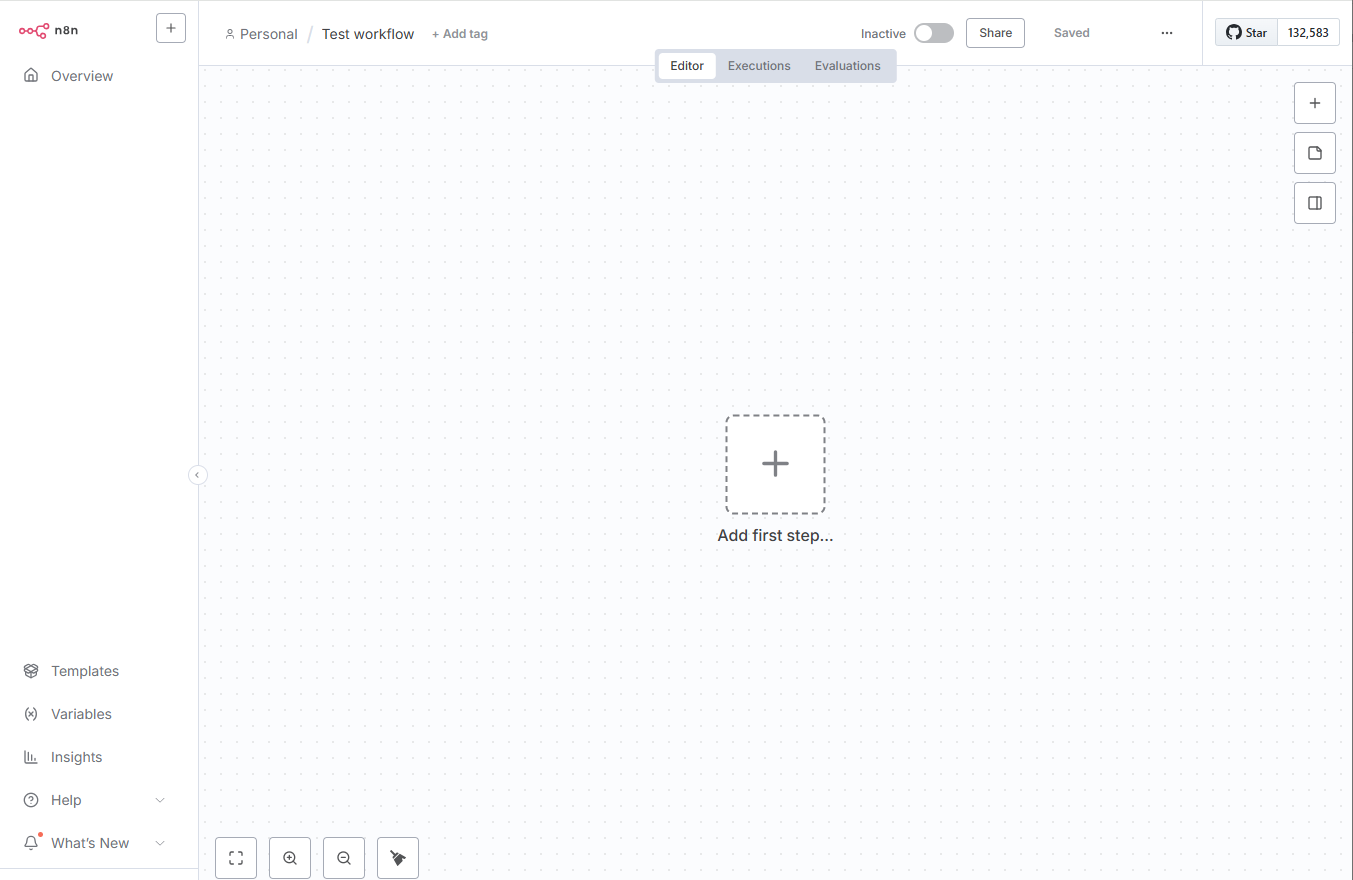
Start with a simple manual workflow:
- Click Add first step.
- Search for Manual Trigger and add it.
- Click the plus button on the trigger node.
- Add a second node, such as Edit Fields, HTTP Request, or an app-specific node.
- Configure the node in the side panel.
The main workspace in n8n is the canvas. It is where you add nodes, connect them, tidy the workflow, and run test executions.
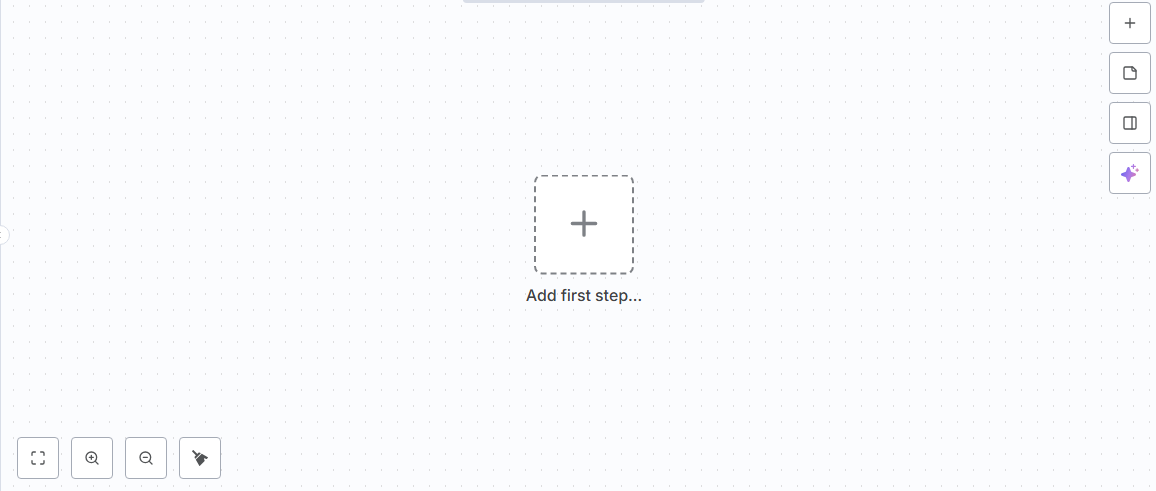
Test the Workflow
Click Execute Workflow to run the workflow manually.
After the run completes, click each node to inspect the data it received and returned. This is the fastest way to understand what is moving through your workflow before you connect a real app, webhook, or scheduled trigger.
Connect Apps and Credentials
For app integrations, add the node you need and create credentials when n8n asks for them.
For Appbox-hosted apps, a common pattern is:
- Create an API token or webhook in the app you want to automate.
- Add the matching n8n node, or use the HTTP Request node if there is no dedicated node.
- Store the token in n8n credentials.
- Test with one small action before adding branching, retries, or more steps.
For incoming events, use a Webhook trigger. n8n gives you a production webhook URL that external services can call over HTTPS.
A Simple First Automation
Try this as your first real workflow:
- Add a Webhook trigger.
- Add an HTTP Request node to call another service or Appbox app API.
- Add an IF node to branch on the response.
- Send a message to Mattermost, Rocket.Chat, or another notification channel.
That gives you the core pattern for many n8n automations: receive an event, fetch or transform data, make a decision, then notify a person or update another system.
A Note on Scale
The Appbox package is designed as a compact single-container n8n deployment with persistent storage. It is a great starting point for personal, team, and internal automations.
If you plan to run very high execution volume, large payloads, or a business-critical automation hub, test the workload carefully and consider boosting the app resources from the installed app page.
Start Building
If you have an Appbox, n8n is one of the quickest ways to make the rest of your tools feel connected.
Deploy n8n on Appbox, create a workflow, run it once manually, then turn it into the automation you wish your apps already had.