
Automate workflows on your own instance
n8n hosting on Appbox gives you a self-hosted automation workspace for apps, APIs, webhooks, schedules, and custom code, deployed with a ready-to-use owner account.
What you get with n8n hosting
A visual automation builder packaged for Appbox with persistent storage and the first owner account created during install.
Visual workflows
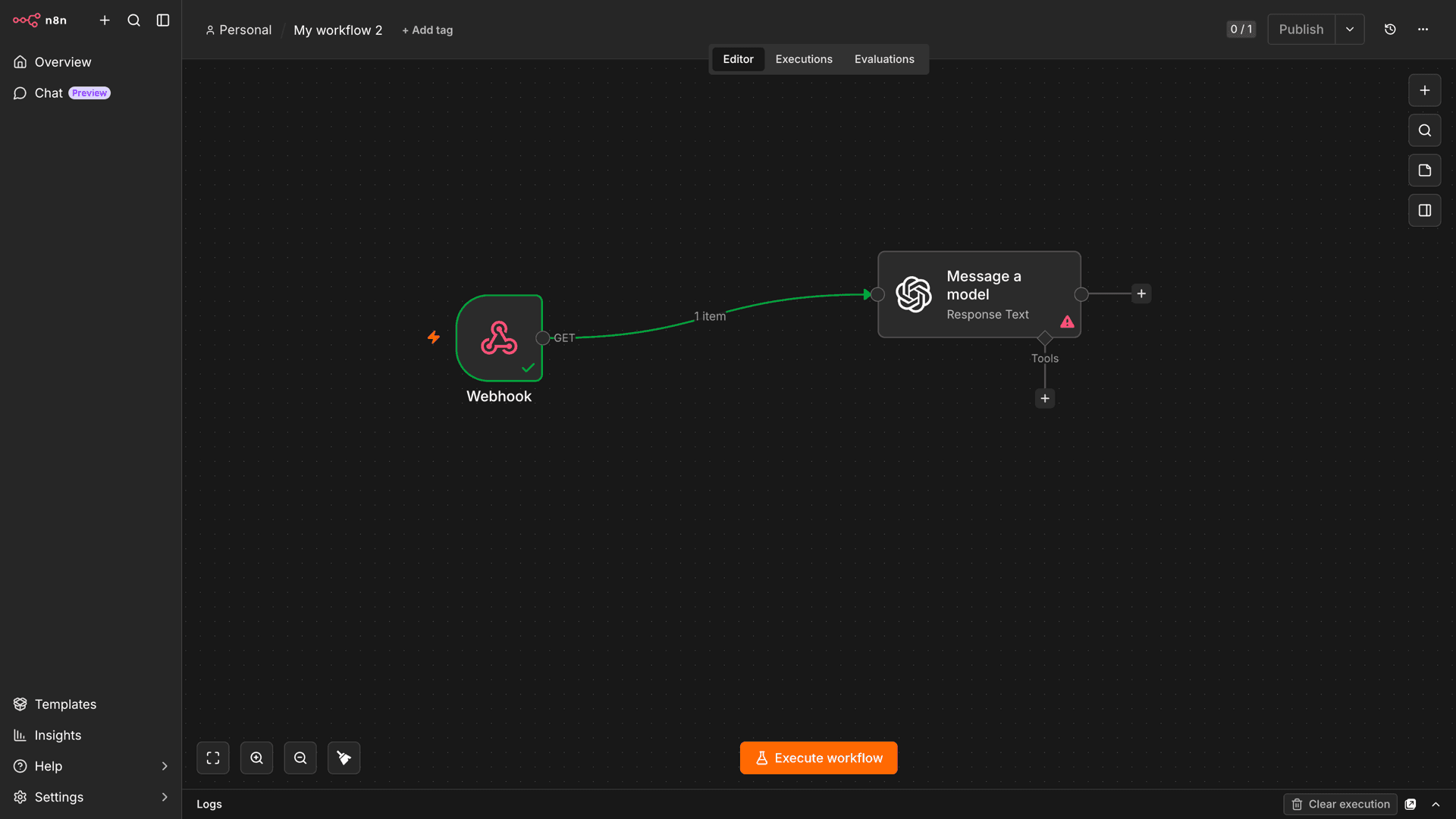
Build automations with nodes, branches, retries, and execution history instead of wiring every integration by hand.
App integrations
Connect to SaaS tools, databases, HTTP APIs, webhooks, and internal services using n8n nodes and credentials.
Custom logic
Use code nodes and HTTP requests when a workflow needs transformation, conditional routing, or an API that does not have a dedicated node.
Owner provisioning
Choose the owner email, password, first name, and last name during install, then sign in at the Login URL shown by Appbox.
Persistent SQLite
The Appbox package stores workflows, credentials, executions, and the n8n encryption key under the persistent n8n data directory.
Public webhook URL
Appbox provides the HTTPS hostname used by n8n editor links and webhook callbacks, so external services can reach your workflows.
See n8n in action
Install in seconds
Pick your Appbox, fill in a few fields, and n8n is live.
Install n8n
Requires 1 App Slot
This demo shows what the installer looks like after you have an Appbox.
Multiplier
1.4x
Slot Cost
5 / 21
RAM
∞
CPUs
∞
✓ n8n.steve.appboxes.co
Ready to install? You will need an active Appbox first.
This is a preview of the install form. Choose a plan to create your Appbox and deploy for real.
Running n8n on Appbox
Operational details for this single-container n8n package.
Persistent app data
The package keeps n8n configuration in `/home/node/.n8n` and exposes `/files` for workflow file handling that should survive restarts.
Single-container scope
This template uses n8n's SQLite mode for a compact Appbox deployment. Validate heavy team or high-volume workloads before relying on it as a production automation hub.
Reduced telemetry
Diagnostics and version notifications are disabled in the package defaults, while templates remain available in the editor.
Boost when needed
Long-running workflows, many executions, or large payloads can use more CPU and RAM. Add Per-App Boost from the installed app page when the workload grows.
n8n on Appbox vs hosted automation SaaS
| Feature | n8n on Appbox | Hosted automation SaaS |
|---|---|---|
| Data location | Workflows, credentials, and execution data live on your Appbox instance. | Automation data lives in vendor-operated infrastructure. |
| Install model | One Appbox install with owner account setup during provisioning. | Create a vendor account and use the provider's shared platform. |
| Customization | Use n8n nodes, HTTP calls, code nodes, and self-hosted settings. | Limited to the hosted service's plan, connectors, and runtime rules. |
| Operations | You control updates, resource boosts, backups, and instance lifecycle. | The vendor handles operations and also controls limits and roadmap. |
| Scale target | Good fit for self-hosted personal, team, and internal automations when sized carefully. | Often easier for large managed teams that prefer vendor-operated infrastructure. |
SQLite package for Appbox
Frequently asked questions
Deploy n8n hosting on Appbox
Start a self-hosted automation workspace with persistent storage, an HTTPS webhook URL, and an owner account created during install.