
Audiobooks and podcasts, self-hosted
Audiobookshelf hosting on Appbox. Organize audiobooks and podcasts in one web library, sync progress per user, and pair with the mobile apps for offline listening.
What you get with Audiobookshelf hosting
A focused media server for spoken audio, not a generic video stack bolted on.
Audiobook libraries
Shelf-based organization, series order, chapters, and sleep timers tuned for long listens.
Podcasts in the same UI
Subscribe, fetch episodes, and keep podcasts beside audiobooks without a second app.
Per-user progress
Bookmarks, playback position, and history stay separate for each account on your server.
Metadata you can fix
Match covers and details from providers, then edit tags and artwork when the source data is thin.
Official mobile apps
iOS and Android clients talk to your instance for downloads and sync when you are off Wi-Fi.
Managed web app
Runs as a platform-managed container with HTTPS on your chosen subdomain, no manual reverse proxy.
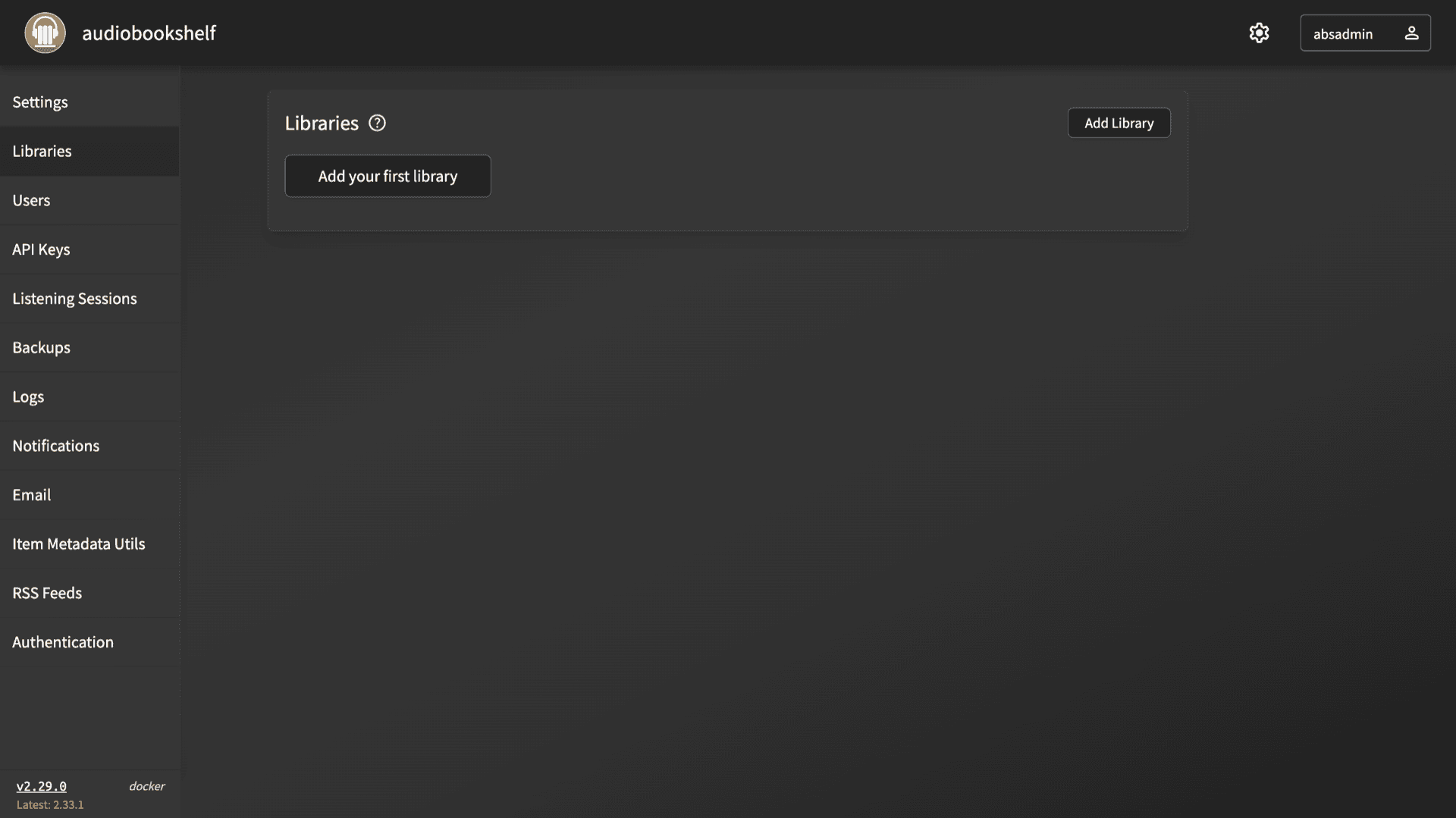
See Audiobookshelf running
Install in seconds
Pick your Appbox, fill in a few fields, and audiobookshelf is live.
Install audiobookshelf
Requires 1 App Slot
This demo shows what the installer looks like after you have an Appbox.
Multiplier
1.4x
Slot Cost
5 / 21
RAM
16.80 GB
CPUs
∞
✓ audiobookshelf.steve.appboxes.co
Ready to install? You will need an active Appbox first.
This is a preview of the install form. Choose a plan to create your Appbox and deploy for real.
After install
Frequently asked questions
Start Audiobookshelf hosting on Appbox
Deploy Audiobookshelf in one install flow, open your subdomain, and move your audiobook and podcast libraries behind your own login.
Available versions
| Version | App Slots | RAM | CPU | Released | Changes |
|---|---|---|---|---|---|
| 2.29.0 | 1 | 12 GB | Shared | Aug 26, 2025 |
Need more resources? Use Per-App Boost to allocate extra App Slots and increase RAM and CPU by 10% per slot. See the FAQ below for details.