
IRC bouncer that never drops
ZNC hosting on Appbox. Keep persistent IRC sessions, replay missed messages, and manage users from the built-in web interface after one-click deployment.
What you get with ZNC hosting
A classic IRC bouncer stack with web configuration, buffers, and room to grow through modules.
Always-on presence
ZNC holds your IRC connections while laptops and phones sleep, so nick stays present and channels stay joined.
Playback buffers
Replay lines you missed after disconnects. Buffer size and behavior are tunable from global and per-user settings.
Multi-user core
Run several accounts on one instance, each with its own networks, channels, and module choices.
Module ecosystem
Extend behavior with global and per-user modules for logging, auth helpers, push, and dozens of community add-ons.
Web admin UI
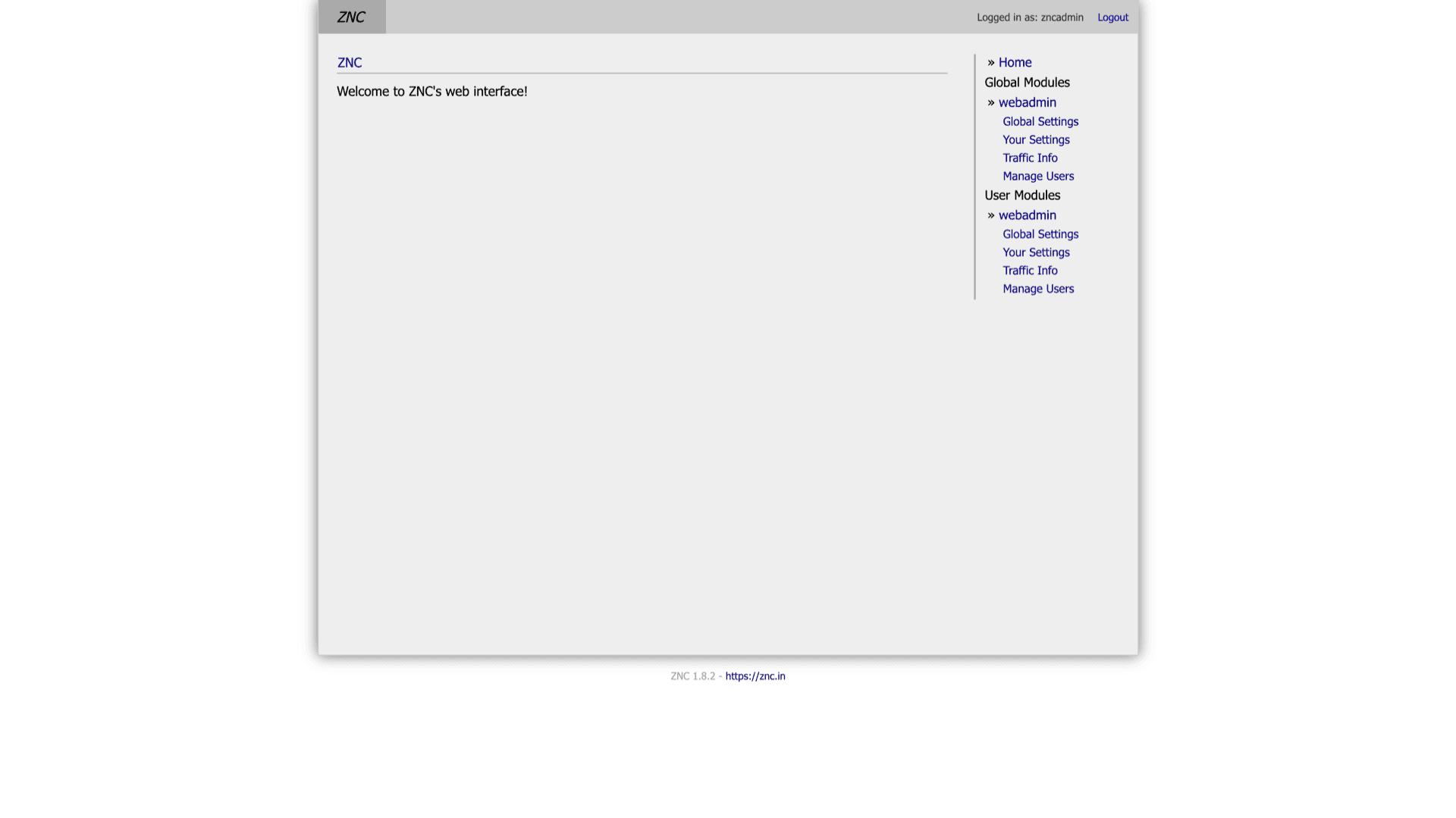
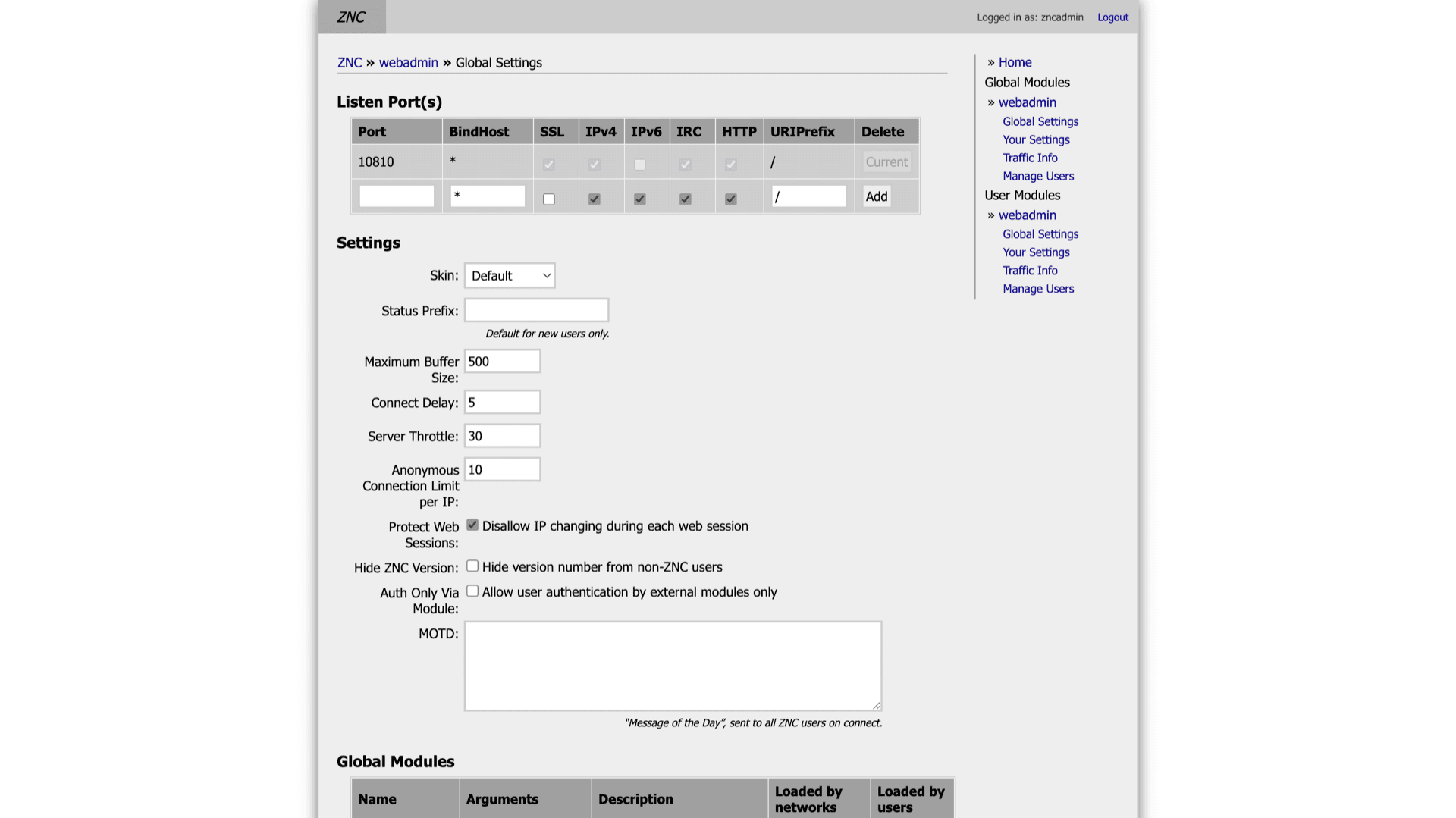
Use the webadmin module to adjust listen ports, skins, throttles, and module loads without editing files on disk for every change.
Your admin login
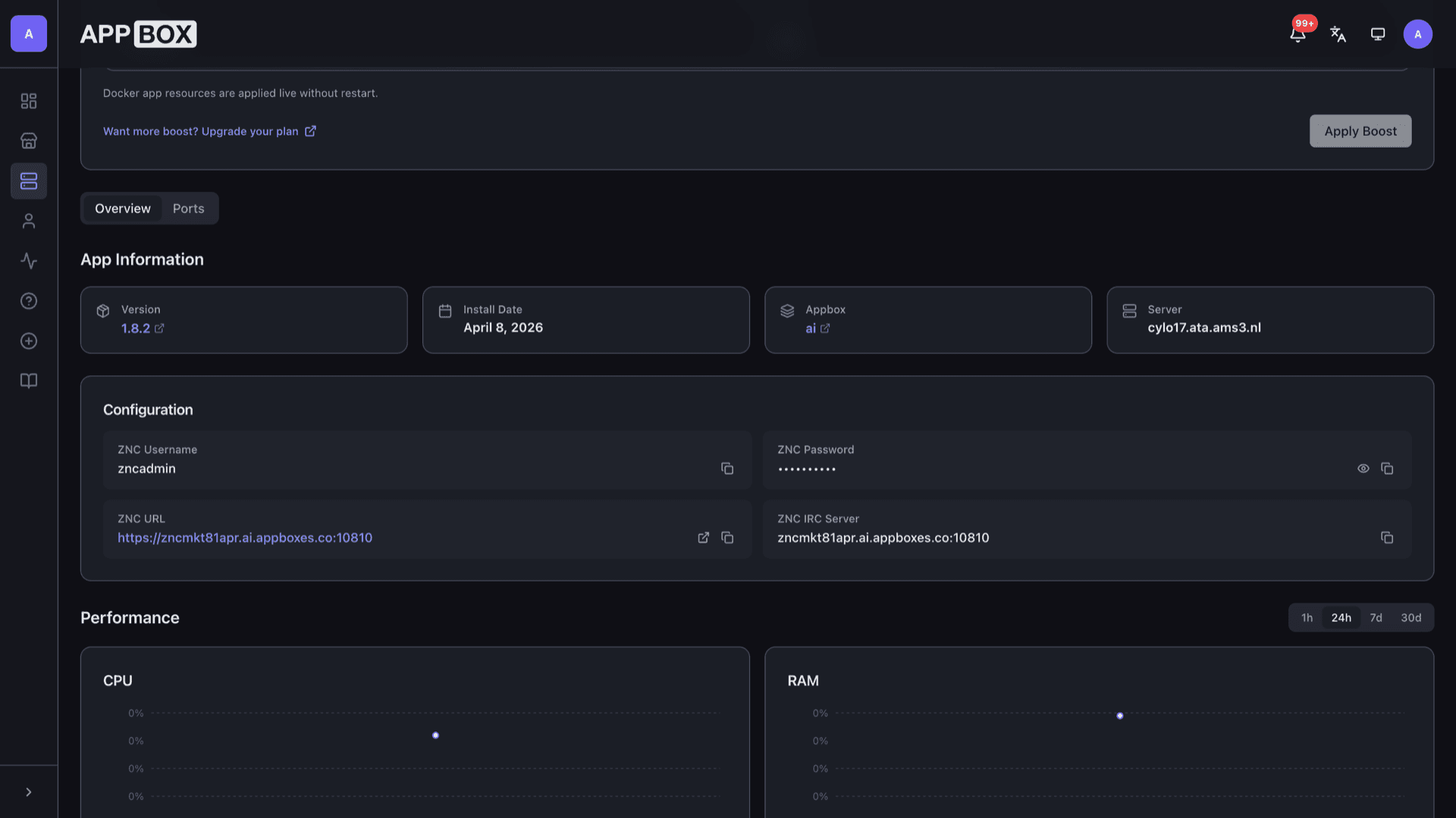
You choose the ZNC username and password at install. The Overview tab lists the HTTPS URL, IRC host, and port after provisioning.
ZNC on Appbox
Install in seconds
Pick your Appbox, fill in a few fields, and ZNC is live.
Install ZNC
Requires 1 App Slot
This demo shows what the installer looks like after you have an Appbox.
Multiplier
1.4x
Slot Cost
5 / 21
RAM
2.80 GB
CPUs
∞
✓ znc.steve.appboxes.co
Ready to install? You will need an active Appbox first.
This is a preview of the install form. Choose a plan to create your Appbox and deploy for real.
Day-two operations
How people actually run a bouncer after the first client connects.
Point your IRC client
Use the host and port from the Configuration section on the installed app page, plus the ZNC username and password you set at install. SSL details follow what ZNC exposes on its listeners.
Listeners and SSL
Global Settings shows listen ports, bind hosts, and which listeners speak IRC versus HTTP. Match those choices to how clients and browsers reach the instance.
Persistent configuration
Networks, channels, and module settings live in ZNC data on your Appbox volume, so restarts keep your layout.
Trust modules you load
Third-party modules vary in quality and maintenance. Prefer well-known sources, read upstream notes, and treat new modules like any privileged code you add to a server.
ZNC on Appbox vs DIY on a VPS
| Feature | ZNC on Appbox | Self-managed VPS |
|---|---|---|
| First-time setup | One-click install with panel fields | Package install, users, listeners, and services by hand |
| HTTPS web admin URL | Subdomain and reverse proxy handled by the platform | You bring DNS, TLS certificates, and a front proxy |
| Resource graphs | CPU, RAM, and I/O on the installed app page | Bring Prometheus, SAR, or host tools |
| Kernel-level freedom | Managed Linux userspace container, sudo inside the app | Full VM or bare metal if you choose that tier |
| Updates | Upgrade from the Appbox UI when a new image is published | Distro packages or source builds on your schedule |
| Cost model | App Slots and optional Per-App Boost | You size and pay the whole server |
ZNC admin is not your IRC network password
Frequently asked questions
Keep your IRC session online
Deploy ZNC hosting on Appbox in one click, then tune listeners, buffers, and modules from the web interface.
Available versions
| Version | App Slots | RAM | CPU | Released | Changes |
|---|---|---|---|---|---|
| 1.8.2 | 1 | 2 GB | Shared | Aug 8, 2023 |
Need more resources? Use Per-App Boost to allocate extra App Slots and increase RAM and CPU by 10% per slot. See the FAQ below for details.