
Publish with WordPress on your Appbox
WordPress hosting on Appbox gives you the familiar admin, block editor, and plugin ecosystem on infrastructure you can start, stop, and restart from the panel.
What you get with WordPress hosting
A full CMS stack packaged for Appbox, with the same workflows millions of sites already use.
Block editor
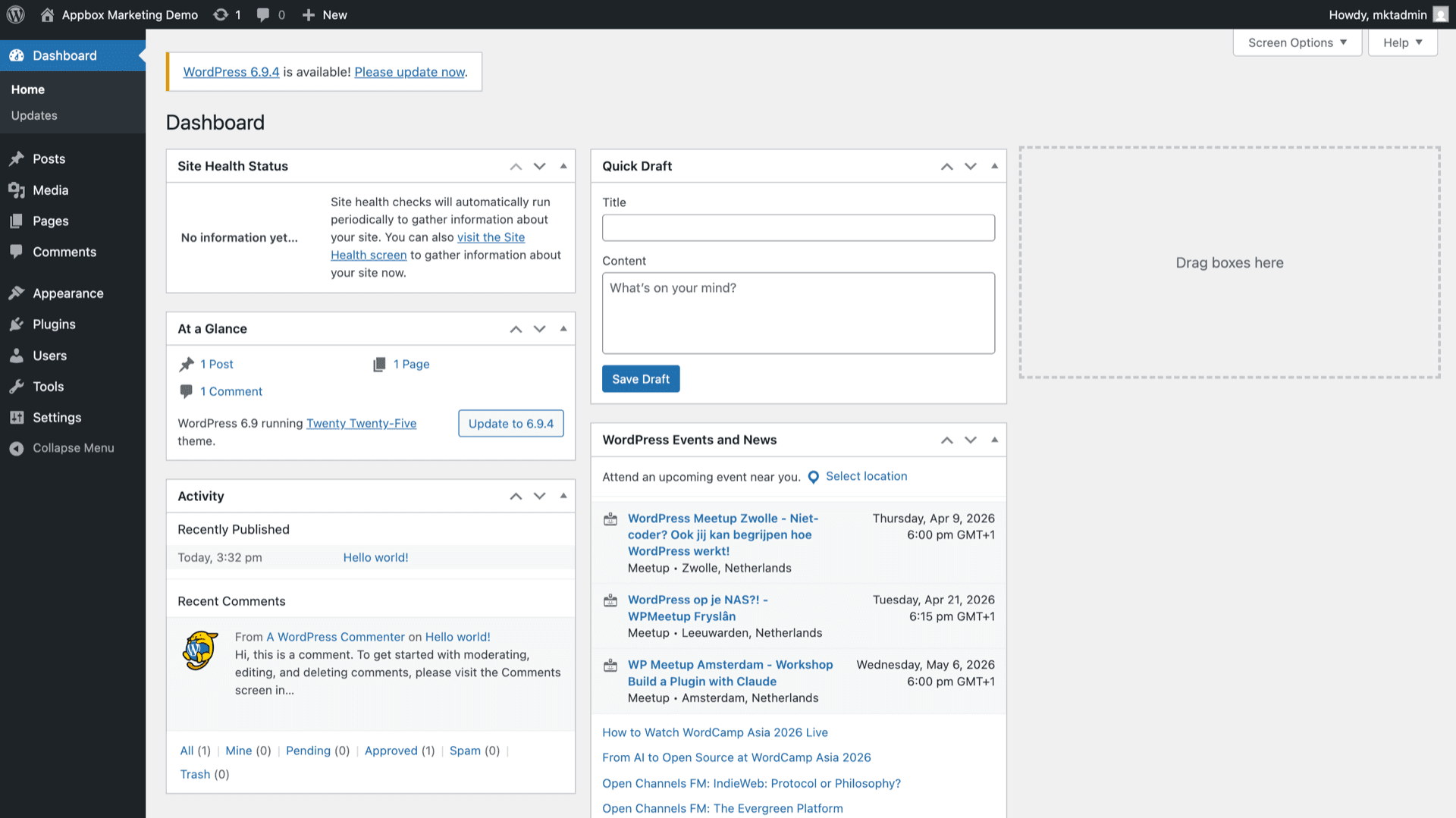
Create posts and pages with blocks, patterns, and reusable components from the WordPress admin you open via the Web UI link on your installed app page.
Plugins and themes
Install community plugins and themes from the dashboard to add SEO, forms, caching, commerce, and design without shipping custom code for every feature.
Roles and permissions
Use built-in roles for authors, editors, and administrators, or extend capabilities with plugins when you need finer control.
REST API and hooks
Integrate headless frontends, mobile apps, or automation using the REST API and the same action and filter hooks PHP developers expect.
Database included
The image ships with a database service alongside PHP, so WordPress has storage for content, options, and users without wiring an external DB server yourself.
Your URL on Appbox
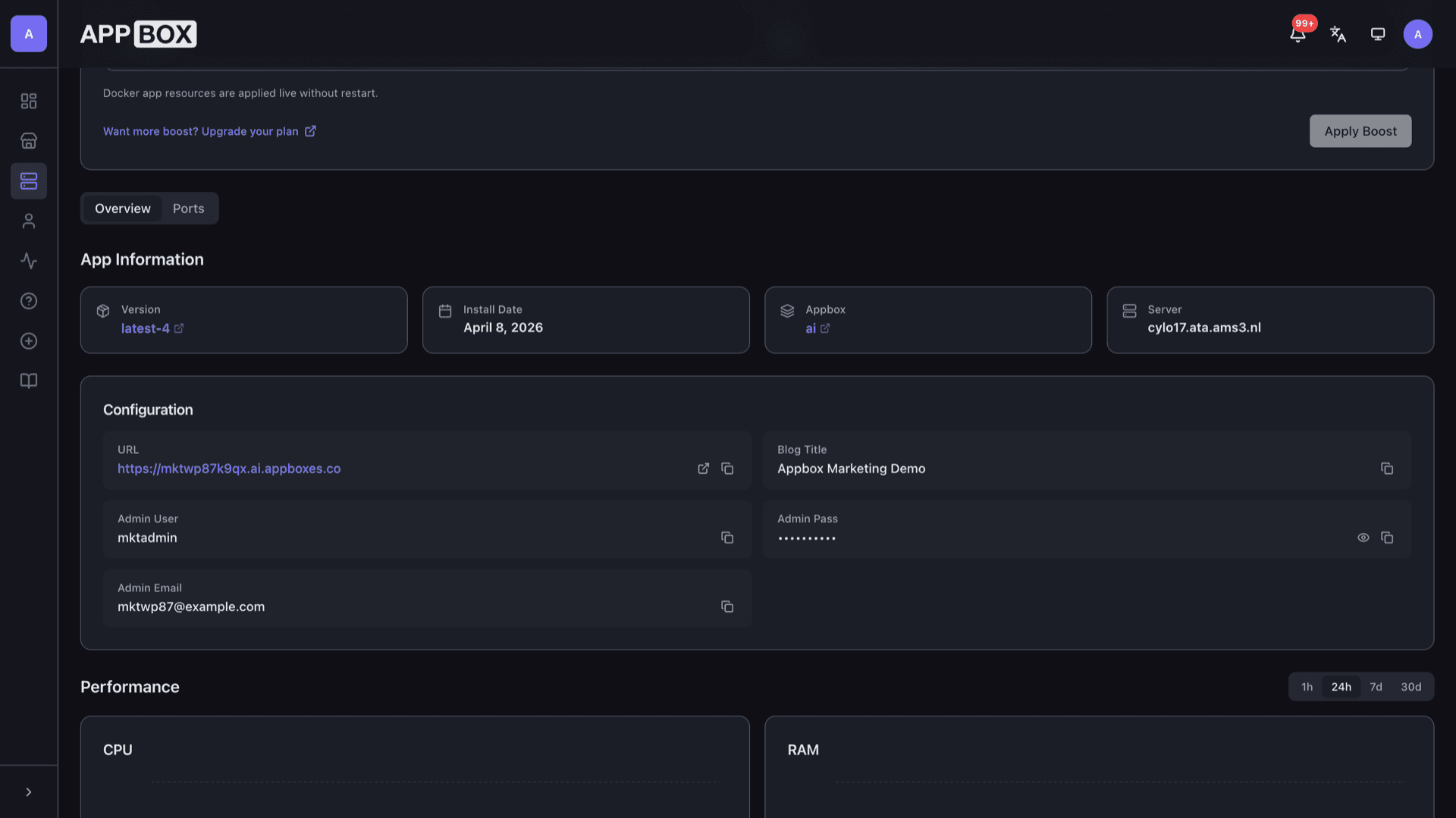
Install on an Appbox subdomain or connect a custom domain; the Overview tab shows the live site URL and copy actions once provisioning finishes.
See WordPress on Appbox
Install in seconds
Pick your Appbox, fill in a few fields, and Wordpress is live.
Install Wordpress
Requires 1 App Slot
This demo shows what the installer looks like after you have an Appbox.
Multiplier
1.4x
Slot Cost
5 / 21
RAM
2.80 GB
CPUs
∞
✓ wordpress.steve.appboxes.co
Ready to install? You will need an active Appbox first.
This is a preview of the install form. Choose a plan to create your Appbox and deploy for real.
Operations and limits
How this install behaves on Appbox compared to a VPS you administer yourself.
Panel lifecycle
Start, stop, restart, and uninstall from the installed app page; Docker app resources can adjust live when you change boost, without a full VM to SSH into.
Updates are yours
Core, plugin, and theme updates run from wp-admin; plan a cadence you are comfortable with because outdated extensions are a common source of compromise.
Data stays on your volume
Uploads, themes, plugins, and database files live in the app persistent storage Appbox attaches, so restarts keep your site data.
Container, not a KVM guest
You get a managed Linux userspace for WordPress, not a separate virtual machine, so nested Docker, snapd, and host kernel changes are out of scope here.
Self-hosted WordPress on Appbox vs WordPress.com
| Feature | WordPress on Appbox | WordPress.com (managed) |
|---|---|---|
| Plugin install | Any plugin the image supports | Limited on lower tiers; Business+ for many plugins |
| Theme upload | Full theme install from admin | Custom themes require eligible plans |
| Server access | WordPress and files via app tooling | No traditional server shell |
| Updates and patching | You run core and extension updates | Platform handles much of the stack |
| Backups | You choose plugins or external backups | Built-in options on paid plans |
| Pricing model | Appbox app slots and resources | WordPress.com subscription tiers |
Use strong install credentials
Frequently asked questions
Start WordPress hosting on Appbox
Deploy WordPress in one flow, open wp-admin from your installed app page, and publish with the editor and plugins you already know.
Available versions
| Version | App Slots | RAM | CPU | Released | Changes |
|---|---|---|---|---|---|
| latest-4 | 1 | 2 GB | Shared | May 21, 2021 |
Need more resources? Use Per-App Boost to allocate extra App Slots and increase RAM and CPU by 10% per slot. See the FAQ below for details.