
EVE intel, one place
SeAT hosting on Appbox. Centralize corporation and alliance data from ESI into dashboards, notifications, and role-based tools your leadership can actually use.
What you get with SeAT hosting
A focused web stack for EVE organizations, not a generic file dump with a login form.
ESI and SSO
Connect your EVE developer application credentials at install so SeAT can pull character, corporation, and alliance data through the official APIs.
Roles and squads
Grant access by role, squad, or custom rules so members see the intel they need without handing everyone full admin.
Live dashboards
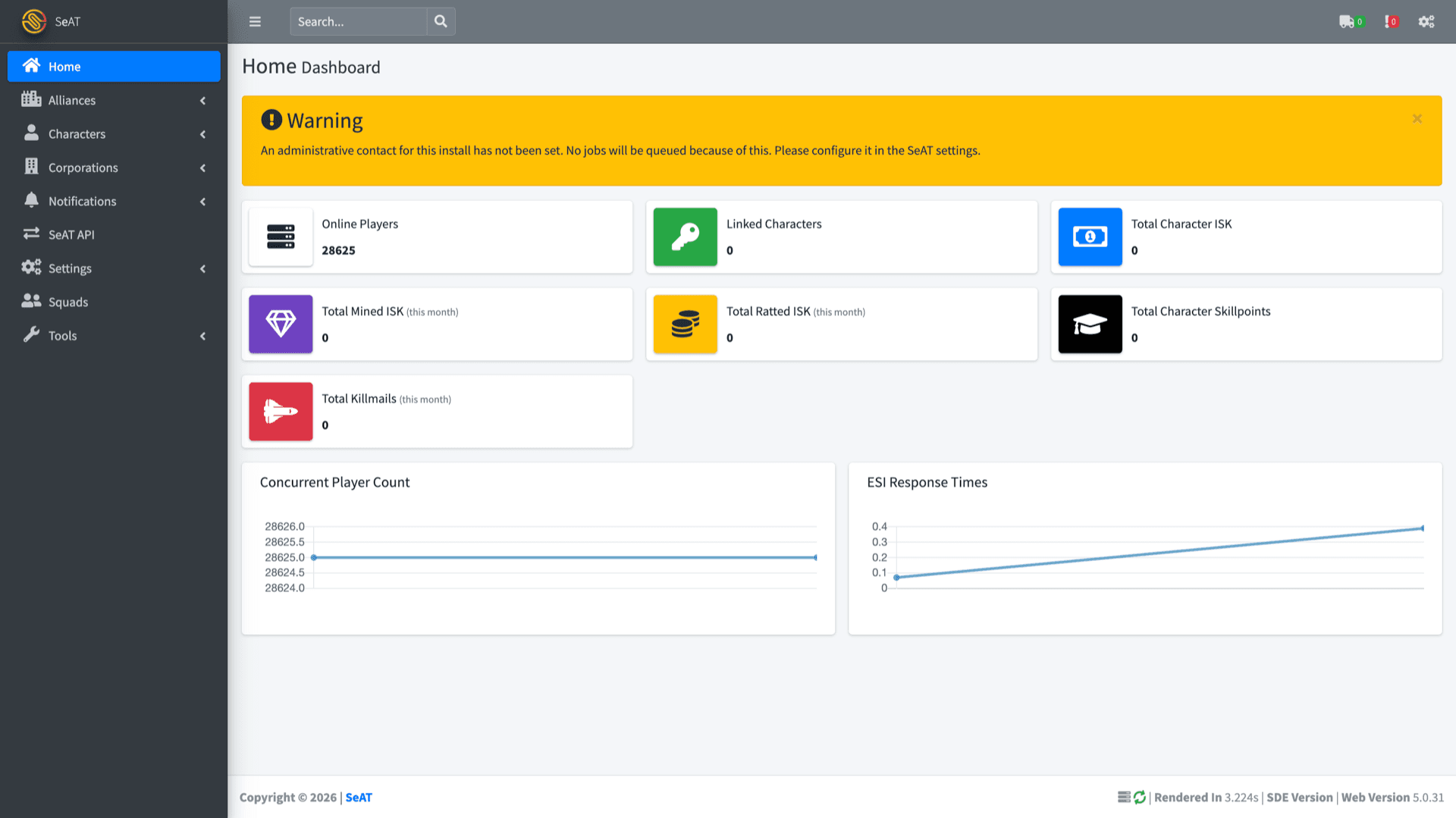
Home and module views summarize players, wallets, structures, mail, and other ingested data as scopes and linked characters allow.
Plugin ecosystem
Extend SeAT with community and alliance-specific packages for workflows that go beyond the stock modules.
SSH when you need it
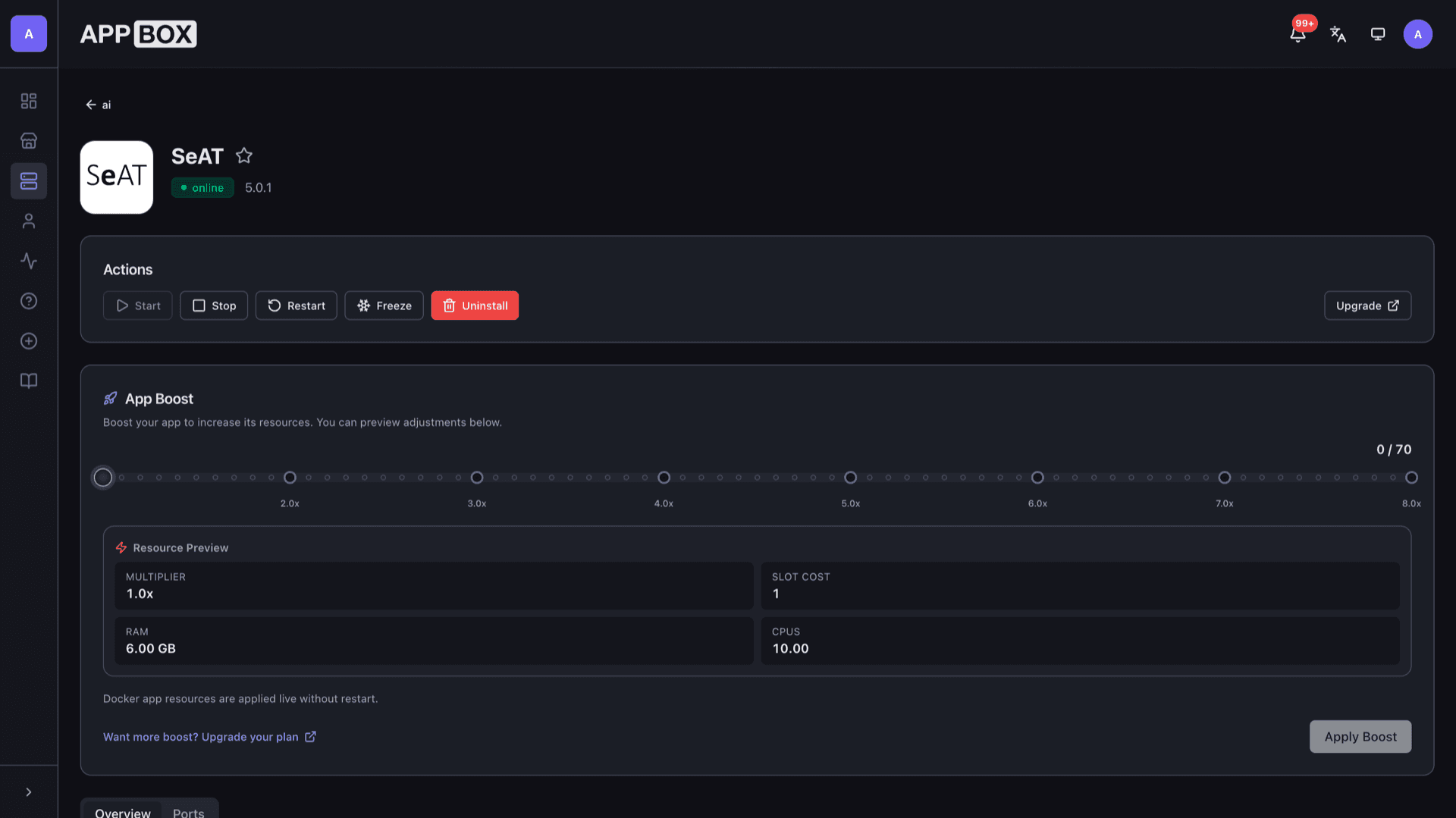
The installed app page shows SSH host, port, and password for CLI maintenance alongside the public HTTPS URL.
Managed web tier
Runs as a platform-managed container with TLS on your chosen subdomain, so you are not wiring nginx or certificates by hand.
See SeAT on Appbox
Install in seconds
Pick your Appbox, fill in a few fields, and SeAT is live.
Install SeAT
Requires 1 App Slot
This demo shows what the installer looks like after you have an Appbox.
Multiplier
1.4x
Slot Cost
5 / 21
RAM
∞
CPUs
∞
✓ seat.steve.appboxes.co
Ready to install? You will need an active Appbox first.
This is a preview of the install form. Choose a plan to create your Appbox and deploy for real.
Operations and setup
What admins touch after the one-click install finishes.
First admin login
Use the time-limited admin login URL from your installed app page to bootstrap access, then promote a normal user to administrator under Settings, Users.
Background jobs
SeAT queues ESI work in the background. Set an administrative contact in SeAT settings so notifications and job scheduling behave as documented upstream.
Scope hygiene
What you see depends on which characters link and which scopes they grant. Plan SSO requirements with your officers before expecting full wallet or structure coverage.
Data stays on your slot
Corporation intel lives in your instance database and files on your Appbox-backed volumes, not on a shared third-party SaaS tenant.
SeAT on Appbox vs DIY Docker
| Feature | Appbox SeAT | Self-managed Docker |
|---|---|---|
| TLS and hostname | HTTPS subdomain from the panel | You configure reverse proxy and certs |
| Install flow | One form with EVE client credentials | Compose, env files, and manual secrets |
| Resource UI | Per-App Boost from the installed app page | Edit host limits yourself |
| SSH access | Documented on Overview | Whatever your host provides |
| Stack control | Platform-managed container | Full control of every service version |
| Cost model | App Slots on your plan | VPS or home server you operate |
EVE developer application
Frequently asked questions
Deploy SeAT for your corporation
Stand up SeAT hosting on Appbox with your EVE API credentials, then invite officers to link characters and build the dashboards your fleet needs.
Available versions
| Version | App Slots | RAM | CPU | Released | Changes |
|---|---|---|---|---|---|
| 5.0.1 | 1 | Shared | Shared | Invalid Date |
Need more resources? Use Per-App Boost to allocate extra App Slots and increase RAM and CPU by 10% per slot. See the FAQ below for details.