
Private AI assistant on your Appbox
OpenClaw hosting on Appbox. One container with gateway, dashboard, SSH access for the OpenClaw CLI, and guided onboarding for models, channels, and skills.
What you get with OpenClaw hosting
A single Appbox app that runs the assistant stack, exposes HTTPS, and keeps credentials on the installed app page.
Multi-channel chat
Connect supported messengers and chat apps so the same agent can answer you where you already work, instead of only in a vendor chat UI.
Persistent memory
The assistant keeps context over time so preferences, projects, and standing instructions survive individual sessions.
Browser and tools
Use browser automation, file access, and shell execution where the template allows, so the agent can complete tasks instead of only replying with text.
Skills ecosystem
Enable community skills or add your own to extend calendars, APIs, and workflows without rebuilding the core.
Model choice
Point the gateway at Anthropic, OpenAI, Google, xAI, or local models so you control cost, latency, and data boundaries.
Jobs and routing
Schedule work with cron-style tasks, reminders, and multi-agent routing when you split responsibilities across specialized agents.
SSH and CLI onboarding
Copy the SSH command from the app page, sign in as the non-root node user with your Gateway Token, and run openclaw onboard to configure model providers, channels, health checks, and skills.
See OpenClaw on Appbox
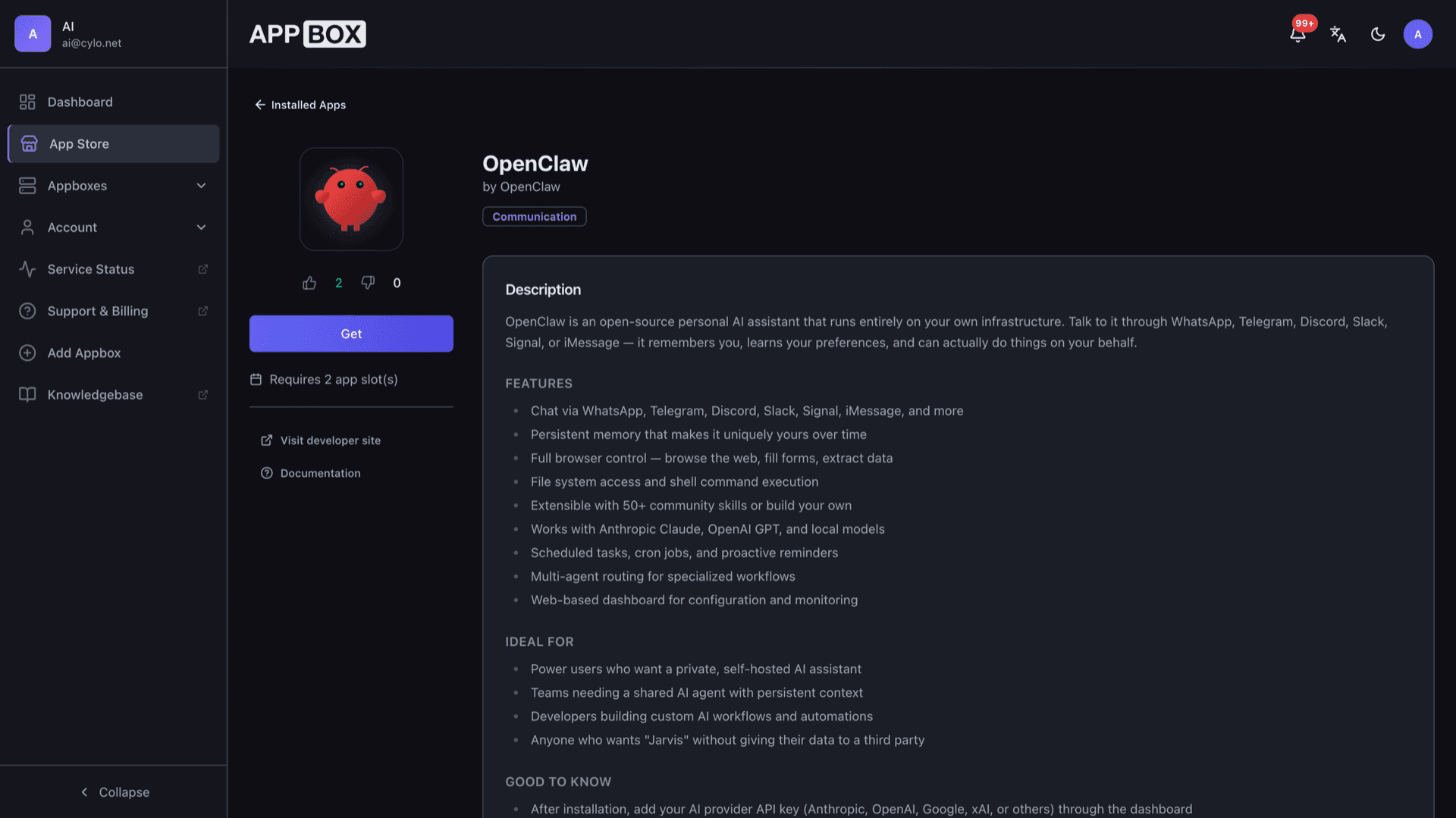
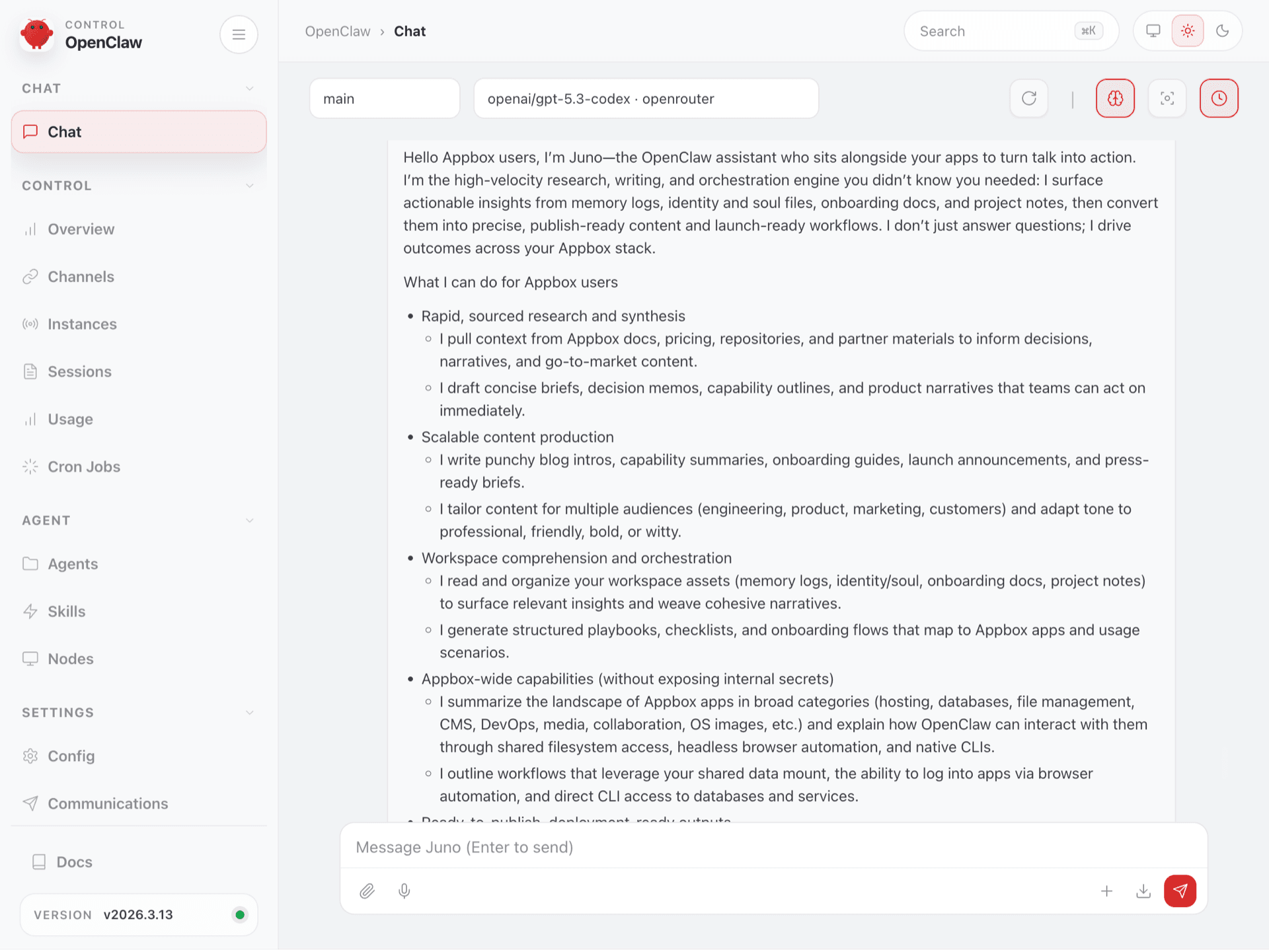
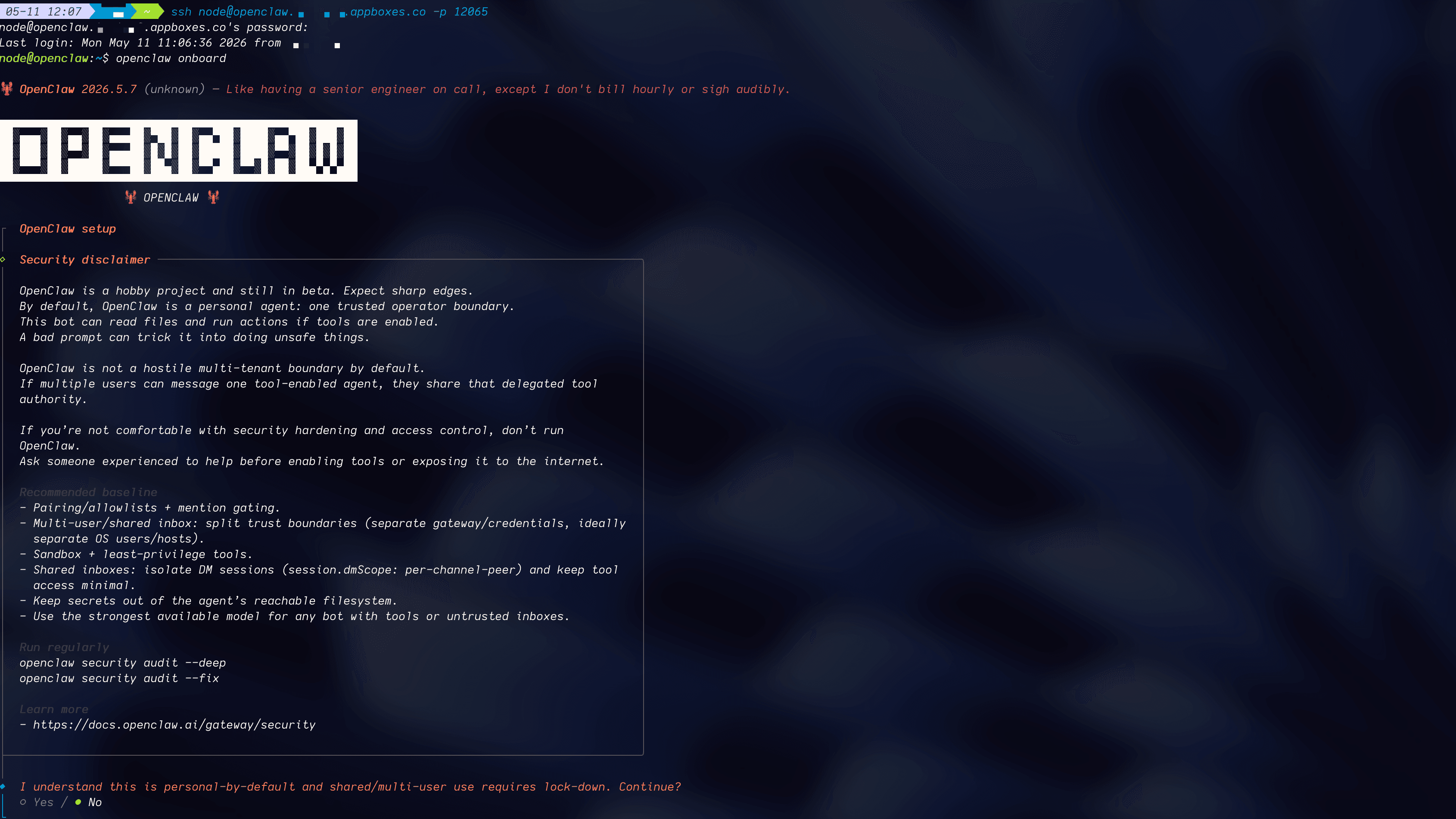
Install in seconds
Pick your Appbox, fill in a few fields, and OpenClaw is live.
Install OpenClaw
Requires 2 App Slots
This demo shows what the installer looks like after you have an Appbox.
Multiplier
1.4x
Slot Cost
6 / 21
RAM
5.60 GB
CPUs
8.40
✓ openclaw.steve.appboxes.co
Ready to install? You will need an active Appbox first.
This is a preview of the install form. Choose a plan to create your Appbox and deploy for real.
Operating on Appbox
How the template fits the platform: resources, secrets, and where to sign in.
HTTPS dashboard
After install, open the Dashboard URL from the installed app page. Sign in with the Gateway Token shown in Configuration, then add provider API keys inside the UI.
Gateway token
The panel generates a Gateway Token at install time. Treat it like a password for the dashboard; rotate or recover it using the controls and docs for your image version.
Docker-backed app
OpenClaw runs as one managed container with RAM and CPU on the instance page. Start, stop, restart, and uninstall from Actions without SSH to the host.
Per-App Boost
Heavier models, browser automation, and concurrent channels need headroom. Increase RAM and CPU with Per-App Boost instead of running hot against the base template.
SSH CLI access
The installed app exposes SSH for the UID 1000 node user, so you can run OpenClaw CLI commands such as openclaw onboard, openclaw configure, openclaw health, and openclaw status --deep.
OpenClaw vs cloud chat assistants
| Feature | OpenClaw (self-hosted) | Hosted assistant (vendor cloud) |
|---|---|---|
| Data residency | Runs on your Appbox instance | Vendor-operated infrastructure |
| Channel wiring | You connect WhatsApp, Telegram, Slack, and similar endpoints you control | Usually a single vendor app or web UI |
| Custom skills | Community and custom skills on your box | Vendor plugins or none |
| Operational effort | You operate backups, updates, and keys | Fully managed service |
| Model providers | Bring your own API keys or local models | Vendor-chosen models and billing |
Plan for API keys
Frequently asked questions
Deploy OpenClaw on Appbox
Stand up a private AI assistant with channel integrations, skills, and a web dashboard on infrastructure you control.
Available versions
| Version | App Slots | RAM | CPU | Released | Changes |
|---|---|---|---|---|---|
| 2026.6.11 | 2 | 4 GB | 6 | Jul 5, 2026 | |
| 2026.6.8 | 2 | 4 GB | 6 | Jun 17, 2026 | |
| 2026.6.6 | 2 | 4 GB | 6 | Jun 15, 2026 | |
| 2026.5.28 | 2 | 4 GB | 6 | Jun 1, 2026 | |
| 2026.5.7 | 2 | 4 GB | 6 | May 11, 2026 | |
| 2026.4.2 | 2 | 4 GB | Shared | Apr 4, 2026 | |
| 2026.3 | 2 | 4 GB | Shared | Mar 19, 2026 |
Need more resources? Use Per-App Boost to allocate extra App Slots and increase RAM and CPU by 10% per slot. See the FAQ below for details.