Nginx and PHP 8.3, production shaped
Nginx & PHP 8.3 hosting on Appbox. Event-driven HTTP in front, PHP-FPM workers behind, OPcache on, and TLS terminated at the edge for your chosen subdomain.
What you get with this stack
A common Nginx plus PHP-FPM layout inside a managed Appbox app, not a bare VPS you have to harden from scratch.
Nginx front end
Serves static assets and proxies PHP requests to FPM using the event-driven model Nginx is known for.
PHP 8.3 runtime
Current language features and performance work you expect from PHP 8.3, with OPcache available for bytecode caching.
PHP-FPM pools
Worker processes are managed separately from the web server so you can tune concurrency without mixing PHP into every connection.
HTTPS on your domain
You pick the Appbox subdomain at install; the platform handles certificates and reverse proxy routing to your app.
Clean static and PHP split
Keep uploads and assets on the fast path while dynamic routes hit PHP only when needed.
Shell access in scope
Use the Appbox tooling you already rely on to edit configs, deploy files, and run Composer or CLI tasks for your project.
See it on Appbox
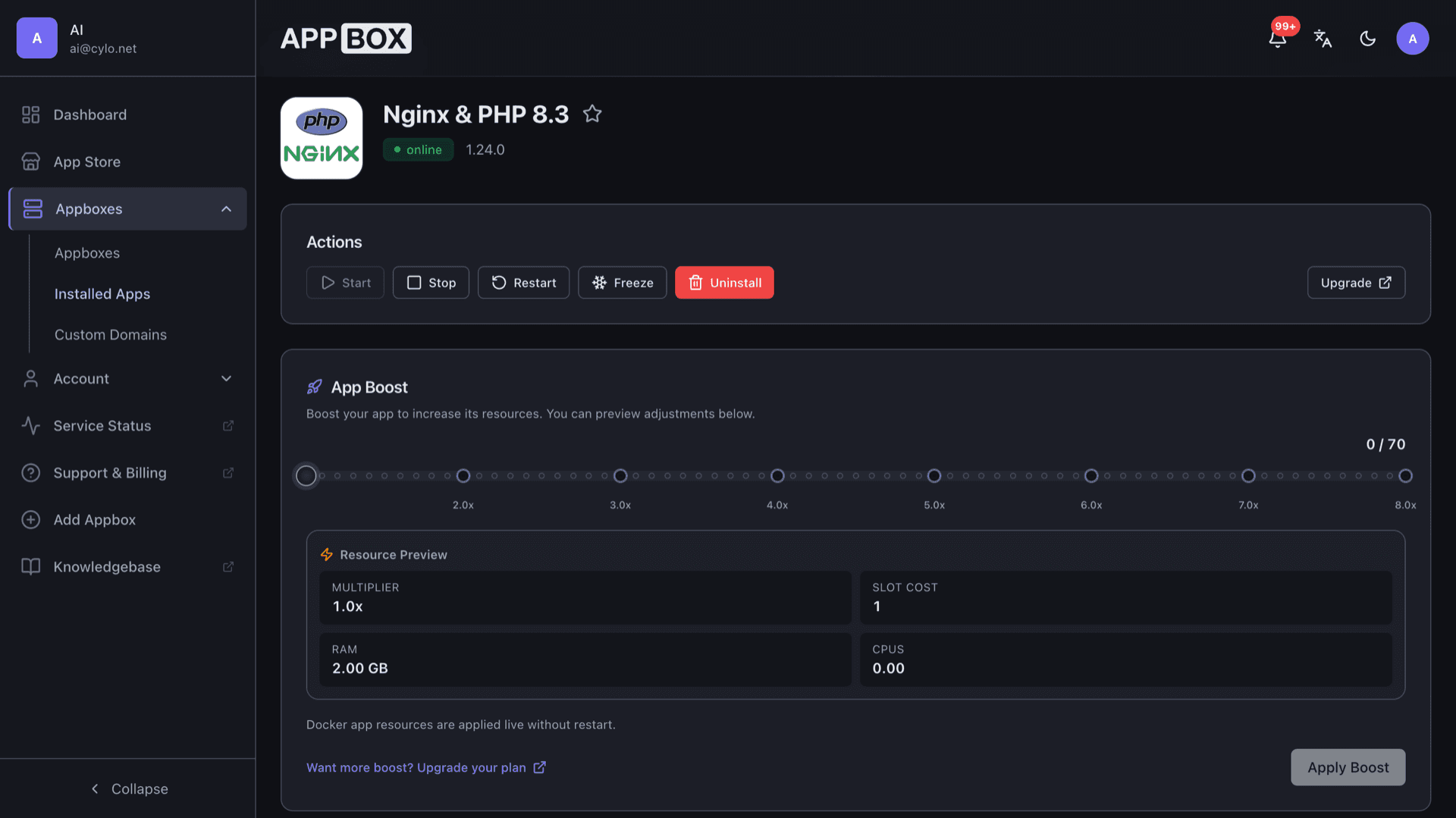
Install in seconds
Pick your Appbox, fill in a few fields, and Nginx & PHP 8.3 is live.
Install Nginx & PHP 8.3
Requires 1 App Slot
This demo shows what the installer looks like after you have an Appbox.
Multiplier
1.4x
Slot Cost
5 / 21
RAM
∞
CPUs
∞
✓ nginxphp83.steve.appboxes.co
Ready to install? You will need an active Appbox first.
This is a preview of the install form. Choose a plan to create your Appbox and deploy for real.
How teams use it
Typical workflows from install to production traffic without reinventing the stack.
Drop your code
Mount or sync your PHP project into the document root, set permissions for the FPM user, and reload Nginx when config changes are ready.
Bring your data layer
Point Laravel, Symfony, WordPress-style stacks, or custom apps at MySQL, Postgres, or Redis using separate Appbox apps or connection strings you control.
Tune Nginx and FPM
Adjust worker counts, buffers, and timeouts where your template allows so spikes and large uploads behave the way your app expects.
Stay realistic about the sandbox
This is a managed container environment with root inside the guest, not a KVM VPS, so plan nested Docker or kernel modules on a VPS app instead.
Nginx plus PHP-FPM vs Apache mod_php
| Feature | Nginx & PHP-FPM (this app) | Apache with mod_php |
|---|---|---|
| PHP execution model | Dedicated FPM worker pool | PHP inside Apache processes or threads |
| Static file serving | Nginx handles directly by default | Apache unless fronted by another layer |
| Concurrency style | Event-driven HTTP core | MPM-dependent (prefork, worker, event) |
| .htaccess overrides | Nginx config snippets, not .htaccess | Per-directory .htaccess common |
| Ecosystem familiarity | Very common in cloud images | Ubiquitous on shared hosting |
| Self-hostable |
Start from an empty docroot
Frequently asked questions
Ship your PHP site on Appbox
Deploy Nginx & PHP 8.3 hosting in one flow, open your HTTPS URL from Overview, and replace the default index with your application.
Available versions
| Version | App Slots | RAM | CPU | Released | Changes |
|---|---|---|---|---|---|
| 1.24.0 | 1 | Shared | Shared | Invalid Date |
Need more resources? Use Per-App Boost to allocate extra App Slots and increase RAM and CPU by 10% per slot. See the FAQ below for details.