
Marketing automation you host
Mautic hosting on Appbox gives you campaigns, contacts, segments, and channels in one install, with data on your Appbox instead of a vendor cloud.
What you get with Mautic hosting
A full marketing automation stack in a single Appbox app, wired for the workflows Mautic is known for.
Campaign builder
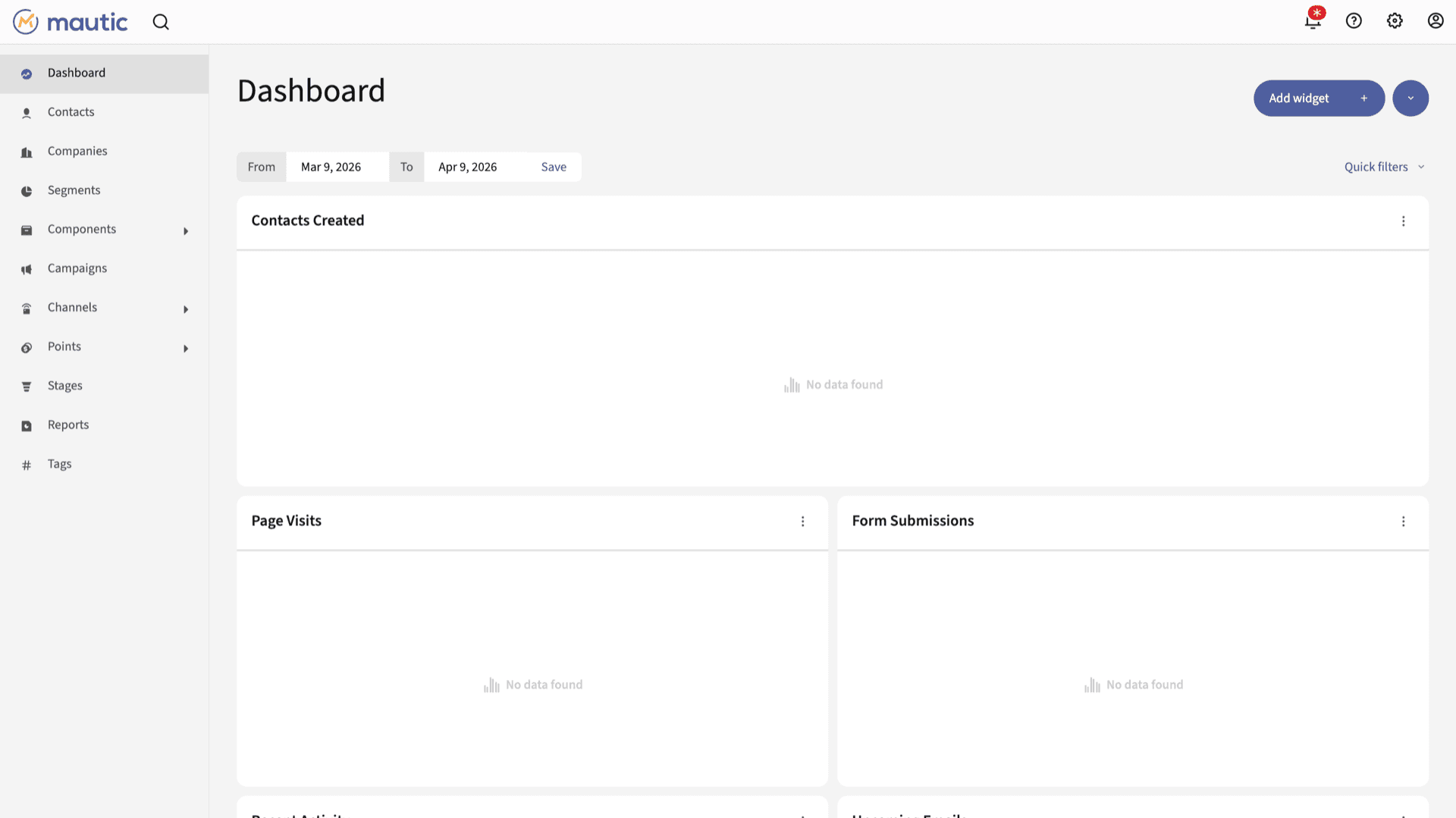
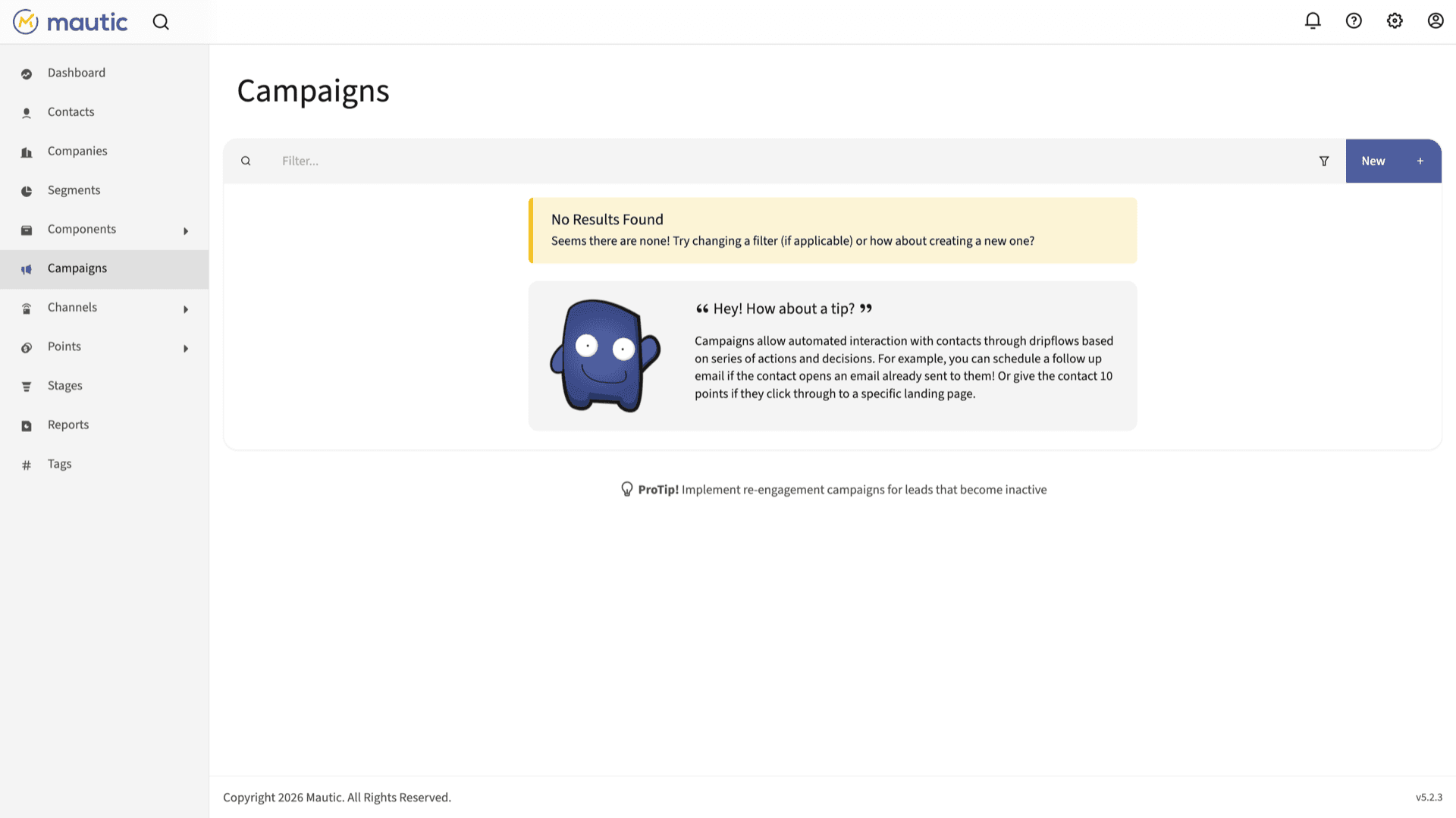
Design multi-step campaigns with conditions, delays, and channel actions from the Mautic UI you open through the Web UI link after install.
Contacts and segments
Centralize leads, tags, scoring, and dynamic segments so messages target the right people as behavior changes.
Landing pages and forms
Capture leads with forms and published pages, then feed them straight into campaigns without a separate landing-page vendor.
Email and channels
Compose email inside Mautic, track engagement, and expand with additional channels your build supports, subject to your SMTP and DNS setup.
Integrations
Connect CRMs and tools through bundled or community plugins and the REST API when you need data flowing both ways.
Data on your Appbox
Contacts, events, and assets stay in your app storage on Appbox, which helps when policy or clients require self-hosting.
Mautic on Appbox
Install in seconds
Pick your Appbox, fill in a few fields, and Mautic is live.
Install Mautic
Requires 1 App Slot
This demo shows what the installer looks like after you have an Appbox.
Multiplier
1.4x
Slot Cost
5 / 21
RAM
2.80 GB
CPUs
∞
✓ mautic.steve.appboxes.co
Ready to install? You will need an active Appbox first.
This is a preview of the install form. Choose a plan to create your Appbox and deploy for real.
Operations and platform fit
How this install behaves on Appbox compared to renting SaaS automation.
Panel lifecycle
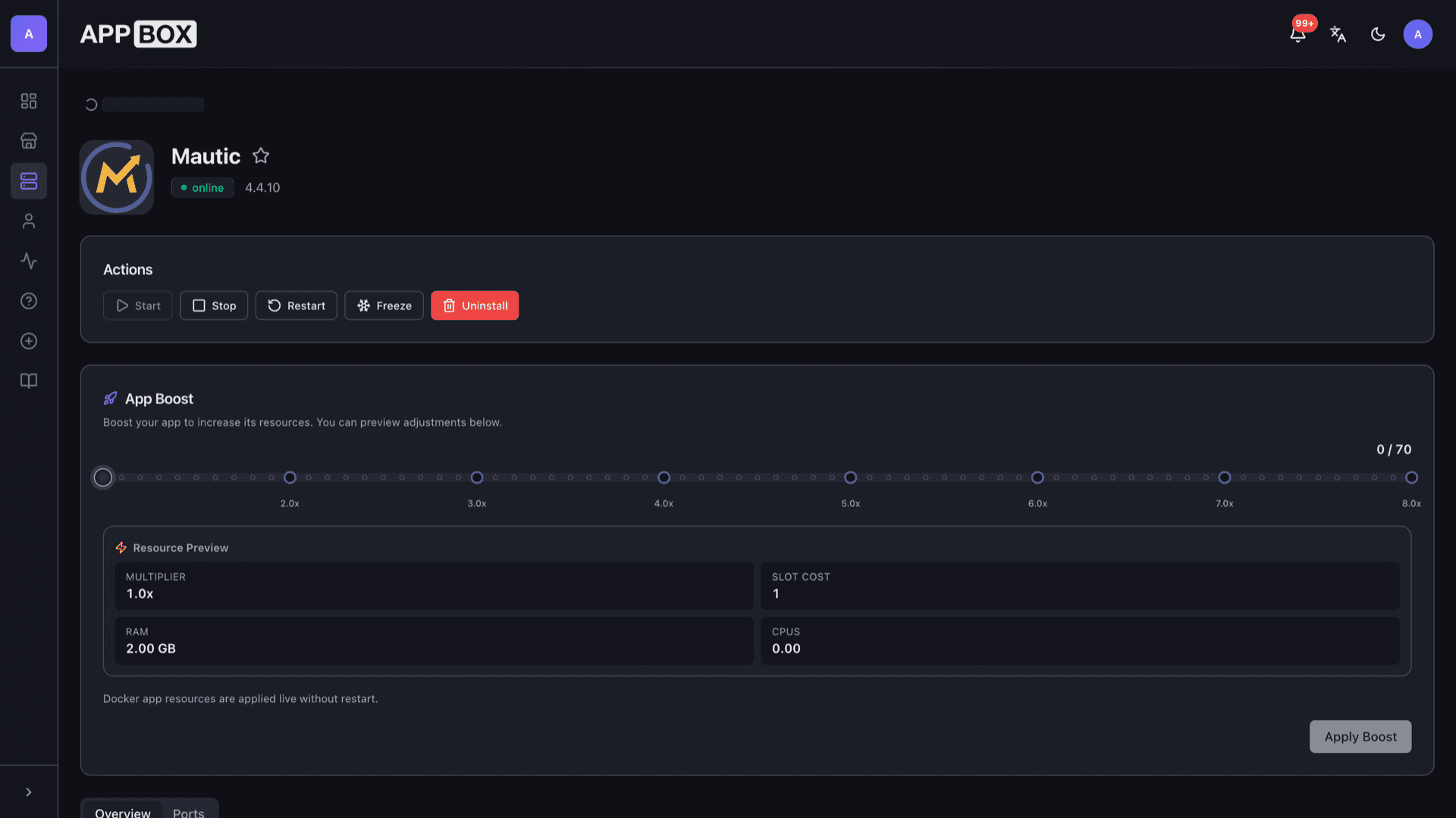
Start, stop, restart, and uninstall from the installed app page. Per-App Boost adjusts resources without SSH into a separate VM.
Container environment
You get a managed app container on Appbox, not a KVM guest. Plan email deliverability and cron-style maintenance inside that model.
Database bundled
The image includes the database Mautic expects, so you are not wiring an external database server for a standard install.
Deliverability is yours
SMTP, bounce handling, and DNS authentication need correct configuration. Budget time to test sends before high-volume campaigns.
Mautic on Appbox vs SaaS marketing suites
| Feature | Mautic on Appbox | Typical SaaS suite |
|---|---|---|
| Source code | Open source, auditable | Closed platform |
| Data residency | Your Appbox storage | Vendor regions and policies |
| Billing model | App slots and hosting | Per-seat or contact tiers |
| SMTP and DNS | You configure providers and records | Often abstracted or bundled |
| Upgrades | You choose when to update the app | Vendor-managed releases |
| Time to first dashboard | Install, then open Web UI | Sign up and onboard |
After install
Frequently asked questions
Deploy Mautic on Appbox
Install open-source marketing automation with one click, then tune campaigns and deliverability on your own timeline.
Available versions
| Version | App Slots | RAM | CPU | Released | Changes |
|---|---|---|---|---|---|
| 4.4.10 | 1 | 2 GB | Shared | Sep 11, 2023 |
Need more resources? Use Per-App Boost to allocate extra App Slots and increase RAM and CPU by 10% per slot. See the FAQ below for details.