Lightweight Git hosting you control
Gogs hosting on Appbox. Run a self-hosted Git service with a familiar web interface, issues, and wiki support without operating a full bare-metal stack.
What you get with Gogs hosting
A compact Git forge focused on core workflows, packaged for Appbox with HTTPS and the resources shown in the versions table.
Git over HTTP and SSH
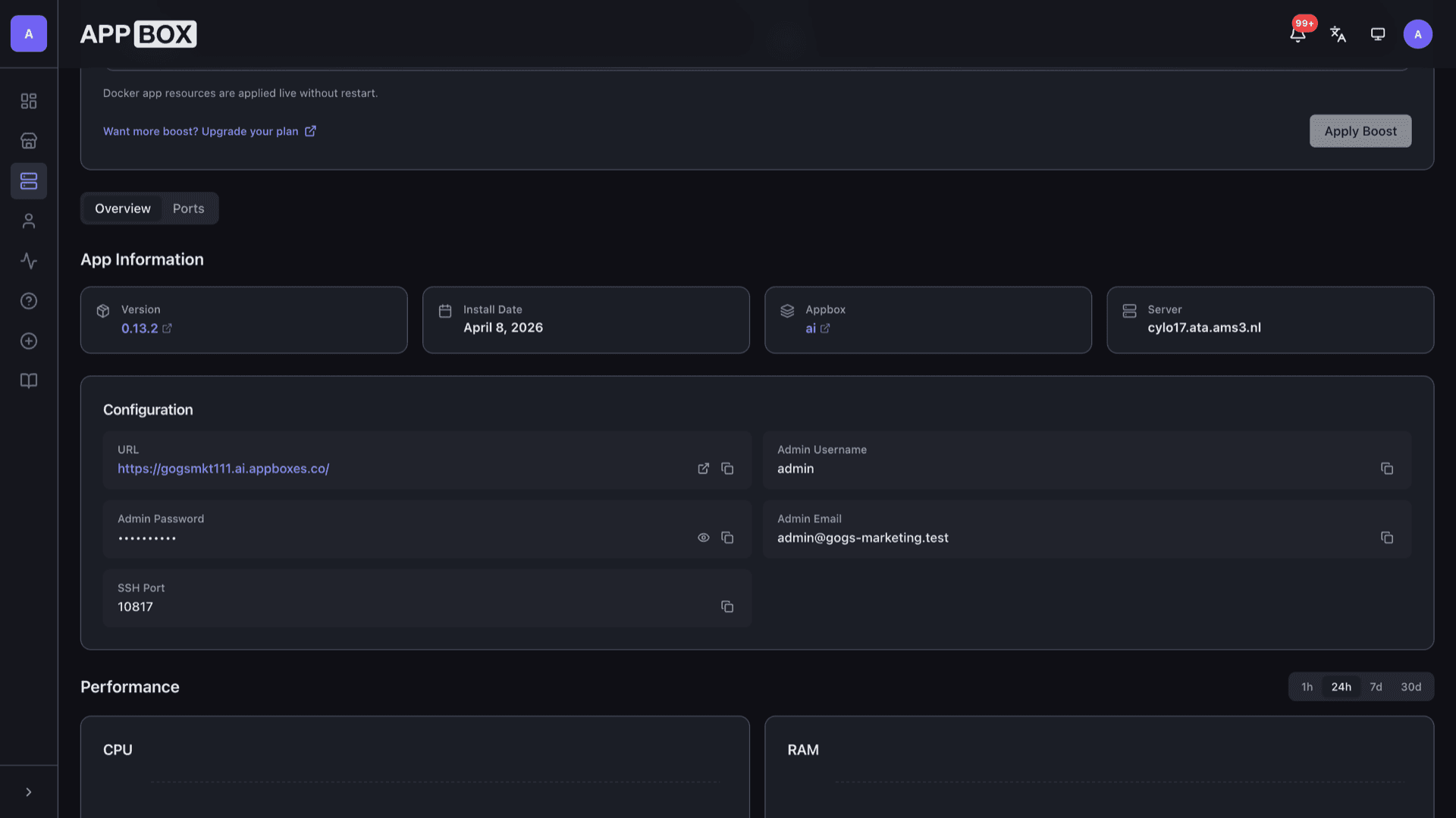
Push and clone repositories using the Web UI URL and the SSH port listed on your installed app page after provisioning.
Users and organizations
Create teams, split ownership, and mirror how you already structure access in larger forges.
Browser-first workflow
Browse code, file history, and diffs from the same interface visitors use to sign in.
Issues and collaboration
Track work with issues, labels, and milestones so small teams do not need a separate tracker.
Embedded data store
Gogs keeps metadata in a bundled database (commonly SQLite on smaller installs), so you are not provisioning an external database server for a typical setup.
HTTPS on Appbox
The platform terminates TLS in front of your instance. You open the Web UI link from the panel and work over encrypted HTTP.
See Gogs on Appbox
Install in seconds
Pick your Appbox, fill in a few fields, and Gogs is live.
Install Gogs
Requires 1 App Slot
This demo shows what the installer looks like after you have an Appbox.
Multiplier
1.4x
Slot Cost
5 / 21
RAM
2.80 GB
CPUs
∞
✓ gogs.steve.appboxes.co
Ready to install? You will need an active Appbox first.
This is a preview of the install form. Choose a plan to create your Appbox and deploy for real.
Day-to-day operations
How teams use Gogs after the first login.
Repositories and releases
Create repos from the dashboard, tag releases, and attach binaries when your workflow needs them.
Webhooks
Notify CI, chat, or custom endpoints when pushes or issues change so automation stays close to the repo.
Wiki per repository
Keep lightweight documentation beside the code instead of scattering notes across chat threads.
Persistent Git data
Objects and metadata live on Appbox storage tied to the instance, with backups following your normal Appbox routine.
Self-hosted Gogs vs GitHub.com
| Feature | Gogs on Appbox | GitHub.com |
|---|---|---|
| Hosting | Your Appbox instance | GitHub cloud |
| Cost model | App Slots and plan limits you control | Per-seat and feature tiers |
| Data residency | Repositories stay on your storage | Hosted on GitHub infrastructure |
| Feature breadth | Focused Git forge | CI, Actions, Packages, Copilot, and more |
| Operational load | Single app container you manage via Appbox | Fully managed SaaS |
| Private networking | Combine with your Appbox networking choices | Enterprise options only at higher tiers |
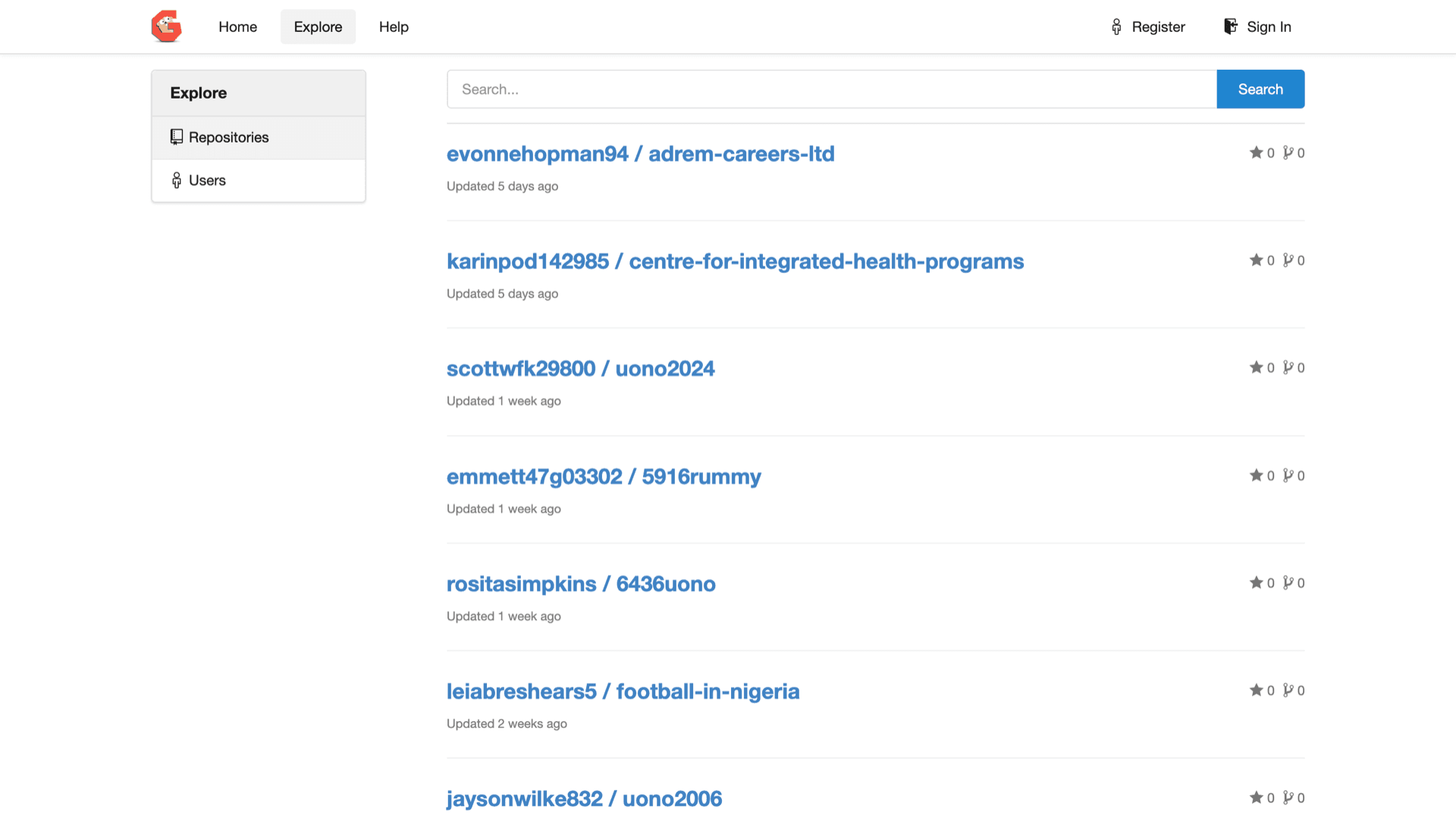
Sign-in after install
Frequently asked questions
Deploy Gogs on Appbox
Start self-hosted Gogs hosting in one flow, open the Web UI from your installed app page, and sign in with the admin credentials from Configuration.
Available versions
| Version | App Slots | RAM | CPU | Released | Changes |
|---|---|---|---|---|---|
| 0.14.2 | 1 | 1 GB | Shared | Apr 9, 2026 | |
| 0.13.2 | 1 | 2 GB | Shared | May 30, 2025 |
Need more resources? Use Per-App Boost to allocate extra App Slots and increase RAM and CPU by 10% per slot. See the FAQ below for details.