
Your own GitLab instance
GitLab hosting on Appbox. Run Community Edition with repositories, merge requests, issues, and built-in CI, reachable over HTTPS from the Web UI link on your installed app page.
What you get with GitLab hosting
A single-container GitLab CE footprint on Appbox with TLS in front and the resources shown in the versions table.
Git hosting
Create groups and projects, protect branches, and use merge requests with code review the way teams expect from GitLab.
Issues and planning
Track work with issues, labels, milestones, and boards without bolting on a separate tracker for most teams.
CI and runners
Define pipelines in .gitlab-ci.yml and run jobs with GitLab Runner on the instance, subject to the CPU and memory limits of your Appbox plan.
Users and access
Invite teammates, use groups for ownership, and tune sign-up and authentication from the admin area when you need tighter control.
HTTPS on Appbox
The platform terminates TLS. You open the resolved Web UI URL from the Overview tab and work over encrypted HTTP to GitLab.
Bundled data services
PostgreSQL, Redis, Gitaly, and related components run inside the same app container as upstream GitLab Omnibus-style packaging expects.
See GitLab on Appbox
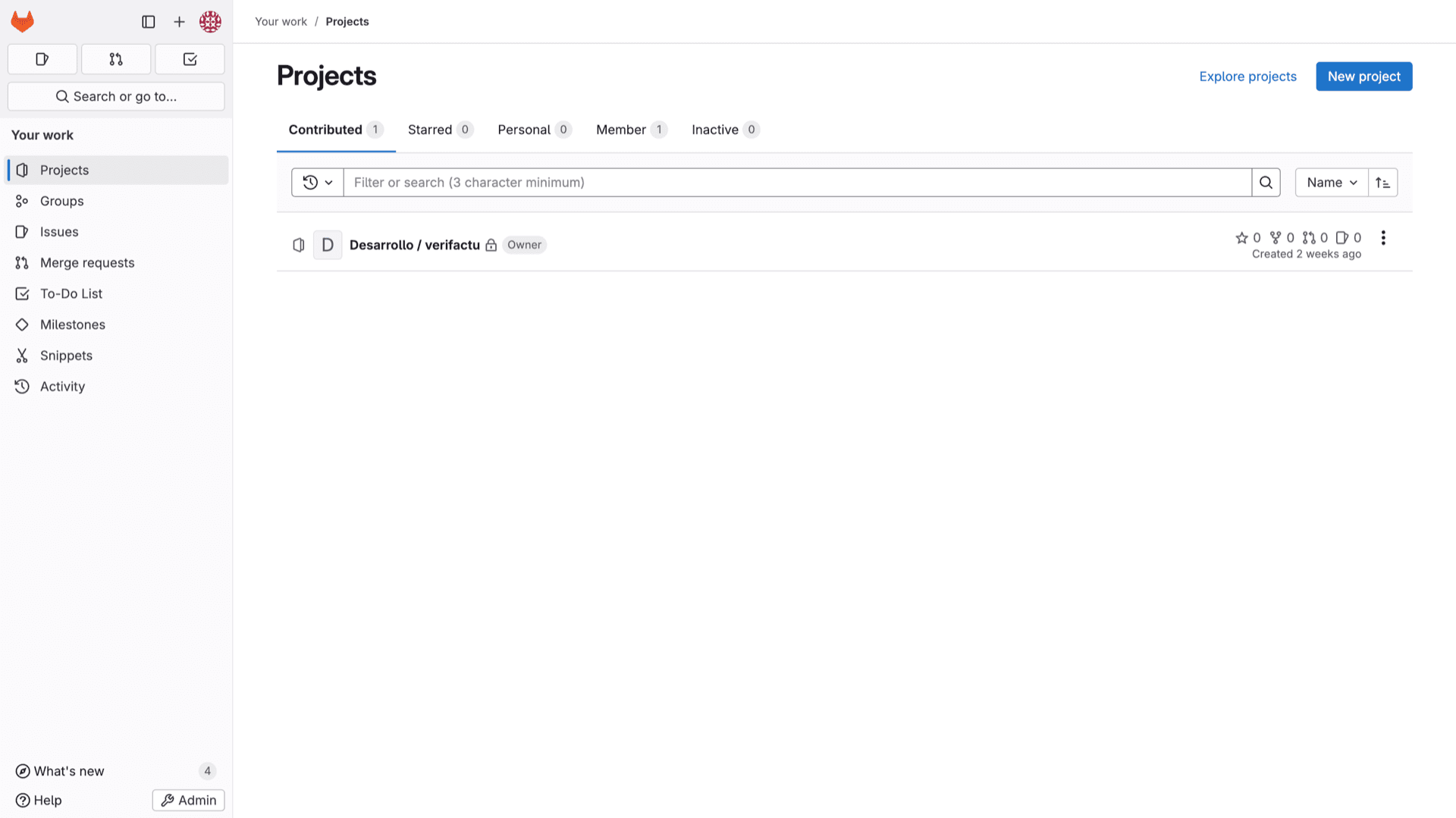
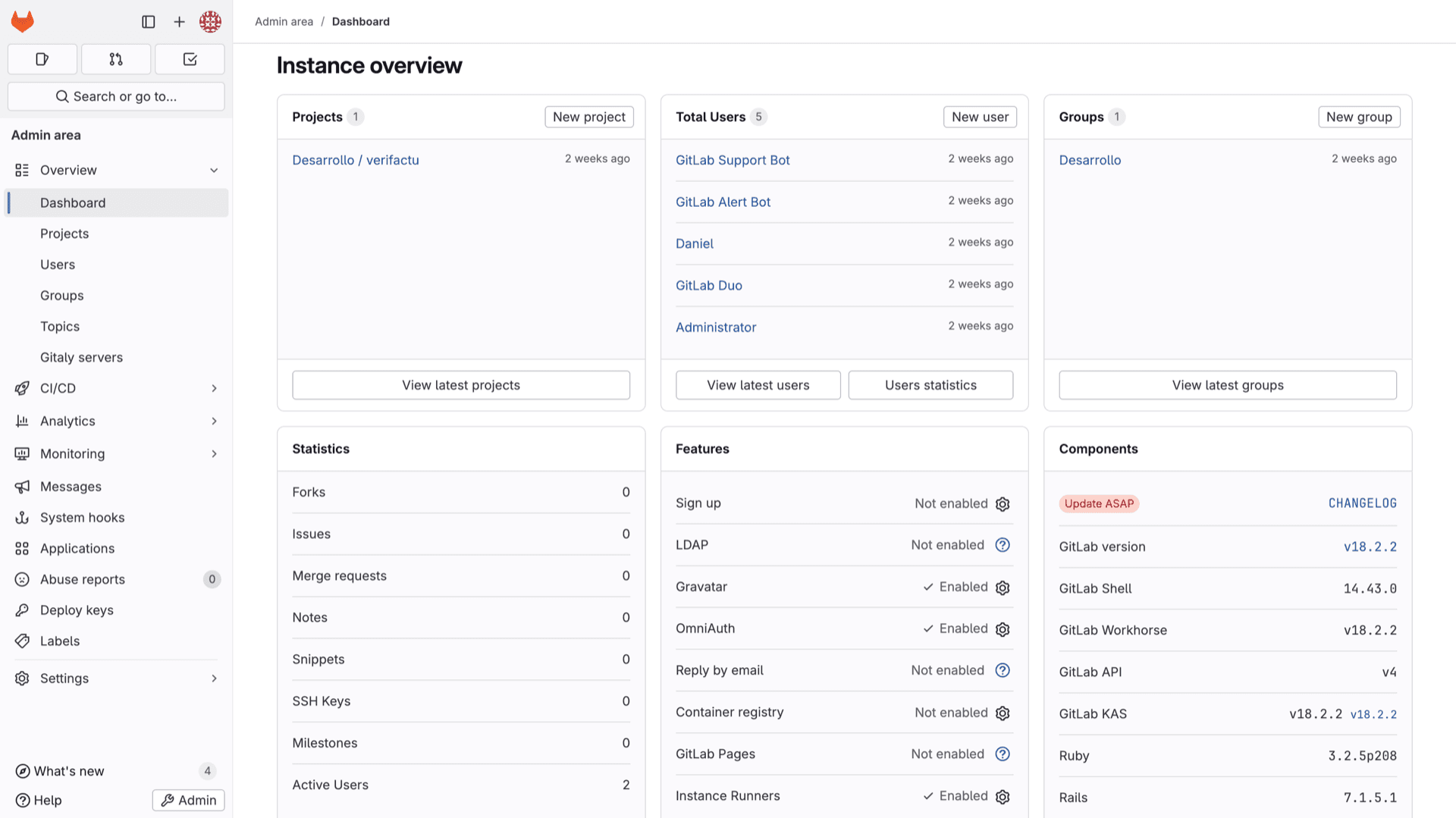
Install in seconds
Pick your Appbox, fill in a few fields, and GitLab is live.
Install GitLab
Requires 5 App Slots
This demo shows what the installer looks like after you have an Appbox.
Multiplier
1.4x
Slot Cost
9 / 21
RAM
8.40 GB
CPUs
∞
✓ gitlab.steve.appboxes.co
Ready to install? You will need an active Appbox first.
This is a preview of the install form. Choose a plan to create your Appbox and deploy for real.
Operations and integrations
Day-two tasks you will touch after the first login.
Admin area
Manage users, groups, runners, and instance settings from Admin in the left sidebar when you sign in as an administrator.
Webhooks and APIs
Use project and system hooks, plus the GitLab REST API, to connect external tools and automation to your instance.
Optional features
Container registry, Pages, and other components can be enabled from settings when your workload needs them and resources allow.
SSH Git access
Configure SSH keys in your profile and use the host and port shown on your installed app page for git fetch and push alongside HTTPS.
Self-hosted GitLab vs GitHub.com
| Feature | GitLab on Appbox | GitHub (cloud) |
|---|---|---|
| Where it runs | Your Appbox instance and subdomain | GitHub-hosted SaaS |
| Data residency | You control instance storage and your backup strategy on Appbox | Provider-operated infrastructure |
| CI minutes | Bounded by your plan resources | Quota-based plans and add-ons |
| Enterprise features | Community Edition feature set | Commercial plans with advanced governance |
| Operational burden | You manage GitLab upgrades and tuning | Fully managed service |
| Private repos | Yes (plan-dependent) |
First sign-in
Frequently asked questions
Deploy GitLab on Appbox
Install GitLab CE hosting in one flow, sign in as root, and start creating projects and pipelines on your own subdomain.
Available versions
| Version | App Slots | RAM | CPU | Released | Changes |
|---|---|---|---|---|---|
| 18.2.1-ce.0-1 | 5 | 6 GB | Shared | Jul 24, 2025 |
Need more resources? Use Per-App Boost to allocate extra App Slots and increase RAM and CPU by 10% per slot. See the FAQ below for details.