
Lean Bookworm you SSH into
Debian 12 Minimal (small) hosting on Appbox. A small-template Debian 12 environment with apt, masked credentials on Overview, and a copy-ready ssh command.
What you get with Debian 12 Minimal (small) hosting
Stable Debian with a trimmed image and the same panel workflow as other Appbox OS apps.
SSH from Overview
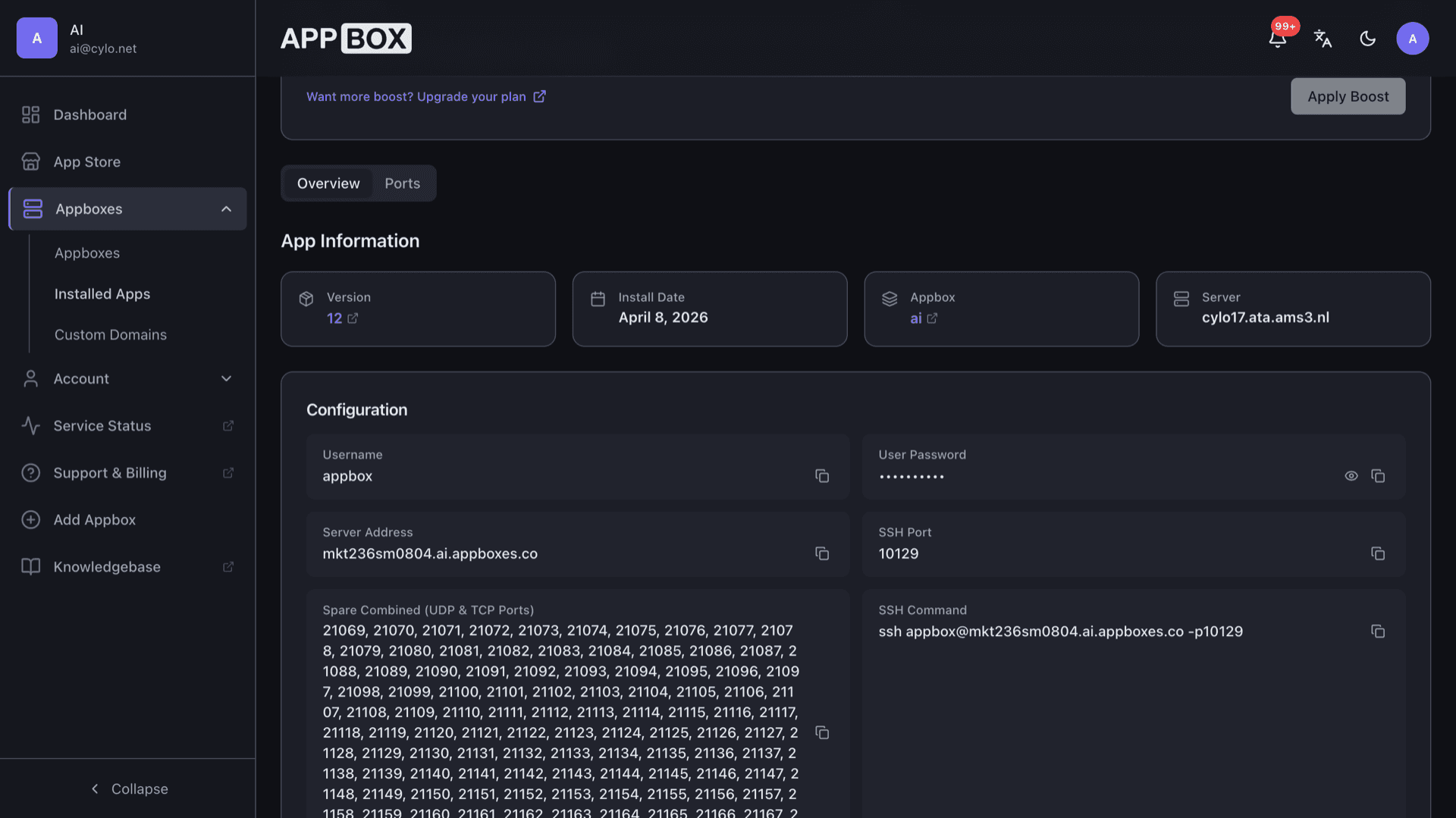
Configuration lists username appbox, server host, SSH port, spare forwarded ports, and an ssh command you can copy. Reveal the password when you need it.
sudo to root inside
You administer the environment with normal Debian tools. Use sudo when you need a root shell inside this Appbox OS app.
Minimal apt base
Bookworm with a small starting package set so you choose what to install next. Security updates flow through apt like any Debian server.
Small resource template
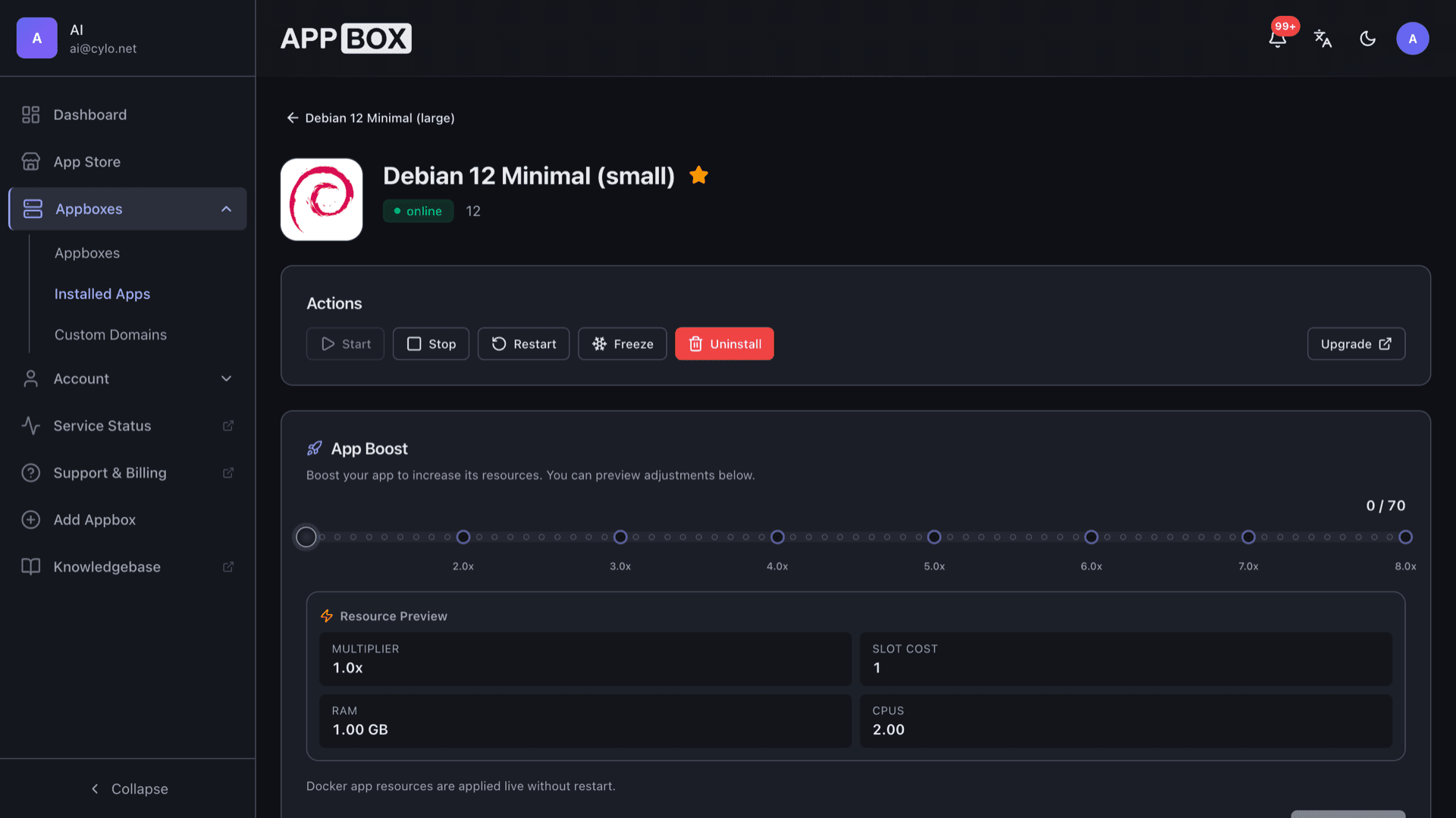
The small SKU targets lighter footprints than larger OS variants. Per-App Boost still lets you raise RAM and CPU when you outgrow the baseline.
Forwarded spare ports
Overview shows combined spare TCP and UDP ports mapped for your listeners when SSH alone is not enough.
Container, not a KVM guest
This is a Docker-backed OS app on Appbox, not a separate virtual machine. You get Debian with sudo inside the container. Nested Docker Engine and snapd belong on a KVM VPS, not here.
Debian 12 Minimal (small) running on Appbox
Встановлення за секунди
Оберіть свій Appbox, заповніть кілька полів, і Debian 12 Minimal (small) запрацює.
Встановити Debian 12 Minimal (small)
Потрібен 1 App Slot
Ця демонстрація показує, як виглядає інсталятор після того, як у вас є Appbox.
Множник
1.4x
Вартість у слотах
5 / 21
RAM
1.40 GB
CPU
2.80
✓ debian.steve.appboxes.co
Готові встановити? Спершу вам потрібен активний Appbox.
Це попередній перегляд форми встановлення. Оберіть план, щоб створити Appbox і розгорнути застосунок по-справжньому.
How teams use the small template
Typical workflows on Debian 12 Minimal (small) without pretending it is a KVM guest.
Bootstrap scripts
Layer configuration management or git-driven setup on top of a clean apt base when you rebuild often.
Edge services
Bind lightweight daemons to forwarded spare ports when you need more than SSH for a worker or relay.
Cost-aware footprint
Start on the small SKU, then raise Per-App Boost when monitoring shows you need more headroom.
Shared platform benefits
Keep billing, backups, and HTTPS termination consistent with other Appbox apps on the same account.
Debian 12 Minimal (small) vs a raw cloud VM
| Feature | Debian 12 Minimal (small) on Appbox | DIY VPS elsewhere |
|---|---|---|
| Provisioning | One Appbox install | You image and harden the OS |
| Billing | App Slots on your plan | Separate provider invoice |
| Nested Docker | Not available (OS app) | Possible if you own the VM |
| Patches | You still run apt inside | You run apt or automation |
| Console access | Appbox panel plus SSH | Provider console plus SSH |
| Best when | Lean Debian with Appbox ops | You need a full KVM |
Plan for manual setup
Frequently asked questions
Deploy Debian 12 Minimal (small) hosting
Spin up a small Debian 12 Bookworm environment on Appbox with SSH, apt, and forwarded ports. Connection details land on Overview as soon as the instance is running.
Available versions
| Version | App Slots | RAM | CPU | Released | Changes |
|---|---|---|---|---|---|
| 12 | 1 | 1 GB | 2 | Jan 5, 2026 |
Need more resources? Use Per-App Boost to allocate extra App Slots and increase RAM and CPU by 10% per slot. See the FAQ below for details.
Debian 12 Minimal (small)
від Debian