
Game servers from one panel
PufferPanel Minecraft management hosting on Appbox. Provision, start, stop, and watch servers from the browser with templates, users, and SFTP access on your subdomain.
What you get with PufferPanel hosting
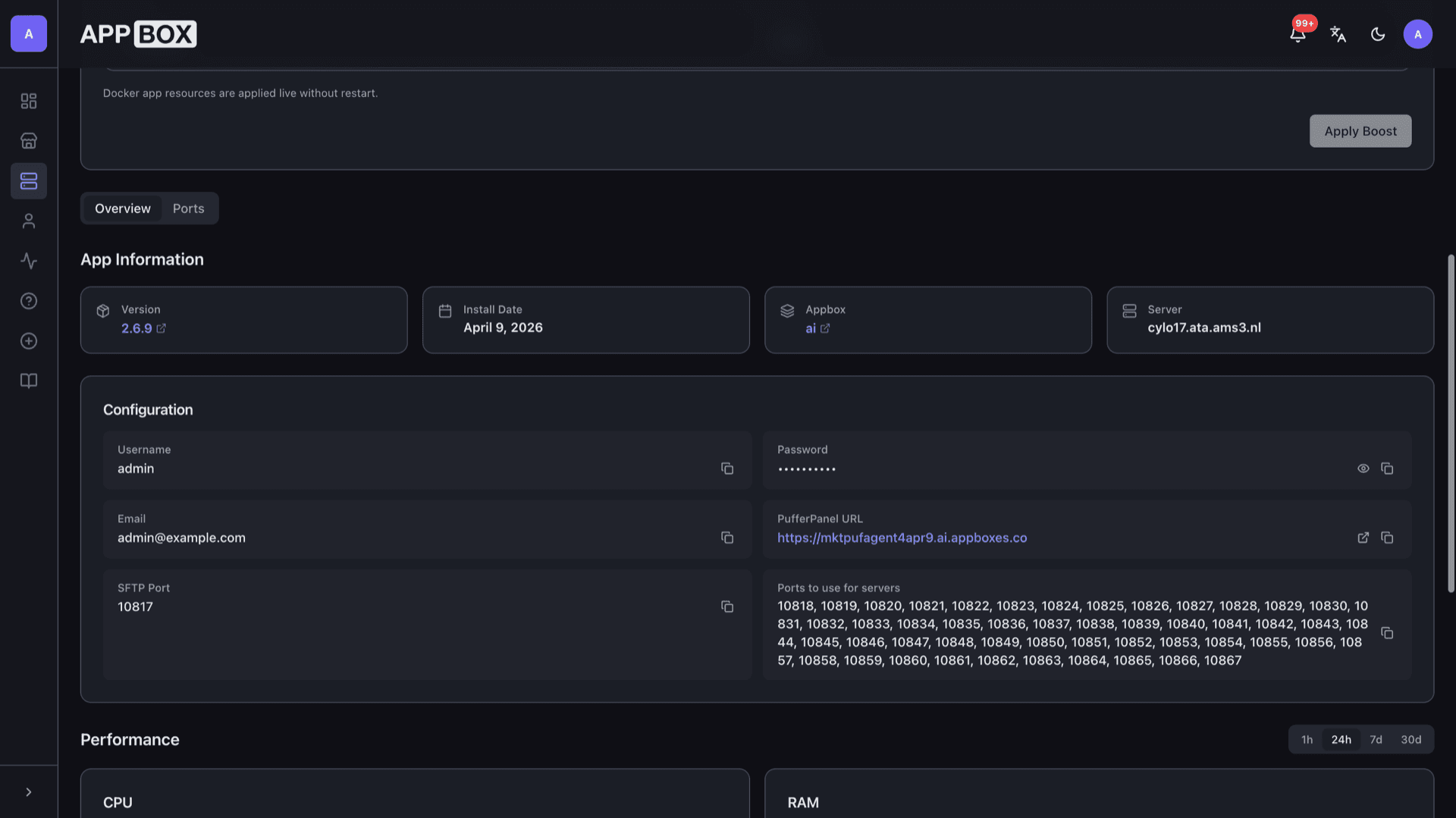
A full panel instance behind HTTPS plus connection details on your installed app Overview tab.
Web control panel
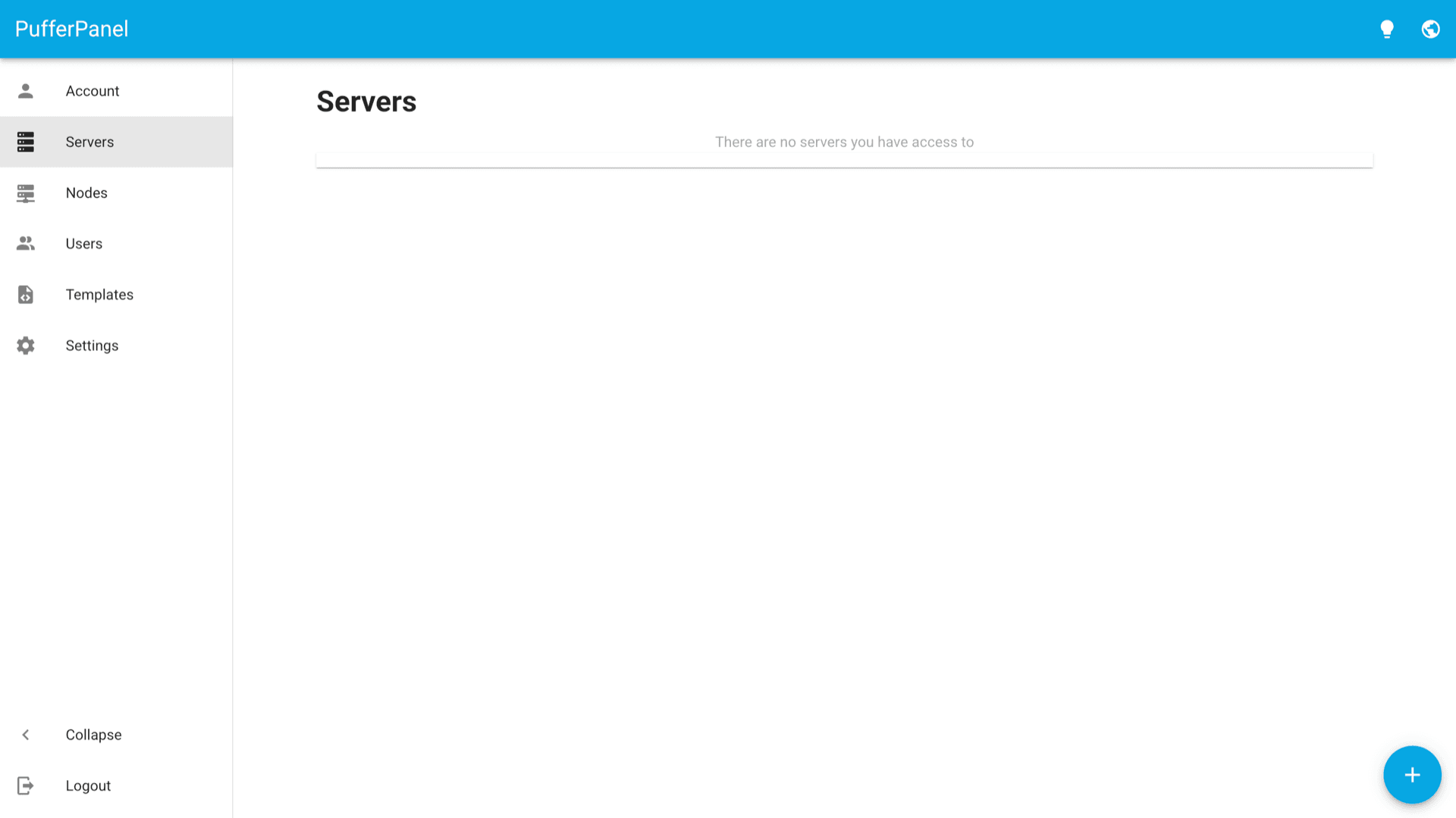
Manage servers, nodes, templates, and accounts from the PufferPanel UI linked from your Appbox Web UI field.
Template workflows
Define and import templates so new game servers follow a consistent image, ports, and startup behavior.
Roles and users
Invite operators with scoped access instead of sharing one root password for every change.
SFTP on your tab
The installed app page lists an SFTP port for moving worlds, mods, and assets without extra tunnel setup.
Reserved game ports
Overview shows a dedicated port range for servers so you can map listeners and firewall rules predictably.
Built for Minecraft stacks
Designed around multi-server lifecycle management, including Minecraft and other supported game templates.
See PufferPanel on Appbox
In Sekunden installieren
Wähle deine Appbox, fülle ein paar Felder aus, und PufferPanel Minecraft management ist live.
PufferPanel Minecraft management installieren
Benötigt 12 App-Slots
Diese Demo zeigt, wie der Installer aussieht, nachdem du eine Appbox hast.
Multiplikator
1.4x
Slot-Kosten
16 / 21
RAM
∞
CPUs
∞
✓ pufferpanelminecraftmanagement.steve.appboxes.co
Bereit zur Installation? Du brauchst zuerst eine aktive Appbox.
Dies ist eine Vorschau des Installationsformulars. Wähle einen Tarif, um deine Appbox zu erstellen und wirklich zu deployen.
Operations that stay on you
What the panel automates, and what you still plan for.
Live resource tweaks
Appbox applies Docker app RAM and CPU boosts from the same Boost controls as other apps, without a full reinstall.
Your data, your backups
Snapshot worlds and configs on a schedule you trust. The platform installs the panel; retention policy is yours.
Nodes and daemons
Use Nodes and Templates in the UI to align the bundled daemon with how you want servers scheduled and isolated.
HTTPS at the edge
Appbox terminates TLS on your subdomain. The panel URL on Overview is the same hostname players and staff should bookmark.
PufferPanel vs manual Docker
| Feature | PufferPanel on Appbox | Hand-rolled containers |
|---|---|---|
| Web UI for many servers | Built-in dashboard | You build or bolt on a UI |
| User and role model | Panel accounts | Usually shared SSH or ad hoc |
| Template reuse | Import and apply templates | Custom scripts per game |
| Install effort | One click plus form fields | Compose files, secrets, updates |
| Flexibility | Opinionated panel flow | Maximum control, more moving parts |
Plan backups before go-live
Frequently asked questions
Deploy PufferPanel on Appbox
Stand up a game server management panel with HTTPS, SFTP, and reserved ports in one install.
Available versions
| Version | App Slots | RAM | CPU | Released | Changes |
|---|---|---|---|---|---|
| 2.6.9 | 12 | Shared | Shared | Invalid Date |
Need more resources? Use Per-App Boost to allocate extra App Slots and increase RAM and CPU by 10% per slot. See the FAQ below for details.
PufferPanel Minecraft management
von PufferPanel