
Open source project management on your Appbox
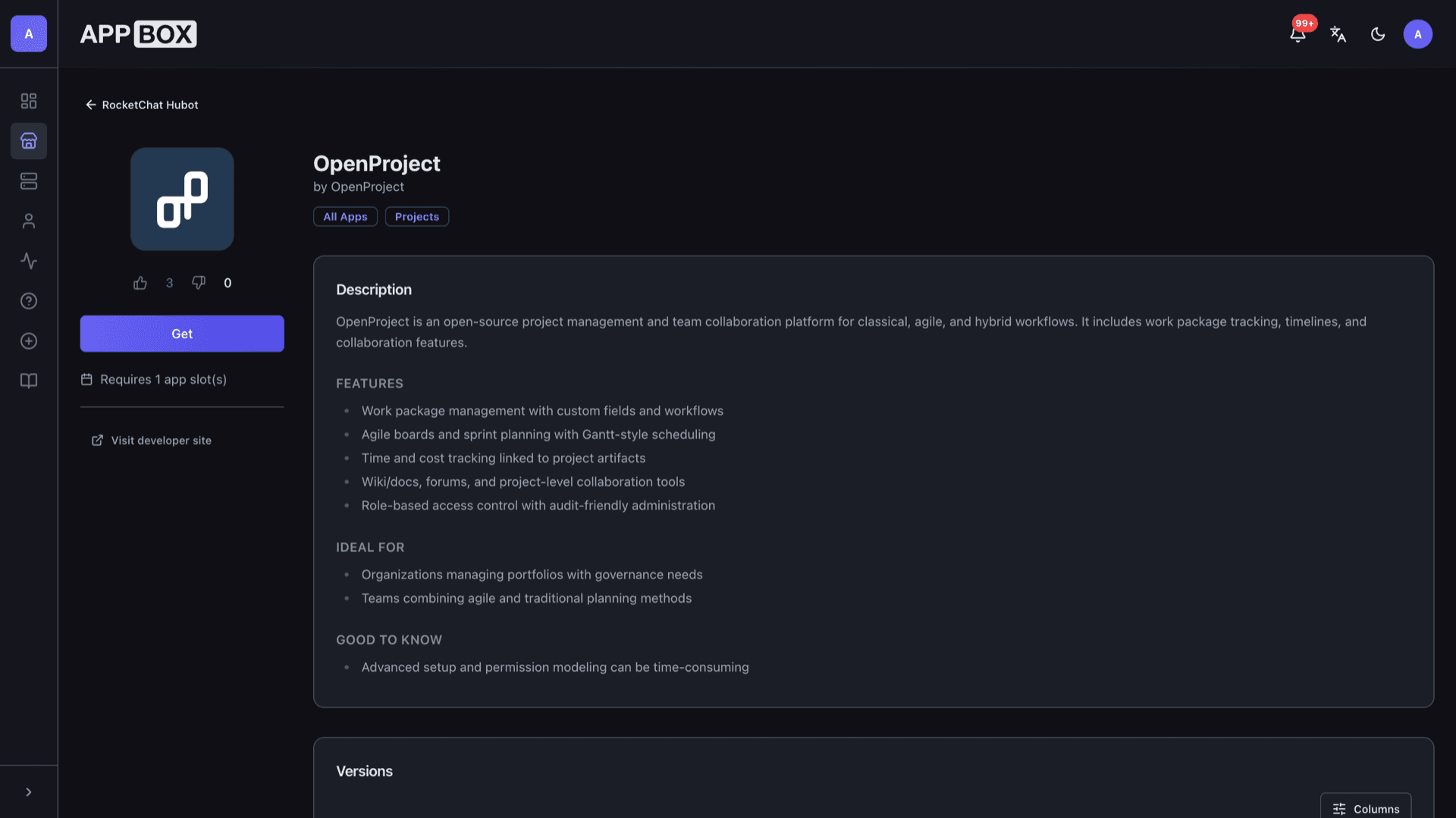
OpenProject hosting on Appbox gives you classical, agile, and hybrid planning in the browser, with work packages, boards, and timelines under your own subdomain.
What you get with OpenProject hosting
A full project workspace in a single web app, packaged for Appbox so you focus on delivery, not plumbing.
Work packages
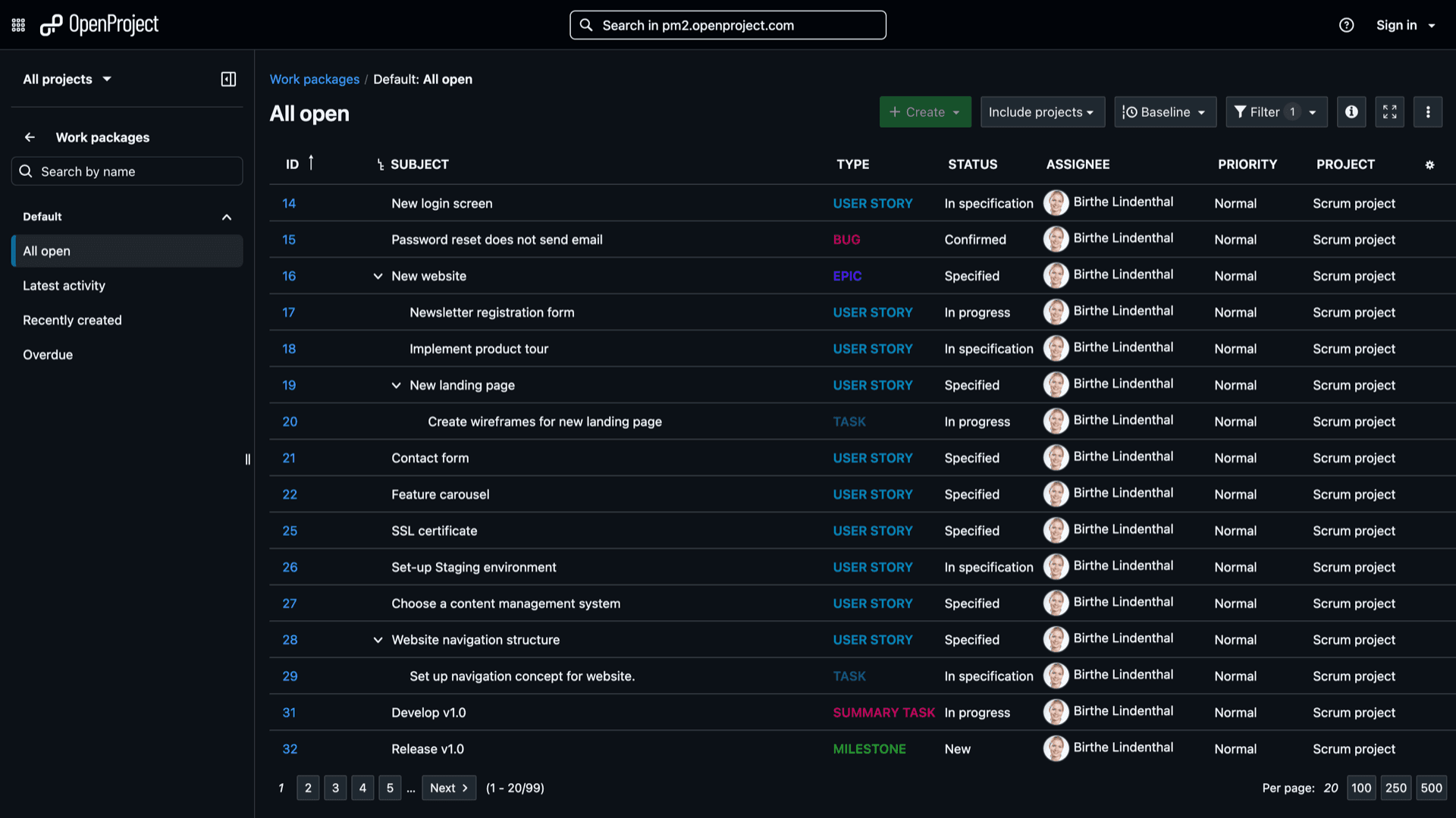
Track tasks, bugs, features, and milestones with types, statuses, priorities, and custom fields that match how your team actually works.
Agile boards
Plan sprints and backlogs with boards and lists tied to the same work package records you use for reporting and roadmaps.
Gantt and timelines
See dependencies and schedule shifts in timeline views so portfolio dates stay aligned without exporting to another tool.
Time and costs
Log time on work packages and roll it into cost reports when you need accountability across projects or clients.
Wiki and meetings
Keep specs, decisions, and meeting notes next to the work they reference instead of scattering context across chat threads.
Roles and permissions
Project-level roles, fine-grained capabilities, and LDAP or OAuth integrations when your organization already has an identity provider.
See OpenProject in context
In Sekunden installieren
Wähle deine Appbox, fülle ein paar Felder aus, und OpenProject ist live.
OpenProject installieren
Benötigt 1 App-Slot
Diese Demo zeigt, wie der Installer aussieht, nachdem du eine Appbox hast.
Multiplikator
1.4x
Slot-Kosten
5 / 21
RAM
∞
CPUs
∞
✓ openproject.steve.appboxes.co
Bereit zur Installation? Du brauchst zuerst eine aktive Appbox.
Dies ist eine Vorschau des Installationsformulars. Wähle einen Tarif, um deine Appbox zu erstellen und wirklich zu deployen.
Operations on Appbox
How this Docker app behaves in the panel compared to running your own VM from scratch.
Panel lifecycle
Start, stop, restart, and uninstall from the installed app page; resource changes follow your boost settings without SSH into a guest OS.
Data on your volume
Project data and uploads live in the persistent storage Appbox attaches, so restarts keep your OpenProject instance intact.
You own updates
Plan upgrades inside OpenProject when you are ready; the platform does not silently replace your app version without your action.
Container, not a KVM guest
This is a managed Linux userspace for the app image, not a full VM, so nested Docker, snapd, and host kernel changes are out of scope here.
OpenProject on Appbox vs Jira Cloud
| Feature | OpenProject on Appbox | Jira Cloud (Atlassian) |
|---|---|---|
| Hosting model | Your Appbox instance and data | Atlassian-managed SaaS |
| Licensing | Open source core under GNU GPL v3 | Commercial subscription tiers |
| Plugin marketplace | Community and Enterprise modules you install | Large Atlassian Marketplace |
| Customization depth | Self-hosted configuration and integrations | Strong SaaS integrations, less infra control |
| Compliance posture | You control backups, access, and retention | Vendor SOC reports and data residency options |
| Operational load | You operate the app; Appbox handles the container host | Atlassian operates the service |
Admin password at install
Frequently asked questions
Start OpenProject hosting on Appbox
Deploy OpenProject in one flow, open the Web UI from your installed app page, and invite your team to a workspace you control.
Available versions
| Version | App Slots | RAM | CPU | Released | Changes |
|---|---|---|---|---|---|
| 16.6.3 | 1 | Shared | Shared | Invalid Date |
Need more resources? Use Per-App Boost to allocate extra App Slots and increase RAM and CPU by 10% per slot. See the FAQ below for details.