
Your e-book library in the browser
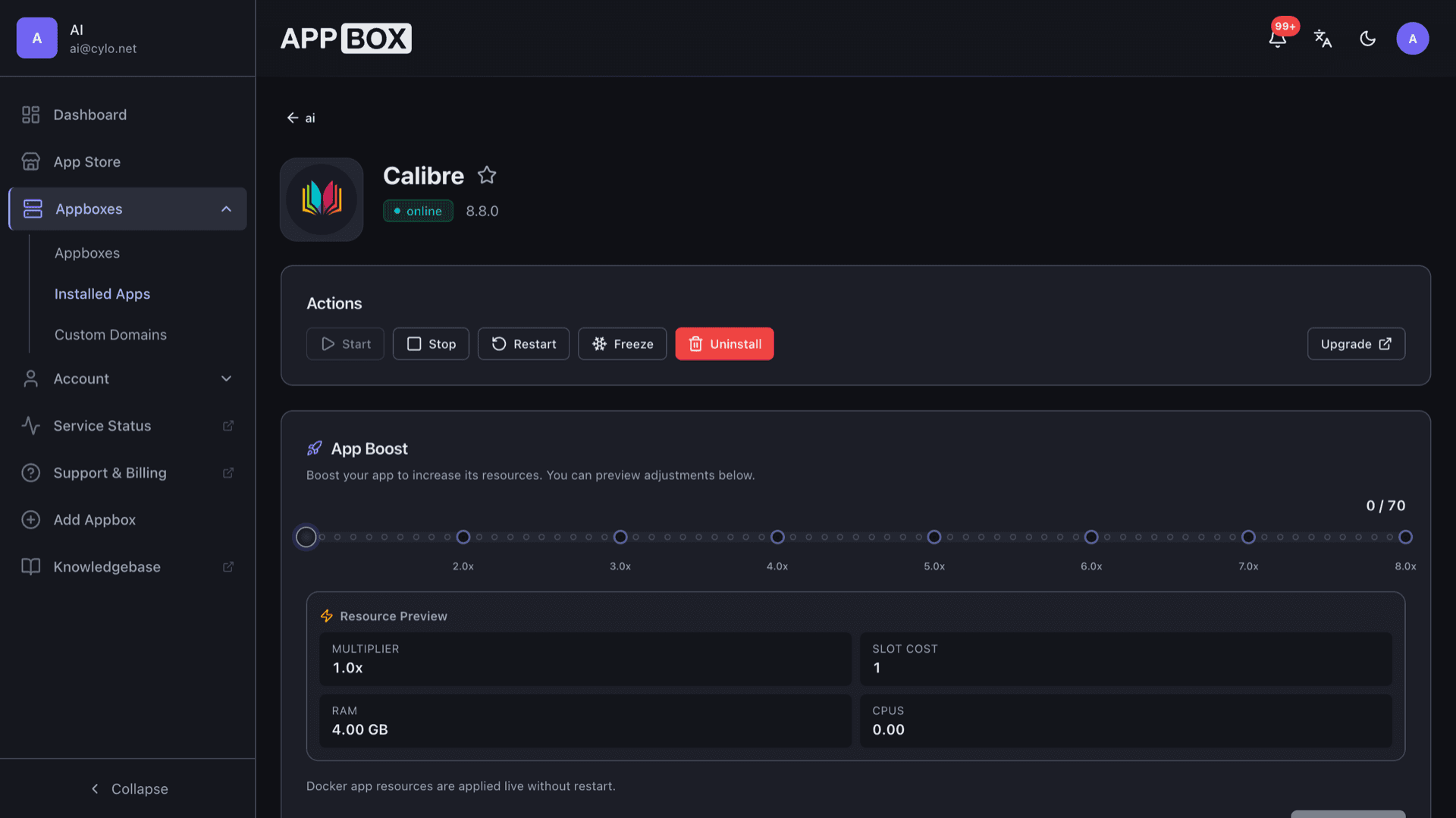
Calibre hosting on Appbox. Run Calibre with Calibre-Web so you can organize, convert, and read titles from one integrated install.
What you get with Calibre hosting
Desktop-grade library tools plus a web UI, packaged for Appbox without maintaining your own bare-metal server.
Library management
Catalog titles with metadata editing, tags, and search across your collection from Calibre and the web UI.
Format conversion
Convert between common e-book formats so files match your reader or workflow.
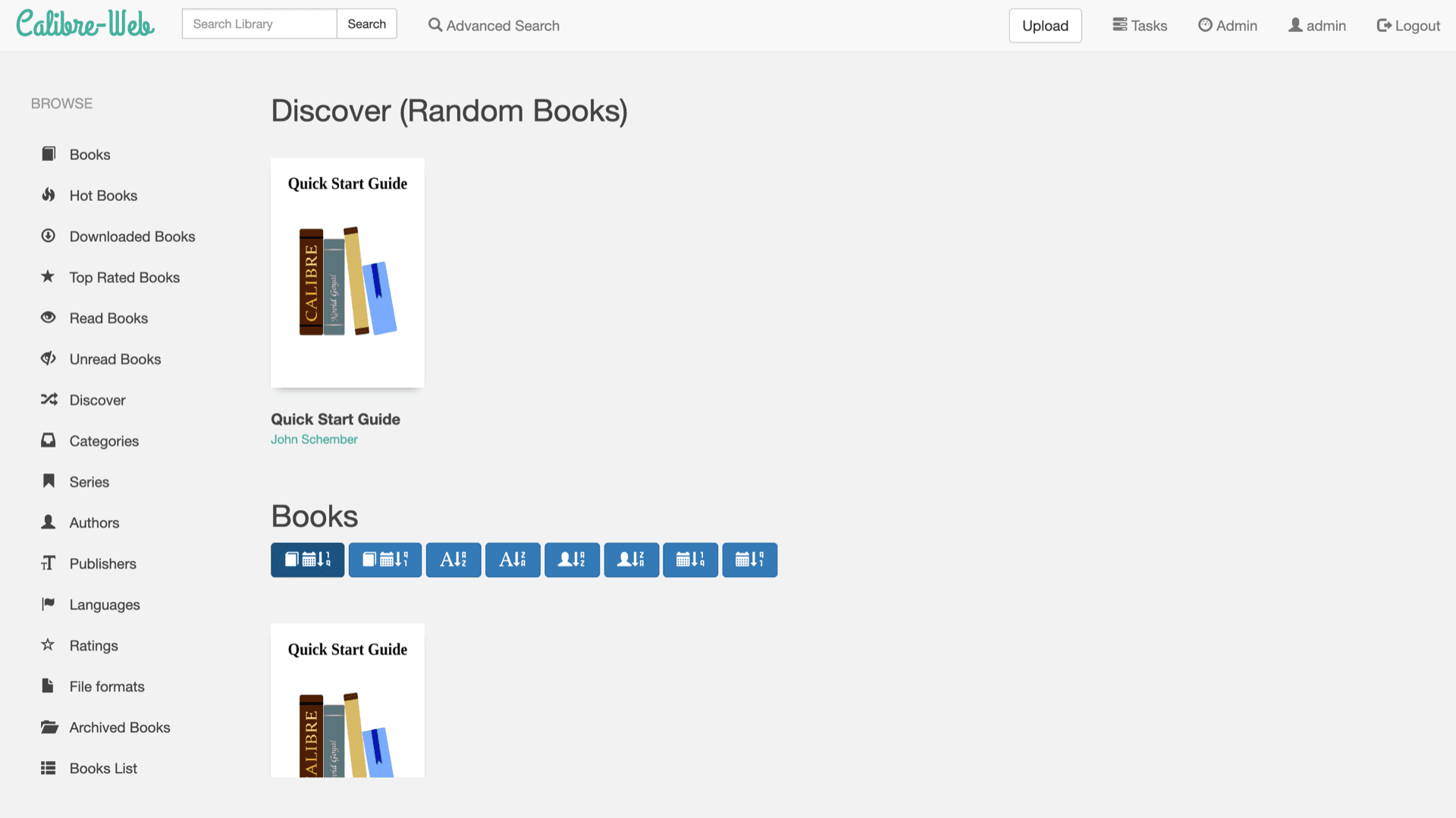
Calibre-Web interface
Browse shelves, read in the browser, and manage uploads from the Calibre-Web dashboard linked on your installed app page.
Content server
Share the library over HTTP for browsers and supported clients using Calibre's built-in server options.
Metadata and series
Track authors, series, publishers, and ratings so large libraries stay organized.
News and fetch
Use Calibre's news and fetch features where you enable them, turning feeds and sources into e-books.
See Calibre on Appbox
In Sekunden installieren
Wähle deine Appbox, fülle ein paar Felder aus, und Calibre ist live.
Calibre installieren
Benötigt 1 App-Slot
Diese Demo zeigt, wie der Installer aussieht, nachdem du eine Appbox hast.
Multiplikator
1.4x
Slot-Kosten
5 / 21
RAM
∞
CPUs
∞
✓ calibre.steve.appboxes.co
Bereit zur Installation? Du brauchst zuerst eine aktive Appbox.
Dies ist eine Vorschau des Installationsformulars. Wähle einen Tarif, um deine Appbox zu erstellen und wirklich zu deployen.
Library life after install
How Calibre and Calibre-Web work together on Appbox.
Shelves and reading
Browse by series, tags, and metadata in Calibre-Web while Calibre keeps the canonical library on disk.
Accounts and sharing
Gate the web UI for household or team use and share only the URLs you expose from the installed app page.
Conversion pipeline
Queue format changes for readers and devices without moving files off the instance for every job.
Long-term ownership
Your books stay in storage you control instead of a vendor lock-in with remote revocation.
Self-hosted Calibre vs vendor ebook clouds
| Feature | Calibre on Appbox | Locked vendor stores |
|---|---|---|
| File ownership | You keep the files | Titles tied to the vendor account |
| Format freedom | Convert with Calibre tools | Often limited to store formats |
| Privacy | Data stays on your Appbox | Reading analytics on vendor infra |
| Customization | Plugins and Calibre-Web themes | Fixed app experience |
| Hosting model | Self-hosted on Appbox | Subscription to their cloud |
| Offline-friendly | Download once, read anywhere you sync | Depends on vendor clients |
Two web entry points
Frequently asked questions
Start Calibre hosting on Appbox
Deploy Calibre in one flow, open Calibre-Web from your installed app page, and sign in with the credentials shown in Configuration.
Available versions
| Version | App Slots | RAM | CPU | Released | Changes |
|---|---|---|---|---|---|
| 9.7.0 | 1 | Shared | Shared | Invalid Date | |
| 8.8.0 | 1 | Shared | Shared | Invalid Date |
Need more resources? Use Per-App Boost to allocate extra App Slots and increase RAM and CPU by 10% per slot. See the FAQ below for details.
Calibre
von Kovid Goyal